
Andoer NDB7090303116798WD
Andoer Portable Digital Camera User Manual
Model: NDB7090303116798WD | Brand: Andoer
Introdución
Thank you for choosing the Andoer Portable Digital Camera. This compact and lightweight camera is designed for ease of use, allowing you to capture high-quality photos and videos. Featuring a CMOS image sensor, it supports up to 1080P video resolution and 16MP (interpolation) image resolution, along with 16X digital zoom and a 2.7-inch rotatable LCD screen. It includes functions such as digital anti-shake, white balance adjustment, exposure control, and built-in speaker and microphone for a versatile shooting experience.

The Andoer Digital Camera offers a range of features including 48 Megapixel photos, 2.7K video recording, 16X powerful zoom, anti-shaking technology, self-timer options, a 2.88-inch IPS screen, 128GB extended memory support, and face detection.
O que hai na caixa
Comprobe o contido do paquete para asegurarse de que estean presentes todos os elementos:
- Cámara dixital
- Cable USB
- Correa de man
- Bolsa de transporte
- 2 x baterías
- Manual de usuario
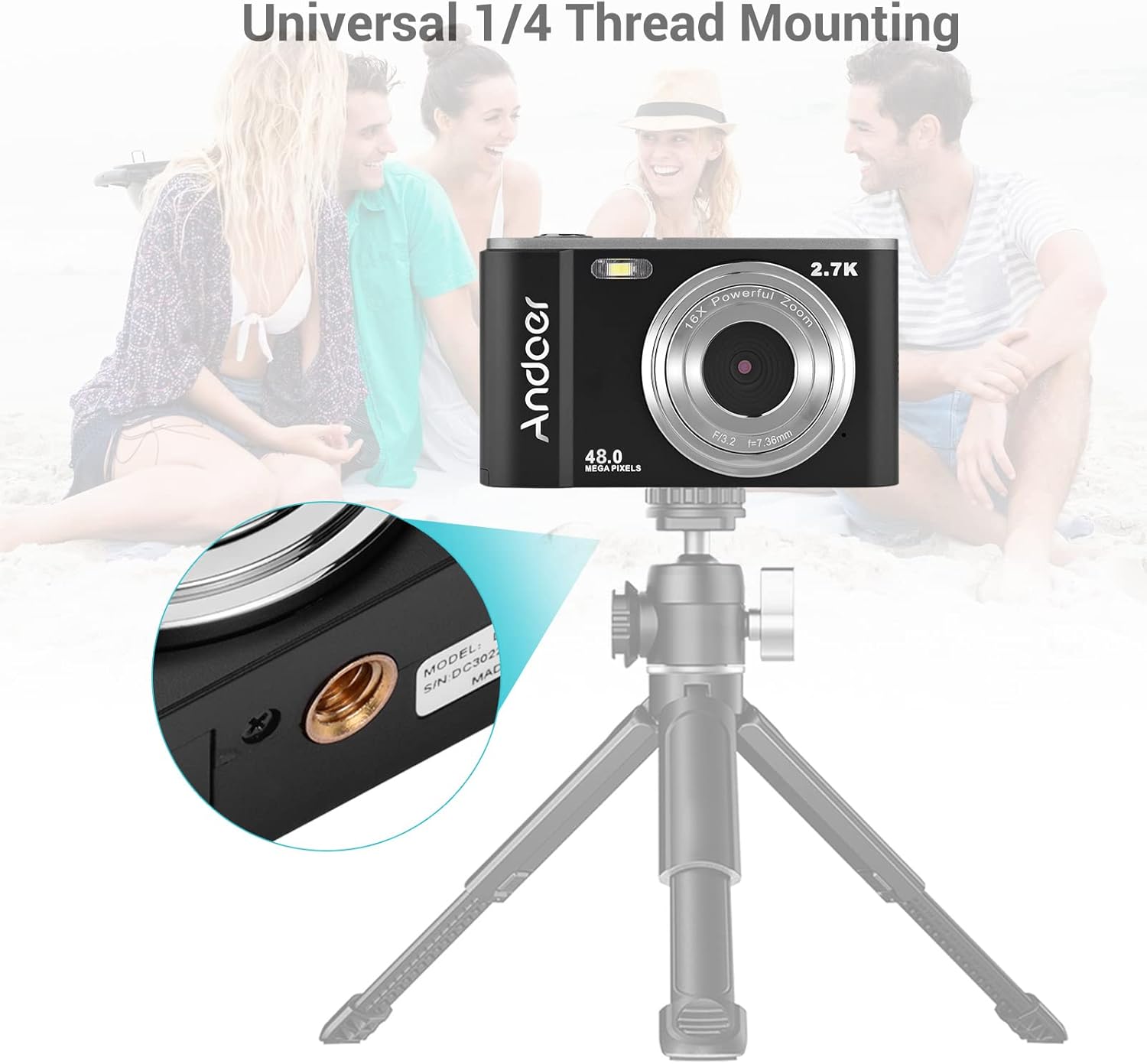
The complete package includes the digital camera, USB cable, hand strap, carry pouch, two rechargeable batteries, and the user manual.
Configuración
1. Instalación da batería
The camera uses a BL-5C Li-ion Battery. Ensure the battery is charged before first use.
- Abra a tapa do compartimento da batería que se atopa na parte inferior da cámara.
- Insert the BL-5C battery into the compartment, ensuring the correct polarity.
- Pecha a tapa do compartimento da batería de forma segura.

The camera uses a 700 mAh rechargeable lithium battery. Insert it into the designated compartment at the bottom of the camera.
2. Instalación da tarxeta de memoria
The camera supports memory cards up to 32GB. A Class 10 or higher memory card is highly recommended for optimal performance.
- Localiza a ranura para tarxetas SD, normalmente xunto ao compartimento da batería.
- Insert the memory card into the slot with the metal contacts facing the correct direction until it clicks into place.
- Para retirala, empurre a tarxeta con coidado ata que saia de golpe.
3. Cargando a batería
Cargue a batería co cable USB proporcionado.
- Connect one end of the USB cable to the camera's USB port.
- Connect the other end to a USB power adapter (not included) or a computer's USB port.
- A luz indicadora de carga acenderase. Apagarase ou cambiará de cor unha vez completada a carga.
Funcionamento da cámara
1. Acendido/apagado
Mantén premido o botón de acendido (normalmente marcado cun círculo e unha liña vertical) para acender ou apagar a cámara.
2. Controis básicos
Familiarize yourself with the camera's buttons and their functions:
- Botón do obturador: Press halfway to focus, fully to take a photo or start/stop video recording.
- Botón de modo (M): Alterna entre os modos de foto, vídeo e reprodución.
- Palanca de zoom (W/T): Adjusts the digital zoom (Wide/Telephoto).
- Directional Pad/OK Button: Navega polos menús e confirma as seleccións.
- Botón de menú: Accede á configuración da cámara.
- Botón Eliminar: Elimina a selección files no modo de reprodución.
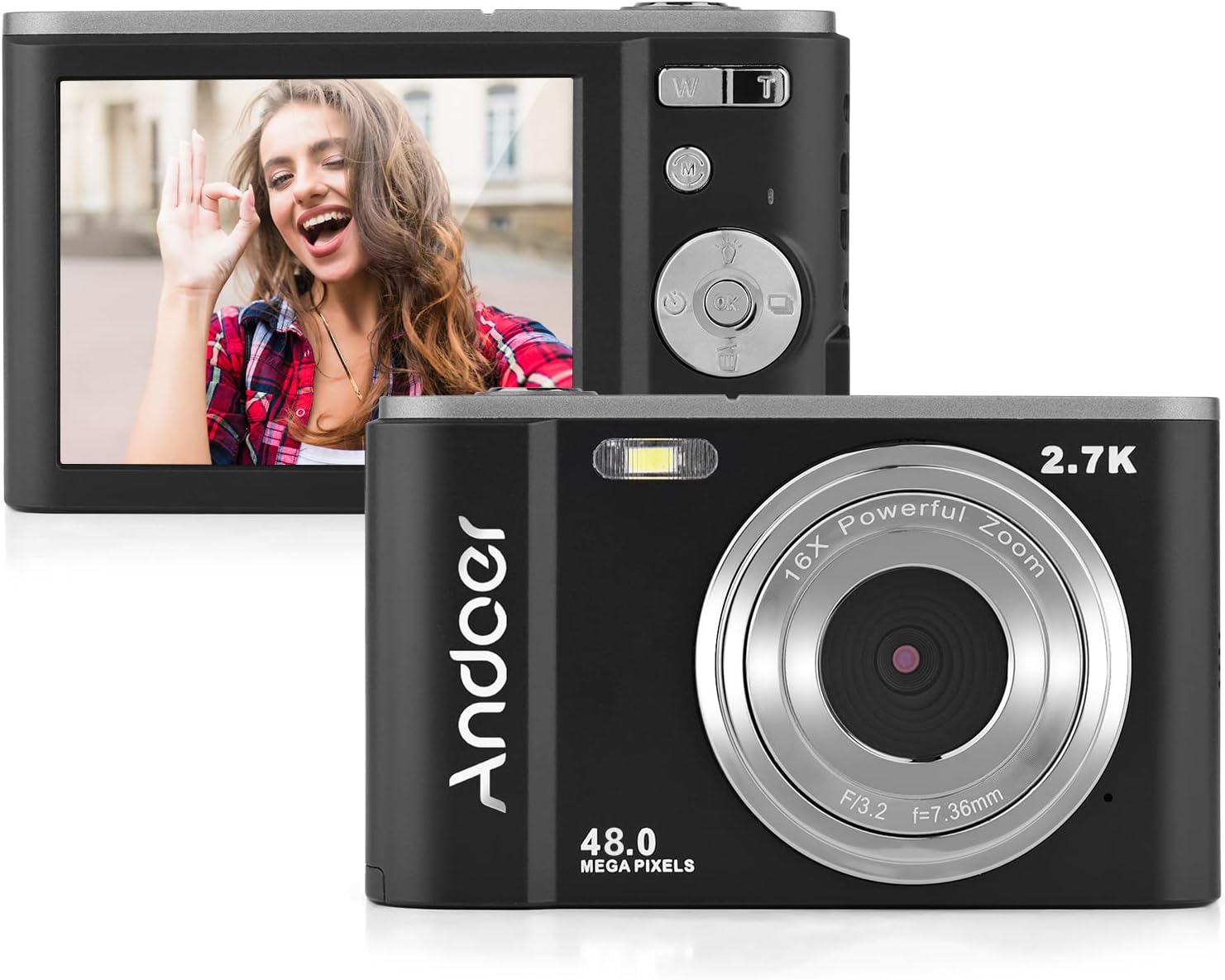
The camera features a 2.7-inch IPS screen and intuitive controls on the back for easy operation.
3. Facendo fotos
In photo mode, frame your shot using the LCD screen. Press the shutter button halfway to focus, then fully to capture the image. Photos are saved in JPEG format with resolutions up to 16MP (interpolation).
4. Gravación de vídeos
Switch to video mode using the Mode button. Press the shutter button to start recording, and press it again to stop. Videos are saved in AVI format with resolutions including 1080P, 720P, and VGA.

The camera supports both 2.7K video recording and 48 Megapixel photo capture for high-quality media.
5. Función de zoom
Use the W/T lever to adjust the 16X digital zoom. 'T' (Telephoto) zooms in, and 'W' (Wide) zooms out.

The 16X powerful zoom allows for detailed close-up shots.
6. Temporizador automático
Access the self-timer option in the camera's menu. Available settings include off, 2 seconds, 5 seconds, and 10 seconds.
7. Smart Detection (Face Detection, Smile Capture)
The camera features smart detection capabilities, including face detection and smile capture, to assist in taking better portraits.
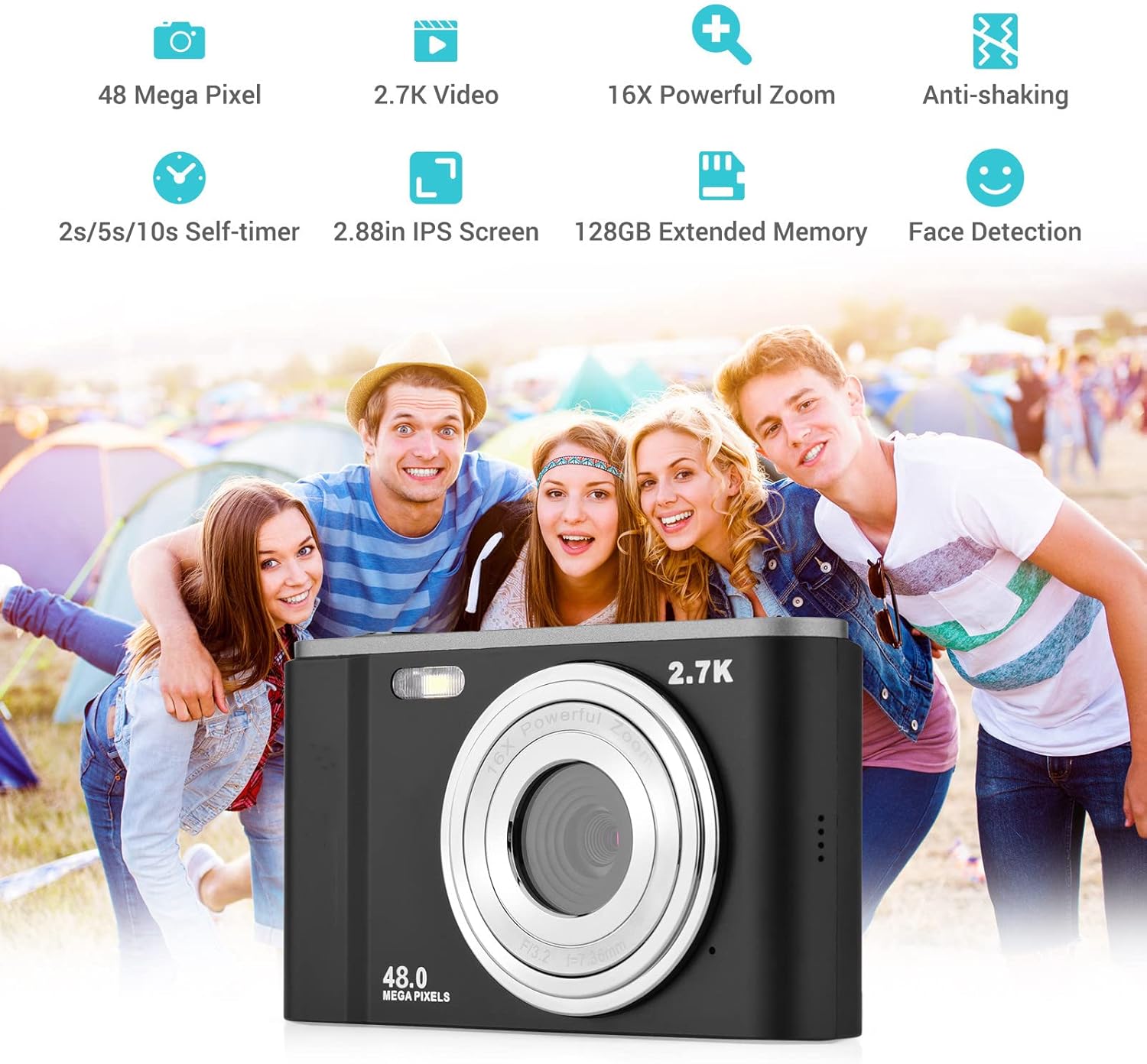
Smart detection features like face detection and smile capture enhance portrait photography.
8. Anti-Axitación
The digital anti-shake function helps reduce blur caused by camera movement, resulting in clearer images and videos.
9. Conectando a un ordenador
Use the provided USB cable to connect the camera to a computer for transferring photos and videos.
- Conecte a cámara ao seu ordenador usando o cable USB.
- The camera will appear as a removable disk drive on your computer.
- You can then access and transfer your files.
Mantemento
1. Limpeza da cámara
- Use un pano suave e seco para limpar o corpo da cámara.
- For the lens, use a specialized lens cleaning cloth and solution. Avoid touching the lens with your fingers.
- Non empregue produtos químicos duros nin limpadores abrasivos.
2. Coidado da batería
- Almacene as baterías nun lugar fresco e seco cando non esteas en uso.
- Evite descargar completamente a batería con frecuencia para prolongar a súa vida útil.
- Se non se vai usar a cámara durante un período prolongado, retire a batería.
3. Almacenamento
- Store the camera in its carry pouch or a protective case to prevent scratches and dust accumulation.
- Keep the camera away from extreme temperatures, high humidity, and direct sunlight.
Resolución de problemas
Se tes problemas coa túa cámara, consulta os seguintes problemas e solucións comúns:
| Problema | Causa posible | Solución |
|---|---|---|
| A cámara non se acende | A batería está descargada ou inserida incorrectamente. | Cargue a batería completamente. Asegúrese de que a batería estea inserida coa polaridade correcta. |
| Mala duración da batería | Battery degradation or frequent use of power-intensive features. | Ensure battery is fully charged. Reduce use of flash or prolonged video recording. Consider replacing the battery if it's old. |
| As imaxes son borrosas | Tremor da cámara, lente sucia ou enfoque incorrecto. | Hold the camera steady. Clean the lens. Ensure the camera has focused before taking the shot. |
| Erro na tarxeta de memoria | Card not inserted correctly, incompatible card, or corrupted card. | Reinsert the card. Ensure it's a compatible SD card (up to 32GB, Class 10 recommended). Try formatting the card (this will erase all data). |
Especificacións
Detailed technical specifications for the Andoer Portable Digital Camera:
| Característica | Especificación |
|---|---|
| Sensor | Sensor CMOS |
| Máx. Resolución da imaxe | 16MP (interpolation) |
| Resolución de vídeo | 1080P/720P/VGA |
| Pantalla | 2.7 inch LCD (rotatable) |
| Zoom | Zoom dixital 16X |
| Distancia de enfoque | 1.2 m ao infinito |
| Capacidade da tarxeta de memoria | Max. 32GB (Not included, Class 10 or above recommended) |
| Formato fotográfico | JPEG |
| Formato de vídeo | AVI |
| Exposición | ± 2.0EV |
| Disparador automático | Desactivado, 2s, 5s, 10s |
| Porto USB | USB 2.0 |
| Fonte de alimentación | 1 * BL-5C Li-ion Battery |
| Dimensións do produto | 0.98 x 3.78 x 2.2 polgadas |
| Peso do elemento | 3.28 onzas |

Physical dimensions of the camera for reference.
Garantía e Soporte
For warranty information and customer support, please refer to the documentation provided with your purchase or contact Andoer customer service through their official websitio. Garda o comprobante de compra para calquera reclamación de garantía.
Ask a question about this manual
Ask about setup, troubleshooting, compatibility, parts, safety, or missing instructions. Manuals+ will review the question and use this page’s manual context to help answer it.