
1. Introdución
Welcome to the Nokia T10 Wi-Fi Tablet user manual. This guide provides essential information to help you set up, operate, maintain, and troubleshoot your new device. The Nokia T10 is an 8-inch HD Android 12 tablet designed for everyday use, offering a balance of performance and portability.
Please read this manual carefully to ensure proper use and to maximize the lifespan of your tablet.
2. Que hai na caixa
Upon unboxing your Nokia T10 tablet, please verify that all the following items are included:
- Nokia T10 Tablet Device
- Cable USB tipo C
- Cargador
- Guía de inicio rápido (QSG)
- Caderno de seguridade
- User Guide Band
- Plastic Bag (packaging material)
If any items are missing or damaged, please contact your retailer or Nokia customer support immediately.
3. Configuración
3.1 Cargar a tableta
Before first use, fully charge your Nokia T10 tablet. Connect the provided Type-C USB cable to the tablet's charging port and the other end to the charger. Plug the charger into a power outlet. The battery indicator on the screen will show the charging status.
3.2 Acendido/Apagado
- Para acender: Press and hold the Power button until the Nokia logo appears.
- Para apagar: Mantén premido o botón de acendido/apagado ata que aparezan as opcións de acendido/apagado na pantalla. Selecciona "Apagar" e confirma.
- Para reiniciar: Press and hold the Power button until the power options appear. Select "Restart" and confirm.
3.3 Configuración inicial
When you power on your tablet for the first time, you will be guided through an initial setup process:
- Selección do idioma: Escolle o teu idioma preferido.
- Conexión Wi-Fi: Connect to a Wi-Fi network to access the internet. This is crucial for downloading updates and setting up your Google account.
- Conta de Google: Sign in with your existing Google account or create a new one. This is necessary for accessing the Google Play Store, Gmail, and other Google services.
- Data e hora: Define a data e a hora correctas ou permite que a rede as defina automaticamente.
- Seguridade: Set up a screen lock (PIN, pattern, password) and consider enabling AI Face Unlock for convenient access.
3.4 Inserción dunha tarxeta MicroSD
The Nokia T10 supports expandable storage via a MicroSD card. Locate the SIM/SD card tray on the side of the tablet. Use the provided SIM ejector tool to open the tray. Carefully place the MicroSD card into the designated slot with the gold contacts facing down, then reinsert the tray firmly.
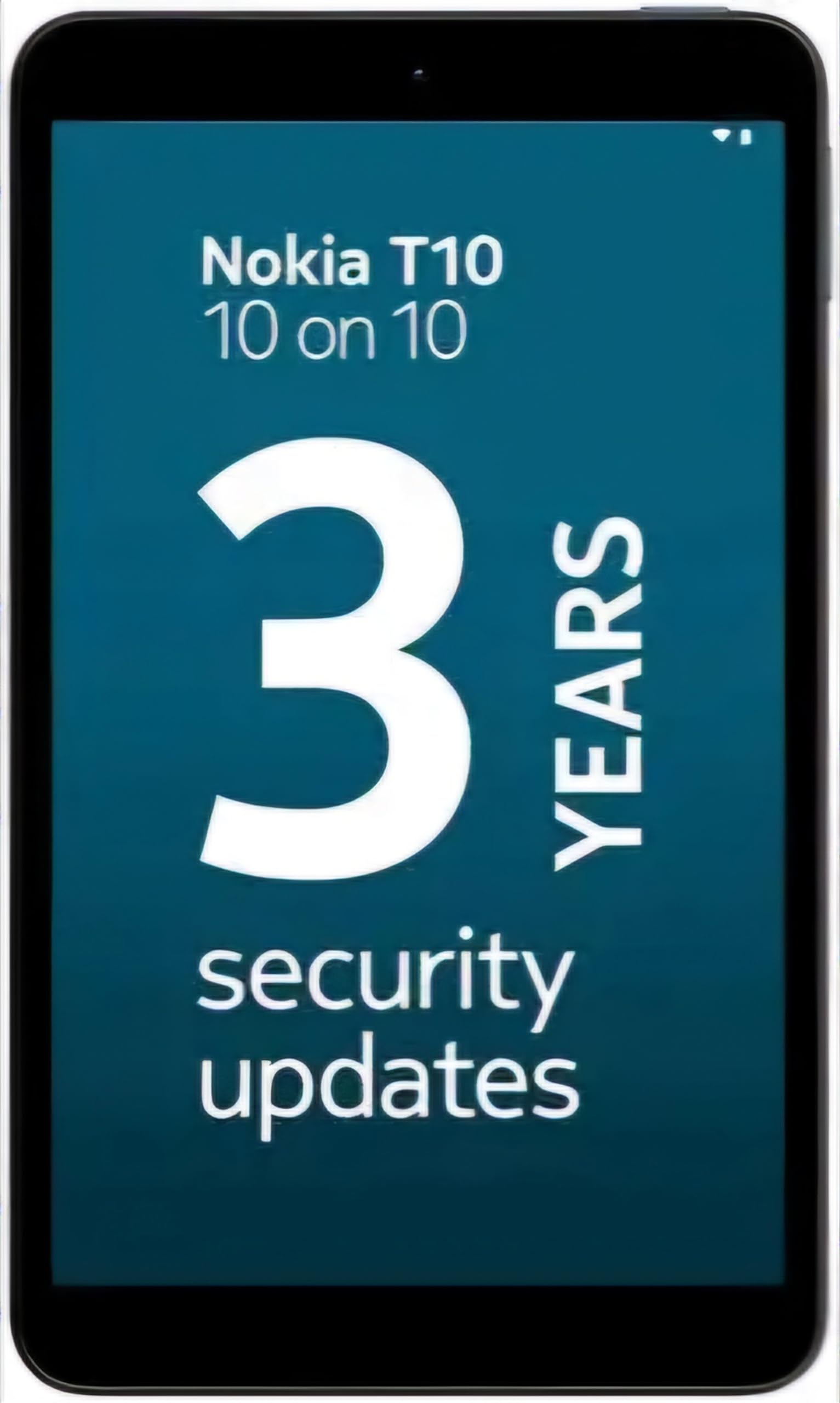
Image: Nokia T10 tablet, showcasing its sleek design and the rear camera module.
4. Instrucións de funcionamento
4.1 Pantalla e navegación
The Nokia T10 features an 8-inch HD display (1280x800 pixels). Navigate the interface using touch gestures:
- Toca: Selecciona un elemento ou abre unha aplicación.
- Pasar o dedo: Desprazarse por pantallas, listas ou contido.
- Pinch-to-Zoom: Achegar ou afastar fotos e web páxinas.
- Prensa longa: Acceder a menús contextuais ou mover iconas de aplicacións.
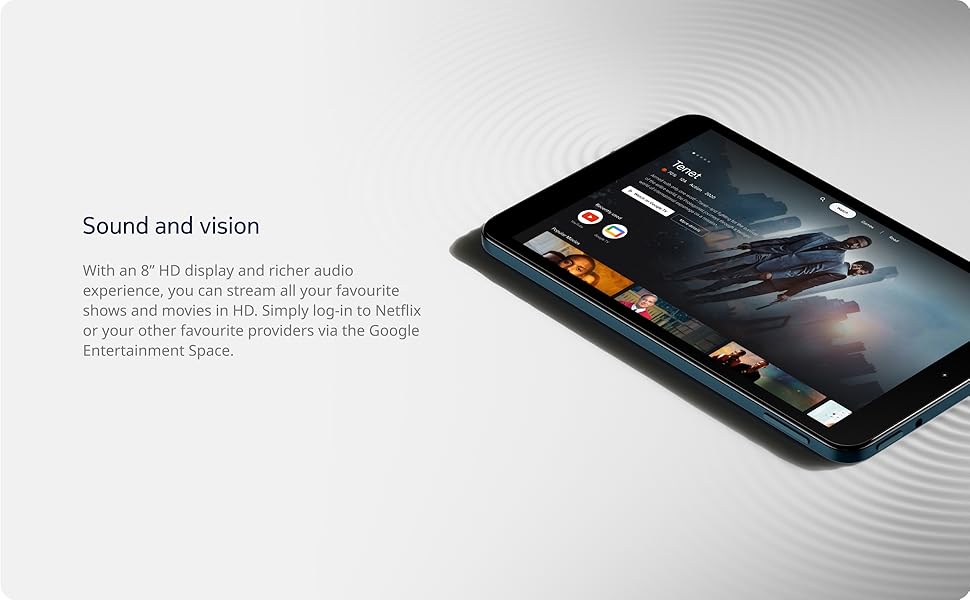
Image: The Nokia T10 tablet showcasing its 8-inch HD display with streaming video content.
4.2 Funcións da cámara
Your tablet is equipped with an 8MP rear camera with autofocus and flash, and a 2MP front camera.
- Facendo fotos: Abre a aplicación Cámara, enmarca a túa foto e toca o botón do obturador.
- Gravación de vídeos: Switch to video mode in the Camera app and tap the record button to start/stop. The tablet supports FHD 1080p video capture.
- Cámara frontal: Tap the camera switch icon to use the front camera for selfies or video calls.

Image: A Nokia T10 tablet displaying a video call, highlighting its front camera functionality.
4.3 Xestión da batería
The Nokia T10 has a 5250 mAh battery designed for all-day use. To optimize battery life:
- Reduce o brillo da pantalla.
- Desactiva o Wi-Fi e o Bluetooth cando non esteas en uso.
- Pechar aplicacións en segundo plano.
- Enable battery saver mode in Settings.
4.4 Conectividade
- Wi-Fi: Connect to wireless networks via Settings > Network & internet > Wi-Fi. The tablet supports 802.11a/b/g/n/ac standards.
- Bluetooth: Pair with Bluetooth devices (headphones, speakers) via Settings > Connected devices > Bluetooth. The tablet features Bluetooth 5.0.
- USB tipo C: Usa o porto USB-C para cargar e transferir datos.
4.5 Desbloqueo facial con IA
For quick and secure access, set up AI Face Unlock:
- Go to Settings > Security > Face unlock.
- Sigue as instrucións en pantalla para rexistrar a túa cara.
- Ensure you are in a well-lit environment during setup and use.
4.6 Software and Updates
The Nokia T10 runs on Android 12. Nokia provides 2 years of OS updates and 3 years of monthly security updates to keep your device secure and up-to-date. You will receive notifications when updates are available. It is recommended to install updates over a Wi-Fi connection.
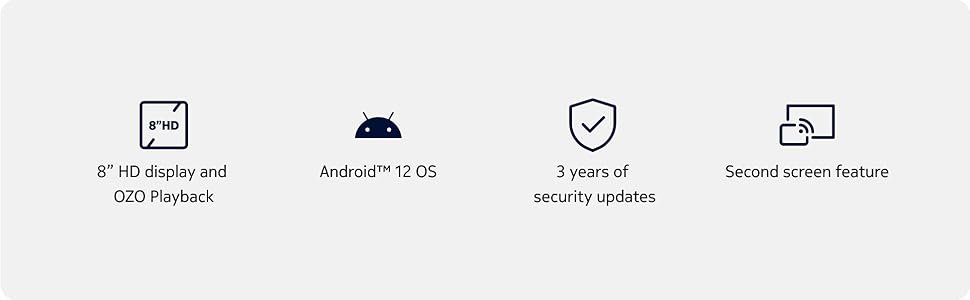
Image: Visual representation of Nokia T10 features including Android 12 OS and 3 years of security updates.
5. Mantemento
5.1 Limpeza da tableta
- Usa un pano suave e sen fiapos para limpar a pantalla e a carcasa.
- Evita o uso de produtos químicos agresivos, produtos de limpeza abrasivos ou aerosois.
- Do not expose the tablet to excessive moisture.
5.2 Actualizacións de software
Comprobe e instale actualizacións de software regularmente para garantir un rendemento e unha seguridade óptimos. Vaia a Configuración > Sistema > Actualización do sistema.
5.3 Xestión do almacenamento
To maintain performance, periodically manage your tablet's storage:
- Eliminar aplicacións innecesarias e files.
- Mover grande files (photos, videos) to a MicroSD card or cloud storage.
- Clear app cache regularly via Settings > Apps > [App Name] > Storage & cache.
6 Solución de problemas
If you encounter issues with your Nokia T10 tablet, try the following solutions:
| Problema | Solución |
|---|---|
| A tableta non se acende | Asegúrate de que a batería estea cargada. Conecta o cargador e agarda uns minutos antes de tentar acender de novo. |
| Problemas de conexión wifi | Reinicia o teu enrutador Wi-Fi. Vai a Configuración > Rede e internet > Wi-Fi, desactiva o Wi-Fi e actívao de novo. Esquécete da rede e volve conectar. |
| Rendemento lento | Close unused apps. Clear app caches. Restart the tablet. Check for available software updates. |
| As aplicacións fallan ou conxélanse | Force stop the app (Settings > Apps > [App Name] > Force stop). Clear the app's cache and data. Reinstall the app. |
| A batería esgotarase rapidamente | Reduce screen brightness. Disable unnecessary features like GPS, Bluetooth, and Wi-Fi when not in use. Check battery usage in Settings to identify power-hungry apps. |
If the problem persists after trying these steps, please contact Nokia customer support.
7. Especificacións
Below are the key technical specifications for the Nokia T10 Wi-Fi Tablet:
- Nome do modelo: Nokia T10 TA-1472 WIFI 3/32
- Sistema operativo: Android 12
- Procesador: Unisoc T606 (Octa-core, 1.6 GHz)
- Coprocesador gráfico: Mali-G57
- RAM: 3 GB
- Almacenamento interno: 32 GB
- Almacenamento ampliable: Yes, via MicroSD card (up to 512GB, sold separately)
- Visualización: 8-inch HD (1280 x 800 pixels) TFT, 16:10 aspect ratio
- Cámara traseira: 8 MP with AF and Flash
- Cámara frontal: 2 MP
- Resolución de captura de vídeo: FHD 1080p at 30 fps
- Batería: Polímero de litio de 5250 mAh
- Conectividade: Wi-Fi (802.11a/b/g/n/ac), Bluetooth 5.0, USB Type-C, 3.5mm Audio Jack
- Características de seguridade: Desbloqueo facial de AI
- Audio: Stereo Speakers, OZO Playback
- Dimensions (L x W x Thickness): 20.8L x 12.3W x 0.9Th Centimeters
- Peso: 375 gramos
- Cor: Azul
8. Información da garantía
The Nokia T10 tablet comes with a 1 anos de garantía do fabricante for the device and battery from the date of purchase. In-box accessories are covered by a 6 meses de garantía do fabricante from the date of purchase. Please retain your proof of purchase for warranty claims. For detailed terms and conditions, refer to the warranty card included in your product packaging or visit the official Nokia support websitio.
9. Apoio
For further assistance, technical support, or to find service centers, please visit the official Nokia support website or contact their customer service. You can typically find support contact information on the Nokia website or in the safety booklet provided with your tablet.
Soporte en liña: Soporte de Nokia Websitio


