
CSLP 402A
CSLP Smart Lock User Manual
Modelo: 402A
Introdución
This manual provides comprehensive instructions for the installation, operation, and maintenance of your CSLP Smart Lock. Please read this manual thoroughly before installation and use to ensure proper function and safety. The CSLP Smart Lock offers multiple unlocking methods, including app control, keypad entry, traditional key, and card access, designed for enhanced security and convenience for your front door.
Información de seguridade
- Non intente desmontar nin modificar o peche. Isto podería danar o produto e anular a garantía.
- Empregue só o tipo de batería especificado e asegúrese de manter a polaridade correcta durante a instalación.
- Keep physical keys in a secure location outside the property to prevent lockout situations.
- Regularly check the lock for any signs of wear or damage. Contact support if issues arise.
- Protect the keypad from direct exposure to harsh chemicals or abrasive materials.
Produto rematadoview
The CSLP Smart Lock system consists of an exterior keypad unit, an interior deadbolt unit, and associated accessories. It integrates with a mobile application for advanced control and monitoring.

Figura 1: CSLP Smart Lock components. This image displays the exterior keypad with number buttons and a keyhole, the interior unit with a thumb turn, two key fobs, and a smartphone screen showing the lock's app interface with an unlock button.

Figura 2: Multiple unlocking methods. This image illustrates the four primary ways to unlock the CSLP Smart Lock: via the mobile application, a traditional physical key, a proximity card, and the integrated keypad.

Figura 3: Key features of the CSLP Smart Lock. This image highlights various functionalities including keyless entry, app control, keypad access, keytag compatibility, automatic locking, touchscreen interface, simple installation, physical key backup, external power option, and anti-theft alerts.
Configuración e instalación
The CSLP Smart Lock is designed for easy installation, typically requiring only a screwdriver. Ensure your door meets the compatibility requirements before beginning.
1. Check Door Compatibility
Before installation, verify your door's dimensions and existing lock type. The CSLP Smart Lock is compatible with most standard wooden doors and single cylinder deadbolts.

Figura 4: Door compatibility and dimensions. This diagram provides critical measurements for door size, including backset, door hole diameter, cross bore diameter, and minimum distance. It also indicates that the lock is compatible with single cylinder deadbolts but not with integrated, mortise, or rim cylinder lock types.
- Espesor da porta: 1.38" to 2.17" (35mm to 55mm)
- Retroceso: 2.38" or 2.75" (60mm or 70mm)
- Diámetro do burato da porta: 1.01 polgadas (25 mm)
- Cross Bore Diameter: 2.13 polgadas (54 mm)
2. Pasos da instalación
- Prepare the door by ensuring the existing deadbolt is removed and the door frame strike plate is correctly aligned.
- Install the deadbolt latch into the door edge. Ensure the latch bolt is facing the correct direction for your door swing.
- Mount the exterior keypad assembly. Feed the cable through the door hole.
- Attach the interior mounting plate to the exterior assembly using the provided screws.
- Connect the cable from the exterior unit to the interior unit.
- Fixe a unidade interior á placa de montaxe.
- Install 4 AA batteries into the battery compartment of the interior unit.
- Test the lock's functionality manually with the thumb turn and physical key.
3. Configuración e emparellamento da aplicación
- Download the CSLP Smart Lock app from your device's app store.
- Crea unha conta e inicia sesión.
- Follow the in-app instructions to add your new smart lock. This typically involves enabling Bluetooth on your phone and pressing a pairing button on the interior unit of the lock.
- Once paired, you can name your lock and begin managing settings.
Instrucións de funcionamento
Desbloqueando a Porta
- Via App (Bluetooth): Open the CSLP Smart Lock app, select your lock, and tap the "Unlock" button when within Bluetooth range.
- Mediante o teclado: Enter your programmed passcode on the keypad followed by the '#' key.
- Mediante chave física: Insert the provided physical key into the keyhole on the exterior unit and turn to unlock.
- Via Card (if applicable): Present the registered key card to the designated sensor area on the lock.
Pechando a Porta
- Bloqueo automático: The built-in sensor detects when your door is closed and automatically locks it after a set delay (configurable in the app).
- Bloqueo dun toque: Press and hold the '#' key on the keypad for a few seconds to manually lock the door from the outside.
- A través da aplicación: Open the CSLP Smart Lock app, select your lock, and tap the "Lock" button.
- Dende dentro: Use the thumb turn on the interior unit to manually lock the door.

Figura 5: Automatic and one-touch locking. This image demonstrates how the CSLP Smart Lock can automatically lock the door when closed and also features a one-touch locking function for manual activation.
Características da aplicación
- Xestión de usuarios: Add, modify, or delete user passcodes and access cards.
- Contrasinais temporais: Generate time-limited or one-time passcodes for guests or service providers.
- Rexistro de actividades: View a detailed history of lock and unlock events, including method and timestamp.
- Remote Control (with Wi-Fi Bridge): For remote unlocking/locking and real-time notifications, a separate Wi-Fi Bridge (sold separately) is required. This enables integration with smart home systems like Amazon Alexa and Google Assistant.
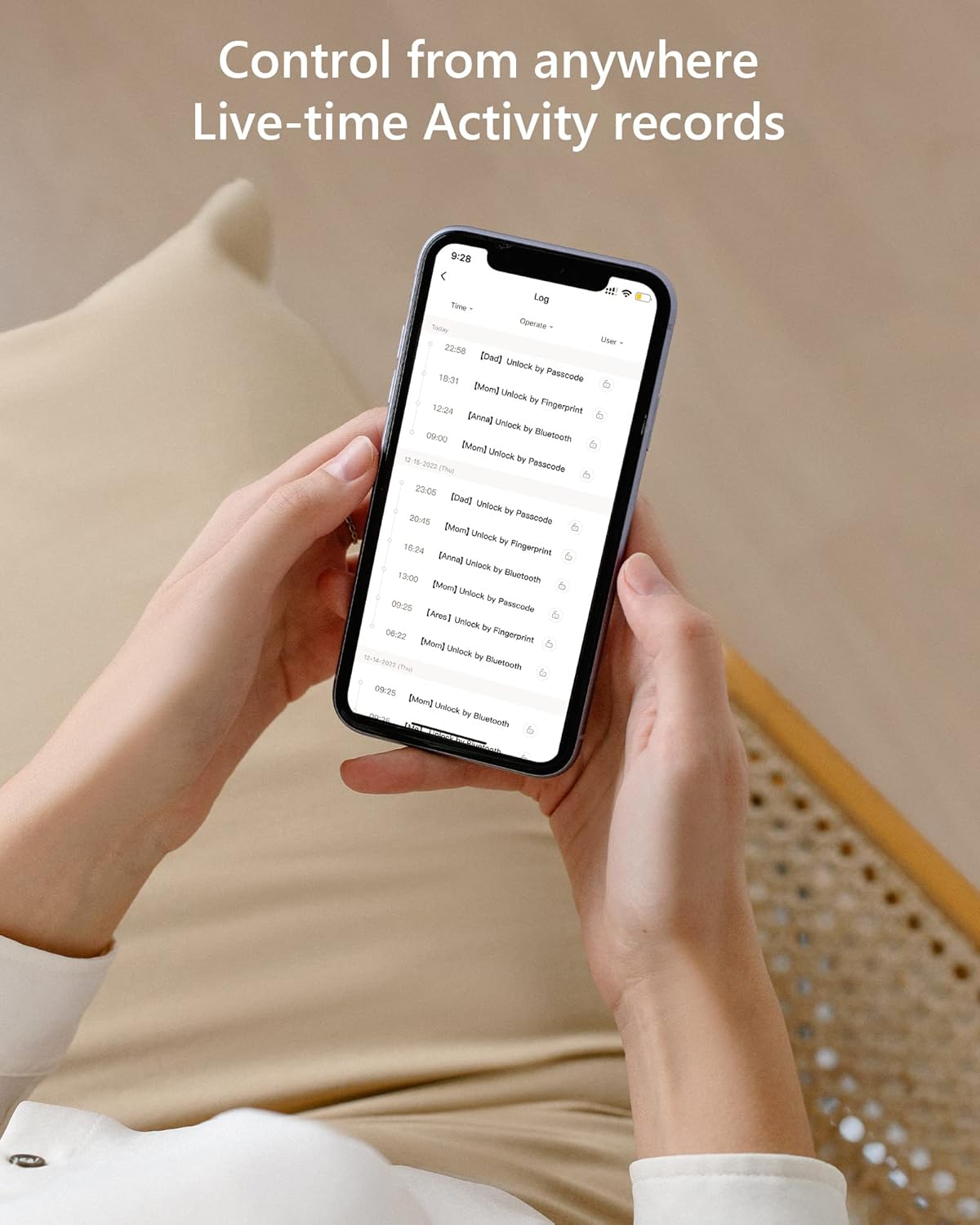
Figura 6: Live-time activity records. This image provides a chronological record of all lock operations, including the time and method of access (e.g., unlock by passcode, unlock by Bluetooth).
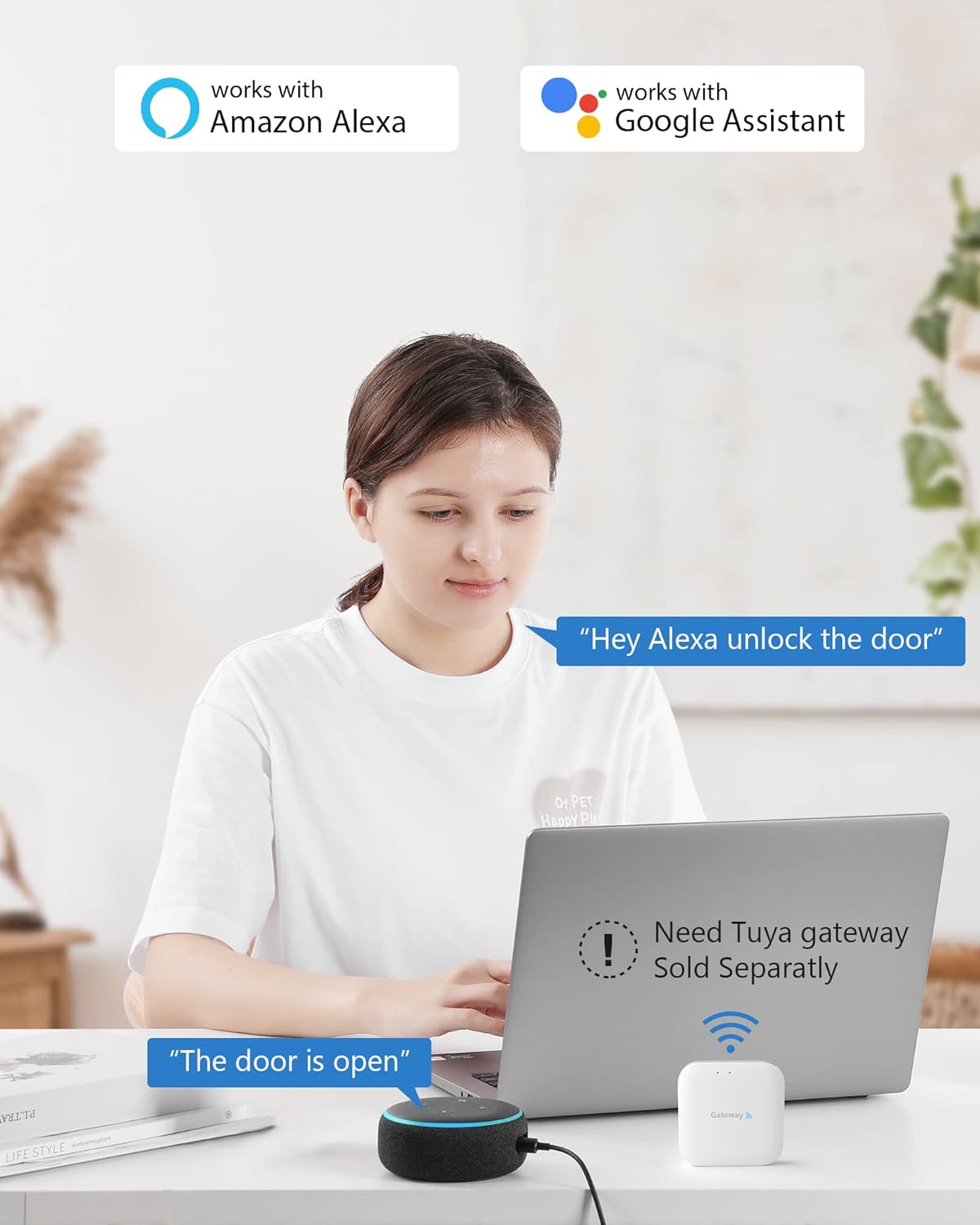
Figura 7: Smart home integration. This image illustrates the CSLP Smart Lock's compatibility with Amazon Alexa and Google Assistant, noting that a separate Tuya gateway is required for these integrations.
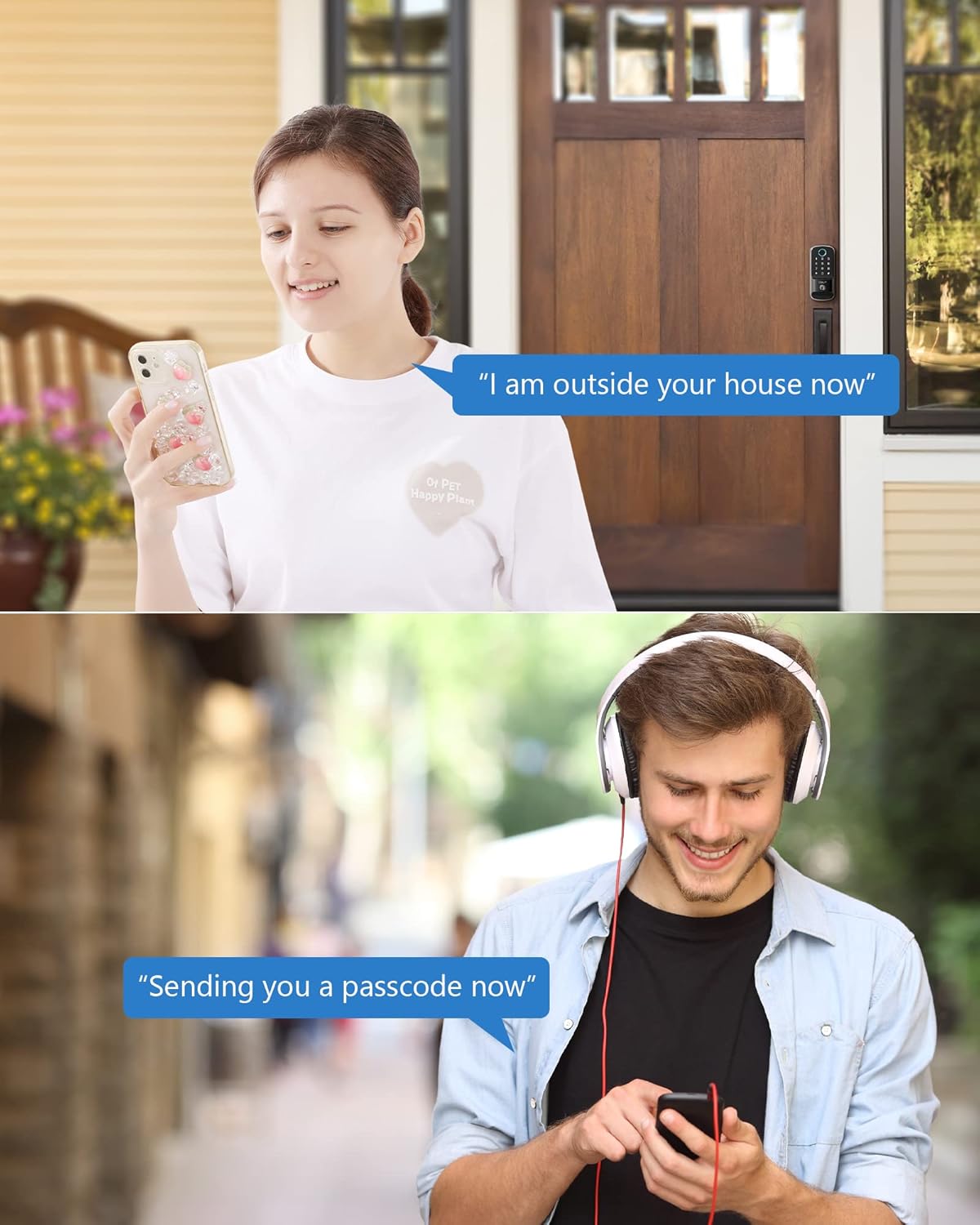
Figura 8: Remote passcode sharing. This image depicts two common scenarios where temporary passcodes can be shared remotely, such as for a visitor arriving at the house or for someone needing access while on the go.
Mantemento
- Substitución da batería: When the battery level is low, the lock will provide an alert. Replace all four AA batteries promptly to ensure continuous operation. Access the battery compartment on the interior unit.
- Limpeza: Limpa o teclado e o corpo do peche cun pano suave e seco. Evita o uso de produtos de limpeza abrasivos ou solventes que poidan danar o acabado ou os compoñentes electrónicos.
- Protección meteorolóxica: The CSLP Smart Lock has an IP52 weatherproof rating, designed to withstand various weather conditions, including temperatures from -30°C to 70°C and rainfall. However, avoid direct high-pressure water exposure.
Resolución de problemas
| Problema | Causa posible | Solución |
|---|---|---|
| O peche non responde á entrada do teclado. | Low batteries; incorrect passcode; keypad malfunction. | Replace batteries; re-enter passcode carefully; try physical key; contact support if issue persists. |
| A aplicación non se pode conectar coa fechadura. | Bluetooth off; lock out of range; app glitch. | Ensure Bluetooth is on; move closer to the lock; restart the app; re-pair the lock if necessary. |
| O peche automático non funciona. | Feature disabled in app; sensor obstruction; door not fully closed. | Check app settings; ensure no obstructions around the sensor; ensure door is fully latched. |
| A chave física non funciona. | Wrong key; debris in keyhole; internal mechanism issue. | Ensure it's the correct key; gently clear any debris; contact support. |
Especificacións
| Característica | Detalle |
|---|---|
| Número de modelo | 402A |
| Dimensións (L x W x H) | 21.59 x 19.56 x 11.68 cm (8.5 x 7.7 x 4.6 polgadas) |
| Peso do elemento | 1.22 Kilograms (1.23 kg) |
| Material | Aluminio |
| Cor | Negro |
| Remate | Pulido |
| Fonte de enerxía | 4 pilas AA (non incluídas) |
| Clasificación de resistencia á intemperie | IP52 |
| Temperatura de funcionamento | -30 °C a 70 °C (-22 °F a 158 °F) |
| Métodos de desbloqueo | App (Bluetooth), Keypad, Physical Key, Card |
| Conectividade | Bluetooth (Wi-Fi with optional gateway) |
Garantía e Soporte
CSLP offers a 30-day money-back guarantee and a 1-year product warranty from the date of purchase. Lifetime customer support is also provided.
For any questions regarding installation, app usage, or gateway information, please contact CSLP customer support. Refer to your product packaging or the official CSLP websitio para os detalles de contacto.
Ask a question about this manual
Ask about setup, troubleshooting, compatibility, parts, safety, or missing instructions. Manuals+ will review the question and use this page’s manual context to help answer it.