
1. Introdución
This manual provides instructions for the MOFII Wireless Keyboard and Mouse Combo, designed for use with various computer systems. This combo features a retro-style keyboard with round keycaps and a compact USB mouse, both operating on a 2.4GHz wireless connection. It is compatible with Windows operating systems and offers an ergonomic design for comfortable use.
2. Contido do paquete
- Teclado sen fíos MOFII
- Rato sen fíos MOFII
- Nano receptor USB de 2.4 GHz
- Manual de usuario
3. Instrucións de configuración
- Instalar baterías: Open the battery compartments on both the keyboard and the mouse. Insert the required batteries (typically AA for keyboard, AAA for mouse, not included) ensuring correct polarity.
- Conectar o receptor USB: Locate an available USB port on your computer (PC, Laptop, Smart TV). Insert the 2.4GHz USB Nano Receiver into the USB port.
- Dispositivos de encendido: Acenda o teclado e o rato cos seus respectivos interruptores de alimentación. Os dispositivos deberían conectarse automaticamente ao receptor.
- Conexión de proba: Verify functionality by typing on the keyboard and moving/clicking the mouse. If the devices do not respond, ensure batteries are correctly installed and the receiver is securely plugged in.

4. Instrucións de funcionamento
4.1 Uso do teclado
- Escritura: The keyboard features a standard QWERTY layout with round keycaps for a comfortable typing experience.
- Teclas de función (F1-F12): These keys often have secondary functions (hotkeys) when pressed in combination with the 'Fn' key. Refer to the keycap legends for specific functions such as media control, volume adjustment, and more.
- Teclado numérico: A dedicated numeric keypad is included for efficient data entry.

4.2 Uso do rato
- Movemento: Move o rato sobre unha superficie plana para controlar o cursor na pantalla.
- Premendo: Usa os botóns esquerdo e dereito para os clics primarios e secundarios.
- Roda de desprazamento: A roda de desprazamento permite navegar facilmente polos documentos e web páxinas.
5. Características especiais
- Conexión sen fíos de 2.4 GHz: Provides a stable and dropout-free connection up to 33 feet (10 meters).
- Retro Design with Round Keycaps: Offers a unique aesthetic and comfortable typing feel.
- Deseño ergonómico: The keyboard features foldable stands to adjust the typing angle, promoting wrist comfort.
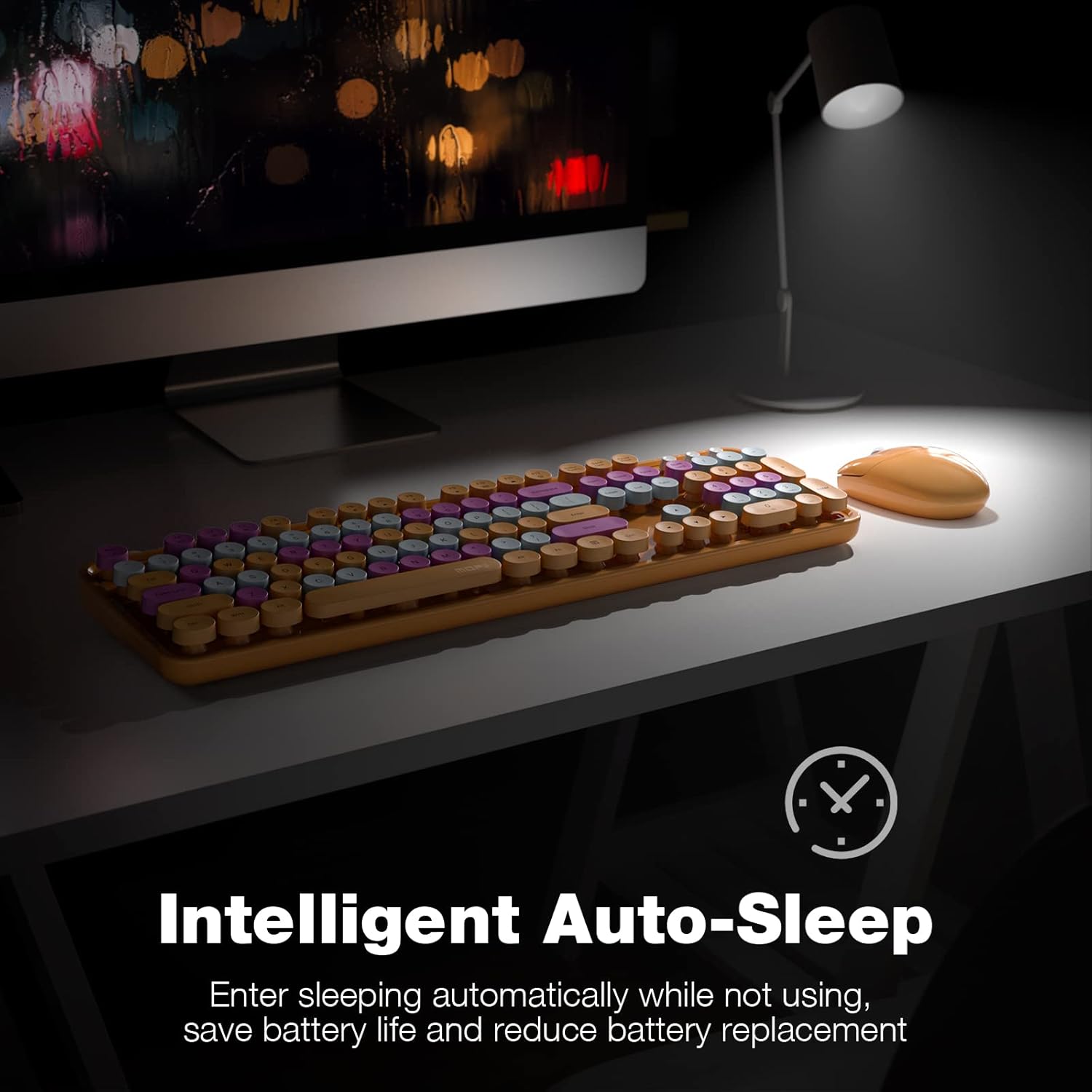
- Intelligent Auto-Sleep: Both the keyboard and mouse enter sleep mode after 5 minutes of inactivity to conserve battery life. Press any key or move the mouse to wake them up.
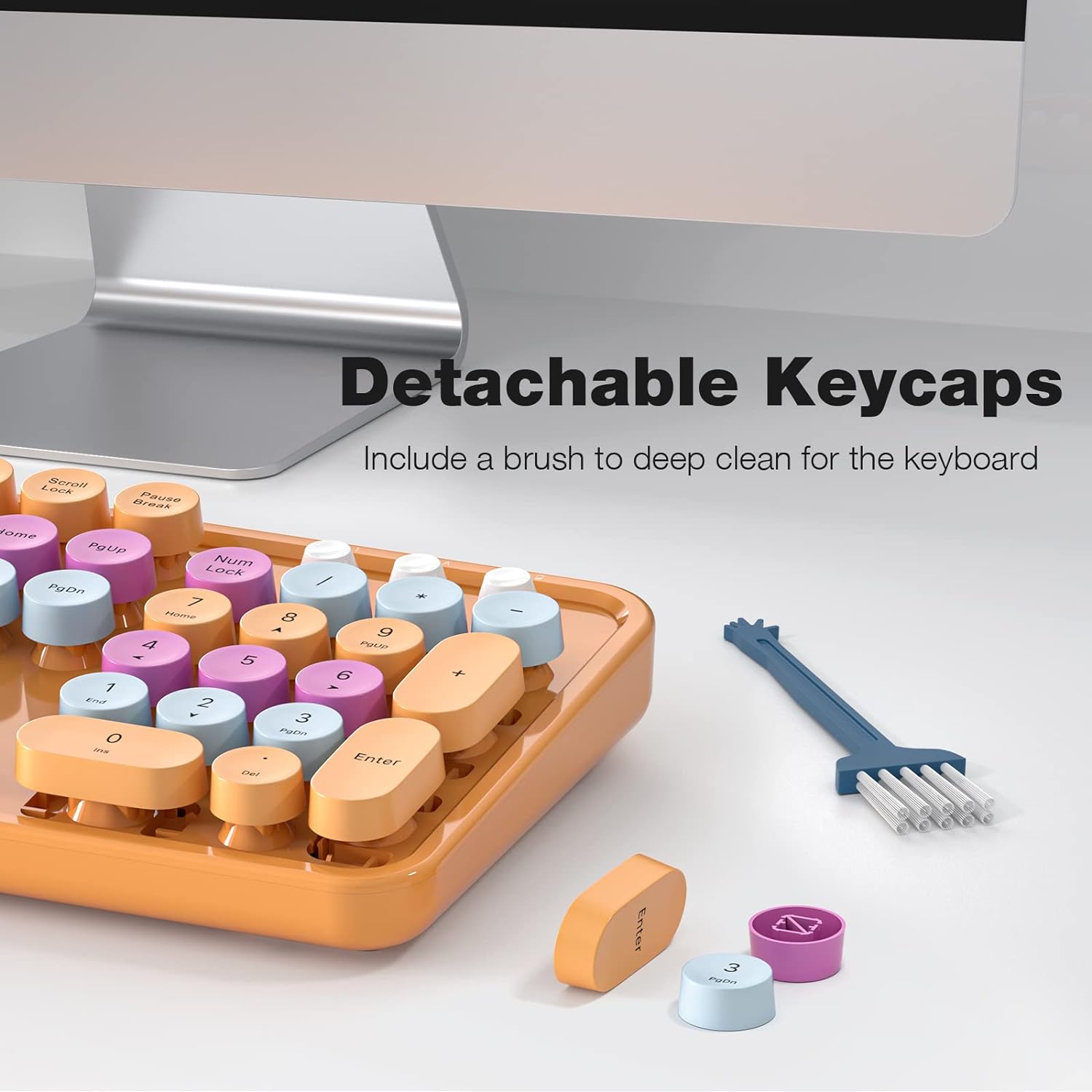
- Detachable Keycaps: Facilitates easy cleaning and maintenance of the keyboard.

6. Mantemento
- Limpeza: Use a soft, dry cloth to clean the surface of the keyboard and mouse. For deeper cleaning, remove the keycaps and use a small brush or compressed air to clear debris.
- Substitución da batería: Replace batteries when performance degrades. Ensure to use the correct battery type and dispose of old batteries responsibly.
- Almacenamento: Garde os dispositivos nun lugar fresco e seco, lonxe da luz solar directa e de temperaturas extremas, cando non os utilice durante períodos prolongados.
7 Solución de problemas
| Problema | Solución |
|---|---|
| Dispositivos que non se conectan | 1. Ensure batteries are correctly installed and charged. 2. Verify the USB receiver is securely plugged into a working USB port. 3. Try plugging the receiver into a different USB port. 4. Power cycle both the keyboard and mouse. |
| Conexión intermitente ou con atraso | 1. Move the devices closer to the USB receiver. 2. Avoid placing the receiver near other wireless devices (e.g., Wi-Fi routers, cordless phones) that may cause interference. 3. Ensure no large metal objects are between the devices and the receiver. |
| As teclas atascanse ou non responden | 1. Clean under the keycaps to remove any debris. 2. Ensure keycaps are properly seated. |
| Cursor do rato errático | 1. Clean the optical sensor on the bottom of the mouse. 2. Use the mouse on a clean, non-reflective surface. |
8. Especificacións
- Marca: MOFII
- Modelo: B0BJP7WNCL
- Cor: Orange Colorful
- Tecnoloxía de conectividade: 2.4 GHz sen fíos
- Dispositivos compatibles: PC, Laptop, Smart TV (Windows 7, 8, 10, XP/Vista). Not compatible with Apple systems.
- Keyboard Special Feature: Ergonomic, Round Keycaps
- Peso do artigo: 1.94 libras
- Dimensións do paquete: 17.8 x 5.47 x 2.91 polgadas

9. Garantía e soporte
For warranty information, technical support, or service inquiries, please refer to the contact information provided on the product packaging or visit the official MOFII websitio. Conserve o recibo de compra para reclamacións de garantía.