
RUNOLIM WH204A
Manual do usuario dos auriculares Bluetooth RUNOLIM WH204A
Model: WH204A | Brand: RUNOLIM
Introdución
Welcome to the user manual for your RUNOLIM Bluetooth Over-Ear Wireless Headphones. This guide provides essential information for setting up, operating, maintaining, and troubleshooting your headphones to ensure optimal performance and an enjoyable audio experience.
O que hai na caixa
- Auriculares sen fíos x 1
- Cable de audio de 3.5 mm x 1
- Cable de carga x 1
- Manual de usuario x 1

Produto rematadoview
The RUNOLIM WH204A headphones are engineered for both comfort and high-quality audio delivery, featuring a robust design and intuitive controls.

Características clave
- Tecnoloxía Bluetooth 5.3: Ensures a stable and efficient wireless connection.
- 40mm Large Bezel Driver Units: Delivers high-fidelity stereo sound with deep bass and clear treble.
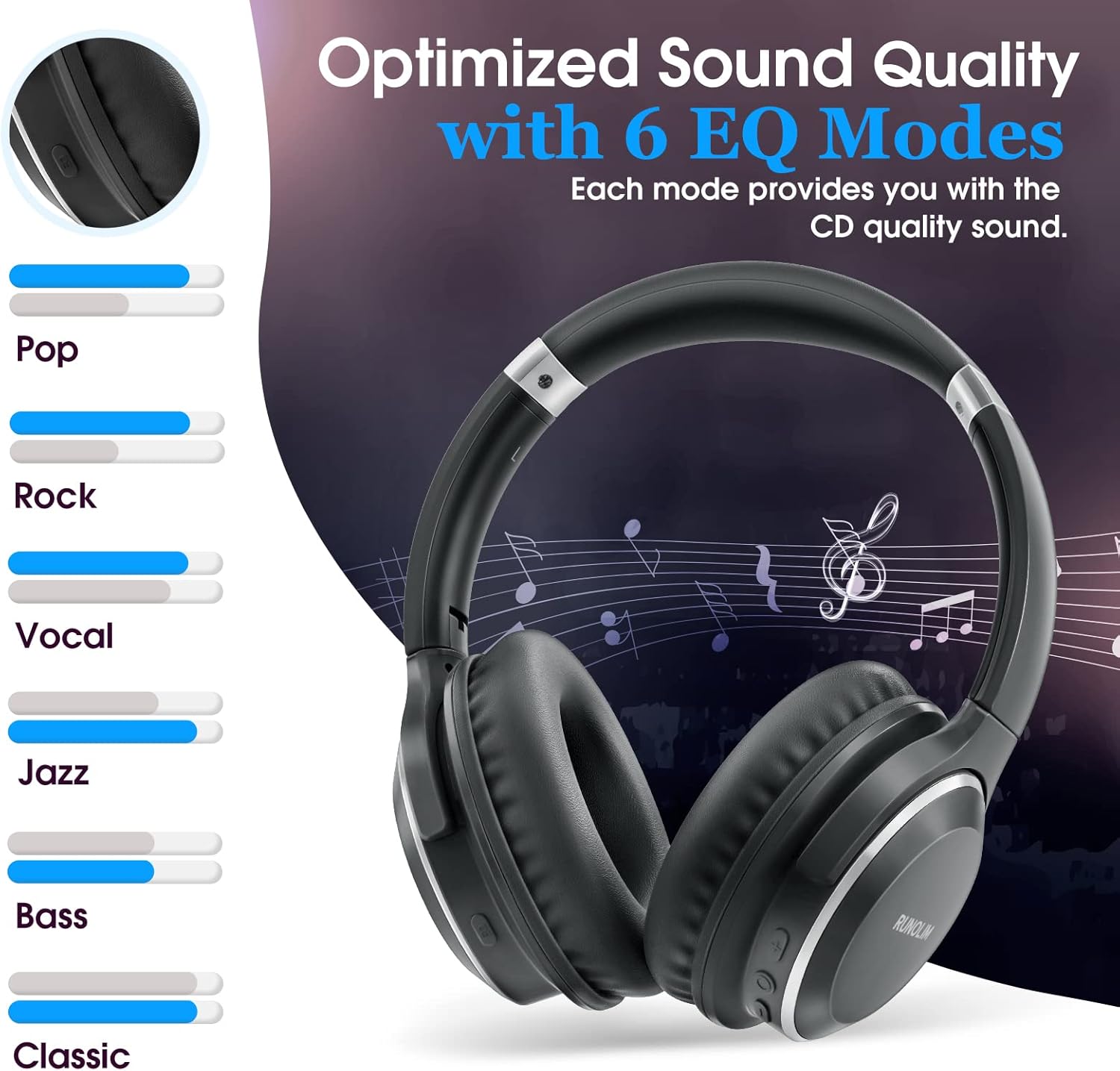
- 6 modos de ecualización: Customize your audio experience with presets for Pop, Rock, Vocal, Jazz, Bass, and Classic.
- Micrófono incorporado: Enables clear, hands-free phone communication.
- Tempo de reprodución ampliado: Offers up to 65 hours of listening on a single charge.
- Deseño cómodo: Features ultra-soft ear cushions and a padded headband for prolonged wear.
- Foldable and Adjustable: Provides portability and a secure fit for various head sizes.
- Copia de seguridade con fío: Includes a 3.5mm audio cable for traditional wired connection.

Controis e portos

- Botón multifunción: Controls power on/off, play/pause, and answer/end calls.
- Botón para subir o volume/seguinte pista: Short press to increase volume; long press for the next track.
- Botón para baixar o volume/pista anterior: Short press to decrease volume; long press for the previous track.
- Botón EQ: Cycles through the 6 available equalizer modes.
- Interfaz de carga tipo C: Used for charging the headphone battery.
- Interface de audio de 3.5 mm: For connecting the headphones via a wired connection.
- Micrófono: Integrated for voice calls and commands.
- Indicador LED: Mostra o estado da batería, da carga e da conexión.
Configuración
Cargando os auriculares
- Connect the provided Type-C charging cable to the charging port on the headphone.
- Connect the other end of the cable to a compatible USB power source (e.g., computer, wall adapter).
- The LED indicator will illuminate (e.g., red) to show charging status and change (e.g., blue) when fully charged.
- Unha carga completa adoita tardar aproximadamente 2.5 horas.

Encendido/apagado
- Encendido: Press and hold the Multi-Function Button until the LED indicator flashes.
- Apagado: Press and hold the Multi-Function Button until the LED indicator turns off.
Emparejamento Bluetooth
- Asegúrese de que os auriculares estean apagados.
- Press and hold the Multi-Function Button for approximately 5 seconds until the LED indicator flashes blue and red alternately, indicating pairing mode.
- No teu dispositivo (teléfono intelixente, tableta, ordenador), activa o Bluetooth e busca os dispositivos dispoñibles.
- Select "RUNOLIM WH204A" (or similar name) from the list of detected devices.
- Once successfully connected, the LED indicator will flash blue slowly.
Description: An official product video demonstrating the key features and setup process of the RUNOLIM Bluetooth Over-Ear Wireless Headphones.
Instrucións de funcionamento
Reprodución de música
- Reproducir/Pausa: Prema brevemente o botón multifunción.
- Próxima pista: Mantén premido o botón para subir volume.
- Pista anterior: Mantén premido o botón para baixar o volume.
- Subir volume: Prema brevemente o botón Subir volume.
- Baixar volume: Prema brevemente o botón para baixar o volume.
Xestión de chamadas
- Responder/Finalizar chamada: Prema brevemente o botón multifunción.
- Rexeitar a chamada: Long press the Multi-Function Button.
- Volver a marcar o último número: Double-press the Multi-Function Button.
Modos de ecualización
The headphones feature 6 distinct EQ modes to optimize your listening experience for various music genres:
- Pop
- Rock
- Vocal
- Jazz
- Baixo
- Clásico
To switch between these modes, short press the EQ Button located on the earcup.
Modo cableado
To use the headphones in wired mode, connect the 3.5mm audio cable to the headphone's audio jack and your device's audio output. Bluetooth functionality will be disabled automatically when the audio cable is inserted.
Mantemento
- Keep the headphones clean by gently wiping them with a soft, dry cloth.
- Avoid exposing the headphones to extreme temperatures, high humidity, or direct contact with liquids.
- Store the headphones in a cool, dry place when not in use. The foldable design facilitates compact and safe storage.
- Do not attempt to disassemble or repair the headphones yourself, as this may void the product warranty and cause damage.
Resolución de problemas
Sen Poder
- Asegúrate de que os auriculares estean completamente cargados.
- Check the charging cable and power source for proper connection and functionality.
Non se pode sincronizar co dispositivo
- Ensure the headphones are in pairing mode (LED flashing blue and red alternately).
- Asegúrate de que o Bluetooth estea activado no teu dispositivo.
- Move the headphones closer to your device to reduce potential interference.
- Clear the Bluetooth pairing list on your device and attempt the pairing process again.
Sen son
- Verify the volume levels on both the headphones and your connected device.
- Ensure the headphones are properly paired via Bluetooth or that the 3.5mm audio cable is securely connected.
- If using wired mode, confirm that the headphones are powered off.
Mala calidade de son
- Move closer to your Bluetooth device to minimize signal interference.
- Try switching between the different EQ modes to find the optimal setting.
- Asegúrate de que a fonte de son en si sexa de boa calidade.
Especificacións
| Característica | Especificación |
|---|---|
| Nome do modelo | WH204A |
| Tecnoloxía de conectividade | Bluetooth 5.3, Wired (3.5mm Jack) |
| Duración da batería | Ata 65 horas |
| Tempo de carga | 2.5 horas |
| Tipo de controlador de audio | Controlador dinámico (40 mm) |
| Alcance Bluetooth | 10 metros (33 pés) |
| Peso do elemento | 201 gramos (7.1 onzas) |
| Dimensións do produto | 7.53 x 6.45 x 1.09 polgadas |
| Material | Fabric, Foam, Plastic |
Garantía e Soporte
For detailed warranty information and customer support, please refer to the documentation included with your purchase or visit the official RUNOLIM website. It is recommended to retain your proof of purchase for any potential warranty claims or service requests.
Ask a question about this manual
Ask about setup, troubleshooting, compatibility, parts, safety, or missing instructions. Manuals+ will review the question and use this page’s manual context to help answer it.