
Produto rematadoview
The VOYEE Wireless Pro Controller S03 is designed for enhanced gaming experiences across multiple platforms. It features advanced functionalities such as programmable buttons, motion control, adjustable vibration, and turbo functions, ensuring precise and responsive gameplay. This controller is compatible with Nintendo Switch, Switch Lite, Switch OLED, and PC (wired mode).

Figure 1: VOYEE Wireless Pro Controller S03
Configuración e conexión
Connecting to Nintendo Switch/Lite/OLED (Wireless)
- Ensure your Nintendo Switch console is powered on and updated to the latest system version.
- No menú HOME, seleccione Controladores, entón Cambiar Grip/Orden.
- On the VOYEE Pro Controller, press and hold the Botón de inicio (house icon) for a few seconds until the LED indicators begin to flash rapidly. This indicates pairing mode.
- Once the controller is detected by the Switch, the LED indicators will stop flashing and remain solid, indicating a successful connection.
- O controlador xa está listo para o seu uso.
Connecting to PC (Wired Mode)
- Connect the VOYEE Pro Controller to your PC using the provided USB-C cable.
- The controller will be recognized as a gamepad. Ensure your PC's operating system (Windows) is updated and has the necessary drivers.
- For optimal performance, some games or platforms may require specific controller configurations.
Instrucións de funcionamento
Programmable Custom Buttons (M1/M2)
The controller features two mappable buttons, M1 and M2, located on the underside. These buttons can be programmed to replicate up to 16 key inputs, allowing for complex actions with a single press. This feature is designed to enhance gameplay efficiency and extend the lifespan of frequently used buttons.

Figure 2: Programmable M1/M2 Buttons
Rumble Control and Gyro Sensor
Experience immersive gameplay with the 4-level adjustable vibration feedback provided by enhanced dual motors. The integrated 6-axis gyro sensor allows for precise motion control, enabling quick and responsive actions in games that support this feature.
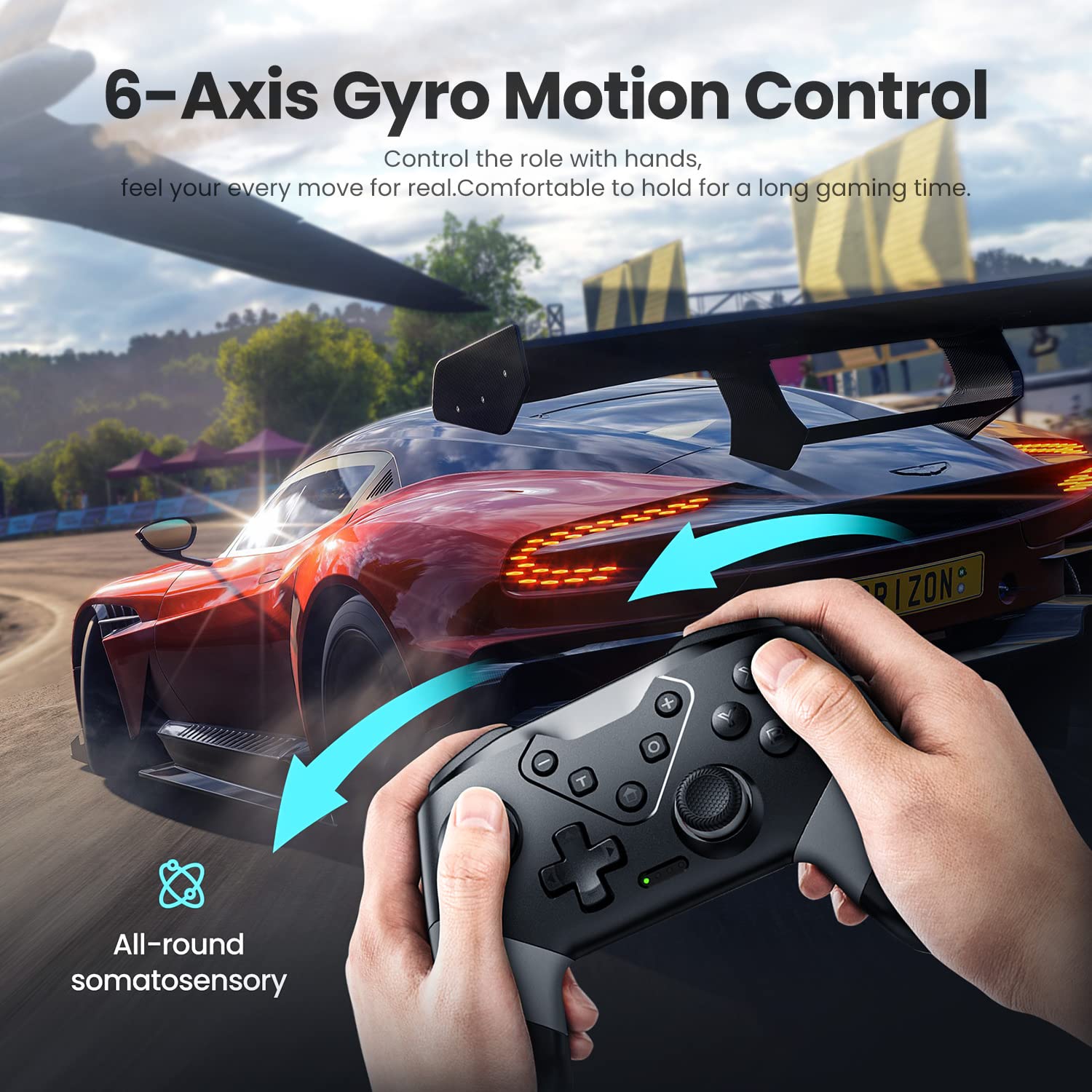
Figura 3: Control de movemento do xiroscopio de 6 eixes

Figure 4: 3-Level Vibration
Turbo Speed Function
The controller supports three levels of turbo speed, allowing for continuous rapid input of a button. This feature is particularly useful in action and arcade games where quick, repeated presses are advantageous.
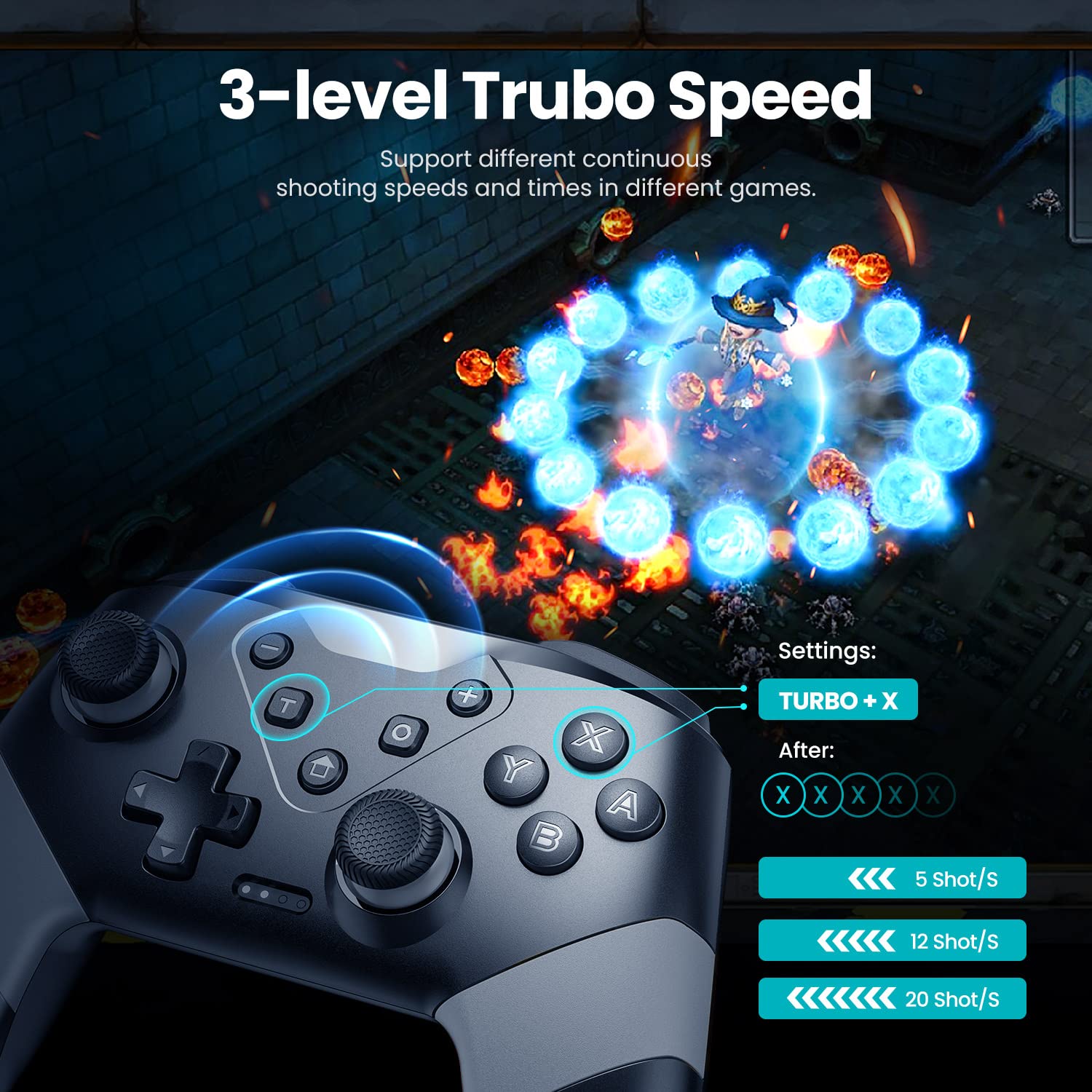
Figure 5: 3-Level Turbo Speed
Wake-up and Screenshot Functions
The controller supports a wake-up function for compatible devices. A dedicated screenshot button allows for instant capture of in-game moments.
Alcance de control sen fíos
Enjoy flexible gameplay with a wireless control range of up to 33 feet (approximately 10 meters), providing freedom of movement during gaming sessions.
Mantemento
Cargando o controlador
The VOYEE Pro Controller is equipped with a 600mAh Lithium Ion battery. To charge, connect the controller to a power source using the provided USB-C cable. A full charge typically takes 2-3 hours and provides approximately 10-13 hours of uninterrupted gaming.

Figura 6: Carga e duración da batería
Limpeza e almacenamento
- Usa un pano suave e seco para limpar o controlador. Evita o uso de produtos químicos agresivos ou materiais abrasivos.
- Garde o controlador nun lugar fresco e seco, lonxe da luz solar directa e de temperaturas extremas.
- When not in use for extended periods, ensure the controller is fully charged before storage to maintain battery health.
Resolución de problemas
| Problema | Causa posible | Solución |
|---|---|---|
| Controller does not connect wirelessly to Switch. | Controller not in pairing mode, Switch not detecting. | Ensure controller is fully charged. Press and hold the Home button until LEDs flash rapidly. On Switch, go to Controllers > Change Grip/Order. If issues persist, restart both controller and Switch. |
| Controller does not connect to PC (wired). | Driver error, cable issue, or PC compatibility. | Ensure USB-C cable is securely connected. Check PC device manager for driver issues. Try a different USB port. Ensure PC operating system is updated. |
| Controller automatically powers off. | Idle for too long. | This is a power-saving feature. The controller is designed to power off after a period of inactivity to conserve battery. |
| Buttons are noisy/clacky. | Normal operational sound. | This is a characteristic of the controller's button mechanism and is not indicative of a defect. |
| Turbo function does not work on M1/M2 buttons. | Limitación de funcionalidades. | The turbo function is designed for standard face buttons and not for the programmable M1/M2 buttons. |
Especificacións
- Número de modelo: S03
- Dimensións do produto: 5.9 x 2.59 x 4.17 polgadas
- Peso do artigo: 6.9 onzas
- Batería: 1 batería de ións de litio (incluída), 600 mAh
- Tempo de carga: 2-3 horas
- Tempo de execución: 10-13 horas
- Conectividade: Sen fíos (Bluetooth), con cable (USB-C)
- Compatibilidade: Nintendo Switch, Switch Lite, Switch OLED, PC (Windows)
- Características: 6-Axis Gyro Motion Control, 4-Level Vibration, 2 Programmable Buttons (M1/M2), 3-Level Turbo Speed, Wake-up Function, Screenshot Button.
- Alcance sen fíos: Ata 33 pés (10 metros)
- Fabricante: Dongguan Chenhao Electronic Technology Co.,LTD. VOYEE
Garantía e Soporte
For specific warranty information and customer support, please refer to the documentation included with your product or contact VOYEE customer service directly. Details regarding warranty periods and support channels are typically provided at the point of purchase or on the manufacturer's official websitio.