
Apple Apple Watch Series 8
Apple Watch Series 8 Manual de usuario
Model: Apple Watch Series 8 (GPS, 45mm)
Introdución
The Apple Watch Series 8 is an advanced wearable device designed to enhance your daily life with comprehensive health, safety, and connectivity features. This manual provides essential information for setting up, operating, maintaining, and troubleshooting your device.
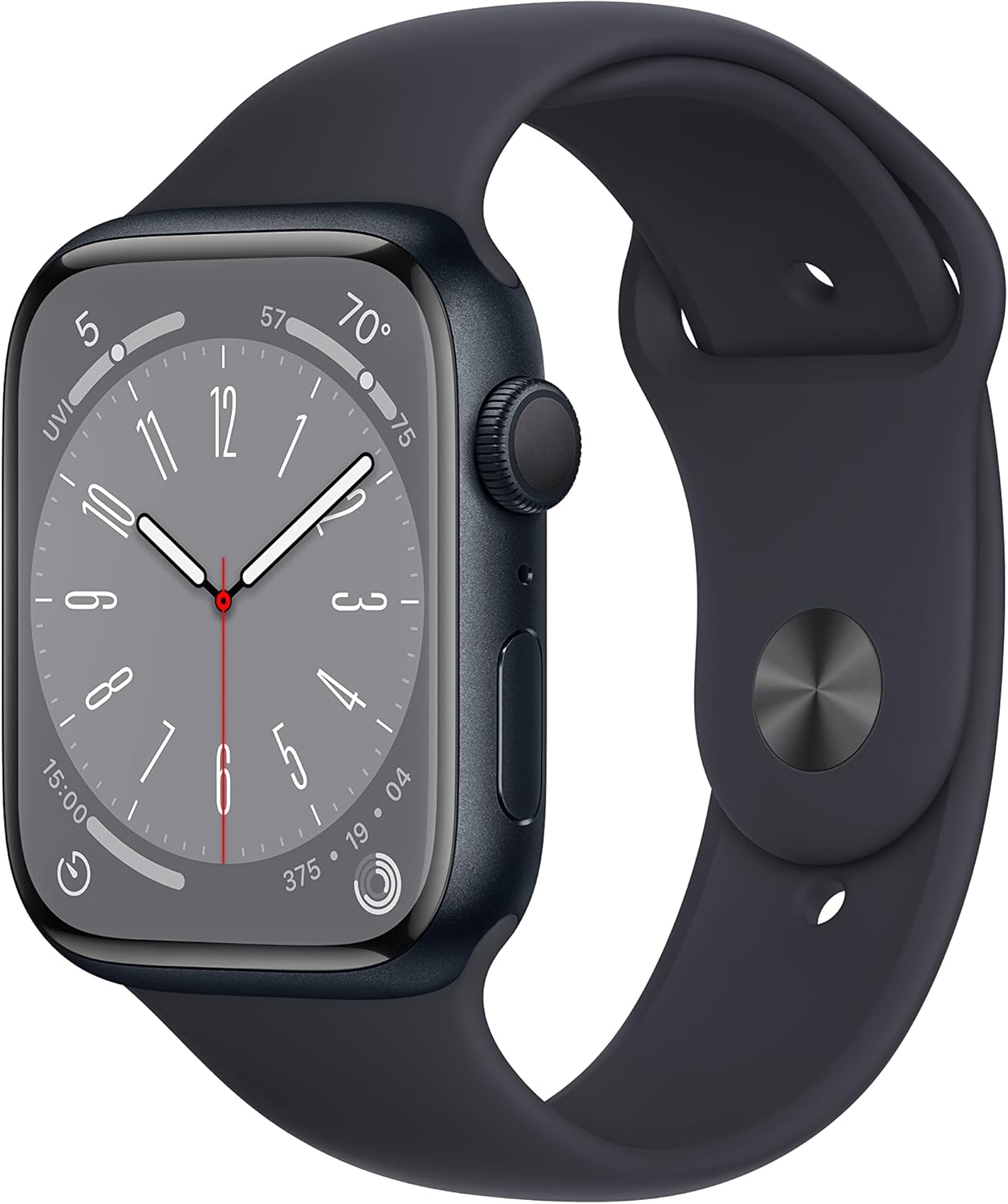
Image: The Apple Watch Series 8 with a midnight aluminum case and midnight sport band, viewed from an angle showing the display and digital crown.
Características clave
- Vixilancia avanzada da saúde: Includes temperature sensing for women's health insights, blood oxygen monitoring, ECG capabilities, and irregular rhythm notifications. Sleep Stages provide detailed sleep analysis.
- Innovative Safety Features: Equipped with Crash Detection and Fall Detection to automatically connect to emergency services in severe incidents. Emergency SOS provides urgent assistance.
- Always-On Retina Display: A bright and easy-to-read display, even when your wrist is down.
- Seamless Apple Ecosystem Integration: Works effortlessly with your other Apple devices and services, enabling features like Mac unlock, device finding, and Apple Pay.
- Deseño personalizable: Offers a variety of sizes, materials, bands, and watch faces to personalize your device.
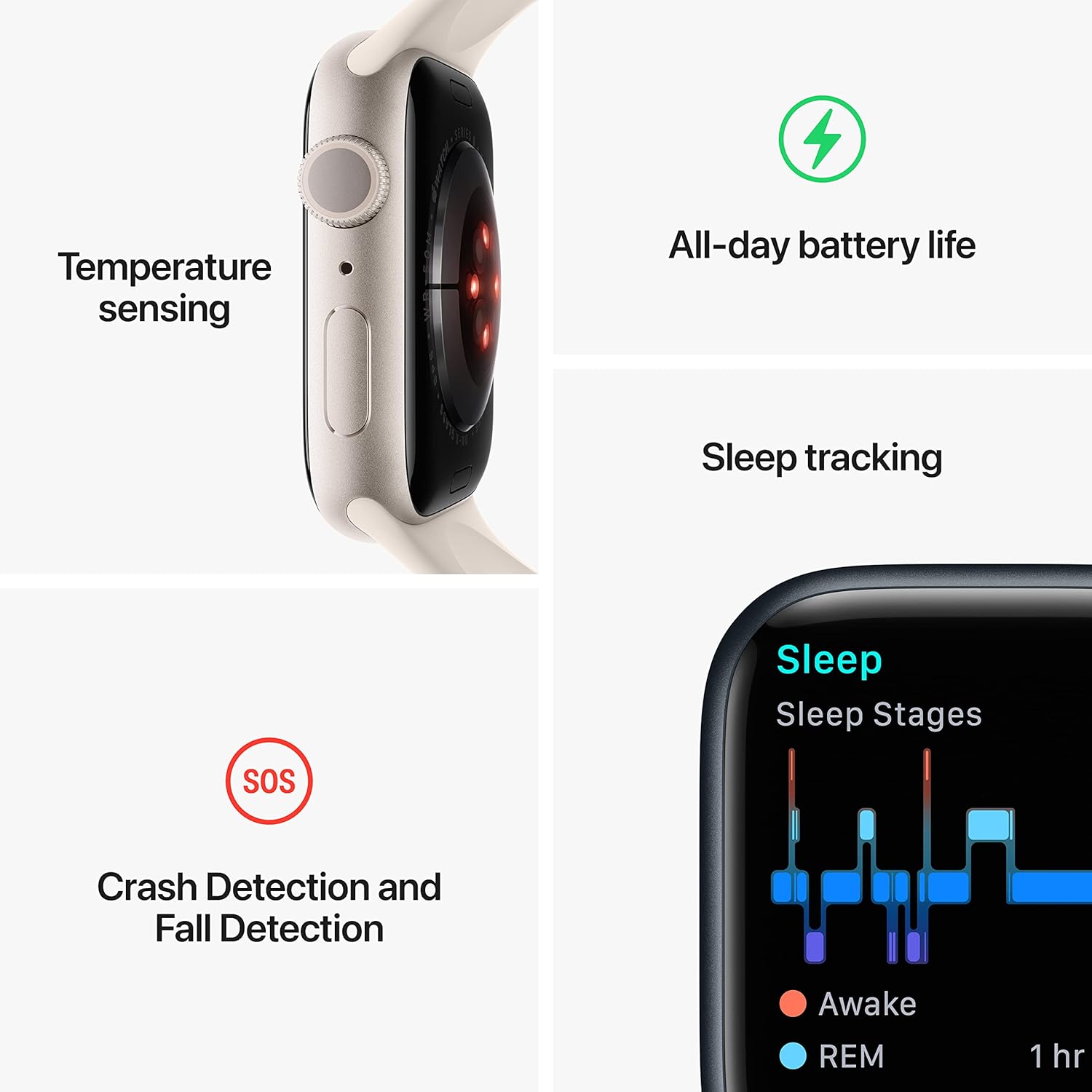
Image: A visual representation highlighting key features of the Apple Watch Series 8, including temperature sensing, all-day battery life, sleep tracking, and crash/fall detection with SOS.
O que hai na caixa
Upon opening your Apple Watch Series 8 package, you should find the following components:
- Apple Watch Series 8 Case (Midnight Aluminum)
- Midnight Sport Band (S/M)
- Cable de carga magnético de 1 m

Image: A visual display of the items included in the Apple Watch Series 8 packaging: the watch itself, the sport band, and the USB-C magnetic fast charging cable.
Configuración
Follow these steps to set up your Apple Watch Series 8 for the first time:
- Carga o teu Apple Watch: Connect the magnetic charging cable to the back of your Apple Watch and plug the USB-C end into a power adapter (sold separately) or a USB-C port. Allow it to charge until it powers on.
- Emparellar co iPhone: Ensure your iPhone (iPhone 8 or later with the latest iOS) is nearby and has Bluetooth and Wi-Fi enabled. Open the Apple Watch app on your iPhone.
- Comezar a emparellar: Tap "Start Pairing" on your iPhone and follow the on-screen instructions. Position your iPhone so the Apple Watch appears in the viewbuscador
- Set Up as New or Restore: Choose to set up as a new Apple Watch or restore from a backup if you have a previous Watch.
- Sign In and Sync: Sign in with your Apple ID and agree to the terms and conditions. Your iPhone will begin syncing data to your Apple Watch. This may take some time.
- Personalizar a configuración: During setup, you can customize settings like Siri, Activity, and Apple Pay.
- Attach the Band: Slide the sport band into the slots on the Apple Watch case until you hear a click. Ensure both ends are securely fastened.
Operating Your Apple Watch
Understanding the basic controls and navigation will help you get the most out of your Apple Watch Series 8.
Controis e navegación
- Coroa dixital: Rotate to scroll, zoom, or adjust values. Press once to go to the watch face or app list. Double-press to switch between the last two apps. Press and hold for Siri.
- Botón lateral: Press once to open the Dock (recent apps). Double-press for Apple Pay. Press and hold for Emergency SOS or to power off.
- Pantalla táctil: Tap to select, swipe to scroll, and force touch (press firmly) for additional options in some apps.

Imaxe: Unha detallada view of the Apple Watch Series 8 screen, displaying the watch face with time, date, and various complications like temperature and activity rings.

Image: A close-up shot focusing on the digital crown and side button of the Apple Watch Series 8, highlighting their textured surfaces.
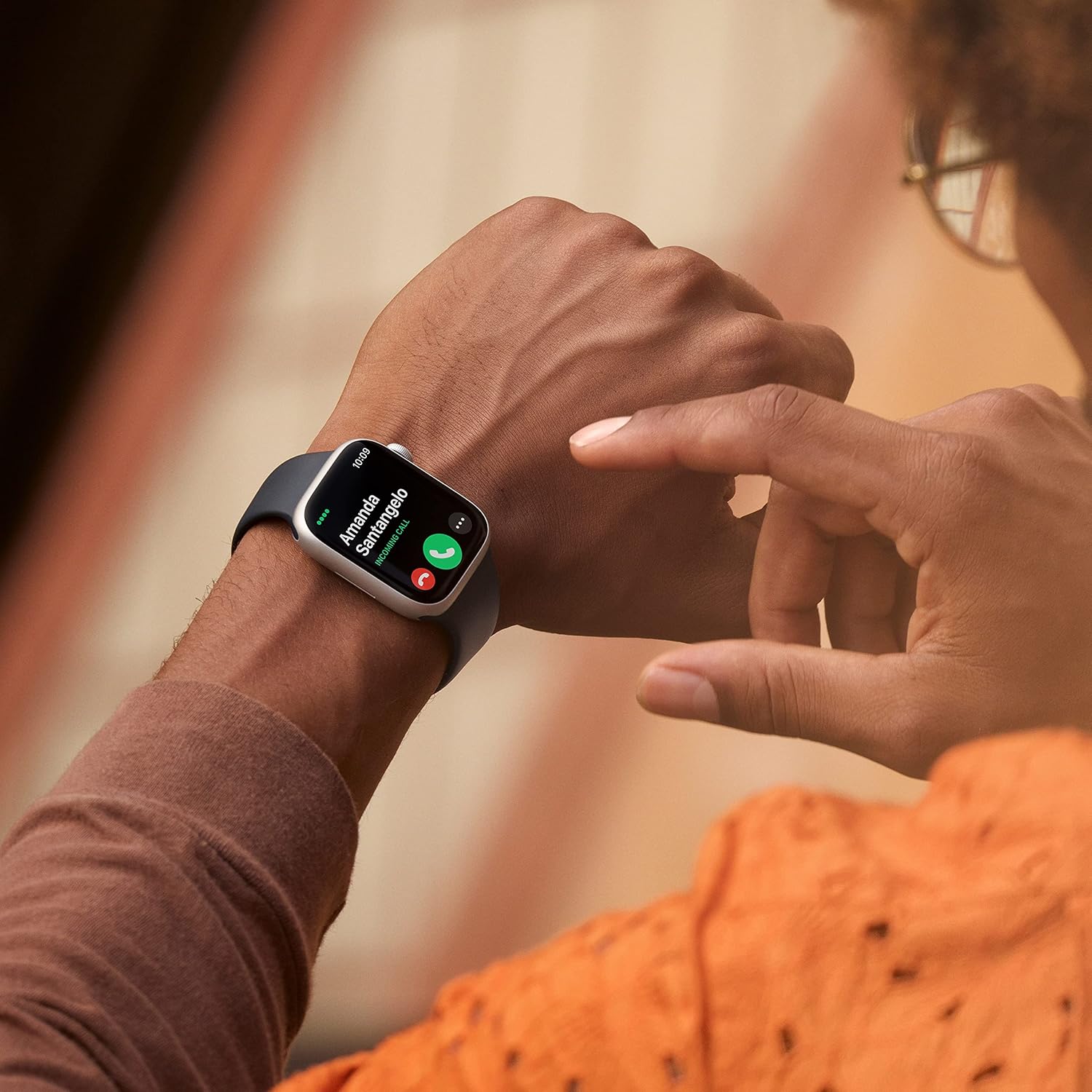
Image: A person wearing the Apple Watch Series 8 on their wrist, looking at the screen which displays an incoming call notification, with their other hand reaching to interact with it.
Using Health Features
- Frecuencia cardíaca: Open the Heart Rate app to measure your current heart rate.
- ECG: Use the ECG app to take an electrocardiogram. Ensure your finger is on the Digital Crown during the measurement.
- Osíxeno no sangue: Open the Blood Oxygen app and follow the instructions to measure your blood oxygen levels.
- Detección de temperatura: The Watch automatically tracks wrist temperature overnight. View insights in the Health app on your iPhone.
- Seguimento do sono: Wear your Watch to bed to track sleep stages. Set up a sleep schedule in the Health app.
Características de seguridade
- Detección de caídas: Enabled by default for users over 55. If a hard fall is detected and you are unresponsive, the Watch can automatically call emergency services.
- Detección de accidentes: Automatically detects severe car crashes and connects you to emergency services.
- SOS de emerxencia: Press and hold the side button, then drag the Emergency SOS slider to call emergency services.
Mantemento
Proper care and maintenance will extend the life and performance of your Apple Watch Series 8.
- Limpeza: Clean your Apple Watch with a soft, lint-free cloth. If necessary, lightly dampen the cloth with fresh water. Do not use soaps, cleaning products, abrasive materials, or compressed air.
- Resistencia á auga: Apple Watch Series 8 is water resistant to 50 meters. It can be used for shallow-water activities like swimming in a pool or ocean. It should not be used for scuba diving, waterskiing, or other activities involving high-velocity water or submersion below shallow depth.
- Coidado da banda: Clean bands regularly. For sport bands, wipe with a damp cloth. Allow to air dry.
- Duración da batería: To optimize battery life, ensure your software is up to date. Manage background app refresh and notifications.
- Almacenamento: Store your Apple Watch in a cool, dry place when not in use.
Resolución de problemas
If you encounter issues with your Apple Watch Series 8, try the following solutions:
- O reloxo non se acende: Ensure the watch is charged. Connect it to the magnetic charging cable and a power source. If it still doesn't turn on, try a force restart (press and hold both the side button and Digital Crown for at least 10 seconds until you see the Apple logo).
- Problemas de emparellamento: Make sure your iPhone's Bluetooth and Wi-Fi are on. Restart both your iPhone and Apple Watch. If issues persist, unpair the Watch from your iPhone (if previously paired) and try pairing again.
- Apps Not Responding: Force quit the app by pressing the side button, then swipe left on the app and tap the 'X' to close it. Reopen the app. If the issue continues, restart your Apple Watch.
- Datos de saúde inexactos: Ensure your Apple Watch is worn snugly on your wrist, but not too tight. Clean the back of the watch and your wrist. Update watchOS to the latest version.
- Poca duración da batería: Review apps running in the background. Disable unnecessary notifications. Check battery health in the Settings app on your Watch. Consider a full reset if battery drain is severe and unexplained.
- Digital Crown Not Responding: Clean around the Digital Crown. Rotate it while running it under warm, clean water for 10-15 seconds.
For more detailed troubleshooting or persistent issues, refer to the official Apple Support website or contact Apple Support directly.
Especificacións
| Característica | Detalle |
|---|---|
| Número de modelo | Apple Watch Series 8 |
| Tamaño de visualización | 45 milímetros (tamaño da pantalla de pé) |
| Sistema Operativo | WatchOS |
| Capacidade de almacenamento da memoria | 32 GB |
| Tamaño da memoria RAM instalada | 32 GB |
| Capacidade da batería | 308 millónsamp Hours (1 Lithium Ion battery required) |
| Tecnoloxía de conectividade | USB |
| GPS | GPS incorporado |
| Dimensións do produto | 12 x 3 x 2 polgadas |
| Peso do elemento | 4.6 onzas |
| Fabricante | Ordenador Apple |
| Data de primeira dispoñibilidade | 20 de marzo de 2023 |
Garantía e Soporte
This Apple Watch Series 8 is a renewed product. Renewed products typically come with a limited warranty provided by the seller or refurbisher, often for a period of 90 days. Please refer to the specific warranty information provided at the time of purchase from the Amazon Renewed Store for details regarding your device's coverage.
For official product support, software updates, and additional resources, please visit the official Apple Support websitio:
For inquiries related to your renewed product's specific warranty or return policy, please contact the seller directly or refer to Amazon's return policy for renewed products.
Información importante de seguridade
Always use your Apple Watch Series 8 safely. Avoid exposing the device to extreme temperatures, direct sunlight for prolonged periods, or harsh chemicals. Do not attempt to open or repair the device yourself, as this may cause damage and void any applicable warranty. Keep the device and its accessories out of reach of small children.
Ask a question about this manual
Ask about setup, troubleshooting, compatibility, parts, safety, or missing instructions. Manuals+ will review the question and use this page’s manual context to help answer it.