
HOCO X75
HOCO X75 3-in-1 Retractable Charging Cable User Manual
Modelo: X75
Introdución
Thank you for choosing the HOCO X75 3-in-1 Retractable Charging Cable. This manual provides essential information for the safe and efficient use of your product. Please read it thoroughly before use and retain it for future reference.
Produto rematadoview
The HOCO X75 is a versatile 3-in-1 retractable charging cable designed for convenience and compatibility. It features a USB-A input and three output connectors: Type-C, Micro USB, and Lightning, making it compatible with a wide range of devices. The retractable design allows for adjustable length and easy storage.

Image: The HOCO X75 cable connected to a power adapter and charging three different mobile devices simultaneously, demonstrating its 3-in-1 compatibility.
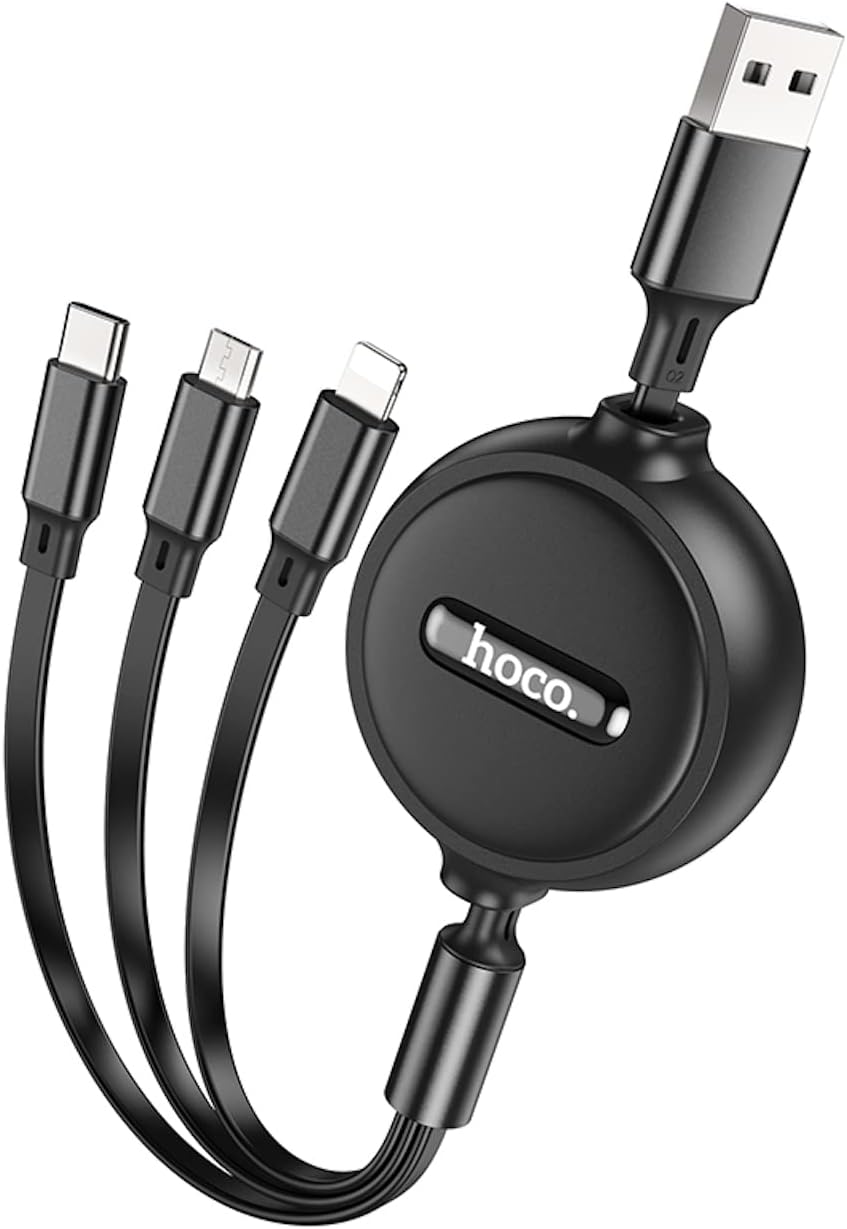
Imaxe: Primeiro plano view of the HOCO X75 retractable charging cable in its compact, retracted state, showing the USB-A connector and the three output connectors (Type-C, Micro USB, Lightning) neatly stored.
Configuración
- Conectar á fonte de enerxía: Insert the USB-A end of the cable into a compatible USB wall charger, power bank, or computer USB port.
- Estender o cable: Gently pull both ends of the cable simultaneously to extend it to the desired length. Avoid pulling only one side, as this may damage the retraction mechanism.
- Conectar ao dispositivo: Select the appropriate connector (Type-C, Micro USB, or Lightning) for your device and plug it into the device's charging port.
- Comezar a cargar: Once connected, your device should begin charging.
Instrucións de funcionamento
- Retirada do cable: To retract the cable, gently pull both ends again until they lock into place, then release to allow the cable to retract smoothly into the housing. Ensure the cable retracts fully for proper storage.
- Carga de varios dispositivos: The 3-in-1 design allows for charging up to three devices simultaneously. Note that the total current output is shared, and charging speed may vary depending on the number of devices connected and the power source.
- Só carga: This cable is designed for charging purposes only. It does not support data transfer.
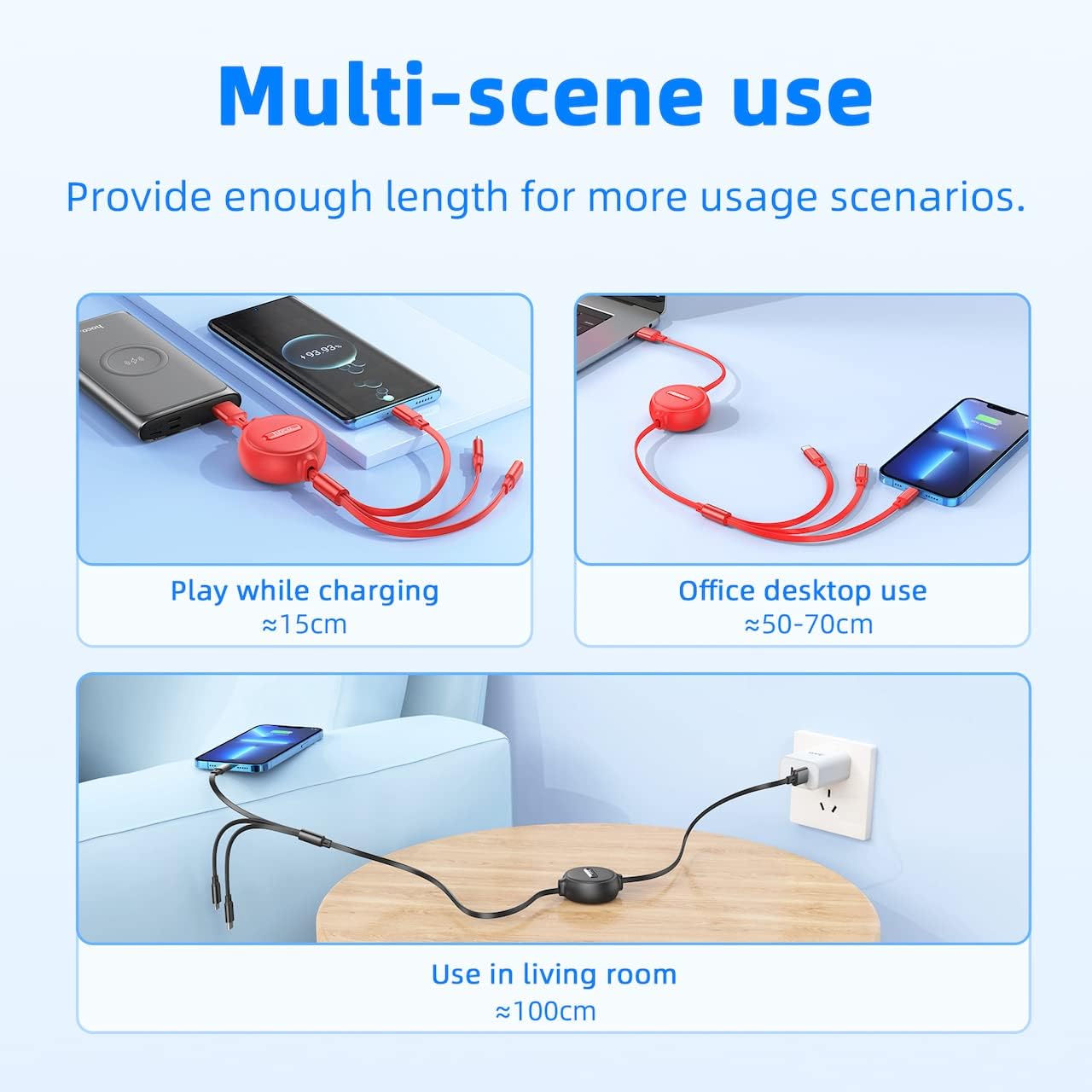
Image: Demonstrates the HOCO X75 cable being used in different environments: playing while charging (short length), office desktop use (medium length), and living room use (full length), highlighting its multi-scene applicability.
Mantemento
- Limpeza: Wipe the cable and connectors with a soft, dry cloth. Do not use liquid cleaners or abrasive materials.
- Almacenamento: When not in use, ensure the cable is fully retracted to prevent tangling and damage. Store in a cool, dry place away from direct sunlight.
- Manexo: Avoid excessive force when extending or retracting the cable. Do not bend the cable sharply or pull it forcefully from the connectors. The cable is designed to be break-resistant and stretch-resistant, but proper handling prolongs its lifespan.
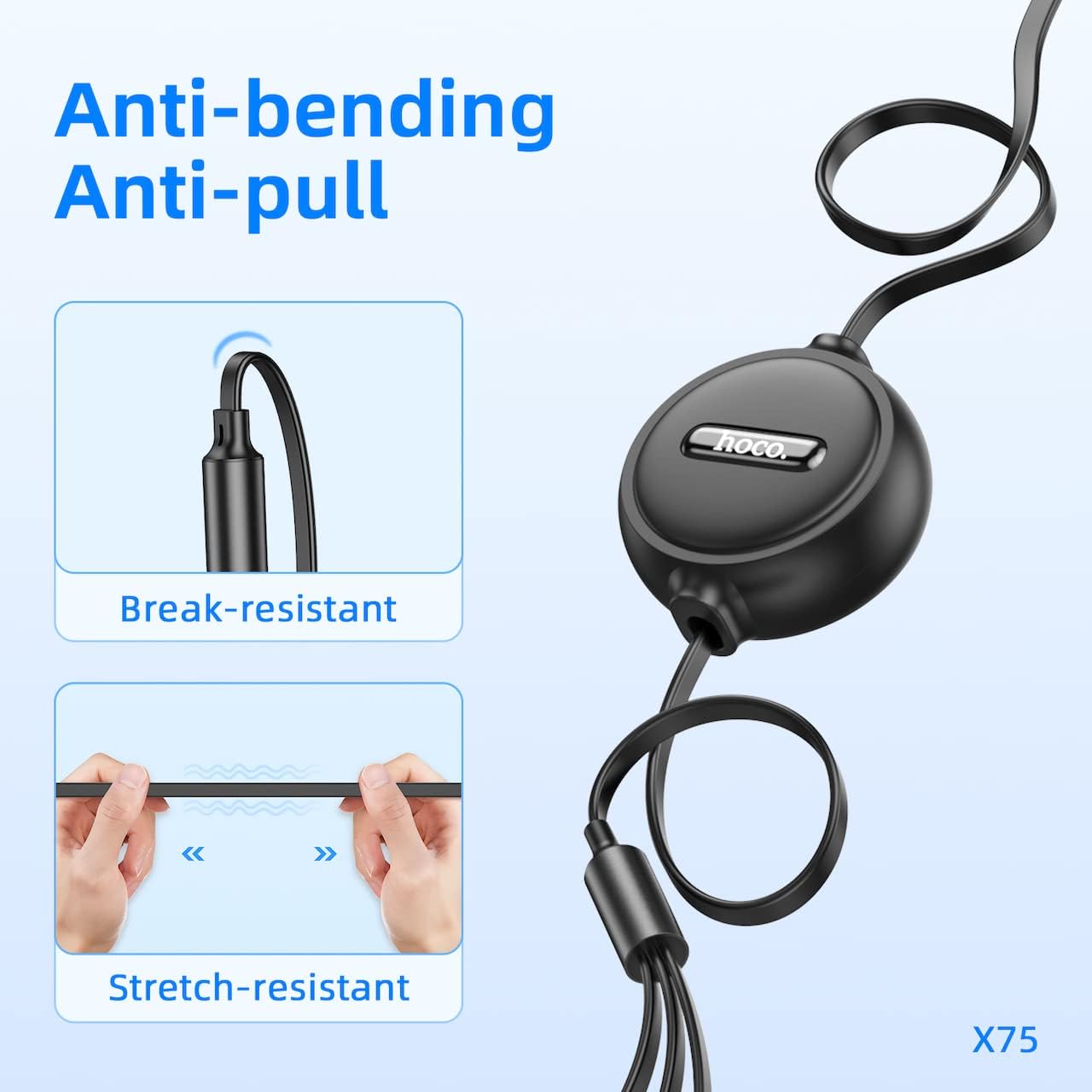
Image: Illustrates the cable's durability features, showing its resistance to bending near the connector and its stretch-resistant properties along the cable length.
Resolución de problemas
- O dispositivo non se carga:
- Ensure the USB-A end is securely connected to a working power source.
- Verify that the correct connector (Type-C, Micro USB, or Lightning) is firmly plugged into your device.
- Try using a different power source or USB port.
- Comproba se o porto de carga do teu dispositivo está limpo e libre de residuos.
- Cable not retracting smoothly:
- Gently pull both ends of the cable out to their maximum extension, then release them simultaneously. This often resets the retraction mechanism.
- Avoid twisting the cable during retraction.
- Carga lenta:
- Ensure your power source provides sufficient current (e.g., a 2A wall adapter for optimal speed).
- Charging multiple devices simultaneously will distribute the available current, potentially slowing down charging for each device.
Especificacións
| Modelo | HOCO X75 |
| Lonxitude | 1 Meter (3.3 feet) |
| Peso | 53 gramos |
| Conectador de entrada | USB-A |
| Conectores de saída | Type-C, Micro USB, Lightning |
| Corrente máxima | 2 Amperes (shared) |
| Transferencia de datos | Non compatible |
| Material de cuberta exterior | PVC + ABS |
| Material do conector | Aliaxe de aluminio |
| Dimensións do produto | 20.7 x 6.5 x 2.5 cm |
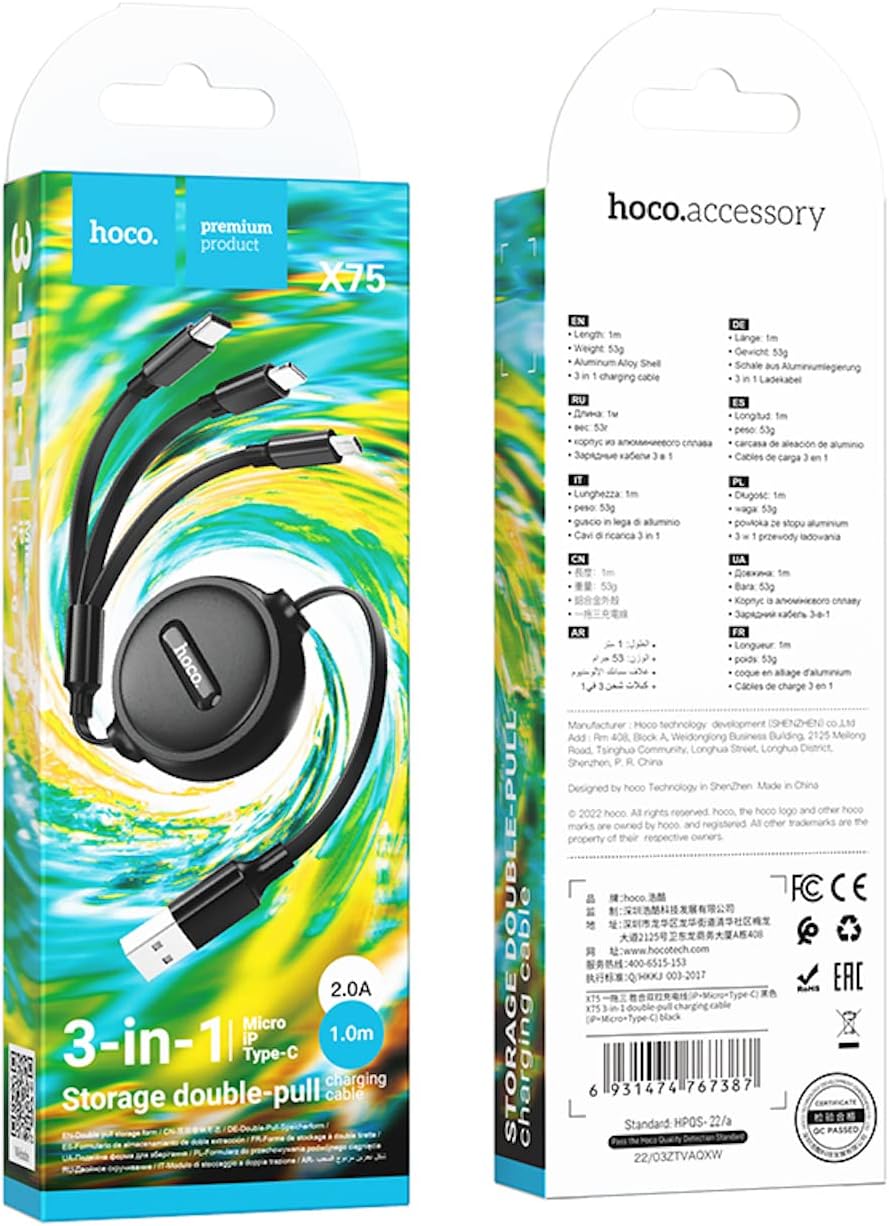
Image: The product packaging for the HOCO X75, displaying key specifications and features in multiple languages, including length, weight, and material composition.
Información de seguridade
- Non expoñas o cable a temperaturas extremas, á luz solar directa nin á humidade.
- Manter fóra do alcance dos nenos.
- Non intente desmontar nin modificar o cable.
- Avoid using the cable if it shows signs of damage, such as frayed wires or bent connectors.
- Use only with compatible power sources and devices.
Garantía e Soporte
For warranty information or technical support, please refer to the documentation provided with your purchase or contact HOCO customer service directly through their official website or authorized retailers. Please have your product model (X75) and purchase details ready when contacting support.
Ask a question about this manual
Ask about setup, troubleshooting, compatibility, parts, safety, or missing instructions. Manuals+ will review the question and use this page’s manual context to help answer it.