
Introdución
This manual provides detailed instructions for the setup, operation, and maintenance of your VTech CS2000 DECT Cordless Home Phone. Please read this manual thoroughly before using your new phone to ensure proper functionality and to take full advantage das súas características.
The VTech CS2000 is designed for home use, offering reliable long-range communication, essential call management features, and user-friendly design.

Figure 1: VTech CS2000 DECT Cordless Home Phone, showing the handset docked in its base unit.
Configuración
Contido do paquete
Asegúrate de que todos os elementos estean presentes no teu paquete:
- VTech CS2000 Handset
- VTech CS2000 Base Unit
- Adaptador de corrente para a unidade base
- Cable de Liña Telefónica
- Rechargeable NiMH Battery (1 included)
Instalación e carga da batería
The VTech CS2000 uses a rechargeable NiMH battery. Proper installation and initial charging are crucial for optimal performance.
- Localice o compartimento da batería na parte traseira do teléfono.
- Insert the supplied NiMH battery, ensuring the polarity matches the diagram inside the compartment.
- Pecha a tapa do compartimento da batería de forma segura.
- Coloque o auricular na unidade base. O indicador de carga do auricular debería acenderse.
- Allow the handset to charge for at least 16 hours before initial use, even if the display indicates a full charge sooner. This ensures maximum battery capacity.
Conexión da unidade base
- Connect one end of the telephone line cord to the TEL LINE jack on the back of the base unit.
- Conecte o outro extremo do cable da liña telefónica a unha toma de teléfono da parede.
- Conecte o extremo pequeno do adaptador de corrente á toma POWER na parte traseira da unidade base.
- Conecta o extremo grande do adaptador de corrente a unha toma de corrente estándar.
- Asegúrese de que todas as conexións estean seguras.
Operando o seu teléfono
Realización e recepción de chamadas
Facendo unha chamada:
- Preme o FALAR button (green receiver icon) or lift the handset from the base.
- Marque o número de teléfono desexado.
- Preme o FIN button (red receiver icon) or place the handset back on the base to end the call.
Recibindo unha chamada:
Cando soe o teléfono, prema a tecla FALAR button or lift the handset from the base to answer.
Hands-Free Speakerphone
The VTech CS2000 features a hands-free speakerphone function, allowing you to talk without holding the handset.
- Durante unha chamada, prema o botón ORADOR button (speaker icon).
- To switch back to the handset, press the FALAR botón de novo.
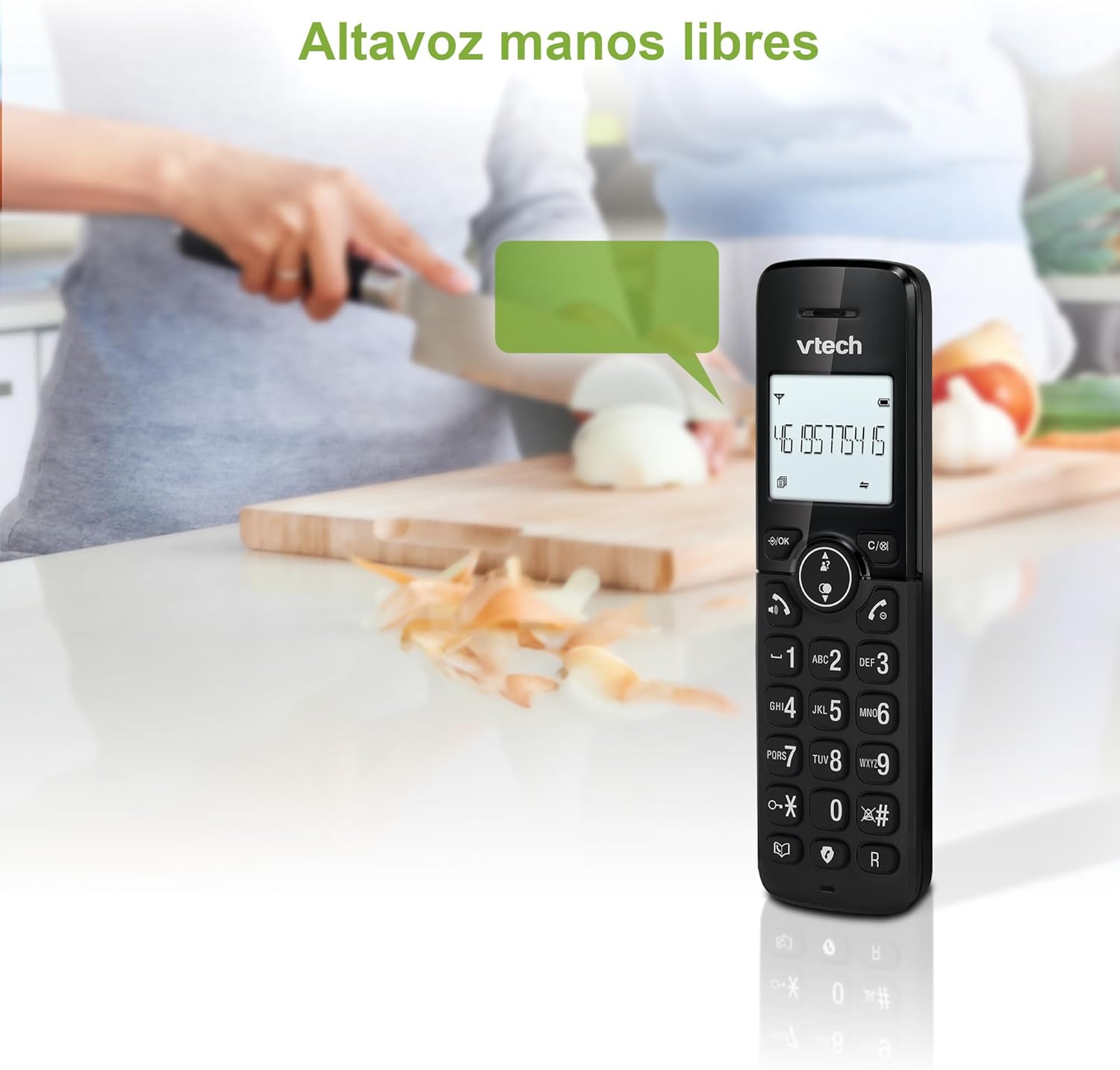
Figure 2: Using the hands-free speakerphone function.
Bloqueo de chamadas
The call blocking feature allows you to prevent unwanted calls. You can block up to 30 numbers.
- To block a number during a call, press the BLOQUE DE CONVOCATORIA botón.
- To add a number to the block list manually, navigate to the Call Block menu in the phone settings.
- Follow the on-screen prompts to add or remove numbers from the block list.
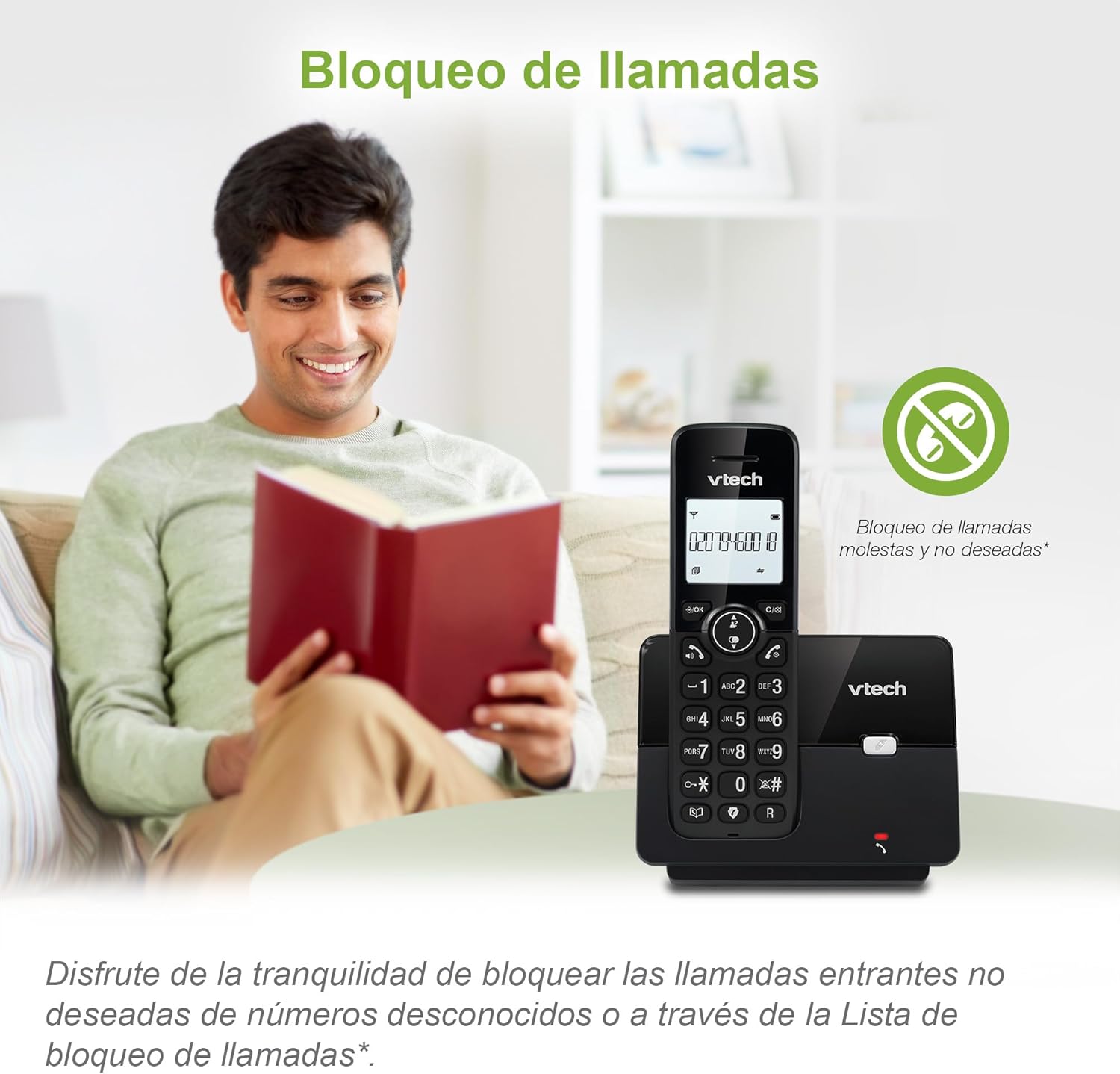
Figure 3: The call blocking feature helps manage unwanted calls.
Phonebook (Directory)
Garda ata 30 nomes e números na axenda para unha marcación rápida.
- Preme o MENÚ / Aceptar botón.
- Navigate to the "Phonebook" or "Directory" option.
- Select "Add New Entry" and follow the prompts to enter the name and number.
- To dial from the phonebook, press the DIRECTORIO button and scroll to the desired entry, then press FALAR.

Figure 4: Managing contacts in the phonebook.
Identificación de chamada e chamada en espera
The phone stores up to 20 caller ID records with name and number (service subscription may be required).
When a new call comes in while you are on another call, the call waiting feature alerts you (service subscription may be required).
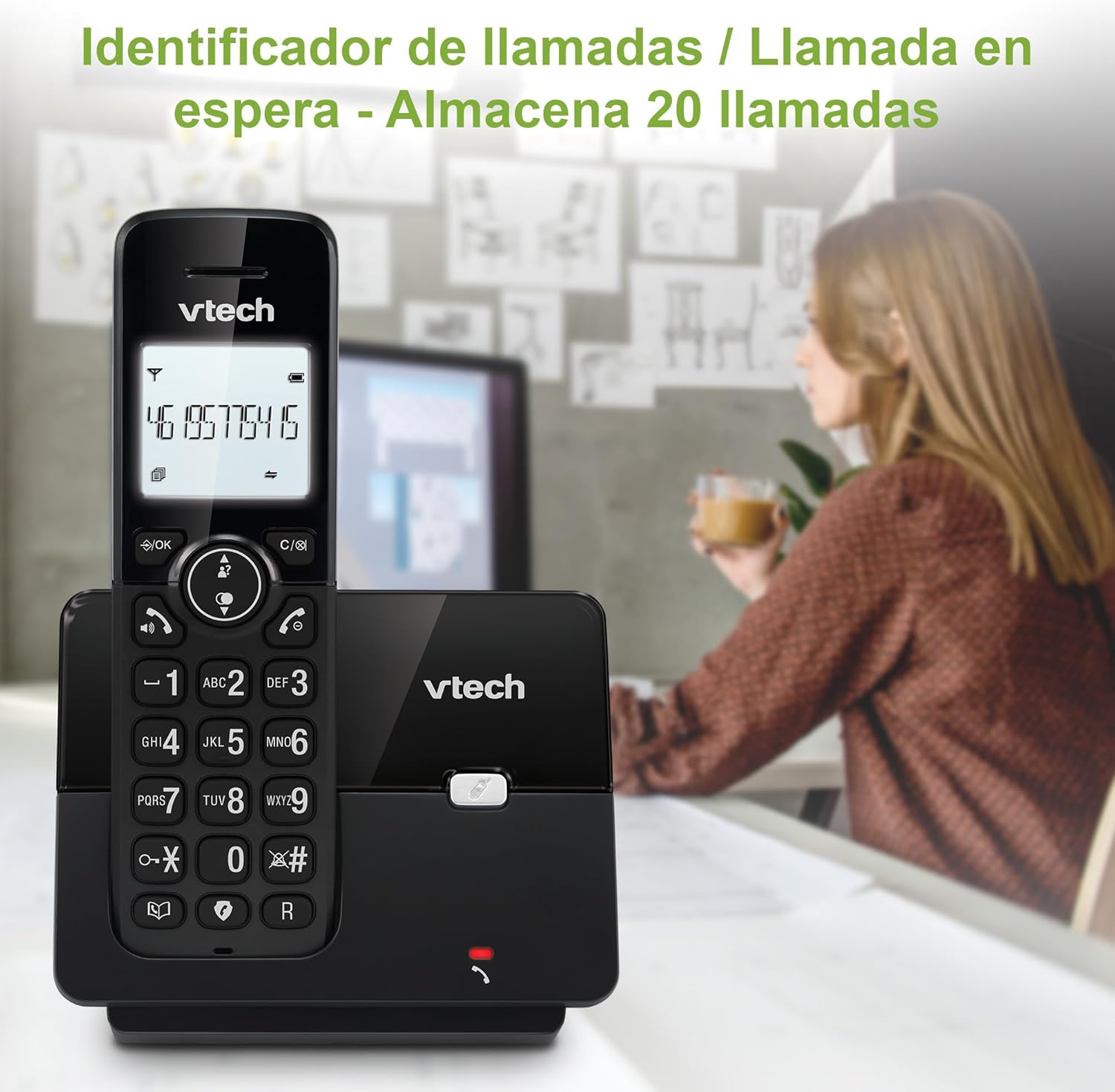
Figure 5: Caller ID display on the handset.
Lista de remarcación
The phone stores the last 10 dialed numbers for quick redialing.
- Preme o REMARCA botón.
- Scroll through the list using the navigation keys.
- Preme FALAR to redial the selected number.

Figure 6: Accessing the redial list.
Modo ECO
The ECO mode automatically adjusts the radio frequency power based on the distance between the handset and the base unit, helping to conserve energy.
Adjusting Ring Volume and Melody
You can customize the ring volume and melody of your handset.
- Preme o MENÚ / Aceptar botón.
- Navigate to "Settings" or "Ring Settings".
- Select "Ring Volume" or "Ring Melody" and choose your preference.
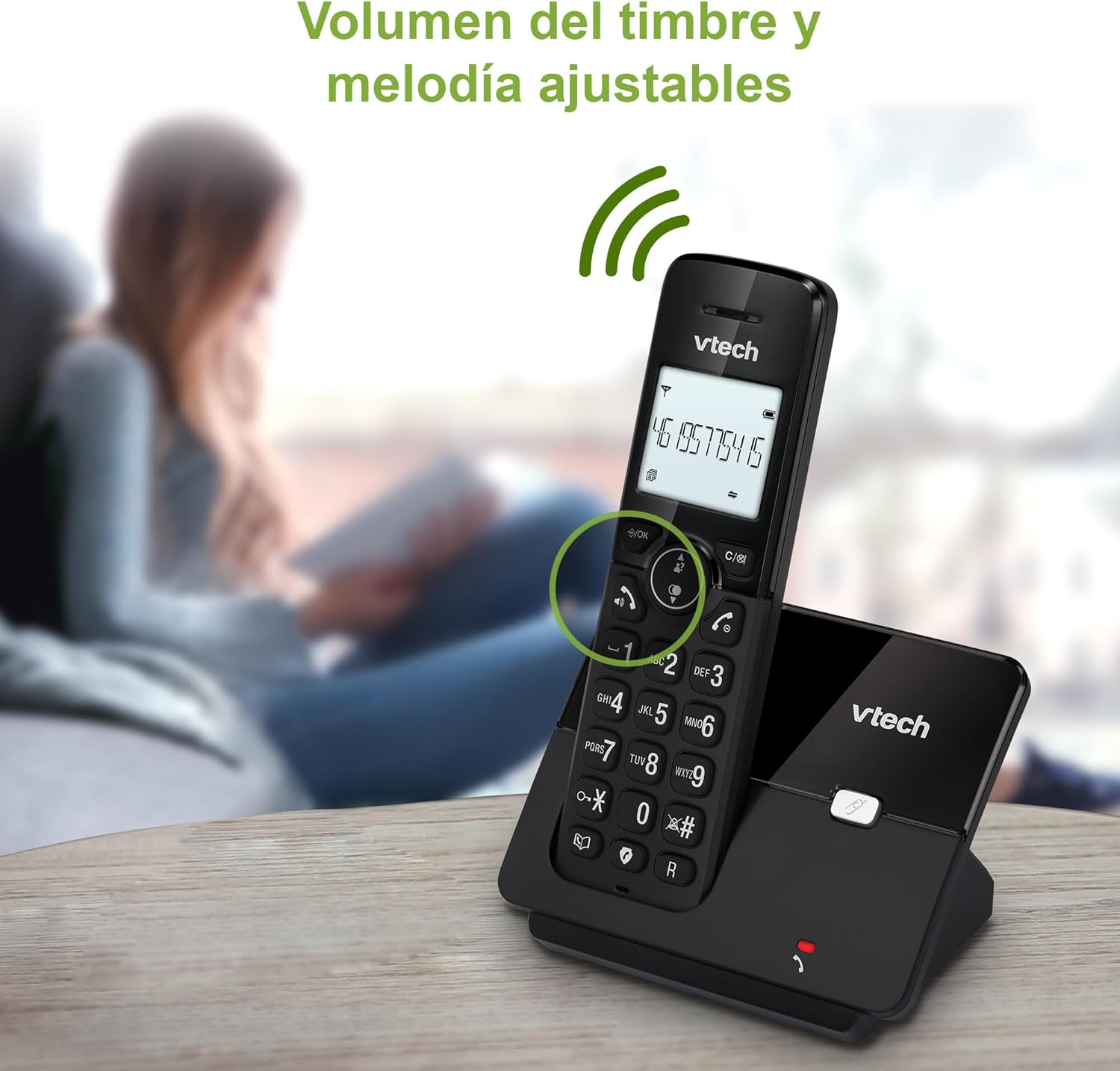
Figure 7: Adjusting ring volume and melody.
Alarm and Silence Function
The phone includes an alarm function and a silence mode for convenience.
- To set an alarm, navigate to the "Alarm" option in the menu and follow the prompts.
- To activate silence mode, typically press and hold the MUTO button or access the "Silence" option in the settings.

Figure 8: Alarm and silence functions.
Pantalla con retroiluminación
The 1.8-inch backlit display provides clear visibility, especially in low-light conditions.

Figure 9: The 1.8-inch backlit display for clear viewing.
Long Range Capability
The VTech CS2000 utilizes DECT technology to provide a stable operating range of up to 300 meters outdoors, ensuring clear communication throughout your home and property.

Figure 10: The phone offers reliable long-range coverage.
Mantemento
Limpeza
Limpar o teléfono e a unidade base cun pano suave eamp cloth. Do not use cleaning sprays or abrasive cleaners, as they can damage the finish or electrical components.
Coidado da batería
- Only use the supplied rechargeable NiMH battery or an approved replacement.
- If the phone will not be used for an extended period, remove the battery to prevent leakage.
- Desfágase das baterías de forma responsable segundo a normativa local.
Resolución de problemas
If you experience issues with your VTech CS2000 phone, try the following solutions:
| Problema | Solución |
|---|---|
| Sen ton de marcación. | Ensure the telephone line cord is securely connected to both the base unit and the wall jack. Check if the power adapter is properly connected and plugged into a working outlet. |
| O teléfono non carga. | Ensure the handset is correctly placed on the base unit. Clean the charging contacts on both the handset and base unit with a dry cloth. Verify the power adapter is connected. |
| Mala calidade de son ou estática. | Acérquese máis á unidade base. Asegúrese de que non haxa obxectos metálicos grandes nin outros dispositivos electrónicos que interfiran co sinal. Comprobe se hai conexións soltas da liña telefónica. |
| Non se poden facer nin recibir chamadas. | Check if the phone line is active. Ensure the handset is registered to the base unit (refer to the full manual for registration steps if needed). Temporarily unplug the base unit's power adapter, wait a few seconds, then plug it back in. |
| Non se mostra o identificador de chamadas. | Asegúrate de que tes unha subscrición ao servizo de identificación de chamadas do teu provedor de servizos telefónicos. |
Especificacións
| Marca | VTech |
| Número de modelo | CS2000 |
| Cor | Negro |
| Tipo de teléfono | Teléfono DECT sen fíos |
| Tamaño da pantalla | 1.8 polgadas |
| Composición da batería | NiMH |
| Número de baterías | 1 (Product Specific - Included) |
| Material | Plástico |
| Fonte de enerxía | Alimentado por batería |
| Tipo de marcador | Teclado único |
| Tipo de contestador automático | Sen fíos |
| Peso do elemento | 300 gramos |
| Operación multilínea | Operación de liña única |
| Características especiais | Cordless, Call Blocking, Hands-Free Speakerphone, Backlit Display, ECO Mode, Caller ID, Phonebook, Redial |
Garantía e Soporte
For warranty information and technical support, please refer to the documentation included with your purchase or visit the official VTech websitio. Garde o recibo da compra como xustificante da mesma.
Fabricante: VTECH TELECOMMUNICATIONS LTD
País de orixe: China