
1. Introdución
This manual provides essential information for the safe and efficient operation of your HP Laser MFP 1188a printer. Please read it thoroughly before using the device and retain it for future reference.
The HP Laser MFP 1188a is a versatile multifunction printer designed for printing, copying, and scanning documents. It offers reliable performance for home and small office environments.
2. Información de seguridade
Observe as seguintes precaucións de seguridade para evitar danos na impresora ou lesións a vostede mesmo:
- Coloque a impresora sobre unha superficie estable e nivelada.
- Asegúrese de ventilación adecuada ao redor da impresora.
- Use só o cable de alimentación subministrado coa impresora.
- Non expoña a impresora á auga nin a humidade excesiva.
- Manteña as mans afastadas das pezas móbiles durante a operación.
- Unplug the printer before cleaning or performing maintenance.
3. Contido do paquete
Verifica que todos os elementos estean presentes na caixa:
- HP Laser MFP 1188a Printer
- Preinstalled introductory HP Laser Black print cartridge (~1.5K pages)
- Guía de configuración
- Guía de referencia
- Regulatory Statements Flyer
- Cable de alimentación
- cable USB
4. Produto rematadoview
The HP Laser MFP 1188a is an all-in-one monochrome laser printer offering print, copy, and scan functionalities. It features a compact design suitable for various workspaces.
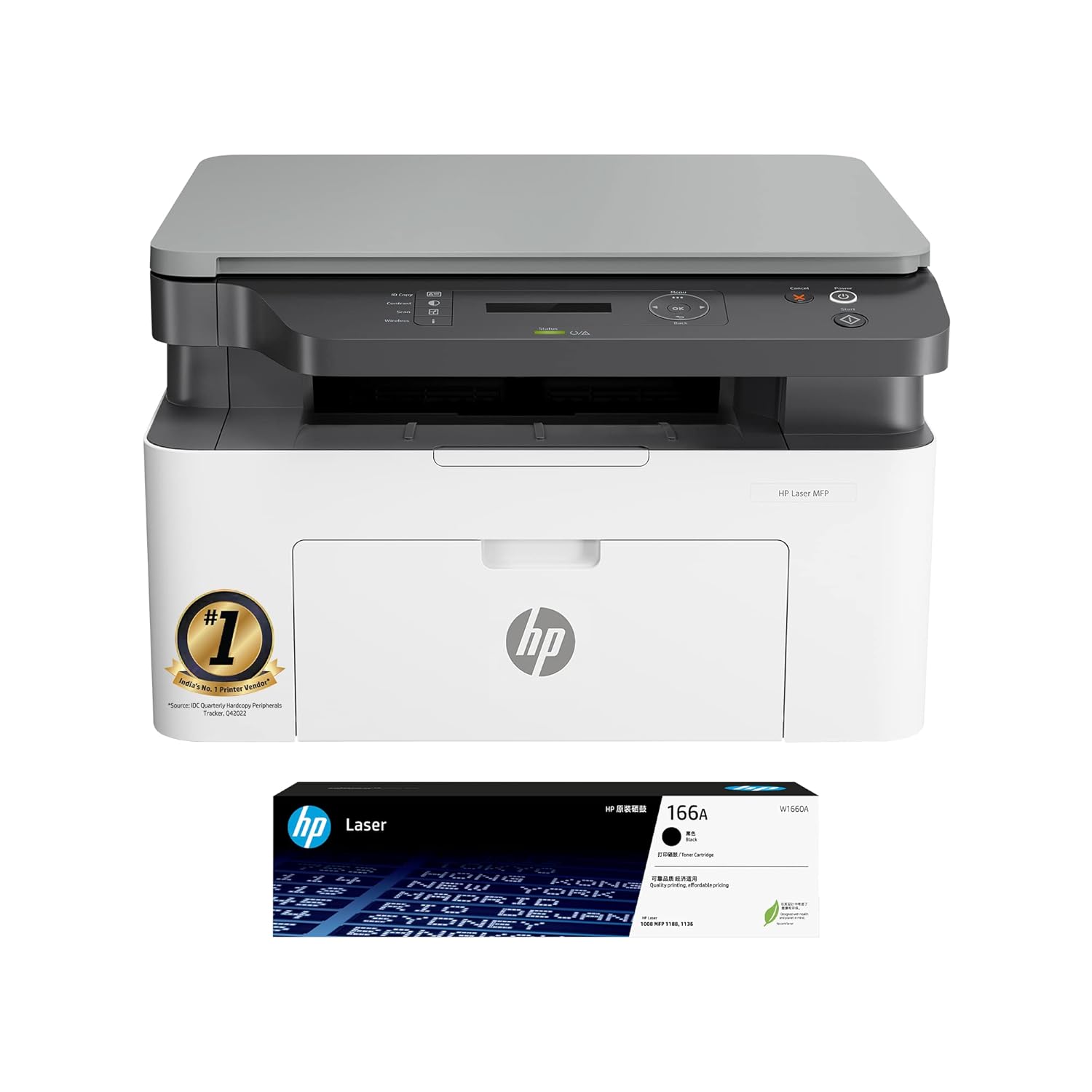
Image: The HP Laser MFP 1188a printer shown with its accompanying toner cartridge.
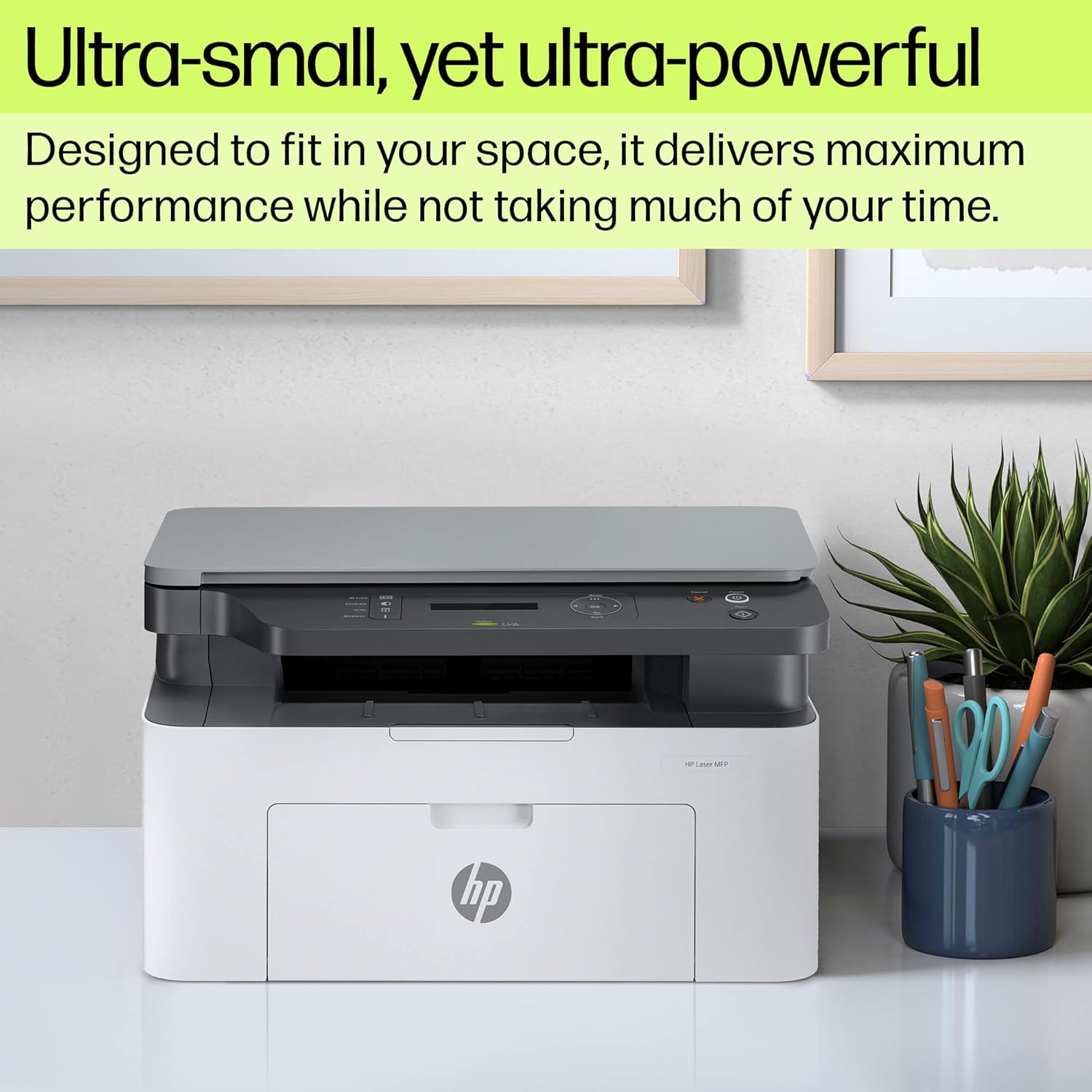
Image: The HP Laser MFP 1188a printer positioned on a desk, highlighting its compact size.
Características principais:
- Funcionalidade todo en un: Print, Copy, Scan.
- Conectividade: 2 Hi-Speed USB 2.0 ports.
- Velocidade de impresión: Up to 21 pages per minute (ppm).
- Capacidade da bandexa de entrada: 150 follas.
- Capacidade da bandexa de saída: 100 follas.
- Ciclo de traballo: Up to 10,000 pages per month.
- Interface: 2-line LCD display with intuitive controls.
- Tipo de escáner: Cama plana.
- Compatibilidade do sistema operativo: Windows 11/10/7/Vista and macOS 10.15/11/12.

Image: A diagram illustrating the key components of the HP Laser MFP 1188a, including the 2-line LCD display, USB connectivity, flatbed scanner, 150-sheet input tray, and print/scan/copy functions.
5. Instrucións de configuración
5.1 Desembalaxe da impresora
- Retire a impresora da súa embalaxe.
- Remove all packing materials, tapes, and protective films from the printer.
- Open the toner cartridge access door and remove any internal packing materials or orange tabs.
- Insert the toner cartridge if not already preinstalled, ensuring it clicks into place.
- Close the toner cartridge access door.
5.2 Conectar a impresora
- Conecte o cable de alimentación á impresora e despois a unha toma de corrente con conexión a terra.
- Connect the USB cable from the printer to an available USB port on your computer.
- Power on the printer using the power button.
5.3 Instalación de software
For optimal performance, install the printer software and drivers on your computer.
- Insert the setup CD (if provided) into your computer's CD/DVD drive, or visit the official HP support website for the HP Laser MFP 1188a to download the latest drivers and software.
- Siga as instrucións en pantalla para completar a instalación.
- During installation, you may be prompted to connect the USB cable if you haven't already.
6. Instrucións de funcionamento
6.1 Carga de papel
- Open the input tray.
- Adjust the paper guides to the correct paper size (supports A4, A5, B5, etc.).
- Load paper into the input tray, ensuring it is flat and aligned. The input tray has a capacity of 150 sheets.
- Close the input tray.
6.2 Impresión de documentos
To print from your computer:
- Abra o documento que desexa imprimir.
- Seleccione "Imprimir" no menú da aplicación (por exemplo, File > Imprimir).
- Choose "HP Laser MFP 1188a" as your printer.
- Axusta a configuración de impresión segundo sexa necesario (por exemplo, número de copias, tamaño do papel).
- Click "Print". The printer can achieve speeds of up to 21 ppm.
Manual duplex printing is supported. Follow the on-screen prompts from the printer driver to re-insert pages for printing on the second side.

Image: The HP Laser MFP 1188a actively printing a document, illustrating its operational speed.
6.3 Copia de documentos
To make a copy using the printer's control panel:
- Place the document face-down on the scanner glass, aligning it with the guide.
- Peche a tapa do escáner.
- On the printer's control panel, use the buttons to select the number of copies.
- Press the "Start Copy" button (usually indicated by a copy icon or a green button).
6.4 Escanear documentos
To scan a document:
- Coloque o documento cara abaixo no cristal do escáner.
- Peche a tapa do escáner.
- From your computer, open the HP Scan software or a compatible scanning application.
- Select "HP Laser MFP 1188a" as your scanner.
- Choose scan settings (e.g., document type, resolution, destination).
- Click "Scan". The scanned image will be saved to your specified location.

Imaxe: Primeiro plano view of the HP Laser MFP 1188a's intuitive control panel, featuring a 2-line LCD display and various function buttons.
7. Mantemento
7.1 Substitución do cartucho de tóner
When the toner is low, the printer's display will indicate a warning. Replace the cartridge to ensure continued print quality.
- Asegúrese de que a impresora estea acendida.
- Open the toner cartridge access door.
- Retire con coidado o cartucho de tóner antigo tirando del para fóra.
- Unpack the new HP Laser Black print cartridge (HP 166A or equivalent) and gently shake it to distribute the toner.
- Insira o novo cartucho na impresora ata que encaixe no seu lugar.
- Close the toner cartridge access door.
7.2 Limpeza da impresora
Unha limpeza regular axuda a manter a calidade de impresión e prolonga a vida útil da impresora.
- Exterior: Limpe o exterior da impresora cun pano suave e sen fiaposampenxaugado con auga. Non empregue produtos de limpeza abrasivos.
- Cristal do escáner: Clean the scanner glass with a soft cloth and a non-abrasive glass cleaner. Avoid spraying cleaner directly onto the glass.
- Interior: Refer to the HP support website for detailed instructions on cleaning internal components if necessary.
8 Solución de problemas
This section addresses common issues you might encounter with your HP Laser MFP 1188a.
8.1 A impresora non responde
- Check that the printer is powered on and the power cord is securely connected.
- Verify the USB cable is properly connected to both the printer and the computer.
- Reinicie tanto a impresora como o ordenador.
- Ensure the printer drivers are correctly installed and updated.
8.2 Atascos de papel
- Apague a impresora e desconéctaa.
- Carefully open all access doors and remove any jammed paper, pulling in the direction of the paper path.
- Ensure no torn pieces of paper remain inside.
- Close all doors, plug in, and power on the printer.
8.3 Mala calidade de impresión
- Check the toner cartridge level and replace it if low.
- Asegúrese de que está a usar cartuchos de tóner HP orixinais.
- Verify that the paper type setting in your print driver matches the paper loaded in the tray.
- Limpe os compoñentes internos da impresora segundo as instrucións de mantemento.
9. Especificacións
| Característica | Detalle |
|---|---|
| Nome do modelo | HP Laser MFP 1188a |
| Funcións | Imprimir, copiar, escanear |
| Tecnoloxía de impresión | Láser |
| Saída da impresora | Monocromo |
| Velocidade máxima de impresión (monocromo) | Ata 21 ppm |
| First Page Out Speed | Tan rápido como 8.3 segundos |
| Resolución máxima de impresión (negro) | 600 x 600 ppp |
| Tipo de escáner | Cama plana |
| Max Copy Speed (Black) | 20 ppm |
| Max Copy Resolution (Black) | 600 ppp |
| Capacidade da bandexa de entrada | 150 follas |
| Capacidade da bandexa de saída | 100 follas |
| Tamaños de soportes compatibles | A4, A5, A5 (LEF), B5 (JIS), 4 x 6 inch |
| Conectividade | 2 USB 2.0 de alta velocidade |
| Panel de control | 2-line LCD display, 12 buttons, 2 LED indicator lights |
| Duty Cycle (Monthly) | Ata 10,000 páxinas |
| Compatibilidade do sistema operativo | Windows 11/10/7/Vista, macOS 10.15/11/12 |
| Dimensións do produto (LxWxH) | 40.6 x 25.3 x 36 cm (15.98 x 9.96 x 14.17 polgadas) |
| Peso do elemento | 7.5 kg (16.53 lb) |
| Consumo de enerxía | HP Auto-Off Technology for energy saving |
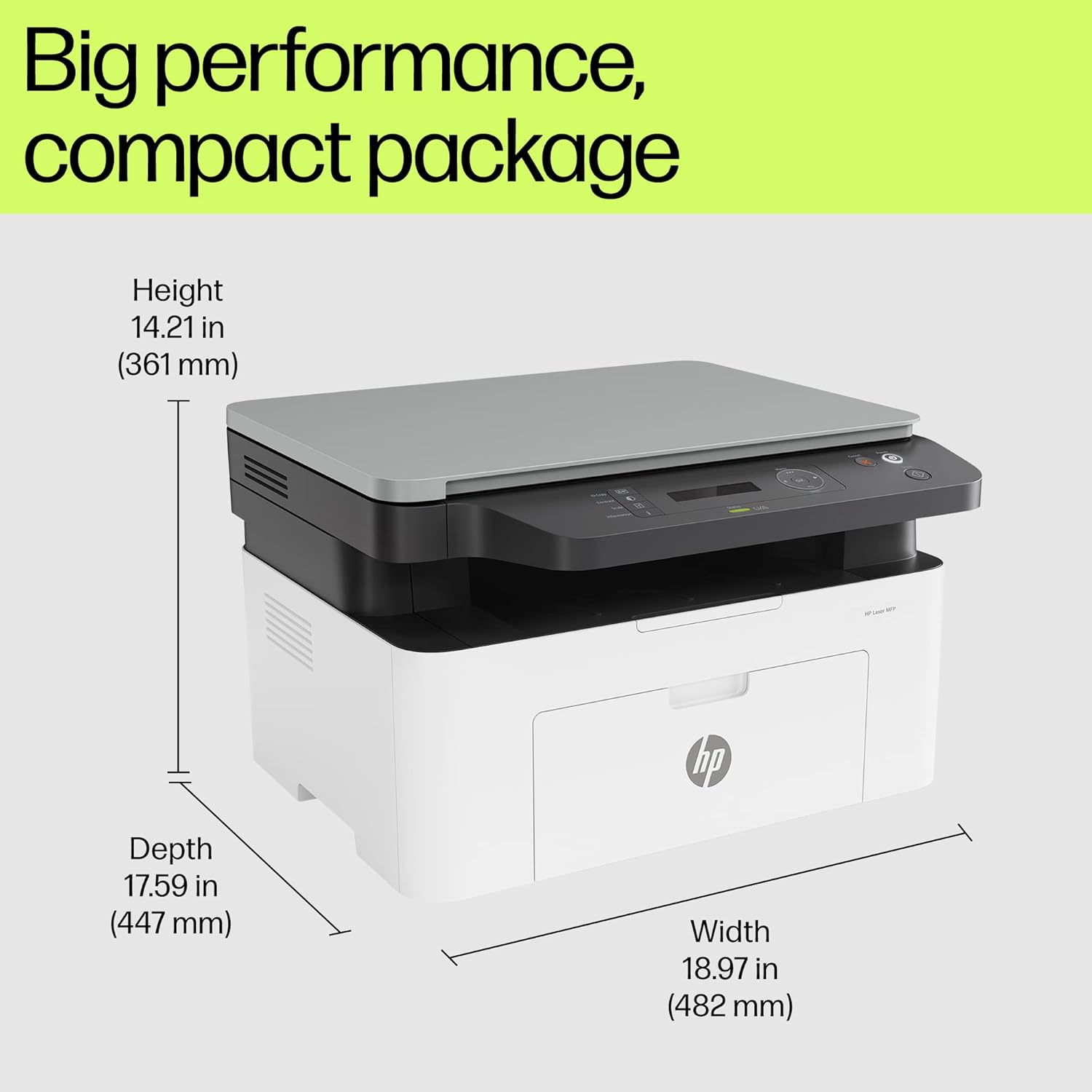
Image: Diagram showing the height, depth, and width measurements of the HP Laser MFP 1188a printer.
10. Garantía e soporte
Your HP Laser MFP 1188a printer comes with a 1-year limited warranty. For warranty claims or technical assistance, please contact HP support.
- Soporte de voz: Available 12x7.
- Asistencia de chat: Available 24x7.
- Refer to the "Regulatory Statements Flyer" included in your package for detailed warranty terms and contact information.
- You can also visit the official HP support website for drivers, manuals, and troubleshooting resources: support.hp.com