
Introdución
This manual provides essential information for setting up, operating, maintaining, and troubleshooting your Vodafone 4G Mobile Broadband Hotspot R228t. Please read this manual carefully before using the device to ensure optimal performance and safety.

Imaxe: Fronte view of the Vodafone 4G Mobile Broadband Hotspot R228t, showing the indicator lights for signal, Wi-Fi, messages, and battery.
Guía de configuración
1. Contido do paquete
Antes de comezar, asegúrate de que todos os elementos estean presentes no paquete:
- Vodafone 4G Mobile Broadband Hotspot R228t Device
- Batería recargable
- Cable de carga USB
2. Inserción da tarxeta SIM e da batería
The device requires a standard SIM card (not included). Follow these steps:
- Retire con coidado a tapa traseira do punto de acceso.
- Locate the SIM card slot. Insert your activated SIM card into the slot with the gold contacts facing down, ensuring it clicks into place.
- Insert the provided battery into its compartment, aligning the contacts.
- Coloque a tapa posterior de forma segura.
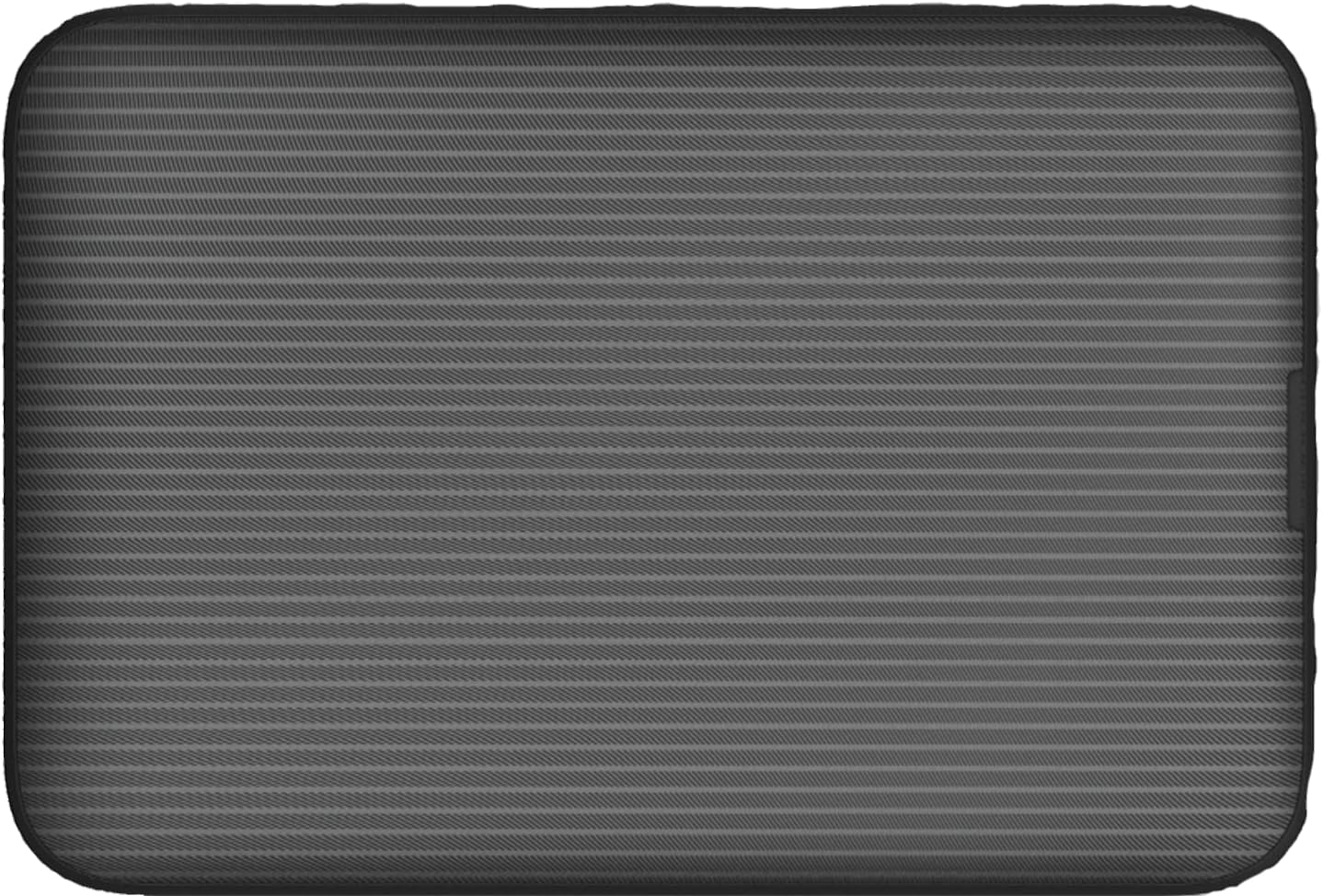
Imaxe: Traseira view of the Vodafone R228t hotspot with the back cover removed, illustrating the placement of the SIM card and battery.
3. Cargando o dispositivo
Antes do primeiro uso, carga completamente o dispositivo.
- Conecta o cable de carga USB ao porto de carga do punto de acceso.
- Conecta o outro extremo do cable a un adaptador de corrente USB (non incluído) ou ao porto USB dun ordenador.
- The battery indicator light will show charging status. A full charge typically takes a few hours.

Imaxe: Primeiro plano view of the Vodafone R228t hotspot's charging port, located on the side of the device.
Instrucións de funcionamento
1. Acendido/apagado
- To power on: Press and hold the power button (located on the side) until the indicator lights illuminate.
- Para apagar: manteña premido o botón de acendido ata que as luces indicadoras se apaguen.
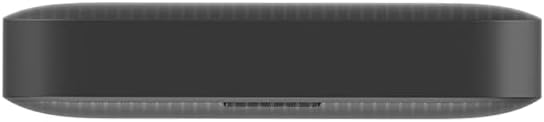
Imaxe: Lateral view of the Vodafone R228t hotspot, highlighting the power button.
2. Conexión á rede Wi-Fi
Once powered on, the hotspot will broadcast a Wi-Fi network. You can connect up to 32 devices simultaneously.
- On your device (laptop, smartphone, tablet), open your Wi-Fi settings.
- Busca available networks. The network name (SSID) and password (Wi-Fi Key) are typically found on a sticker inside the battery compartment or on the device packaging.
- Select the hotspot's SSID and enter the Wi-Fi Key when prompted.
- Unha vez conectado, deberías ter acceso a internet.
3. Luces indicadoras
The front panel features several indicator lights:
- Potencia do sinal: Indicates the strength of the 4G mobile signal. More bars mean better signal.
- Estado da wifi: Shows if Wi-Fi is active and if devices are connected.
- Mensaxes: Indicates new SMS messages received on the SIM card.
- Estado da batería: Displays the current battery level and charging status.
4. Web Interface de xestión
For advanced settings, such as changing Wi-Fi name/password, checking data usage, or managing SMS, access the web interface de xestión:
- Connect your device to the hotspot's Wi-Fi network.
- Abrir a web navegador e introduza o enderezo IP predeterminado (por exemplo, http://192.168.0.1 or http://vodafonemobile.wifi). Refer to your device's sticker for the exact address.
- Enter the default login password (usually "admin" or found on the device sticker).
Mantemento
- Limpeza: Usa un pano suave e seco para limpar o dispositivo. Evita produtos de limpeza líquidos ou materiais abrasivos.
- Almacenamento: Garde o dispositivo nun lugar fresco e seco, lonxe da luz solar directa e de temperaturas extremas.
- Coidado da batería: To prolong battery life, avoid fully discharging the battery frequently. If storing for extended periods, charge the battery to about 50% and recharge every few months.
- Actualizacións de software: Comprobe periodicamente o web management interface for available firmware updates to ensure optimal performance and security.
Resolución de problemas
| Problema | Posible Solución |
|---|---|
| Sen conexión a internet |
|
| Non se pode conectar á wifi |
|
| Velocidade de internet lenta |
|
| O dispositivo non se acende |
|
Especificacións
| Característica | Detalle |
|---|---|
| Nome do modelo | R228t (Vodafone MW40) |
| Tecnoloxía de conectividade | 4G LTE, wifi |
| Velocidade máxima de descarga | Ata 300 Mbps |
| Wi-Fi estándar | 802.11a (Single-Band) |
| Seguridade | WPA + WPA2 |
| Usuarios máximos de wifi | Ata 32 |
| Tipo de batería | Ión de litio (1 incluída) |
| Tempo de espera | Ata 300 horas |
| Dimensións (L x W x H) | 9.5 x 6.5 x 1.5 cm |
| Peso | 87 g |
| Compoñentes incluídos | Device, Battery, USB charging cable |
Garantía e Soporte
For warranty information and technical support, please refer to the official Vodafone website or contact Vodafone customer service. Keep your purchase receipt as proof of purchase.
Official Vodafone Store: Vodafone Amazon Store

Image: The official Vodafone logo, a red circle with a white teardrop shape and the word "vodafone" in lowercase below it.