
1. Introdución
Thank you for choosing the EBTOOLS A9 Magnetic 1080P Mini Camera. This compact and versatile camera is designed for home, office, or courtyard monitoring, offering 1080P high-resolution video recording and Wi-Fi connectivity. This manual provides essential information for setting up, operating, and maintaining your camera to ensure optimal performance.
2. Información de seguridade
Aviso: Do not attempt to disassemble, modify, or repair the product yourself to avoid personal injury or equipment damage.
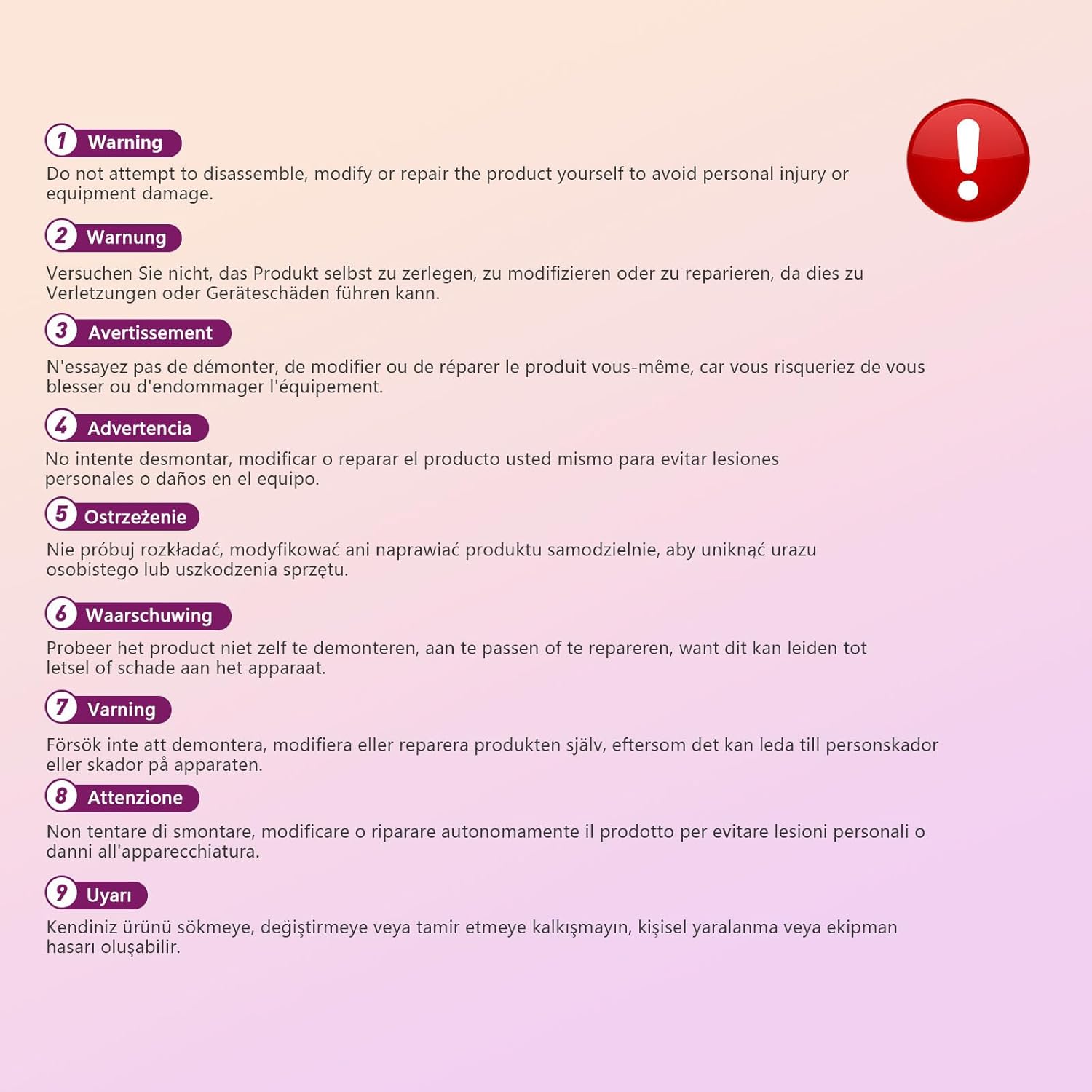
This image displays a warning message in multiple languages, advising users not to disassemble, modify, or repair the product themselves to prevent personal injury or damage to the device.
3. Contido do paquete
Comprobe se o paquete contén os seguintes elementos:
- EBTOOLS A9 Mini Camera
- Montaxe magnética
- Cable de carga USB
- Adhesive Pad (for mount)

This image shows the EBTOOLS A9 Mini Camera, a magnetic mount, and a USB charging cable, which are typically included in the product package.
4. Produto rematadoview
Familiarízate cos compoñentes da cámara:

This image displays the front of the EBTOOLS A9 Mini Camera, highlighting the lens, the ON/OFF button, and the MODE button on the top surface.
- Lente: The primary camera lens for video capture.
- Botón ON/OFF: Acende ou apaga a cámara.
- Botón MODE: Alterna entre diferentes modos de funcionamento.
- Luz indicadora: Provides status feedback (e.g., charging, recording, Wi-Fi status).

Esta imaxe mostra un lado view of the camera, clearly indicating the Micro USB charging port.

This image displays another side view of the camera, highlighting the Micro SD card slot for local storage.
5. Configuración
5.1 Carga da cámara
Before first use, fully charge the camera. Connect the supplied USB cable to the camera's Micro USB port and a 5V USB power adapter (not included). The indicator light will show charging status and turn off when fully charged. The built-in 240 mAh battery provides approximately 45 minutes of continuous operation.
5.2 Inserir unha tarxeta Micro SD
To store recordings, insert a Micro SD card (up to 128GB, not included) into the Micro SD card slot. Ensure the card is inserted correctly with the contacts facing the camera's front. The camera supports continuous recording and motion-activated recording to the card.

This image shows the EBTOOLS A9 Mini Camera with a Micro SD card partially inserted into its slot, alongside a Wi-Fi signal icon, indicating its storage and connectivity features.
5.3 Instalación da aplicación e conexión wifi
The camera connects via Wi-Fi and is controlled using a smartphone app (compatible with Android devices). Refer to the quick start guide or packaging for the specific app name and download instructions. Once the app is installed:
- Acende a cámara.
- Abre a aplicación e sigue as instrucións en pantalla para engadir un novo dispositivo.
- Connect the camera to your home Wi-Fi network.
- Unha vez conectado, podes view vivir footage, adjust settings, and access recordings remotely.
6. Instrucións de funcionamento
6.1 Acendido/Apagado
- Para acender: Prema e manteña premido o botón ON/OFF ata que se acenda o indicador luminoso.
- Para apagar: Prema e manteña premido o botón ON/OFF ata que o indicador luminoso se apague.
6.2 Modos de gravación
The camera typically supports two main recording modes:
- Gravación continua: Records video continuously to the Micro SD card.
- Gravación de detección de movemento: Records only when motion is detected, saving storage space and battery life.
Use the MODE button or the smartphone app to switch between these modes. Refer to the app's instructions for detailed mode configuration.
6.3 Motion Detection Alerts
When motion detection is enabled, the camera will send alerts to your smartphone via the app when movement is detected within its field of view. This feature is useful for security monitoring.
6.4 Control de aplicacións
The dedicated app allows you to:
- View transmisión de vídeo en directo desde a cámara.
- Access and playback recorded footage.
- Adjust camera settings (e.g., resolution, recording mode, motion detection sensitivity).
- Receive push notifications for motion alerts.
7. Mantemento
- Limpeza: Usa un pano suave e seco para limpar a lente e o corpo da cámara. Evita o uso de produtos de limpeza líquidos ou materiais abrasivos.
- Almacenamento: Cando non a use durante períodos prolongados, garde a cámara nun lugar fresco e seco, lonxe da luz solar directa e de temperaturas extremas.
- Coidado da batería: Recharge the battery periodically if stored for a long time to maintain its lifespan.
8 Solución de problemas
Se tes problemas coa túa cámara, consulta a seguinte táboa:
| Problema | Causa posible | Solución |
|---|---|---|
| A cámara non se acende | Low battery; Faulty power button | Charge the camera fully; Contact support if issue persists |
| Non se pode conectar á wifi | Incorrect Wi-Fi password; Camera too far from router; Router issues | Verify password; Move camera closer to router; Restart router |
| Sen gravación na tarxeta SD | SD card not inserted; SD card full or corrupted; Incorrect recording mode | Insert SD card; Format or replace SD card; Check app settings for recording mode |
| Poca calidade de vídeo | Dirty lens; Low light conditions; App resolution settings | Clean the lens; Ensure adequate lighting; Adjust resolution in app |
| App not receiving alerts | Motion detection off; App notifications disabled; Poor Wi-Fi connection | Enable motion detection in app; Check phone notification settings; Ensure stable Wi-Fi |
9. Especificacións
| Característica | Detalle |
|---|---|
| Número de modelo | EBTOOLSzi9gg2t6c1-12 |
| Resolución de captura de vídeo | 1080p, 720p |
| Tecnoloxía de conectividade | Sen fíos (Wi-Fi) |
| Fonte de enerxía | Battery Powered (Built-in 240 mAh) |
| Material | Acrilonitrilo Butadieno Estireno (ABS) |
| Tipo de montaxe | Wall Mount (Magnetic) |
| Método de control | Aplicación |
| Dispositivos compatibles | Smartphone (Android) |
| Tipo de alerta | Só Movemento |
| Uso interior/exterior | Interior |
| Peso do elemento | 2.08 onzas |
10. Garantía e soporte
For warranty information and technical support, please refer to the product packaging or contact EBTOOLS customer service directly. Keep your purchase receipt for warranty claims.
