
1. Produto rematadoview
The Acogedor Page Turner Pedal is a compact and portable Bluetooth foot pedal designed to simplify page turning for electronic music, e-books, presentations, and other digital content. It features multiple page-turning modes and wide compatibility with various operating systems and applications.
- Four Page Flip Modes: Offers two standard page-turning modes and two simulated manual page-turning modes for versatile control.
- Compacto e portátil: Designed for easy transport, fitting into pockets and bags.
- Compatibilidade multisistema: Supports iOS, Android, OS X, and Windows systems for mobile phones, tablets, and computers.
- Fácil operación: Eliminates the need for manual page turning, allowing hands-free control.
- Batería recargable: Equipped with a 230mAh rechargeable battery, providing up to 73 hours of continuous use.
2. Guía de configuración
2.1 Carga do dispositivo
Before initial use, fully charge the page turner pedal. Use the provided Type-C USB cable to connect the pedal to a power source.

Image: The page turner pedal connected via its Type-C charging port. The image highlights the anti-slip base for stability during use.
2.2 Encendido/apagado
Locate the ON/OFF switch on the side of the device. Slide the switch to the 'ON' position to power on the pedal. Slide to 'OFF' to power off.
2.3 Conexión Bluetooth
To connect the pedal to your device (smartphone, tablet, or computer):
- Asegúrate de que o pedal estea acendido.
- Long press the 'Connect' key on the pedal. The mode light will flash, indicating it is searching for a Bluetooth connection.
- No teu dispositivo, vai á configuración de Bluetooth e busca os dispositivos dispoñibles.
- Select the 'PT23' (or similar) device from the list to pair. The mode light on the pedal will stop flashing once successfully connected.

Image: Visual representation of the Bluetooth connection process, showing the pedal wirelessly connected to a smartphone and a tablet displaying sheet music.
3. Instrucións de funcionamento
3.1 Page Turning Modes
The pedal offers four distinct modes (M1, M2, M3, M4) to accommodate different applications and user preferences. You can switch between modes by clicking the 'Connect' key.
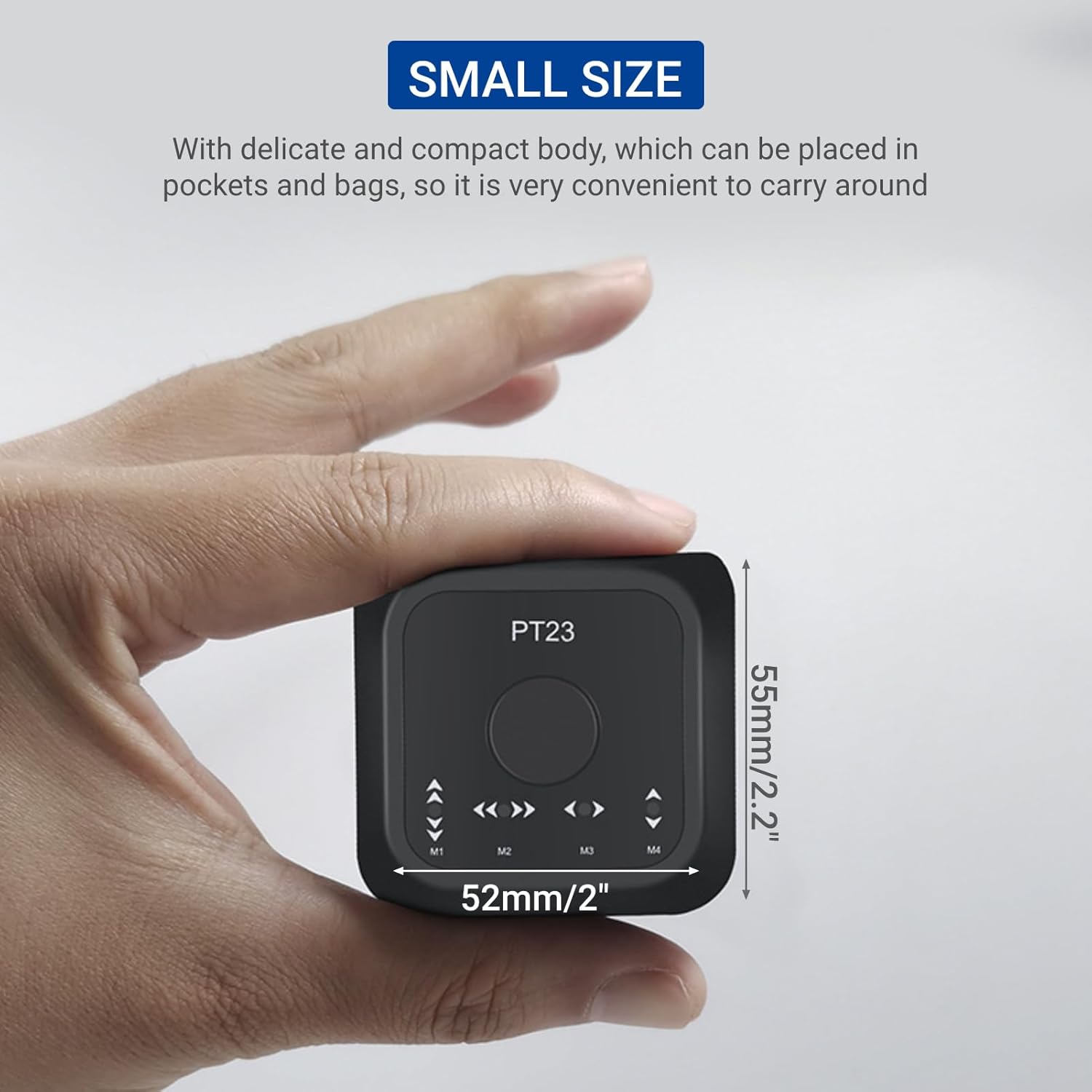
Image: The page turner pedal displaying its mode buttons (M1-M4) and central control, surrounded by icons of compatible software, highlighting its wide application support.
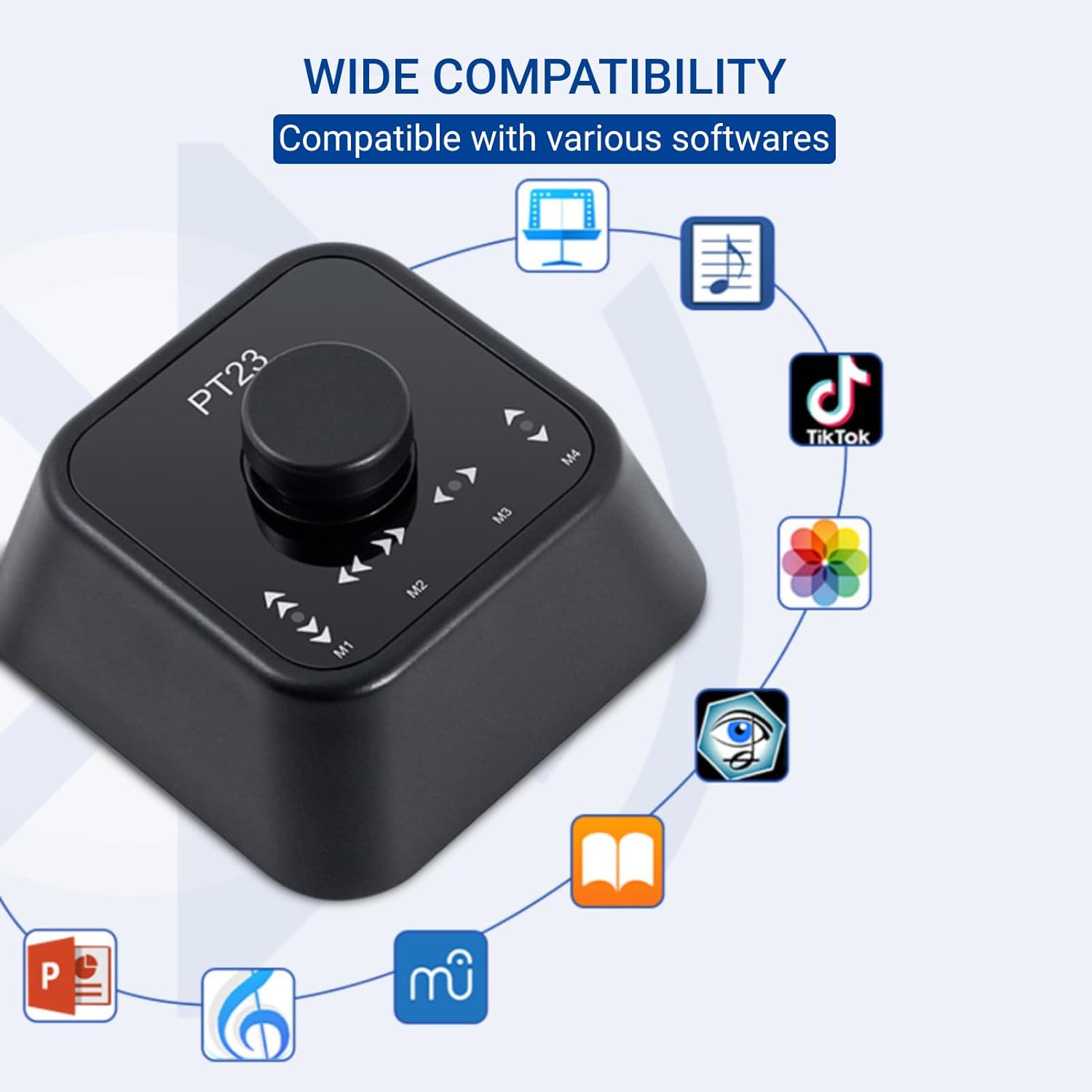
Image: Detailed explanation of the four operating modes (M1-M4) with a table outlining the functions for single press, double press, and press-and-hold actions for each mode.
| Modo | Función | One Press | Prema dúas veces | Mantén premido |
|---|---|---|---|---|
| Modo 1 | Simulate hand flip over, Turn up or down | Up | Abaixo | Continuar arriba |
| Modo 2 | Simulate hand flip over, Turn left or right | Esquerda | Certo | Continuar á esquerda |
| Modo 3 | Xire á esquerda ou á dereita | Esquerda | Certo | Continuar á esquerda |
| Modo 4 | Xire cara arriba ou abaixo | Up | Abaixo | Continuar arriba |
Select the appropriate mode based on the application you are using and the desired page-turning direction.

Image: A musician demonstrating hands-free page turning using the Acogedor pedal while playing a guitar, with sheet music displayed on a tablet.
4. Mantemento
4.1 Limpeza
Wipe the pedal with a soft, dry cloth. Avoid using abrasive cleaners or solvents that could damage the surface.
4.2 Coidado coa batería
To prolong battery life, avoid fully discharging the pedal frequently. Recharge the device when the battery indicator is low. If storing for an extended period, charge the battery to approximately 50% every few months.
5 Solución de problemas
5.1 O dispositivo non se acende
- Asegúrese de que o interruptor de encendido/apagado estea na posición "ON".
- Check battery level. If low, connect the pedal to a power source using the Type-C cable and charge it.
5.2 Non se pode conectar por Bluetooth
- Ensure the pedal is powered on and within range of your device (typically 10 meters).
- Verifica que o Bluetooth estea activado no teu dispositivo.
- Long press the 'Connect' key on the pedal to enter pairing mode (mode light flashing).
- If previously paired, try unpairing and re-pairing the device from your device's Bluetooth settings.
- Restart both the pedal and your connecting device.
5.3 Page Turning Not Working Correctly
- Ensure the pedal is successfully connected via Bluetooth.
- Check the selected mode (M1-M4) on the pedal. Different applications may require different modes for optimal functionality. Refer to the 'Page Turner Pedal Mode Functions' table.
- Verify that the application you are using supports external page-turning commands.
6. Especificacións
- Número de modelo: Acogedorvpekfwhyo9-11
- Marca: Acogedor
- Conectividade: Bluetooth
- Batería: 230 mAh recargable
- Tempo de uso continuo: Ata 73 horas
- Porto de carga: Tipo C USB
- Compatibilidade: iOS, Android, OS X, Windows
- Dimensións: Aproximadamente 52 mm x 55 mm (2 polgadas x 2.2 polgadas)
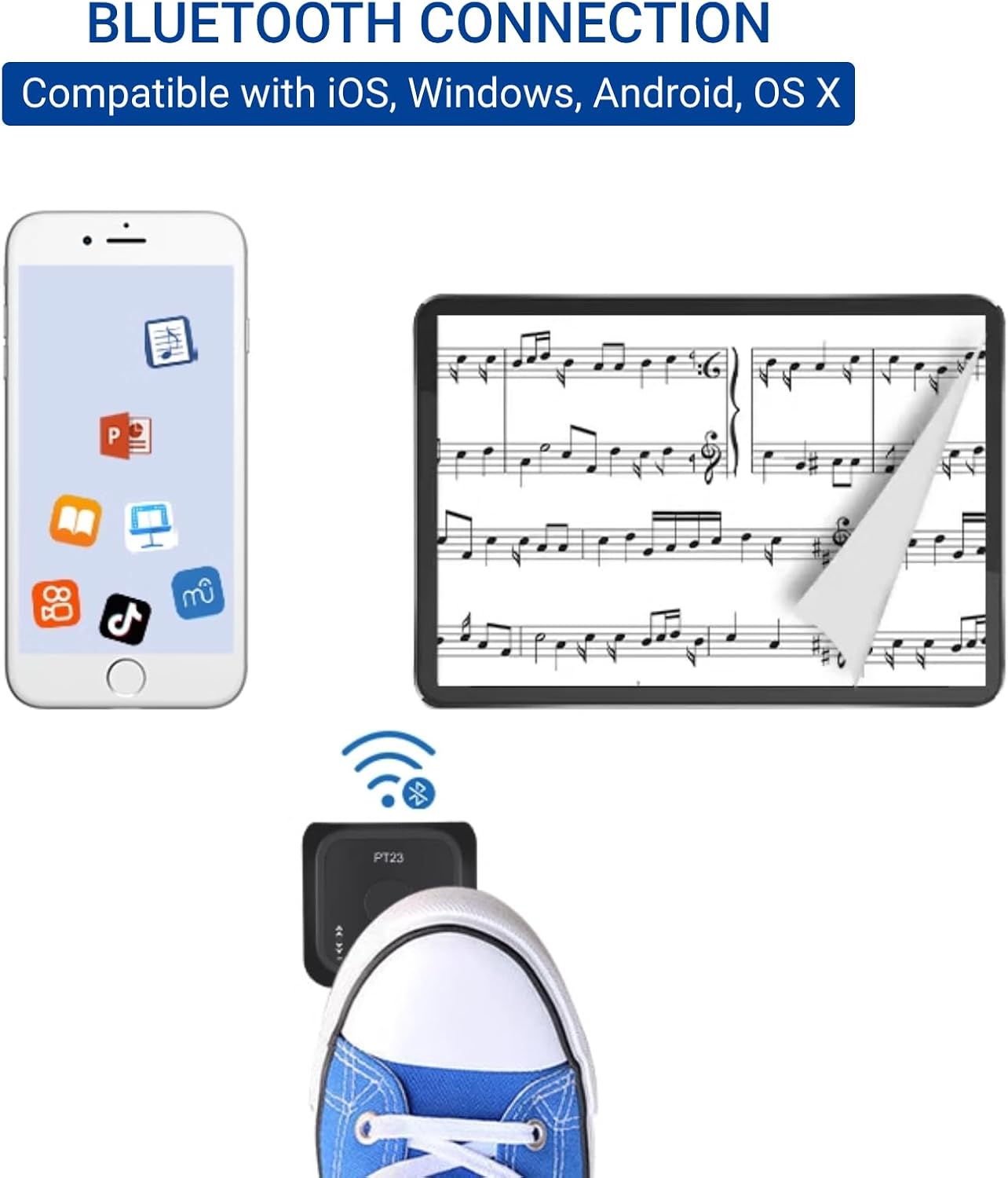
Image: The compact size of the Acogedor Page Turner Pedal, with approximate dimensions indicated for reference.
7. Garantía e soporte
For warranty information or technical support, please refer to the product packaging or contact Acogedor customer service directly. Keep your purchase receipt for any warranty claims.