
HOCO Y10
Hoco Y10 Amoled Smart Sports Watch User Manual
Modelo: Y10
Introdución
Thank you for choosing the Hoco Y10 Amoled Smart Sports Watch. This manual provides essential information for setting up, operating, and maintaining your device. Please read this manual thoroughly before using the watch to ensure proper function and longevity.
Información de seguridade
- Do not attempt to disassemble, repair, or modify the device. Unauthorized modifications may void the warranty and cause damage.
- Keep the watch away from extreme temperatures, direct sunlight, and corrosive liquids.
- Use only the provided charging cable. Using incompatible chargers may cause damage or fire.
- While the watch is 3ATM waterproof, it is not suitable for diving or high-pressure water activities. Avoid prolonged submersion.
- Consulta cun profesional médico antes de comezar calquera novo réxime de exercicios, especialmente se tes problemas de saúde preexistentes.
- Manteña o dispositivo fóra do alcance dos nenos e das mascotas.
Contido do paquete
Comprobe o contido do paquete ao abrilo para asegurarse de que estea presente todos os elementos:
- Hoco Y10 Amoled Smart Sports Watch
- Cable de carga
Produto rematadoview
The Hoco Y10 Smart Sports Watch features a vibrant 1.3-inch AMOLED display and a durable design suitable for daily wear and sports activities. Below are various views of the watch highlighting its design and features.

Fronte view of the Hoco Y10 Smart Watch displaying a digital watch face with time, battery, steps, and heart rate.
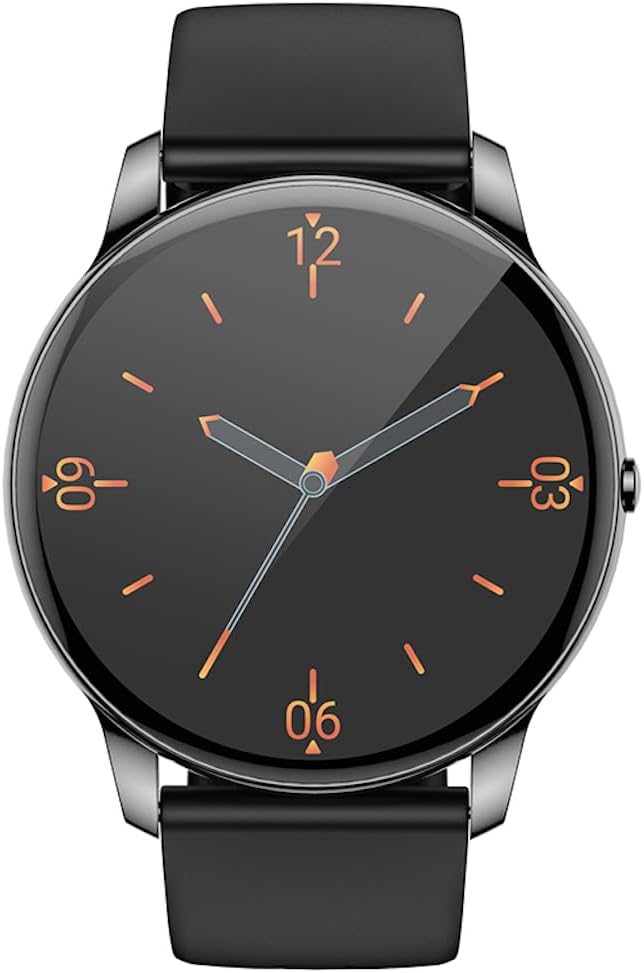
Fronte view of the Hoco Y10 Smart Watch displaying a classic analog watch face.
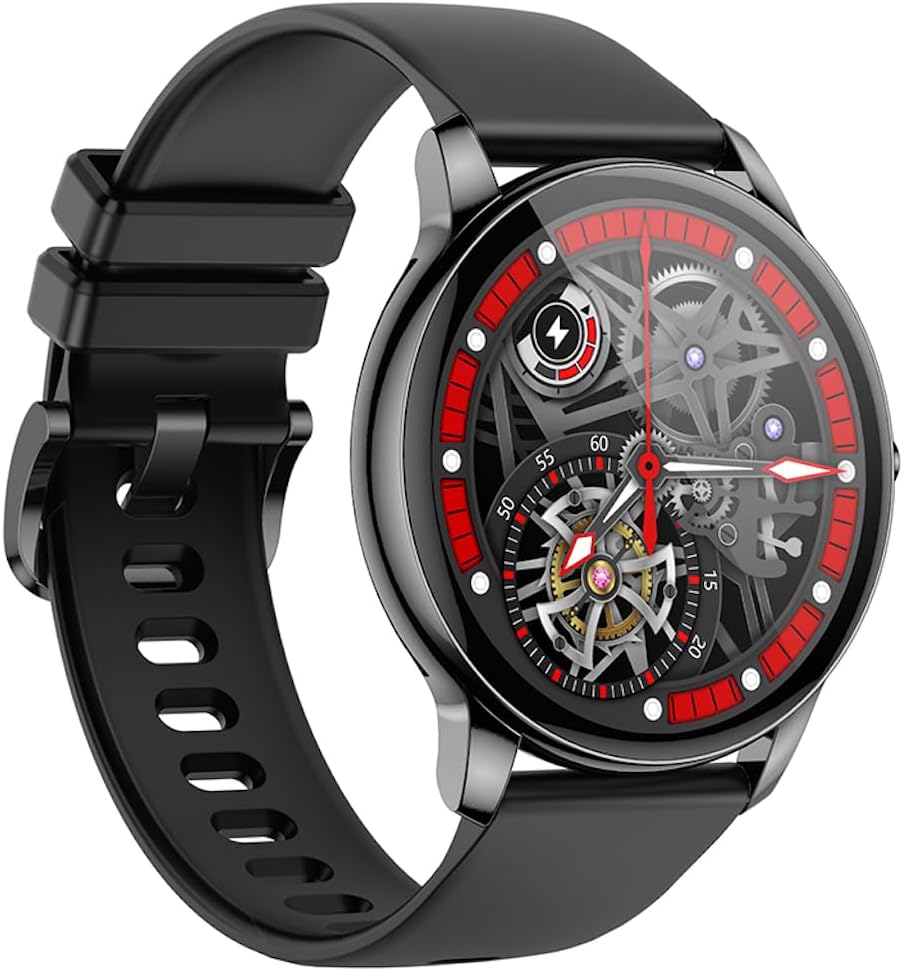
En ángulo view of the Hoco Y10 Smart Watch showcasing a mechanical-style watch face.
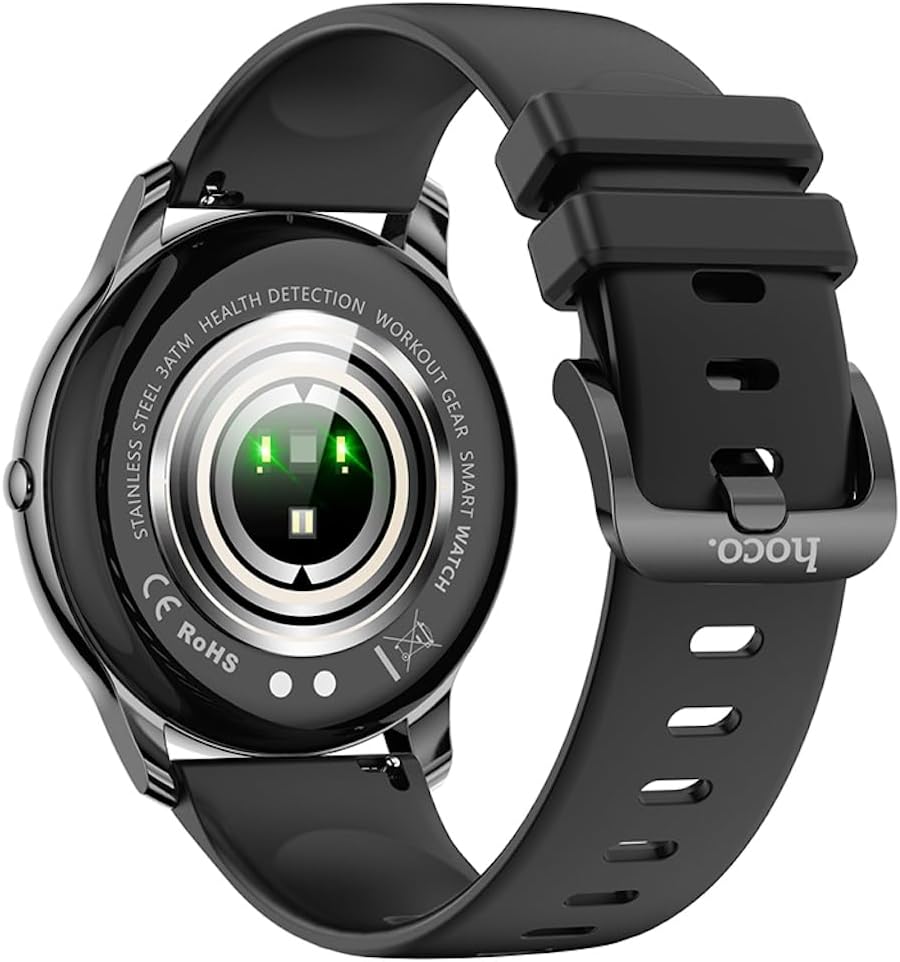
Traseira view of the Hoco Y10 Smart Watch, highlighting the optical sensors for health detection and charging contacts.
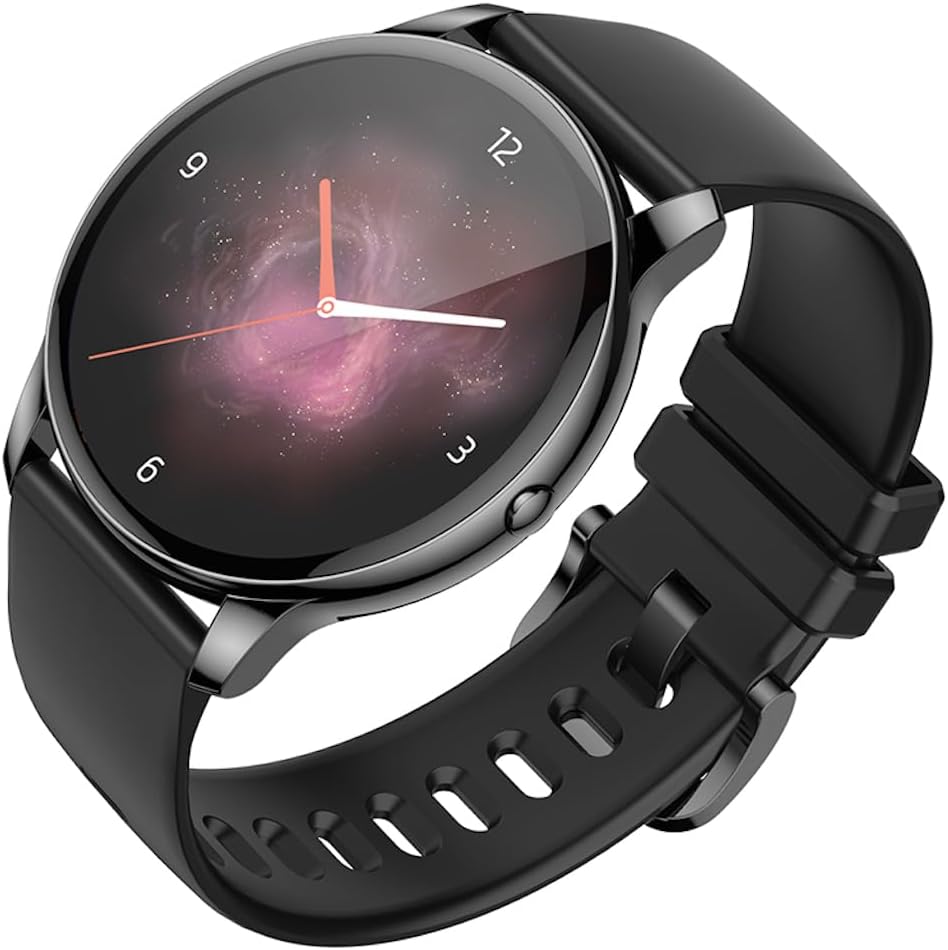
En ángulo view of the Hoco Y10 Smart Watch with an abstract, artistic watch face.
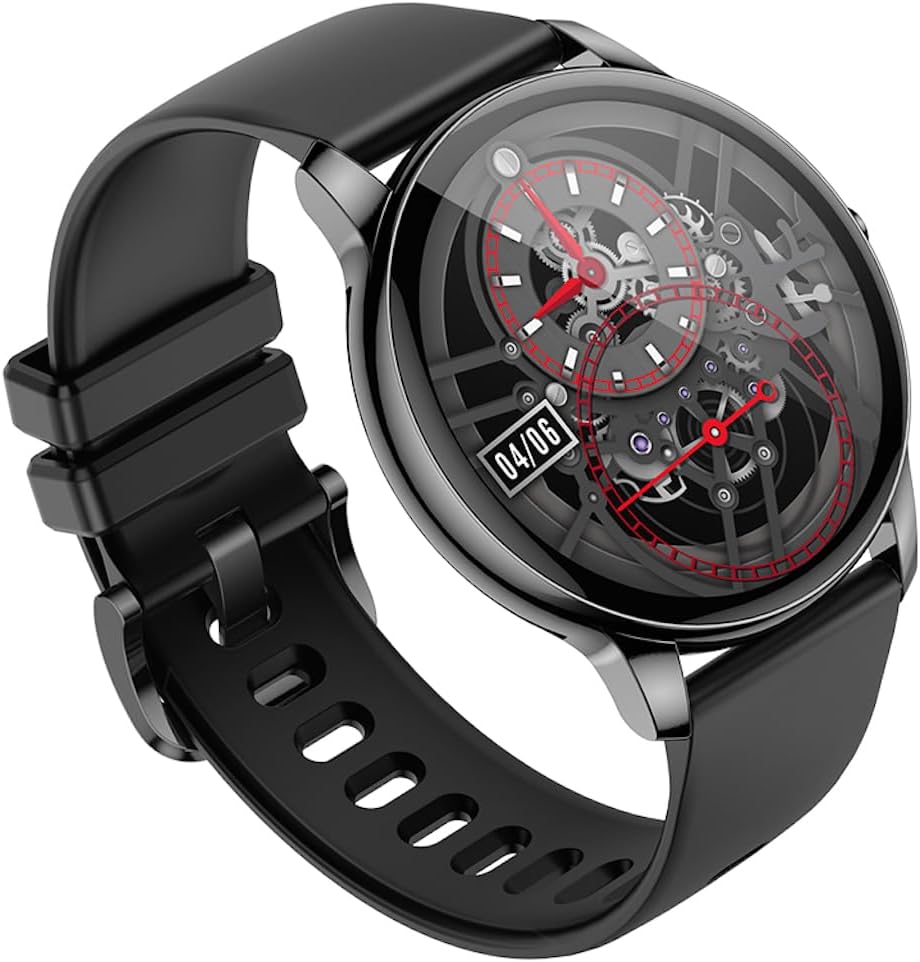
Outro ángulo view of the Hoco Y10 Smart Watch, showing a detailed mechanical-style watch face with visible gears.

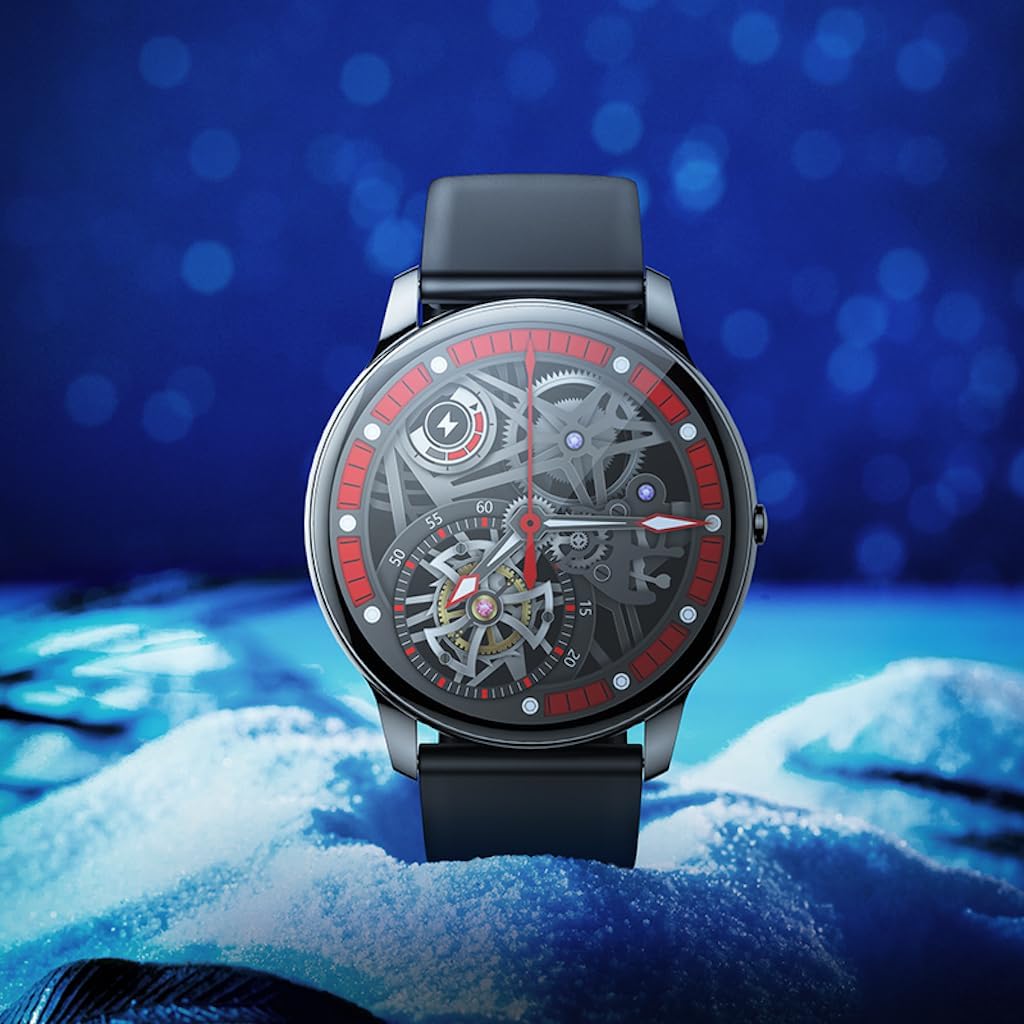
The Hoco Y10 Smart Watch displayed on a textured, light-colored surface, highlighting its sleek design.
Two Hoco Y10 Smart Watches presented together, one with a digital face and the other with an analog face.
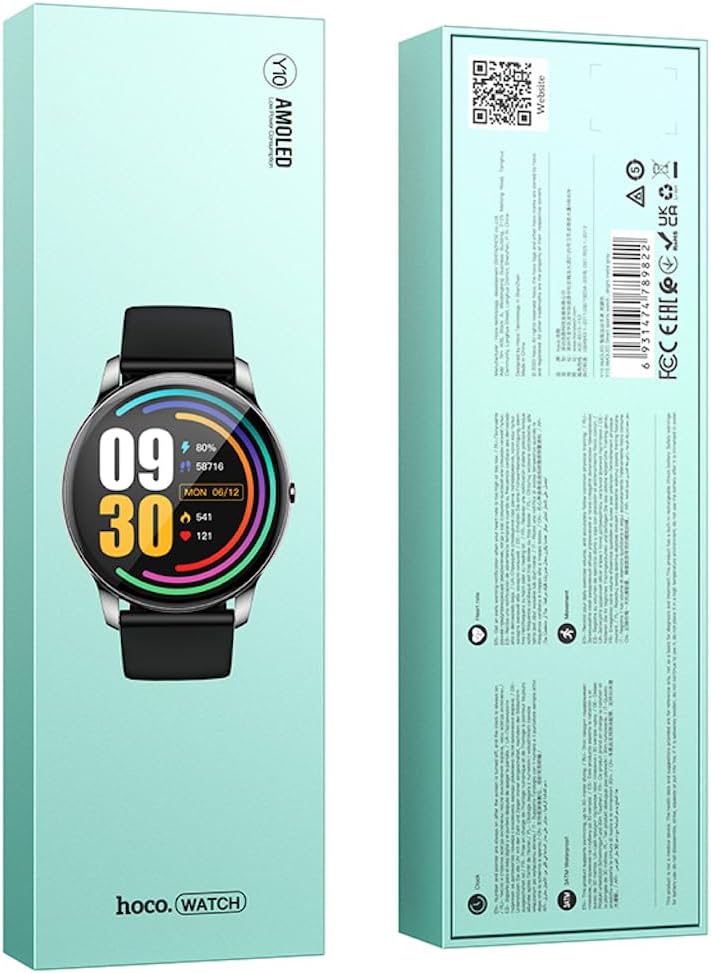
Fronte e traseiro view of the Hoco Y10 Smart Watch product packaging, showing product details and certifications.
Configuración
1. Carga inicial
Before first use, fully charge your Hoco Y10 Smart Watch. Connect the provided charging cable to the charging contacts on the back of the watch and plug the USB end into a standard USB power adapter (not included) or a computer USB port. The watch display will indicate charging status. A full charge typically takes approximately 2 hours.
2. Acendido/apagado
- Para acender: Press and hold the side button until the Hoco logo appears.
- Para apagar: Na esfera do reloxo, desliza o dedo cara abaixo ou navega ata o menú de configuración e, a seguir, selecciona "Apagar" ou "Apagar". Confirma a túa selección.
3. Emparellamento co teu teléfono intelixente
To unlock the full features of your Hoco Y10, you need to pair it with your smartphone via Bluetooth. While the specific app name is not provided, most smartwatches require a companion app. Please refer to the QR code on the product packaging or search for "Hoco Smart Watch" or "Hoco Y10" in your phone's app store (Google Play Store for Android, Apple App Store for iOS).
- Descarga e instala a aplicación complementaria no teu teléfono intelixente.
- Asegúrate de que o Bluetooth estea activado no teu smartphone.
- Abre a aplicación e sigue as instrucións en pantalla para crear unha conta ou iniciar sesión.
- In the app, select "Add Device" or "Pair Device" and choose "Hoco Y10" from the list of available devices.
- Confirma a solicitude de emparellamento tanto no reloxo como no teléfono intelixente.
Instrucións de funcionamento
Navegación básica
- Pantalla táctil: Desliza o dedo cara á esquerda/dereita, arriba/abaixo para navegar polos menús e as funcións. Toca para seleccionar.
- Botón lateral: Typically used to wake the screen, return to the watch face, or access the app menu.
Características clave
- Ver caras: Customize your watch face by long-pressing the screen or through the companion app.
- Modos deportivos: Access various sports tracking modes (e.g., running, walking, cycling) to monitor your activity data.
- Vixilancia da saúde: The watch supports health detection features, likely including heart rate monitoring. Refer to the app for detailed data and historical trends.
- Notificacións: Receive call, message, and app notifications directly on your wrist (requires app setup).
- Configuración: Adjust brightness, language (supports 20 languages), vibration, and other watch settings.
- Control de música: Controla a reprodución de música no teu teléfono intelixente emparellado.
- Tempo: View current weather conditions (requires app synchronization).
Note: The Hoco Y10 does not support direct call functionality.
Mantemento e coidados
- Limpeza: Limpe o reloxo e a correa regularmente cun pano suave eamp pano. Non use produtos químicos agresivos ou materiais abrasivos.
- Resistencia á auga: The watch is 3ATM waterproof, meaning it can withstand splashes, rain, and brief immersion. Do not wear it while showering with hot water, in saunas, or for diving. After contact with saltwater, rinse with fresh water and dry thoroughly.
- Cargando: Ensure the charging contacts on the watch and cable are clean and dry before charging.
- Almacenamento: When not in use for extended periods, store the watch in a cool, dry place. Charge it periodically to prevent deep discharge of the battery.
Resolución de problemas
| Problema | Posible Solución |
|---|---|
| O reloxo non se acende. | Asegúrate de que o reloxo estea completamente cargado. Conéctao ao cargador durante polo menos 30 minutos. |
| Non se pode emparellar co teléfono intelixente. |
|
| Datos sanitarios inexactos. | Asegúrate de levar o reloxo ben axustado ao pulso, nin demasiado axustado nin demasiado solto. Limpa os sensores da parte traseira do reloxo. |
| Batería de curta duración. |
|
Especificacións
| Característica | Detalle |
|---|---|
| Modelo | Y10 |
| Pantalla principal | AMOLED de 1.3 polgadas |
| Resolución | 360 x 360 |
| Clasificación impermeable | 3ATM |
| CPU | Ruiyu RTL8762DT |
| Memoria | 128 Mb |
| Versión Bluetooth | 5.0 |
| Capacidade da batería | 230 mAh |
| Resistencia | 7-10 días (uso típico) |
| Idiomas admitidos | 20 languages (Chinese, English, Russian, Arabic, Vietnamese, Danish, Thai, Polish, Persian, Spanish, Malay, Greek, French, Italy, German, Portuguese, Türkiye, Romania, Hebrew, Burmese) |
| Funcionalidade de chamada | Non é compatible |
| Sistema Operativo | Android (compatible) |
| Cor | Bright Metal Grey |
| Peso do elemento | 169 g |
Garantía e Soporte
For information regarding the manufacturer's warranty, please refer to the warranty card included with your product or contact your point of purchase. For technical support and further inquiries, please visit the official HOCO websitio:
Ask a question about this manual
Ask about setup, troubleshooting, compatibility, parts, safety, or missing instructions. Manuals+ will review the question and use this page’s manual context to help answer it.