
HOCO Y5 SMART WATCH
HOCO Smart Watch Y5 User Manual
Model: Y5 SMART WATCH
Introdución
This manual provides comprehensive instructions for the setup, operation, and maintenance of your HOCO Smart Watch Y5. Designed for seamless integration into your daily life, the Y5 Smart Watch offers advanced features for connectivity, health monitoring, and convenience.

Figura 1: Fronte view of the HOCO Smart Watch Y5 with its display showing health metrics and time.
O que hai na caixa
Ao abrir o paquete, comprobe que todos os compoñentes estean presentes e en bo estado.
- 1 x HOCO Smart Watch Y5 Main Unit
- 1 x cable de carga
- 1 x Manual de usuario (este documento)
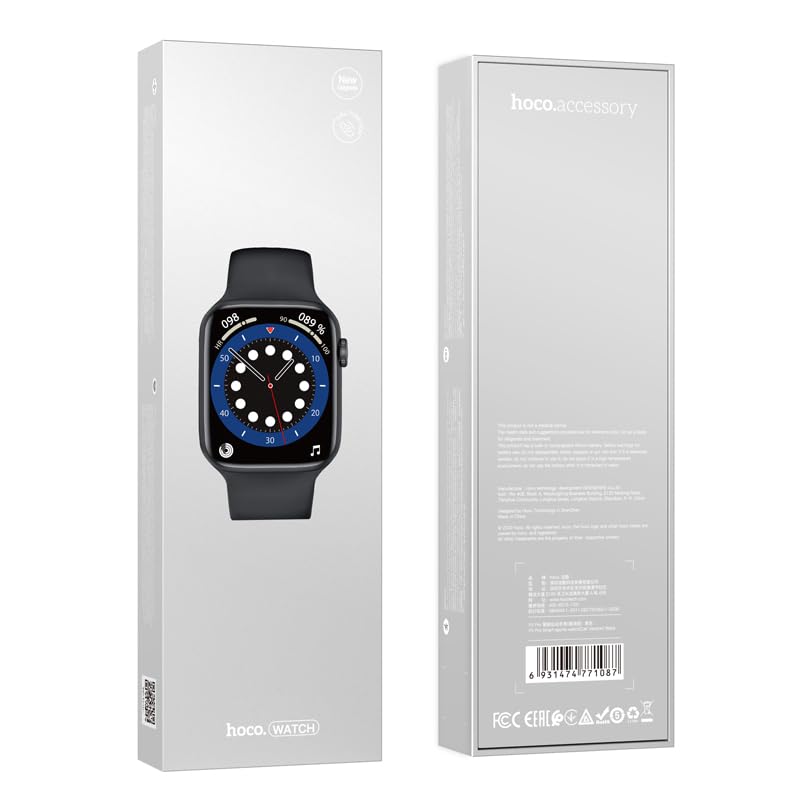
Figure 2: The retail packaging of the HOCO Smart Watch Y5, indicating the product inside.
Guía de configuración
1. Cargando o dispositivo
Before initial use, fully charge your HOCO Smart Watch Y5. Connect the provided charging cable to the charging port on the back of the watch and to a USB power source. A full charge takes approximately 1 hour.
The watch boasts a 240mAh battery, providing up to 7 days of usage in single Bluetooth mode or 3-4 days with dual Bluetooth enabled.
2. Instalación e emparellamento da aplicación
To unlock the full potential of your smartwatch, download the companion application on your smartphone. The HOCO Smart Watch Y5 is compatible with both iOS and Android devices.
- Scan the QR code in the watch's settings or search for the official HOCO smartwatch app in your device's app store (App Store for iOS, Google Play Store for Android).
- Instala a aplicación e ábrea.
- Asegúrate de que o Bluetooth estea activado no teu smartphone.
- Follow the in-app instructions to search for and pair with your HOCO Smart Watch Y5. The watch will typically appear as "HOCO Y5" or similar in the Bluetooth device list.
- Confirma a solicitude de emparellamento tanto no reloxo como no teléfono intelixente.
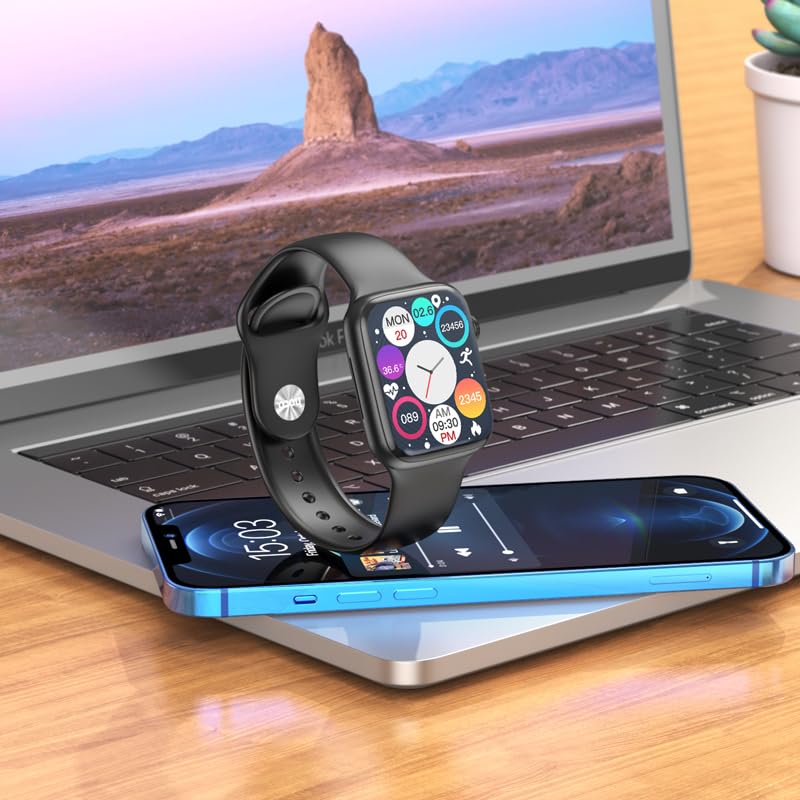
Figure 3: The HOCO Smart Watch Y5 positioned near a laptop and smartphone, demonstrating its compatibility and connectivity with other devices.
Instrucións de funcionamento
Controis básicos
- Pantalla táctil: Navigate menus, select options, and interact with apps by swiping and tapping the 1.96-inch AMOLED display.
- Side Button/Dial: Press to wake/sleep the screen, return to the home screen, or access the app menu. Rotate the dial for scrolling through lists or adjusting settings.
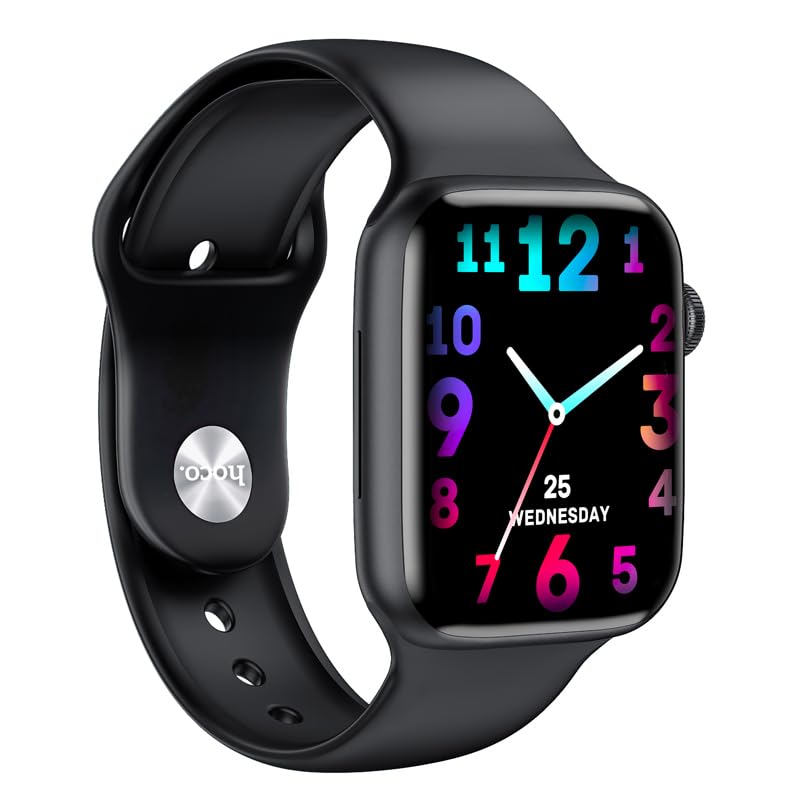
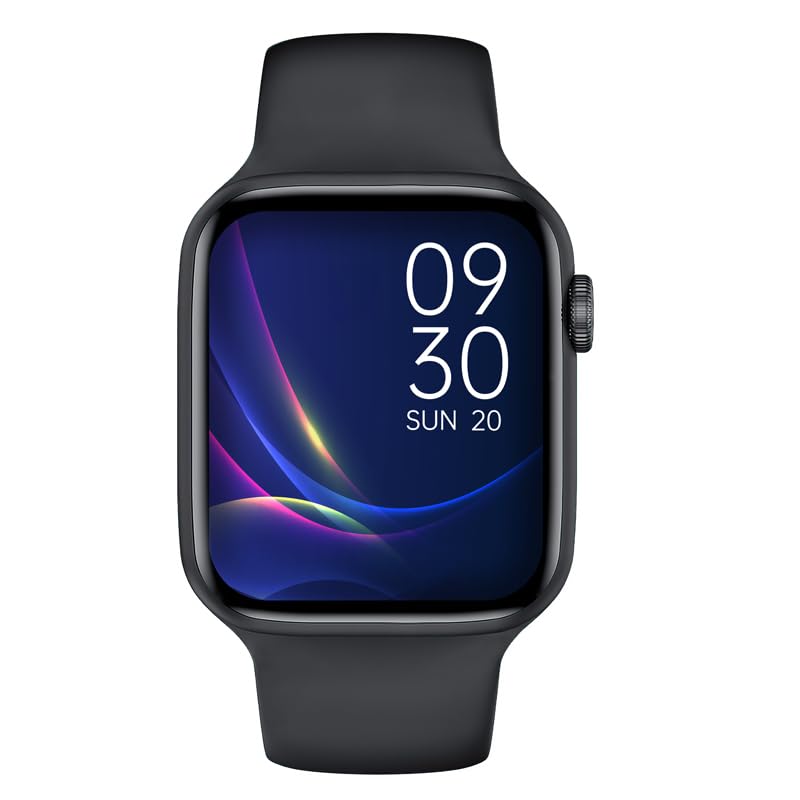
Figura 4: Examples of customizable watch faces on the HOCO Smart Watch Y5, including digital and analog styles.
Características e funcións principais
- Seguimento da saúde: Monitor your heart rate, blood oxygen levels, steps taken, calories burned, and sleep patterns. Access detailed reports via the companion app.
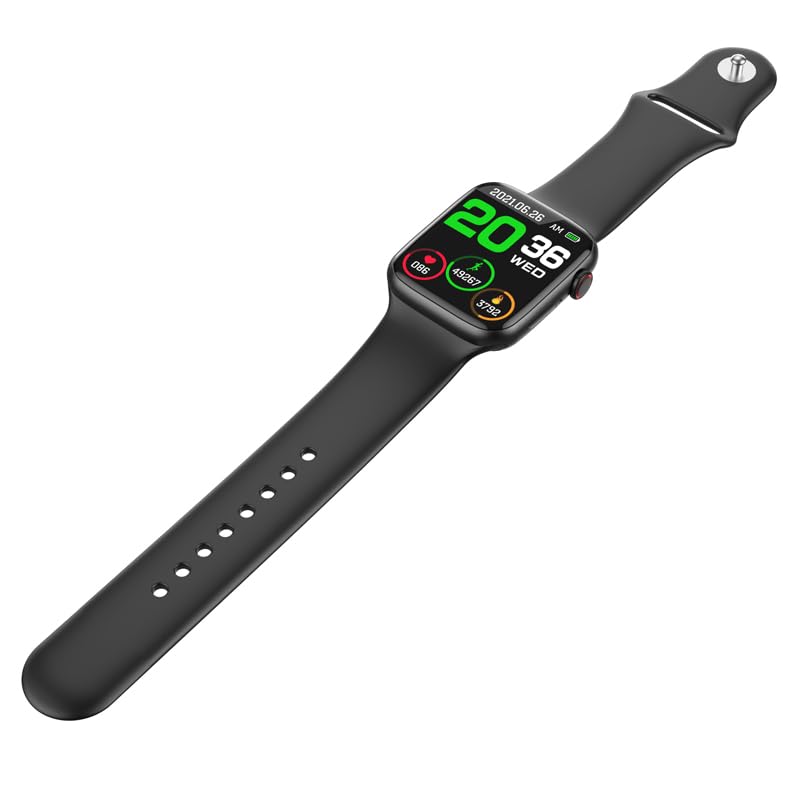
Figure 5: The HOCO Smart Watch Y5 displaying various health metrics, including heart rate and step count.
- Múltiples modos deportivos: Select from various sports modes to accurately track your workouts, including running, walking, cycling, and more.
- Notificacións intelixentes: Receive real-time alerts for incoming calls, messages, and social media notifications directly on your wrist.
- Fotografía a distancia: Usa o reloxo como obturador remoto para a cámara do teu teléfono intelixente.
- Pantalla dividida: Access frequently used functions quickly with the split-screen feature.
- Información meteorolóxica: Get current weather updates directly on your watch.
- Soporte do asistente de voz: Interact with Siri or Google Assistant through your watch (requires smartphone connection).
- Esferas de reloxo personalizadas: Customize your watch's appearance by choosing from a variety of pre-installed watch faces or downloading new ones via the app.
Mantemento
Limpeza do reloxo intelixente
Limpa o reloxo regularmente para garantir un rendemento e unha hixiene óptimos. Usa un pano suave e sen pelusa para limpar a pantalla e a carcasa. Para a sucidade persistente, dóao lixeiramente.ampEnxágüe o pano con auga. Evite o uso de produtos químicos agresivos ou materiais abrasivos.
Resistencia á auga e á suor (IP68)
The HOCO Smart Watch Y5 is IP68 rated, meaning it is resistant to dust and can withstand immersion in water up to 1.5 meters for 30 minutes. It is suitable for swimming and showering. However, it is not recommended for diving or high-pressure water activities. Always dry the watch thoroughly after exposure to water, especially the charging contacts.
Coidado da batería
- Evita expoñer o reloxo a temperaturas extremas (calor ou frío), xa que isto pode prexudicar a duración da batería.
- Charge the watch using only the provided charging cable.
- Do not leave the watch uncharged for extended periods.
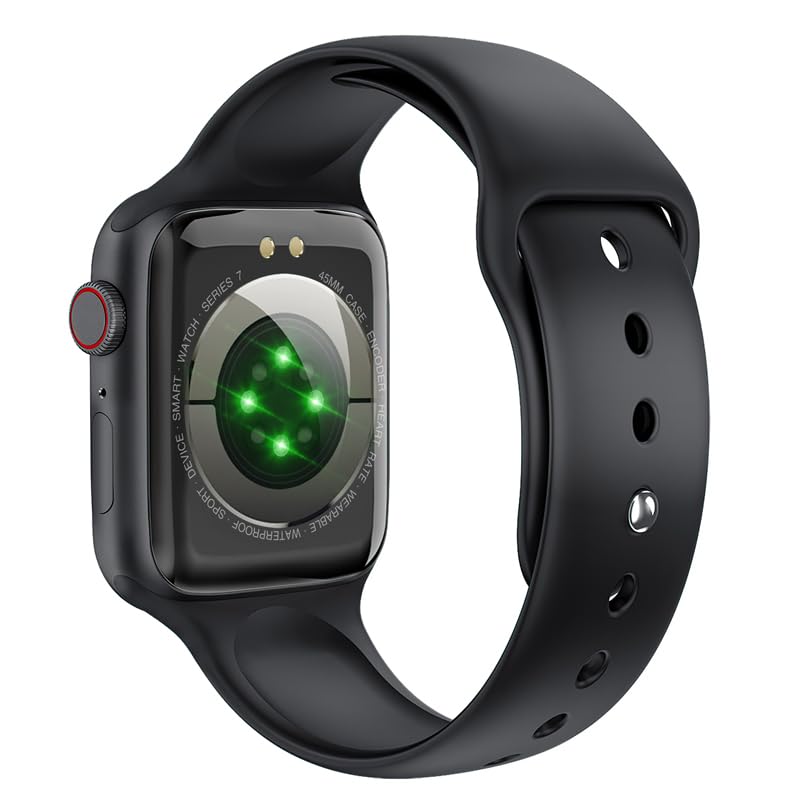
Figura 6: A parte traseira view of the HOCO Smart Watch Y5, highlighting the optical heart rate sensors and charging contacts.
Resolución de problemas
| Problema | Posible Solución |
|---|---|
| O reloxo non se acende. | Asegúrate de que o reloxo estea completamente cargado. Conéctao ao cargador durante polo menos 15 minutos. |
| Non se pode emparellar co teléfono intelixente. |
|
| Non se reciben notificacións. |
|
| Heart rate/blood oxygen readings are inaccurate. |
|
Especificacións
| Marca | HOCO |
| Modelo | Y5 SMART WATCH |
| Mostrar | AMOLED de 1.96 polgadas, resolución de 240 x 240 |
| Conectividade | Bluetooth 5.3 |
| Capacidade da batería | 240 mAh |
| Duración da batería | Up to 7 days (single Bluetooth), 3-4 days (dual Bluetooth) |
| Tempo de carga | Aproximadamente 1 hora |
| Resistencia á auga | IP68 |
| OS compatible | iOS, Android |
| Capacidade de almacenamento da memoria | 128 MB |
| Peso do elemento | 100 g |
| Dimensións do produto | 20 x 5 x 3 cm |
Garantía e Soporte
Your HOCO Smart Watch Y5 comes with a standard manufacturer's warranty. Please refer to the warranty policy provided at the time of purchase for specific terms and conditions. For technical support, troubleshooting assistance, or warranty claims, please contact HOCO customer service through their official websitio ou a información de contacto proporcionada coa súa compra.
For more information, visit the official HOCO websitio: www.hoco.hk
Ask a question about this manual
Ask about setup, troubleshooting, compatibility, parts, safety, or missing instructions. Manuals+ will review the question and use this page’s manual context to help answer it.