
HOCO Y1 Pro
Manual do usuario do reloxo intelixente HOCO Y1 Pro
Modelo: Y1 Pro
Introdución
This manual provides essential information for the proper setup, operation, and maintenance of your HOCO Y1 Pro Smart Watch. Please read this guide thoroughly before using your device to ensure optimal performance and longevity. The HOCO Y1 Pro is designed to enhance your daily life with features like Bluetooth calling, comprehensive health monitoring, and various sports modes, all presented on a vibrant 1.96-inch TFT display.
Contido do paquete
Verifica que todos os elementos estean presentes na embalaxe do teu produto:
- HOCO Y1 Pro Smart Watch
- Cable de carga
- Manual de usuario (este documento)
Produto rematadoview
Familiarize yourself with the key components and design of your HOCO Y1 Pro Smart Watch.

Figura 1: Fronte view of the HOCO Y1 Pro Smart Watch displaying an analog watch face with battery, day, time, steps, and heart rate indicators.
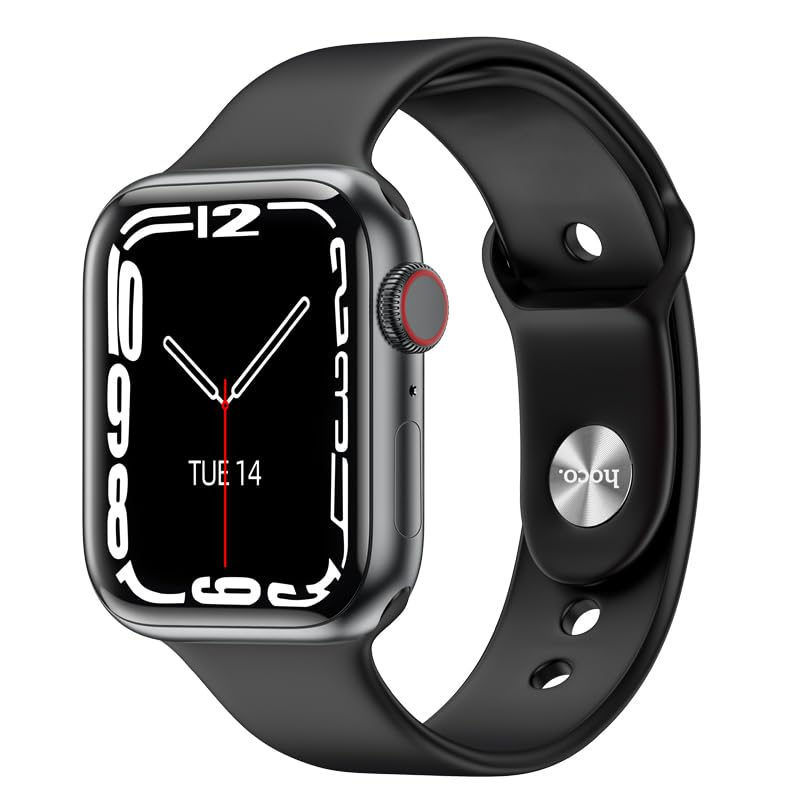
Figura 2: En ángulo view of the HOCO Y1 Pro Smart Watch, showing a digital time display, the side button, and the rotating crown for navigation.
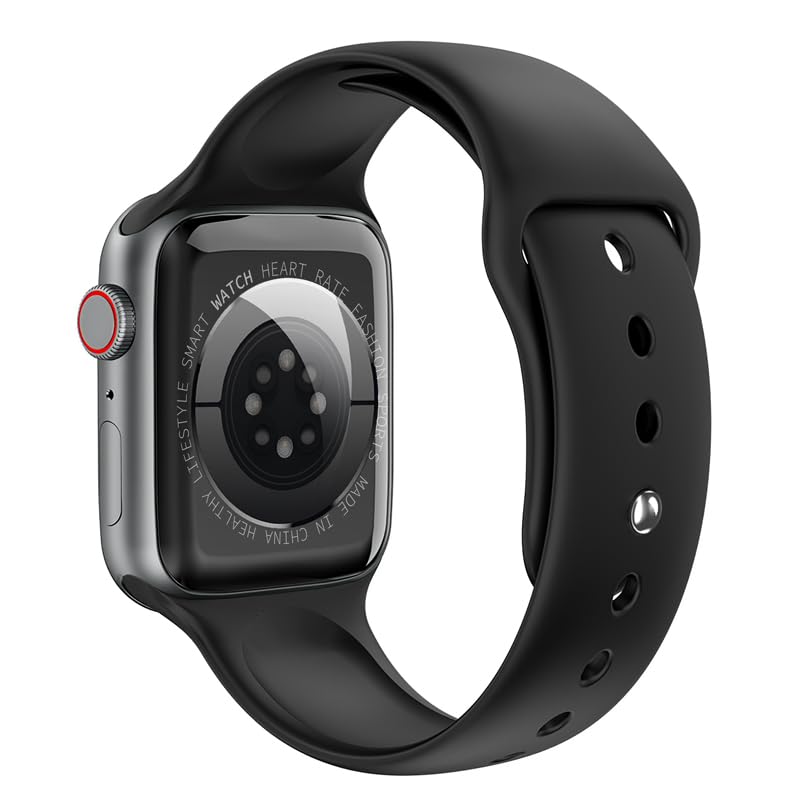
Figura 3: Traseira view of the HOCO Y1 Pro Smart Watch, highlighting the optical sensors for health monitoring and product information.
Configuración
1. Carga do reloxo intelixente
Before initial use, fully charge your HOCO Y1 Pro Smart Watch. Connect the provided charging cable to the charging port on the back of the watch and plug the other end into a standard USB power adapter (not included). The watch display will indicate charging status. A full charge typically provides 5-7 days of battery life in single Bluetooth mode or 3-4 days in dual Bluetooth mode.
2. Emparellamento co teu teléfono intelixente
- Descarga a aplicación: Scan the QR code in the watch interface or search for the companion app (e.g., 'WearFit Pro' or similar, refer to on-screen instructions) in your smartphone's app store (iOS or Android).
- Activar Bluetooth: Asegúrate de que o Bluetooth estea activado no teu smartphone.
- Abre a aplicación: Launch the companion app and follow the on-screen instructions to create an account or log in.
- Engadir dispositivo: In the app, navigate to the 'Add Device' or 'Pair Device' section. The app will search for available devices.
- Selecciona o teu reloxo: Select 'HOCO Y1 Pro' from the list of discovered devices. Confirm the pairing request on both your watch and smartphone.
- Configuración completa: Follow any remaining prompts in the app to complete the pairing process and synchronize data.
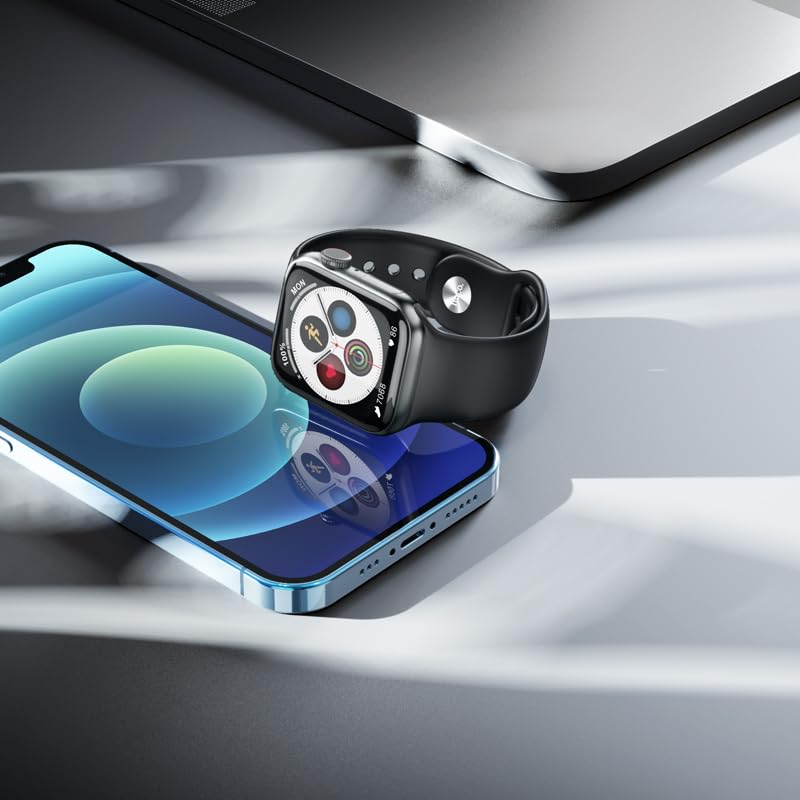
Figura 4: The HOCO Y1 Pro Smart Watch positioned beside a smartphone, illustrating the device's compatibility and connectivity.
Instrucións de funcionamento
Navegación básica
- Pantalla táctil: Desliza o dedo cara á esquerda, á dereita, cara arriba ou cara abaixo para navegar polos menús e as funcións. Toca para seleccionar un elemento.
- Botón lateral/coroa: Press the side button to return to the home screen or wake the display. Rotate the crown to scroll through lists or zoom in/out (functionality may vary by watch face/app).
Chamadas Bluetooth
Once paired, your HOCO Y1 Pro supports Bluetooth calling. You can answer incoming calls, dial numbers, and view call logs directly from your watch. Ensure your watch is within Bluetooth range of your phone for this feature to function.
Modos deportivos
The watch includes multiple sports modes to track various physical activities. Select your desired sport from the watch menu to monitor metrics such as steps, distance, calories burned, and heart rate during your workout.

Figura 5: The HOCO Y1 Pro Smart Watch showing an activity tracking interface, including icons for running, heart rate, steps, and calories.
Vixilancia da Saúde
The HOCO Y1 Pro features integrated sensors for health monitoring:
- Monitor de frecuencia cardíaca: Continuously or on-demand measures your heart rate.
- Monitor de presión arterial: Ofrece lecturas estimadas da presión arterial.
- Monitorización do sono: Rexistra os teus patróns de sono, incluíndo o sono profundo, o sono lixeiro e as horas de espertar.
- Exercise Pedometer: Counts your daily steps and estimates distance covered.
Note: Health monitoring features are for reference only and should not be used for medical diagnosis or treatment. Consult a medical professional for health concerns.
Notifications and Other Functions
Receive notifications for calls, messages, and app alerts directly on your watch. Additional functions include GPS track (via phone), remote music control, real-time weather updates, and a mobile phone search feature.
Mantemento
Limpeza do reloxo intelixente
Para manter a aparencia e a funcionalidade do reloxo:
- Limpe a pantalla e a correa regularmente cun pano suave, seco e sen fiapos.
- Para a sucidade persistente, d lixeiramenteampEnxágüe o pano con auga. Evite o uso de produtos químicos agresivos ou materiais abrasivos.
- Asegúrate de que os contactos de carga estean limpos e secos antes de cargar.
Resistencia á auga (IP68)
The HOCO Y1 Pro Smart Watch is IP68 rated, meaning it is resistant to dust and can withstand immersion in water up to 1.5 meters for 30 minutes. It is suitable for daily use, including hand washing, rain, and light swimming. However, it is not recommended for hot showers, saunas, or diving, as steam and high-pressure water jets may compromise the seals.
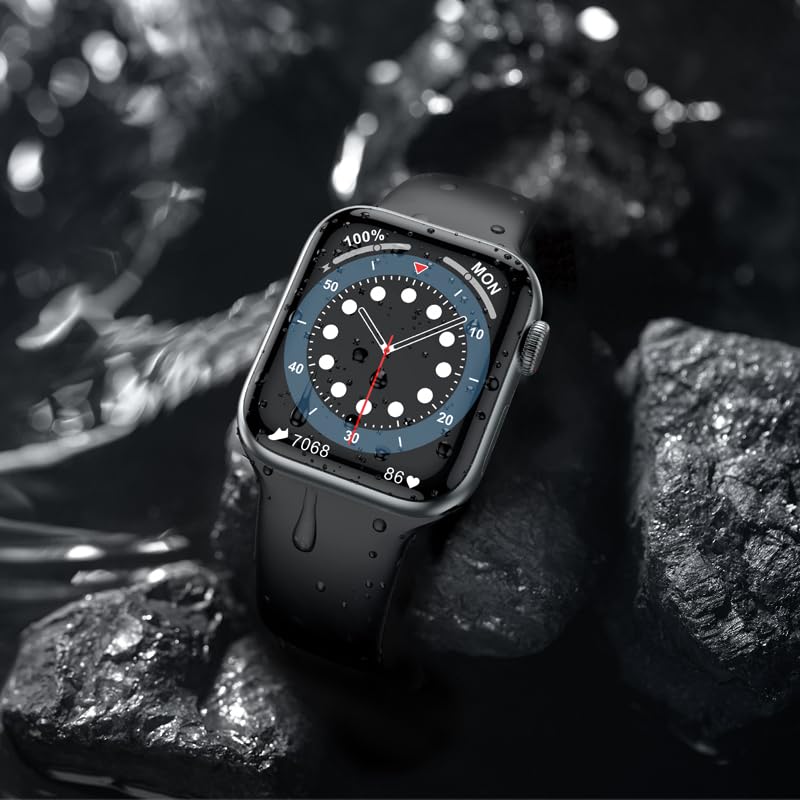
Figura 6: The HOCO Y1 Pro Smart Watch partially submerged in water, demonstrating its IP68 water resistance.
Resolución de problemas
If you encounter issues with your HOCO Y1 Pro Smart Watch, refer to the following common solutions:
- O reloxo non se acende: Asegúrate de que o reloxo estea completamente cargado. Conéctao ao cargador durante polo menos 30 minutos.
- Non se pode emparellar co teléfono intelixente:
- Asegúrate de que o Bluetooth estea activado no teléfono e no reloxo.
- Asegúrate de que o reloxo estea dentro do alcance do teu teléfono.
- Reinicia tanto o reloxo como o teléfono intelixente.
- Clear Bluetooth cache on your phone (if applicable) and try pairing again.
- Datos sanitarios inexactos: Asegúrate de levar o reloxo ben axustado ao pulso, nin demasiado axustado nin demasiado solto. Limpa os sensores da parte traseira do reloxo.
- Notificacións non recibidas: Check app permissions on your smartphone to ensure the companion app has access to notifications. Verify that notifications are enabled within the watch's settings and the companion app.
- Autonomía curta da batería: Reduce screen brightness, disable unnecessary features, or limit continuous heart rate monitoring.
Especificacións
| Característica | Especificación |
|---|---|
| Marca | HOCO |
| Modelo | Y1 pro |
| Tamaño de visualización | 1.96 polgadas |
| Resolución de visualización | 240 x 285 |
| Tipo de visualización | LCD TFT |
| Conectividade | Bluetooth 5.3 |
| Capacidade da batería | 280 mAh |
| Duración da batería (media) | 3-7 Days (depending on usage) |
| Resistencia á auga | IP68 |
| Sistema Operativo | Android compatible |
| Capacidade de almacenamento da memoria | 128 MB |
| Dispositivos compatibles | Teléfono intelixente, tableta (iOS e Android) |
| Características especiais | Blood Pressure Monitor, Daily Workout Memory, Heart Rate Monitor & Sports Modes, Voice Call, Wireless Connectivity |
| Peso do elemento | 60 g |
| Dimensións do paquete | 22 x 7 x 3 cm |
Garantía e Soporte
Información da garantía
Your HOCO Y1 Pro Smart Watch comes with a Garantía limitada de 1 anos desde a data de compra. Esta garantía cobre os defectos de fabricación e a man de obra en condicións de uso normal. Non cobre os danos causados por mal uso, accidentes, modificacións non autorizadas ou desgaste normal. Conserve o comprobante de compra para reclamacións de garantía.
Atención ao cliente
For further assistance, technical support, or warranty inquiries, please contact HOCO customer service through the official HOCO website or the contact information provided with your purchase. When contacting support, please have your product model (Y1 Pro) and purchase details ready.
Ask a question about this manual
Ask about setup, troubleshooting, compatibility, parts, safety, or missing instructions. Manuals+ will review the question and use this page’s manual context to help answer it.