
1. Produto rematadoview
The Wokyo Portable Mini Projector (Model CA164965161) is a compact and lightweight device designed for displaying media from various sources. Its small form factor allows for easy portability, making it suitable for home cinema, outdoor viewing, or business presentations.
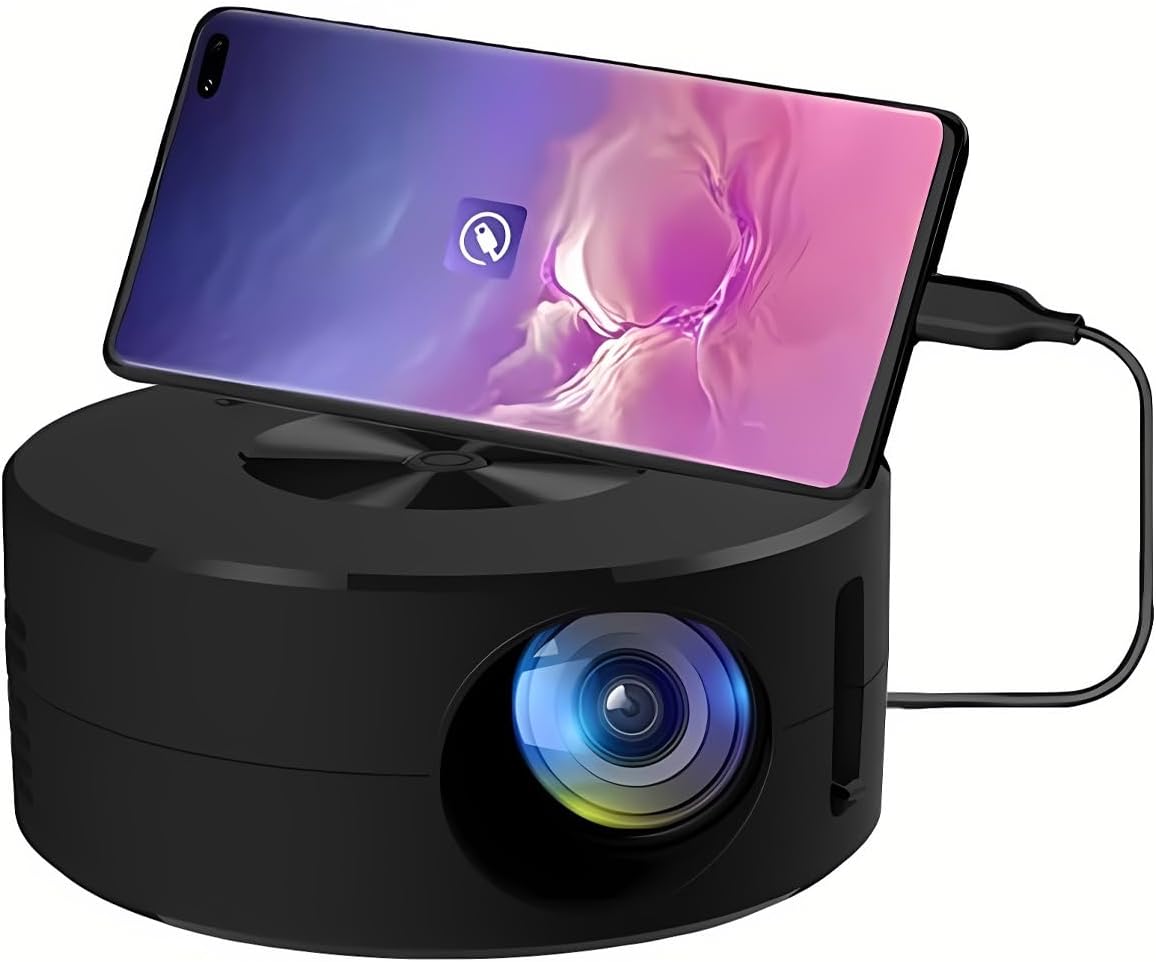
Imaxe 1.1: Fronte view of the Wokyo Portable Mini Projector.
Key features of this projector include:
- Deseño compacto: Smaller than a typical smartphone, facilitating easy transport.
- Espello de pantalla con cable: Supports direct connection to mobile phones and tablets using their charging cables for screen display, eliminating the need for additional adapters.
- High Clarity Support: Capable of supporting resolutions up to 1920x1080p, providing clear image quality.
- Construción duradeira: Manufactured from environmentally friendly ABS material.
- Efficient Light Source: Utilizes an LCD light source for lower energy consumption and extended lifespan.
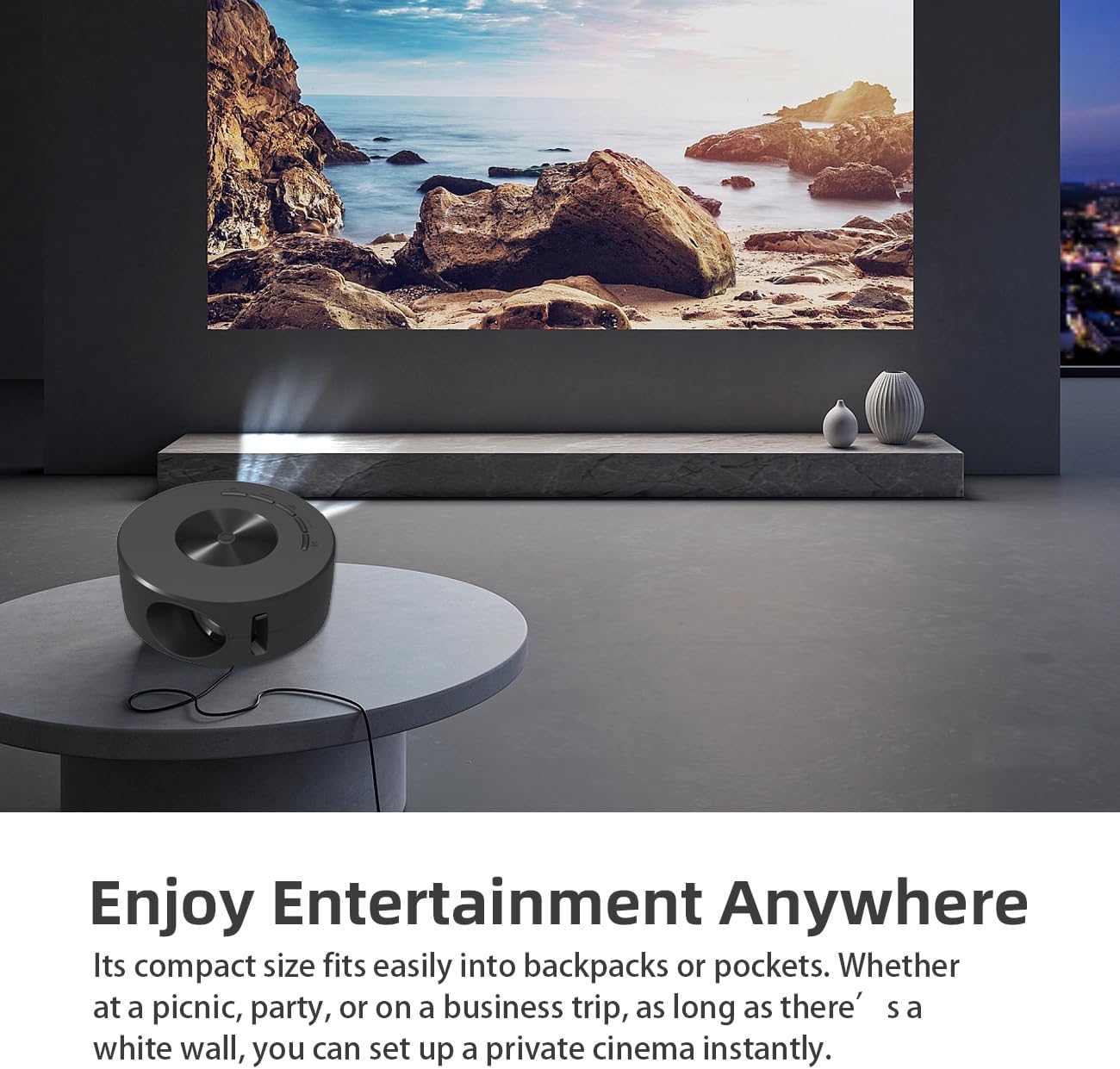
Image 1.2: Projector in use, demonstrating its compact size and projection capability.
2. Contido do paquete
Verifique que todos os elementos que se indican a continuación estean incluídos no paquete do produto:

Image 2.1: All items included in the Wokyo Portable Mini Projector package.
- Wokyo Portable Mini Projector
- Control remoto
- Cable USB
- Manual de usuario
- Caixa de cor
- Caixa de espuma
- Parcel Bag
3. Dimensións do produto
The projector features a compact design for portability.

Image 3.1: Product dimensions of the Wokyo Portable Mini Projector.
- Diámetro: Aproximadamente 4.33 polgadas (110 mm)
- Altura: Aproximadamente 1.85 polgadas (47 mm)
- Peso: Aproximadamente 10.6 onzas
4. Configuración inicial
4.1 Conexión de alimentación
To power the projector, connect it to a suitable power source. The projector requires a 5V 2A power input.

Image 4.1: Power connection options for the projector.
- Ensure your power source (e.g., phone charger, power bank) provides at least 5V 2A output.
- Connect the provided USB cable to the projector's power input port.
- Connect the other end of the USB cable to your chosen power source.
- The projector will power on automatically or can be turned on using the power button.
4.2 Device Connection (Wired Screen Mirroring)
The projector supports wired screen mirroring from mobile phones and tablets using their standard charging cables.
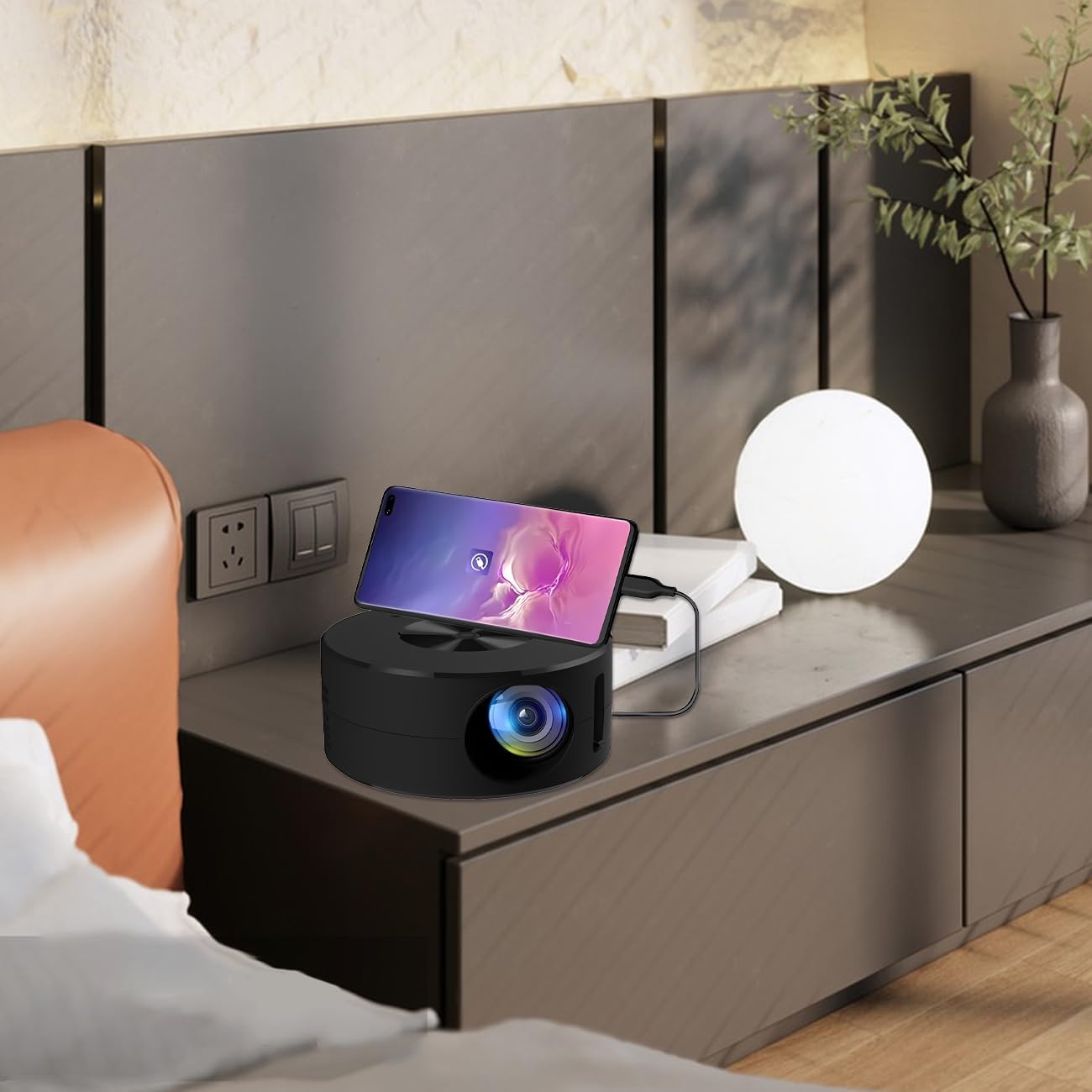
Image 4.2: Smartphone connected to the projector for wired screen mirroring.
- Connect your mobile phone or tablet to the projector using its original charging cable.
- The projector should automatically detect the connection and initiate screen mirroring.
- Follow any on-screen prompts on your device or the projector to confirm the connection.
5. Instrucións de funcionamento
5.1 Basic Controls and Ports
Familiarize yourself with the projector's control buttons and input/output ports.

Imaxe 5.1: Acabadoview of projector ports and controls.
- Botón de encendido: Acende/apaga o proxector.
- Botóns de navegación (Arriba/Abaixo/Esquerda/Dereita/Aceptar): Úsase para navegar polos menús e confirmar as seleccións.
- Porto USB: Para conectar dispositivos de almacenamento USB.
- Porto dos auriculares: Para conectar dispositivos de audio externos.
- Entrada IR: Para recibir sinais do mando a distancia.
- Entrada de alimentación de 5 V e 2 A: For connecting the power supply.
- Altavoz estéreo incorporado: Ofrece saída de audio.
5.2 Axuste do foco
To achieve a clear image, adjust the focus ring located around the projector lens. Rotate the ring until the projected image appears sharp.
5.3 Uso do mando a distancia
The included remote control allows for convenient operation of the projector from a distance. Ensure the remote has batteries installed and is pointed towards the projector's IR sensor.
6. Mantemento
Un mantemento axeitado garante a lonxevidade e o rendemento óptimo do seu proxector.
- Limpeza da lente: Use a soft, lint-free cloth specifically designed for optical lenses. Avoid abrasive materials or harsh chemicals. Gently wipe the lens to remove dust or smudges.
- Limpeza do exterior: Limpe o exterior do proxector cun pano suave e seco. Non empregue produtos de limpeza líquidos directamente sobre o dispositivo.
- Ventilación: Asegúrese de que as aberturas de ventilación do proxector non estean bloqueadas durante o funcionamento para evitar o sobrequecemento.
- Almacenamento: When not in use, store the projector in a cool, dry place away from direct sunlight and excessive dust.
7 Solución de problemas
Consulta a seguinte táboa para ver os problemas comúns e as súas solucións.
| Problema | Causa posible | Solución |
|---|---|---|
| Non se proxecta ningunha imaxe | Power not connected; Input source not selected; Device not connected properly. | Ensure power is connected (5V 2A). Check device connection. Verify screen mirroring is active on your device. |
| A imaxe está borrosa | Enfoque non axustado. | Xira o anel de enfoque arredor da lente ata que a imaxe sexa nítida. |
| Sen son | Volume too low; External audio device connected; Device audio output settings. | Increase projector volume. Disconnect external audio devices if using internal speaker. Check audio settings on the connected source device. |
| O control remoto non funciona | Batteries low/dead; Obstruction between remote and projector; Remote not pointed at IR sensor. | Replace remote batteries. Ensure clear line of sight to the projector's IR sensor. |
8. Especificacións técnicas
Detailed specifications for the Wokyo Portable Mini Projector.
| Característica | Especificación |
|---|---|
| Marca | Wokyo |
| Número de modelo | CA164965161 |
| Peso do elemento | 10.6 onzas |
| Dimensións do produto | 4.33 x 4.33 x 1.97 polgadas |
| Cor | Negro |
| Característica especial | Portabilidade |
| Tecnoloxía de conectividade | Bluetooth |
| Resolución de pantalla (nativa) | 320 x 180 |
| Display Resolution (Maximum Supported) | 1920 x 1080 |
9. Garantía e soporte
For warranty information or technical support, please refer to the contact details provided with your purchase documentation or visit the official Wokyo websitio. Garde o recibo da compra como xustificante de compra para reclamacións de garantía.