
1. Introdución
This manual provides essential instructions for setting up and operating your Luoran M4B MP3 Player. Please read this guide thoroughly to ensure proper use and to maximize your device's capabilities. The Luoran M4B is a portable media player designed for music, video, and app playback, featuring a 4.0-inch IPS display, Bluetooth, and Wi-Fi connectivity.
2. Contido do paquete
Verifica que todos os elementos estean presentes no teu paquete:
- Luoran M4B MP3 Player
- Cable USB-C
- Manual do usuario (este documento)
3. Dispositivo rematadoview

Figura 3.1: Parte dianteira e traseira view of the Luoran M4B MP3 Player, highlighting its 4.0-inch IPS display and metal frame with tempered glass back.
3.1. Botóns e portos físicos
- Botón de encendido: Located on the side, used to turn the device on/off and wake/sleep the screen.
- Botóns de volume (+/-): Situado no lateral, utilízase para axustar o volume do son.
- Porto USB-C: Situado na parte inferior, úsase para cargar e transferir datos.
- Conector para auriculares de 3.5 mm: Located at the bottom, for connecting wired headphones.
- Ranura para tarxeta Micro SD: Located on the side, for expanding storage.
4. Iniciación
4.1. Cargando o dispositivo
Before first use, fully charge the MP3 player. Connect the provided USB-C cable to the device's USB-C port and the other end to a compatible USB power adapter (not included) or a computer's USB port. The charging indicator will show the charging status.
4.2. Acendido/apagado
- Para acender: Manteña premido o botón de acendido ata que a pantalla se ilumine.
- Para apagar: Press and hold the Power button, then select 'Power Off' from the options on the screen.
- Para durmir/espertar: Briefly press the Power button to turn the screen off or on.
5. Funcionamento básico
5.1. Navegación con pantalla táctil
The Luoran M4B features a full touchscreen for navigation. Swipe left, right, up, or down to browse menus and content. Tap icons to open applications or select options.
5.2. Conectando a wifi
To access online features and apps, connect your device to a Wi-Fi network:
- Ir a Configuración.
- Seleccione Rede e Internet.
- Acende Wi-Fi.
- Selecciona a rede Wi-Fi desexada da lista.
- Introduza o contrasinal se lle solicita e toque Conectar.
5.3. Conectando a través de Bluetooth
Pair your MP3 player with Bluetooth headphones, speakers, or car stereos:
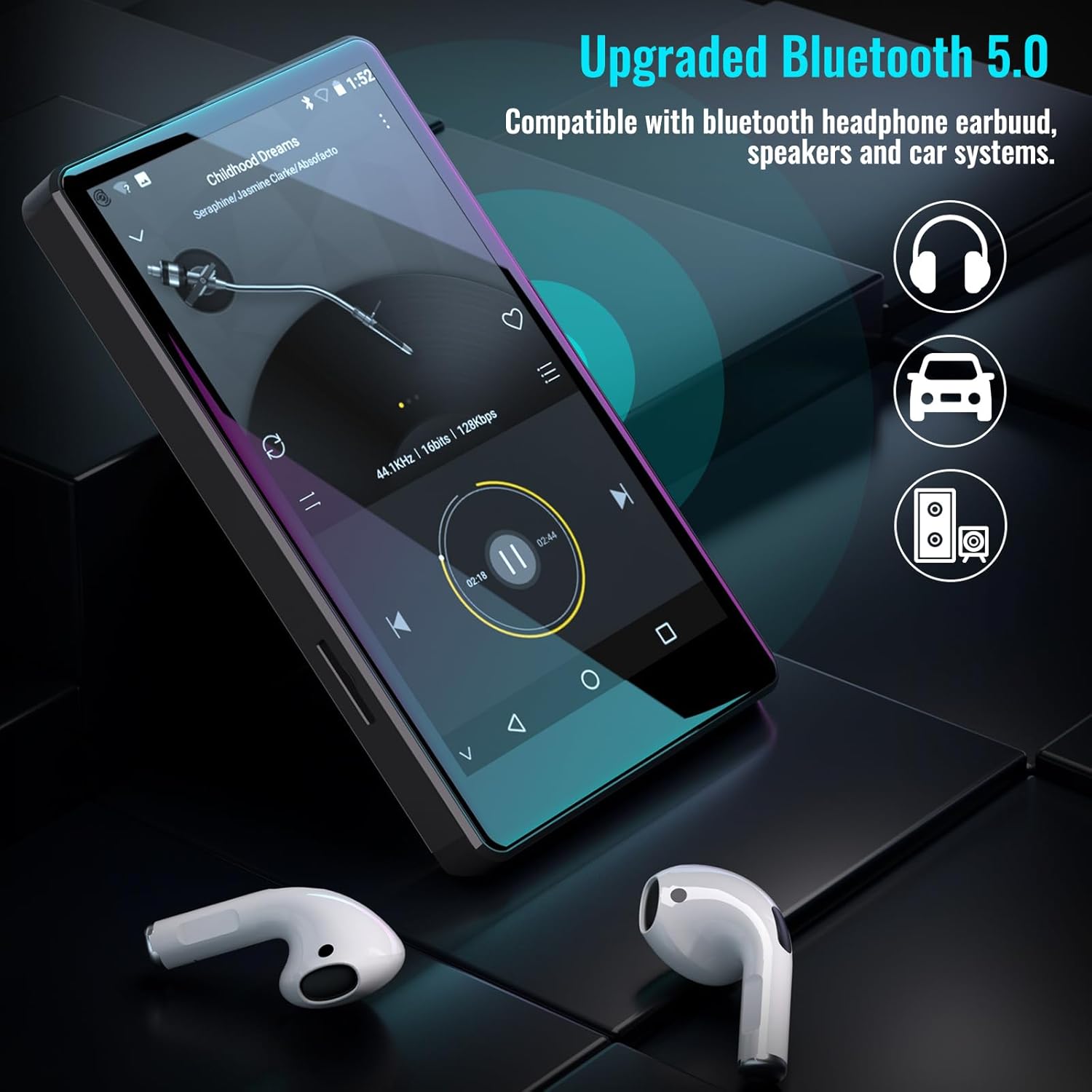
Figure 5.1: The Luoran M4B MP3 Player supports Bluetooth 5.0 for connecting to various audio devices.
- Ir a Configuración.
- Seleccione Dispositivos conectados.
- Acende Bluetooth.
- Asegúrate de que o teu accesorio Bluetooth estea en modo de emparellamento.
- Selecciona o accesorio da lista de dispositivos dispoñibles para emparellalo.
6. Music and Media Playback
6.1. Supported Music Formats
The device supports a wide range of audio formats, including MP3, WAV, FLAC, APE, OGG, M4A, AAC, WMA, and MP2.
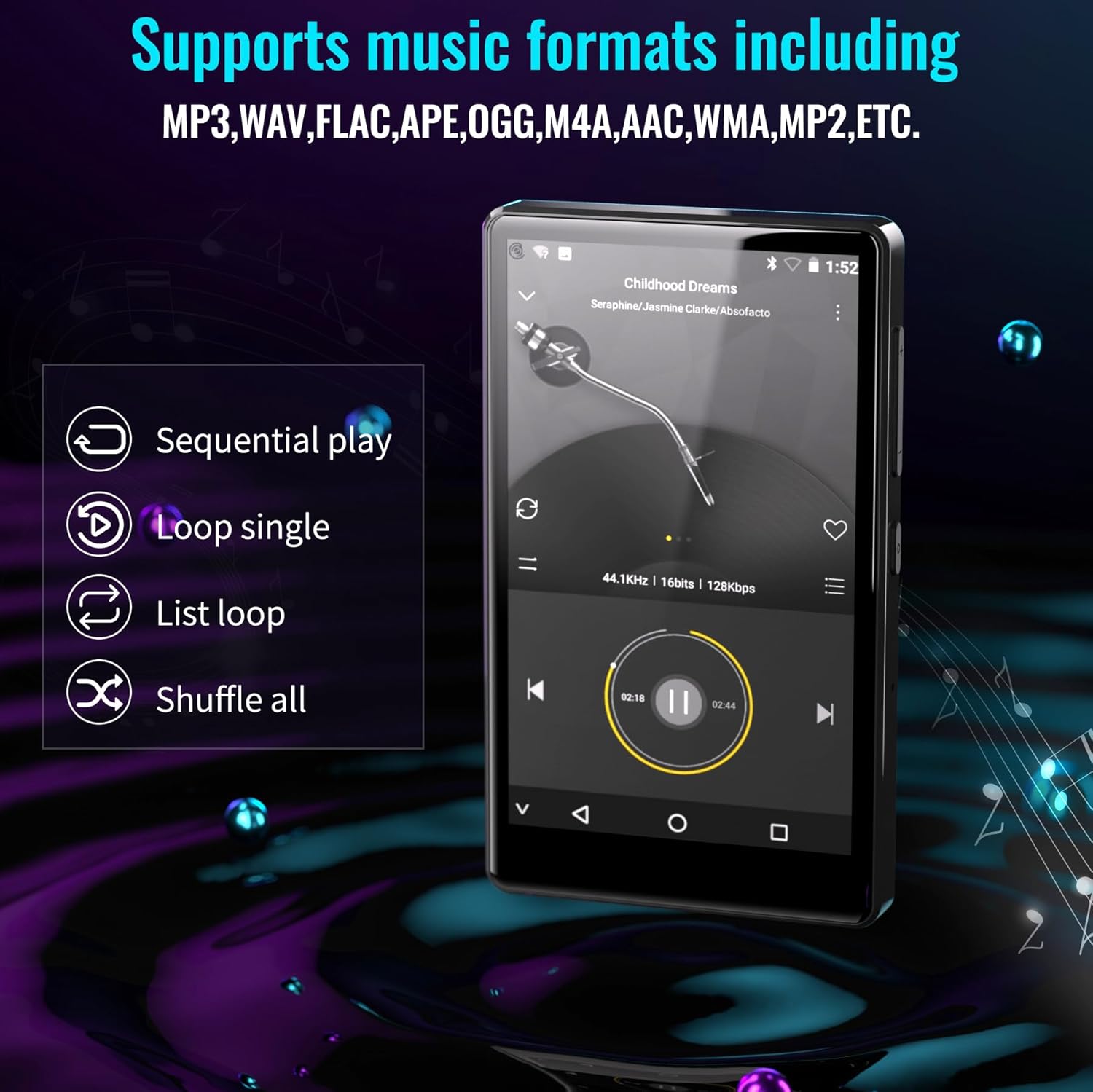
Figure 6.1: The MP3 player's interface showing various playback options and supported music formats.
6.2. Using Pre-installed Applications
The Luoran M4B comes with several popular music and media applications pre-installed, such as Spotify, Spotify Kids, Amazon Music, Audible, and HiBy Music. Access these apps from the home screen to stream or play your content.
6.3. Expandable Storage
The device has an internal storage capacity of 8GB. You can expand the storage up to 256GB using a Micro SD card (SDXC, SDHC compatible). Insert the Micro SD card into the dedicated slot on the side of the device.

Figure 6.2: Inserting a Micro SD card to expand the device's memory up to 256GB.
7. Características adicionais
7.1. Web Navegador
A web browser is included for internet access. This browser can be removed if desired, offering a level of content control.

Figure 7.1: The option to uninstall the web browser for content management.
7.2. Radio FM
The device includes an FM radio function, allowing you to listen to local radio stations. It may also support recording FM broadcasts.

Figure 7.2: The FM Radio interface on the device.
7.3. Ebook Reader
An Ebook application is available for reading digital books directly on the device's screen.

Figure 7.3: The device's interface for audiobooks or ebooks.
8. Mantemento
8.1. Limpeza
Use a soft, dry, lint-free cloth to clean the device. Avoid using abrasive cleaners or solvents.
8.2. Coidado da batería
Para prolongar a duración da batería, evite expoñer o dispositivo a temperaturas extremas. Cargue o dispositivo regularmente, pero evite deixalo completamente cargado ou completamente descargado durante períodos prolongados.
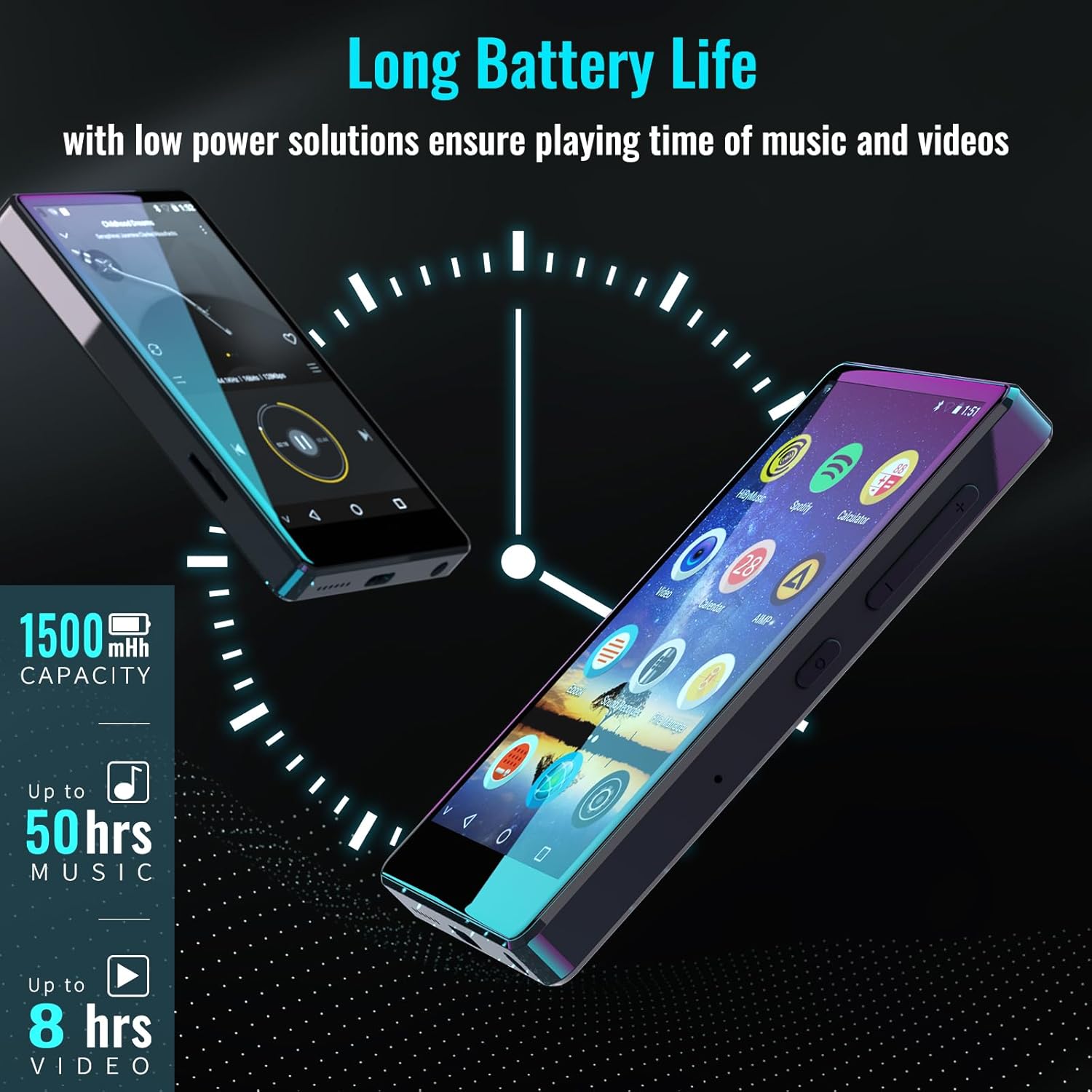
Figure 8.1: The device features a 1500mAh battery, providing up to 50 hours of music playback or 8 hours of video playback.
9 Solución de problemas
9.1. O dispositivo non se acende
- Ensure the device is sufficiently charged. Connect it to a power source for at least 30 minutes.
- Manteña premido o botón de acendido durante 10-15 segundos para realizar un reinicio forzado.
9.2. Cannot Connect to Wi-Fi/Bluetooth
- Verify that Wi-Fi/Bluetooth is enabled in Settings.
- Asegúrate de estar dentro do alcance da rede/dispositivo.
- Check that the Wi-Fi password is correct.
- For Bluetooth, ensure the accessory is in pairing mode.
9.3. App Issues or Missing Apps
If you encounter issues with pre-installed applications or need to install/upgrade specific apps, please contact the Luoran Team for assistance. They can provide APK files and installation steps.
10. Especificacións
| Marca | Luoran |
| Nome do modelo | M4B-C-BLK |
| Tecnoloxía de conectividade | Bluetooth, WiFi |
| Capacidade de almacenamento da memoria | 8 GB (Expandable up to 256GB via Micro SD) |
| Tamaño da pantalla | 4 polgadas |
| Dispositivos compatibles | Auriculares, altofalante |
| Tipo de soporte compatible | Tarxeta de memoria |
| Tecnoloxía de visualización | LED |
| Estándares de audio compatibles | MP3, WAV, FLAC, APE, M4A, AAC, WMA, MP2, etc. |
| Duración media da batería | 50 Hours (music playback) |
| Dimensións do artigo (D x W x H) | 0.4" D x 2.4" W x 4.2" H |
| UPC | 747783656344 |
11. Garantía e soporte
The Luoran M4B MP3 Player comes with a 12 meses de garantía. For technical support, warranty claims, or assistance with app installation/upgrades, please contact the Luoran Team directly. Contact information can typically be found on the manufacturer's websitio web ou a través da túa plataforma de compra.