
1. Introdución
The beyerdynamic MC 930 is a versatile true condenser microphone designed for a wide range of audio recording applications. Manufactured in Heilbronn, Germany, it offers high sensitivity, superb transient response, and features switchable pre-attenuation and a low-cut filter for enhanced flexibility in both studio and live sound environments.
This manual provides essential information for the proper setup, operation, and maintenance of your MC 930 microphone to ensure optimal performance and longevity.
2. Instrucións de seguridade
- Read all instructions carefully before using the microphone.
- Do not expose the microphone to moisture, rain, or extreme temperatures.
- Avoid dropping or subjecting the microphone to severe impacts.
- Only use the microphone with compatible audio equipment that provides 11-52 V phantom power.
- Do not attempt to open or modify the microphone. Refer all servicing to qualified personnel.
- Keep the microphone and its accessories out of reach of children.
3. Contido do paquete
Verifica que todos os elementos estean presentes no paquete:
- MC 930 Condenser Microphone
- Micrófono Clamp (MA-CL 21)
- Maletín de transporte
- Parabrisas
- Microphone Cable (XLR)
- Measurement Curve Document
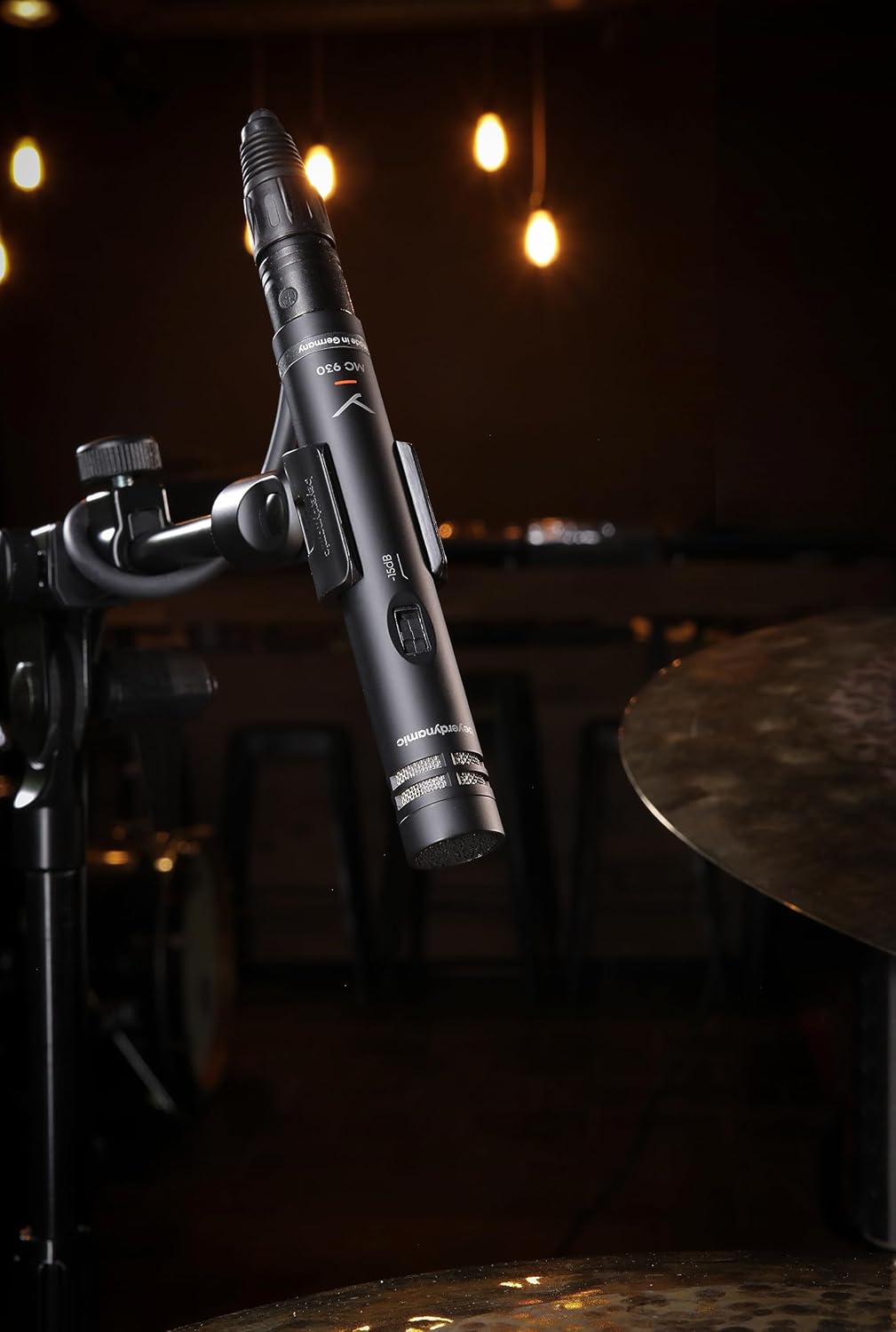
Image: The beyerdynamic MC 930 microphone mounted on a stand, ready for use.
4. Configuración
4.1 Montaxe do micrófono
- Attach the supplied microphone clamp (MA-CL 21) to a standard microphone stand.
- Carefully screw the MC 930 microphone into the clampAsegúrate de que estea ben suxeito, pero non o apertes demasiado.
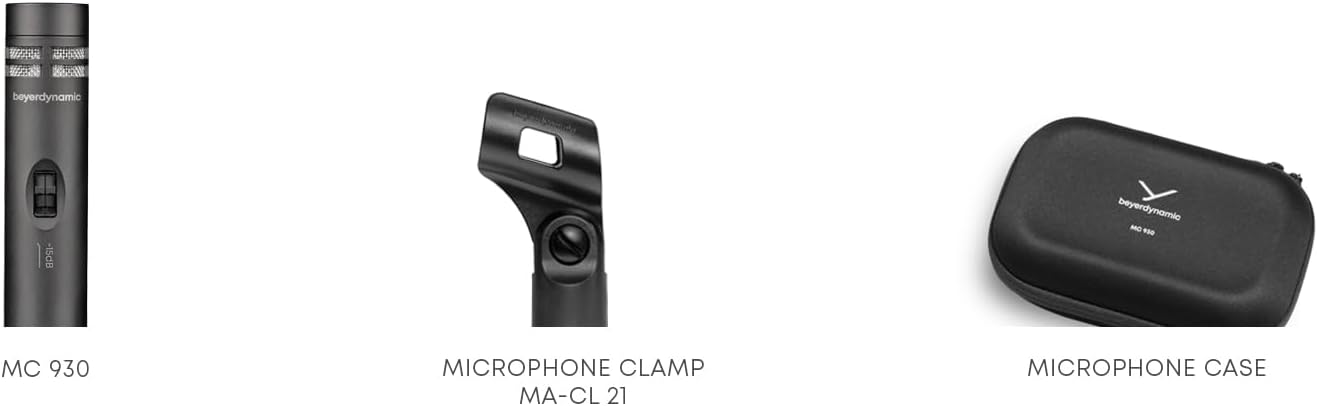
Imaxe: Primeiro plano view of the MA-CL 21 microphone clamp, used for securing the MC 930 to a stand.
4.2 Conexión a equipos de audio
- Connect the supplied XLR microphone cable to the XLR output at the base of the MC 930.
- Connect the other end of the XLR cable to an input on your audio mixer, audio interface, or preampmáis vivo.
- Ensure your audio equipment provides Alimentación fantasma 11-52 V. The MC 930 requires phantom power to operate. Activate phantom power on the connected input channel.
4.3 Pre-attenuation and Low-Cut Filter
The MC 930 features two small switches on its body:
- Pre-attenuation Switch (-15 dB): This switch reduces the microphone's output level by 15 dB. Use this setting when recording very loud sound sources (e.g., drums, loud guitar amplifiers) to prevent input clipping on your mixer or interface.
- Low-Cut Filter Switch (80 Hz): This switch activates a high-pass filter at 80 Hz. Use this to reduce unwanted low-frequency noise such as rumble from air conditioning, stage vibrations, or proximity effect when close-miking.
Adjust these switches according to your recording environment and sound source.
5. Funcionamento do micrófono
5.1 Polar Pattern
The MC 930 features a unidirectional (cardioid) polar pattern. This means it is most sensitive to sounds coming from the front and rejects sounds from the sides and rear. This characteristic is ideal for isolating a sound source and minimizing background noise or feedback in live settings.
5.2 Usos recomendados
The MC 930 is suitable for a variety of applications, including:
- Instrument Miking: Acoustic guitars, overheads for drums, percussion, strings, woodwinds, and brass instruments.
- Gravación vocal: Speech and singing, especially in controlled studio environments.
- Gravación de vídeo: Capturing clear audio for video productions.
- Son en directo: Reinforcement of instruments and vocals on stage.
5.3 Colocación óptima
Experiment with microphone placement to achieve the desired sound. Generally, placing the microphone closer to the sound source will increase direct sound and reduce room ambience. Utilize the cardioid pattern by pointing the front of the microphone towards the desired sound and away from unwanted noise sources.
6. Mantemento
6.1 Limpeza
To clean the microphone, gently wipe the exterior with a soft, dry, lint-free cloth. Do not use liquid cleaners, solvents, or abrasive materials, as these can damage the finish or internal components. Avoid getting moisture into the microphone capsule or switches.
6.2 Almacenamento
When not in use, store the MC 930 in its supplied carrying case to protect it from dust, moisture, and physical damage. Store in a cool, dry place.
7 Solución de problemas
If you encounter issues with your MC 930 microphone, refer to the following common problems and solutions:
- Sen saída de son:
- Ensure phantom power (11-52 V) is activated on the connected input channel.
- Check all XLR cable connections for proper seating. Try a different XLR cable.
- Verify the input gain on your mixer/interface is turned up.
- Test the microphone on a different input channel or with different audio equipment.
- Distorted or Clipped Sound:
- Activate the -15 dB pre-attenuation switch on the microphone.
- Reduce a ganancia de entrada na túa mesturadora/interface.
- Aumenta a distancia entre o micrófono e a fonte de son.
- Excessive Low-Frequency Noise/Rumble:
- Activate the 80 Hz low-cut filter switch on the microphone.
- Ensure the microphone is isolated from vibrations (e.g., use a shock mount, if available, or place the stand on a stable surface).
- Hum or Buzzing Noise:
- Check for ground loops. Ensure all audio equipment is properly grounded.
- Ensure XLR cables are balanced and in good condition. Avoid running audio cables parallel to power cables.
- Proba nunha toma de corrente ou lugar diferente para descartar interferencias externas.
If problems persist after trying these steps, contact beyerdynamic customer support or an authorized service center.
8. Especificacións técnicas
| Característica | Especificación |
|---|---|
| Nome do modelo | MC 930 |
| Marca | beyerdynamic |
| Factor de forma do micrófono | Condensador de estudio |
| Patrón polar | Unidireccional (cardioide) |
| Fonte de enerxía | 11–52 V phantom power |
| Resposta en frecuencia | 20 Hz - 20 kHz |
| Sensibilidade Audio | 15 decibeis |
| Relación sinal-ruído | 76 dB |
| Tecnoloxía de conectividade | Con cable |
| Tipo de conector | XLR |
| Peso do elemento | 1.14 libras (0.52 kg) |
| Dimensións do produto (L x W x H) | 9.3 x 6.55 x 3.45 polgadas (23.6 x 16.6 x 8.8 cm) |
| Material | Materiais duradeiros |
| Compoñentes incluídos | Microphone, Carrying case, Windscreen, Microphone cable, Measurement curve |
9. Garantía e soporte
For detailed information regarding the warranty period and terms for your beyerdynamic MC 930 microphone, please refer to the warranty card included with your product or visit the official beyerdynamic website. For technical support, service, or spare parts, please contact beyerdynamic customer service directly through their official channels.
Fabricante: beyerdynamic
Para obter máis axuda, visite: www.beyerdynamic.com