
1. Introdución
The TECLAST M50 is a 10.1-inch Android 13 tablet designed for versatile use, from entertainment to productivity. It features an Octa-Core processor, 12GB RAM, 128GB internal storage expandable up to 1TB, and supports Dual SIM 4G LTE connectivity. This manual provides essential information for setting up, operating, maintaining, and troubleshooting your device.
2. Que hai na caixa
Upon unboxing your TECLAST M50 tablet, please ensure all the following items are present:
- TECLAST M50 Tablet
- Adaptador de alimentación (cargador)
- Cable USB Tipo-C
- Ferramenta de expulsión de SIM
- Manual de usuario
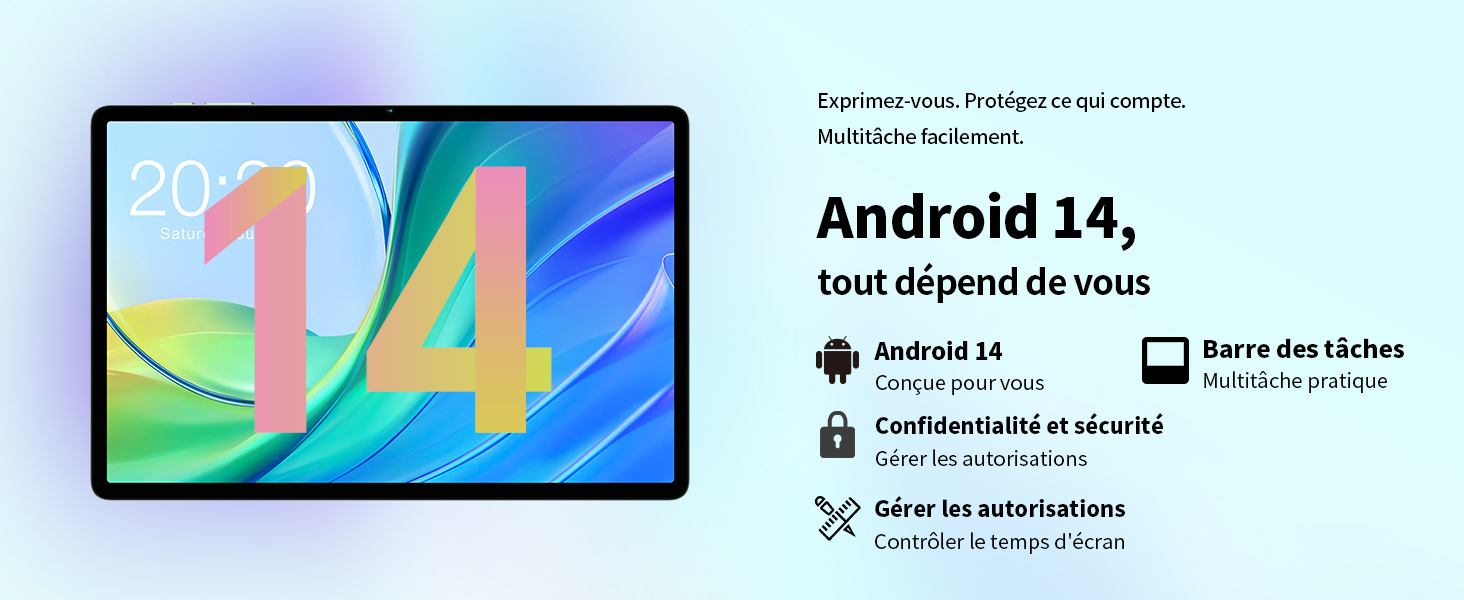
Image: Contents of the TECLAST M50 tablet box, showing the tablet, power adapter, USB cable, SIM ejector tool, and user manual.
3. Produto rematadoview
The TECLAST M50 tablet features a sleek design with a 10.1-inch display and a lightweight build of approximately 460 grams. It measures 23L x 20l x 1Ép centimeters. Familiarize yourself with the tablet's physical components:

Image: TECLAST M50 tablet from various angles, illustrating the location of the power button, volume controls, USB-C port, 3.5mm headphone jack, and speaker grilles.
Compoñentes clave:
- Botón de encendido: Situado no lateral, úsase para acender/apagar ou activar/poñer en repouso o dispositivo.
- Botóns de volume: Axusta o volume de audio.
- Porto USB tipo C: Para carga e transferencia de datos.
- Conector para auriculares de 3.5 mm: Conecta uns auriculares con cable.
- Reixas dos altofalantes: Four stereo speakers for enhanced audio output.
- Cámara frontal: 5MP camera for video calls and facial unlock.
- Cámara traseira: 13MP camera for photos and videos.
- Ranura para tarxetas SIM/MicroSD: Insert SIM cards for cellular connectivity and a MicroSD card for expanded storage.
4. Configuración
4.1 Carga inicial
Before first use, it is recommended to charge the TECLAST M50 tablet for at least 30 minutes. Connect the USB Type-C cable to the tablet's charging port and the power adapter to a wall outlet. The battery icon on the screen will indicate charging status.
4.2 Acendido/Apagado
- Para acender: Press and hold the Power button until the TECLAST logo appears.
- Para apagar: Mantén premido o botón de acendido/apagado ata que apareza o menú de opcións de acendido/apagado e, a seguir, selecciona "Apagar".
- Para reiniciar: Mantén premido o botón de acendido e logo selecciona "Reiniciar".
4.3 Inserción de tarxetas SIM e MicroSD
The TECLAST M50 supports dual SIM cards for 4G LTE connectivity and a MicroSD card for storage expansion up to 1TB.
- Localiza a bandexa da tarxeta SIM/MicroSD no lateral da tableta.
- Insira a ferramenta de expulsión da tarxeta SIM no pequeno orificio que hai xunto á bandexa e prema suavemente ata que esta saia.
- Carefully place your Nano-SIM cards and/or MicroSD card into the designated slots on the tray. Ensure the gold contacts are facing down and the cards are correctly oriented.
- Empurre suavemente a bandexa cara atrás na tableta ata que encaixe no seu lugar.

Image: Illustration of inserting SIM cards and a MicroSD card into the tablet's tray.
4.4 Configuración inicial de Android
After powering on for the first time, follow the on-screen prompts to complete the initial setup process. This includes selecting your language, connecting to a Wi-Fi network, signing in with your Google account, and setting up security features like facial unlock.
5. Instrucións de funcionamento
5.1 Características de visualización
The TECLAST M50 features a 10.1-inch TDDI HD display with a resolution of 1280x800 pixels. The TDDI technology integrates touch sensors directly into the LCD, providing a more responsive touch experience. It also supports Widevine L1, allowing for high-definition streaming from platforms like Disney+ and Amazon Prime Video.

Image: Visual representation of the TECLAST M50's 10.1-inch HD display with 1280x800 resolution and IPS wide viewángulo de ing.
5.2 Rendemento e almacenamento
Powered by an Octa-Core UNISOC T606 processor and Mali-G57 GPU, the M50 delivers efficient performance. It comes with 6GB of RAM, expandable to 12GB using virtual memory technology, and 128GB of internal storage. Storage can be further expanded up to 1TB via a MicroSD card.

Image: Details of the UNISOC T606 Octa-Core processor and Mali-G57 graphics processor.

Image: Information on RAM and ROM capacity, including expandable storage options.
5.3 Conectividade
Stay connected with the TECLAST M50's comprehensive connectivity options:
- Dobre SIM 4G LTE: Supports TD-LTE and FDD-LTE networks for mobile data and VoLTE calls.
- Wi-Fi de banda dual: Connect to 2.4GHz and 5GHz Wi-Fi networks (802.11ac).
- Bluetooth 5.0: For connecting wireless accessories like headphones and keyboards.
- Navegación GPS: Supports GPS, BeiDou, GLONASS, and Galileo for accurate positioning.

Imaxe: Máis deview of Wi-Fi, Bluetooth, and 4G LTE capabilities.

Image: Tablet showing GPS navigation in use.
Funcionalidade da cámara 5.4
The M50 is equipped with a 13MP rear camera and a 5MP front camera. The rear camera features AI-based auxiliary optimization for improved focus and image results, especially in low-light conditions. The 5MP front camera supports facial unlock for convenient device access.

Image: Details of the tablet's front and rear cameras.
5.5 Sistema de audio
Experience immersive sound with the M50's Momentum III audio system, featuring four stereo speakers and a Smart K amplifier for clear and rich audio output.

Image: Representation of the tablet's 4-speaker audio system.
5.6 Características de Android 13
The tablet runs on Android 13, offering enhanced privacy controls, a convenient taskbar for multitasking, and improved permission management. It also includes features for parental controls to manage screen time and application access.

Image: Android 13 interface showcasing privacy and multitasking features.

Image: Parental control interface for managing tablet usage.
6. Mantemento
6.1 Coidado coa batería
The TECLAST M50 is equipped with a 6000mAh battery, providing up to 15 hours of usage. To maximize battery life:
- Evita temperaturas extremas.
- Usa o cargador e o cable fornecidos.
- Evita descargar completamente a batería con frecuencia.
- Para o almacenamento a longo prazo, carga a tableta ao 50 % aproximadamente e apágaa.

Image: Battery capacity and charging method.
6.2 Limpeza
Para limpar a tableta, use un pano suave e sen pelusa. Para manchas difíciles, dóreo lixeiramenteampEnxágüe o pano con auga ou cun limpador de pantallas deseñado especificamente para dispositivos electrónicos. Evite o uso de produtos químicos agresivos ou materiais abrasivos.
6.3 Actualizacións de software
Periodically check for system updates to ensure your tablet has the latest features and security patches. Navigate to Configuración > Sistema > Actualización do sistema para comprobar e instalar as actualizacións dispoñibles.
7 Solución de problemas
If you encounter issues with your TECLAST M50 tablet, try the following basic troubleshooting steps:
- O dispositivo non se acende: Asegúrate de que a batería estea cargada. Conecta o cargador e agarda uns minutos antes de tentar acender de novo.
- Pantalla conxelada ou sen resposta: Mantén premido o botón de acendido/apagado durante uns 10-15 segundos para forzar un reinicio.
- Problemas de conectividade Wi-Fi/Bluetooth: Try toggling Wi-Fi/Bluetooth off and on. Restart your tablet and/or your router/Bluetooth device.
- Aplicacións que fallan: Clear the cache and data for the problematic app (Settings > Apps > [App Name] > Storage > Clear cache/Clear data). If the issue persists, uninstall and reinstall the app.
- Rendemento lento: Close unnecessary background apps. Clear cached data. Consider performing a factory reset as a last resort (back up your data first).
- Tarxeta SIM non detectada: Ensure the SIM card is correctly inserted and activated with your carrier. Restart the tablet.
For more complex issues, refer to the official TECLAST support resources.
8. Especificacións
| Característica | Especificación |
|---|---|
| Nome do modelo | TECLAST M50 |
| Sistema Operativo | Android 13 |
| Procesador | UNISOC T606 Octa-Núcleo (1.6 GHz) |
| Procesador gráfico | Mali-G57 MP1 |
| RAM | 12 GB (6GB physical + 6GB expansion) |
| Almacenamento interno | 128 GB |
| Almacenamento ampliable | MicroSD de ata 1 TB |
| Tamaño da pantalla | 10.1 polgadas |
| Resolución de visualización | 1280x800 Pixels (TDDI, IPS) |
| Cámara traseira | 13 MP |
| Cámara frontal | 5 MP |
| Capacidade da batería | 6000 mAh (22 Wh) |
| Duración da batería (media) | 15 horas |
| Conectividade | 4G LTE (Dual SIM), Wi-Fi (802.11ac), Bluetooth 5.0 |
| Navegación | GPS, BeiDou, GLONASS, Galileo |
| Audio | 4 Stereo Speakers (Momentum III) |
| Portos | 1x USB Type-C, 1x 3.5mm Headphone Jack |
| Peso | 460 gramos |
| Dimensións (L x W x H) | 23 x 20 x 1 cm |
9. Garantía e soporte
9.1 Información da garantía
The TECLAST M50 tablet comes with a manufacturer's warranty of 1 ano desde a data de compra. Esta garantía cobre defectos de materiais e fabricación en condicións de uso normal. Conserve o comprobante de compra para reclamacións de garantía.
9.2 Atención ao cliente
For any questions, technical assistance, or warranty inquiries, please contact TECLAST customer support. Our team provides professional advice and aims to respond to all inquiries within one working day. You can find contact information on the official TECLAST websitio web ou a través do seu vendedor.
Recursos en liña: For additional support and FAQs, please visit the official TECLAST websitio: TECLAST Brand Store