
Laser EPS-LT10B-128
Laser TWS Earbuds with LED Battery Display User Manual
Model: EPS-LT10B-128
Introdución
Thank you for choosing the Laser TWS Earbuds. These true wireless stereo earbuds are designed to provide a high-fidelity audio experience with convenient features such as an LED battery display, intuitive tap controls, and an ergonomic design for comfortable, extended use. The included rechargeable case ensures your earbuds are always ready for use. This manual will guide you through the setup, operation, and maintenance of your new earbuds.
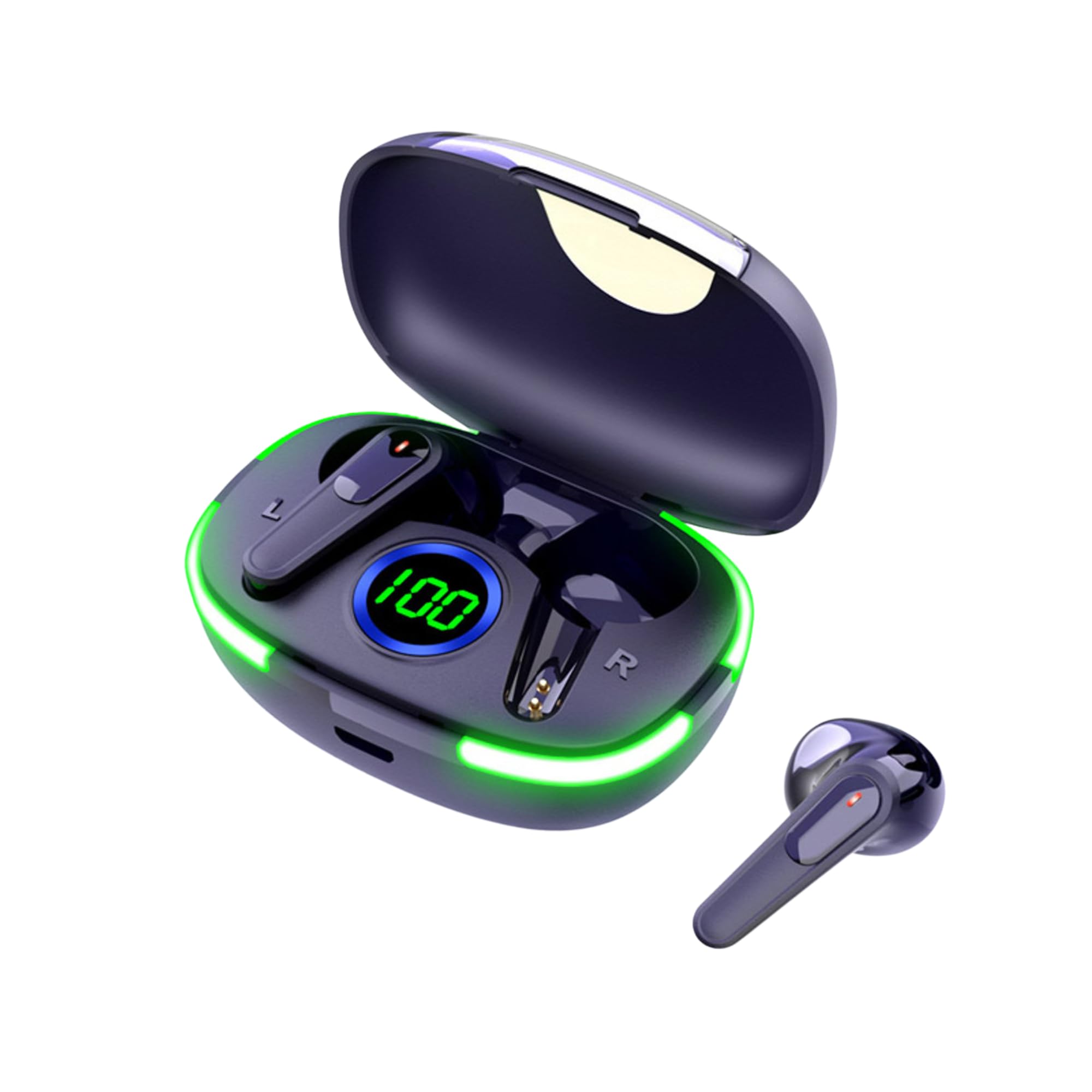
Image: The Laser TWS Earbuds, showcasing the charging case with its LED display and one earbud placed outside the case.
Contido do paquete
Asegúrate de que todos os elementos estean presentes no paquete:
- 1 x Pair of Laser TWS Earbuds
- 1 x Charging Case with Battery Display
- 1 x cable de carga tipo C
- 1 x Manual de usuario
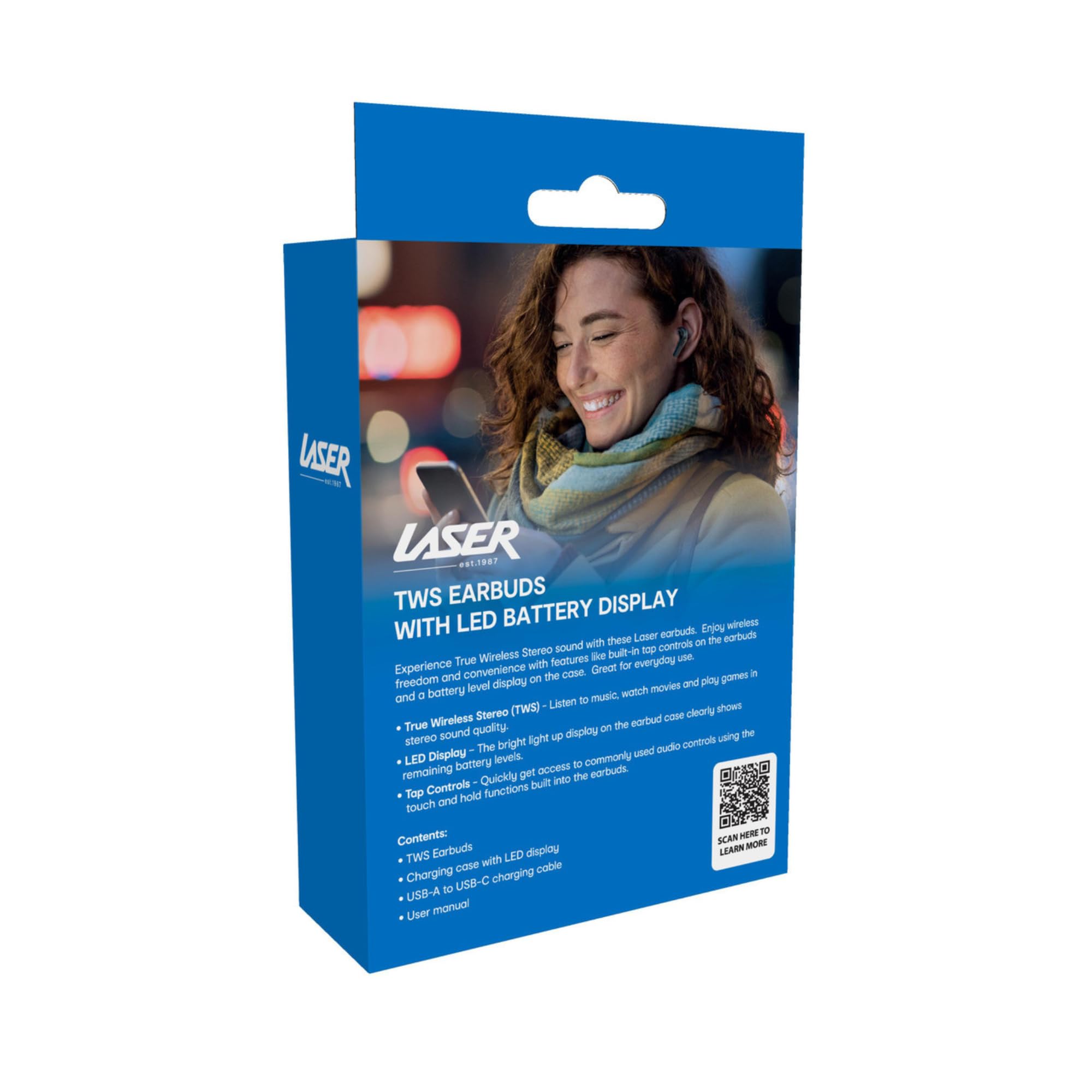
Image: The retail packaging for the Laser TWS Earbuds, indicating contents and features.
Configuración
1. Carga dos auriculares e da funda
Before first use, fully charge the earbuds and the charging case. The LED display on the case indicates the battery level.
- Conecta o cable de carga tipo C fornecido ao porto de carga da carcasa e a unha fonte de alimentación USB.
- The LED display will show the charging progress. A full charge takes approximately 1 hour.
- The earbuds charge automatically when placed inside the charging case. The case can recharge the earbuds up to 3 times on a single charge.

Imaxe: Primeiro plano view of the charging case's LED display, showing the battery percentage, que indica o nivel de carga.
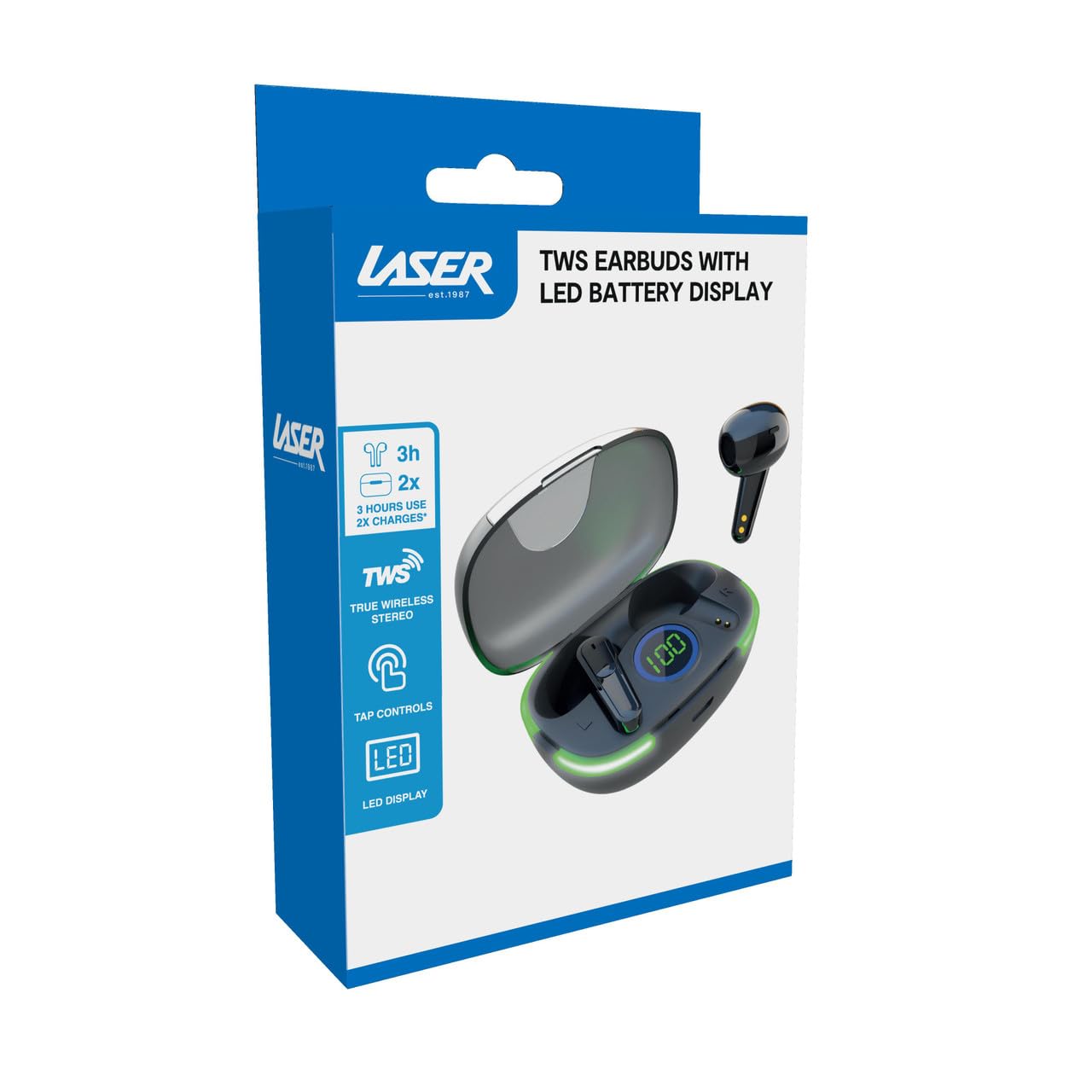
Image: Another close-up of the LED display on the charging case, highlighting the digital battery indicator.
2. Emparejamento cun dispositivo
The earbuds use Bluetooth for wireless connectivity.
- Abre a caixa de carga. Os auriculares entrarán automaticamente no modo de emparellamento.
- No teu dispositivo (teléfono intelixente, tableta, portátil), activa o Bluetooth e busca novos dispositivos.
- Select "Laser TWS Earbuds" or "EPS-LT10B-128" from the list of available devices.
- Unha vez conectados, escoitarás un ton de confirmación e os auriculares estarán listos para usar.
- The earbuds support multi-device compatibility, allowing pairing with various devices.
Instrucións de funcionamento
Usando os auriculares
The earbuds are designed for ergonomic comfort and a secure fit. Gently insert each earbud into your ear canal and twist slightly to ensure a snug and comfortable position. This helps optimize sound quality and stability.
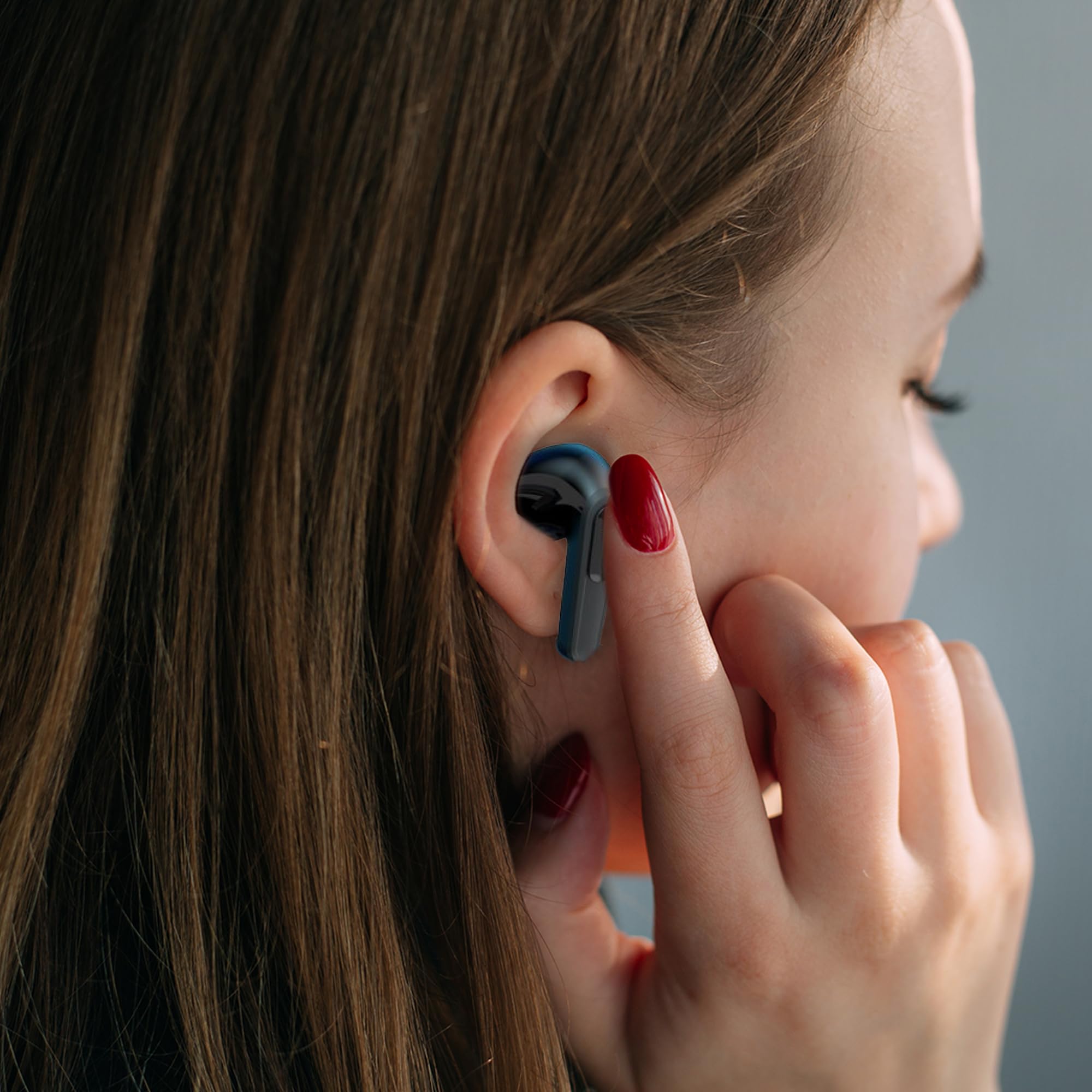
Image: A woman comfortably wearing one of the Laser TWS Earbuds while interacting with her smartphone.
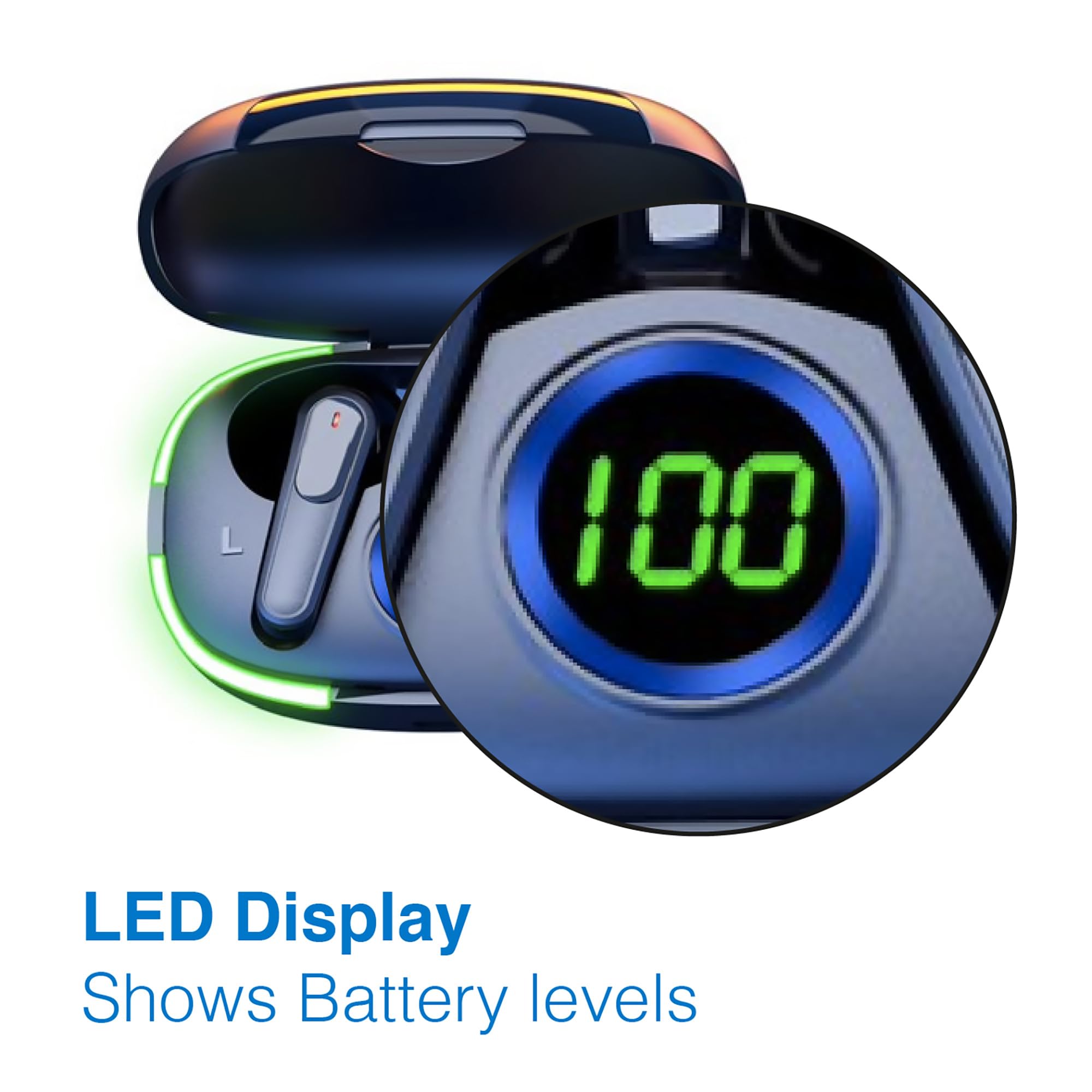
Image: A man walking outdoors, wearing a Laser TWS Earbud, demonstrating the ergonomic design for active use.
True Wireless Stereo Experience
These earbuds provide a true wireless stereo experience, delivering high-fidelity sound with clear channel separation for an immersive audio experience, whether for music, movies, or gaming.
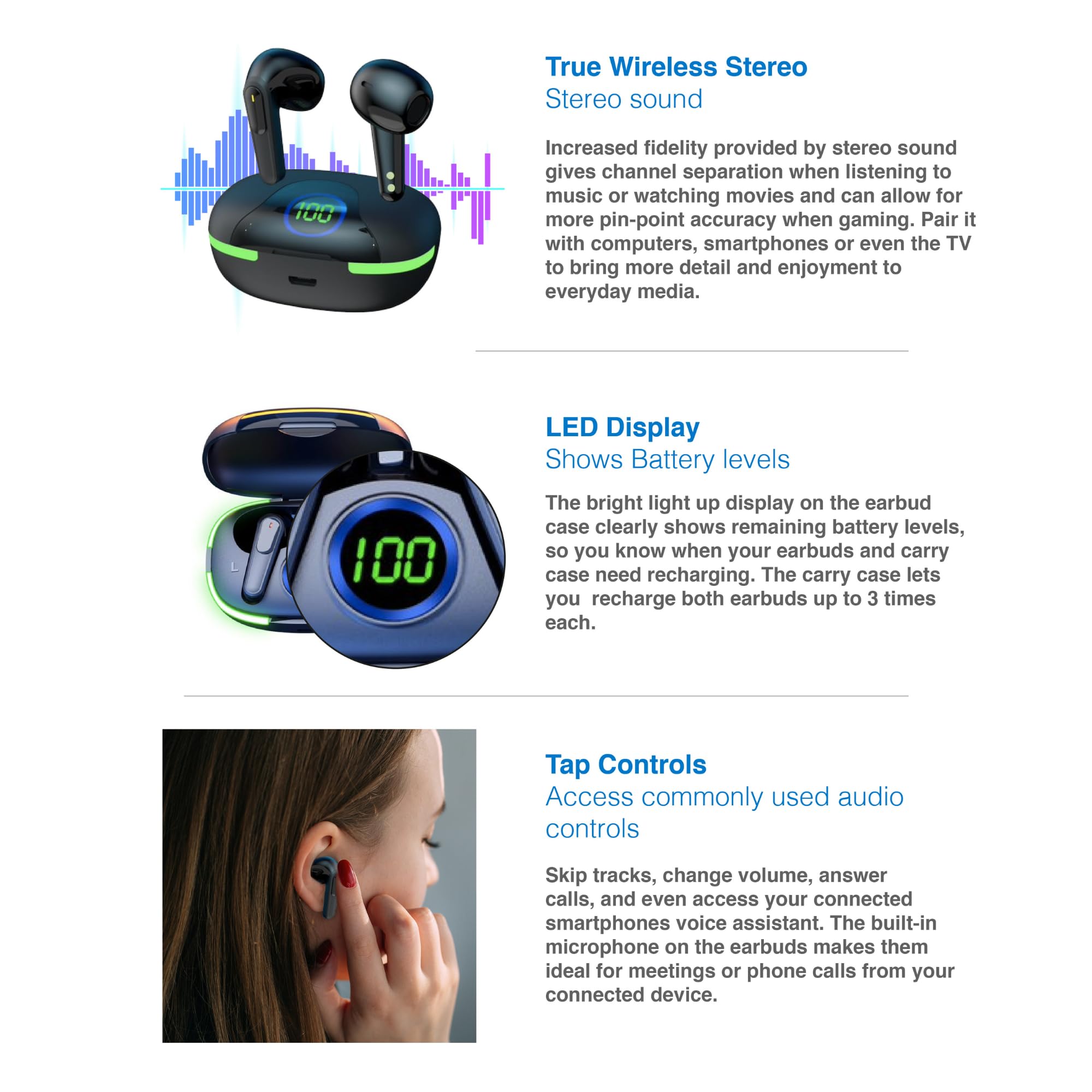
Image: A graphic representation of the True Wireless Stereo feature, showing the earbuds in their case with sound wave visualizations.
Toca Controis
The earbuds feature intuitive tap controls for easy management of audio playback and calls without needing to access your connected device.
| Acción | Control |
|---|---|
| Reproducir/Pausa música | Toca un só auricular en calquera dos auriculares |
| Próxima pista | Toca dúas veces no auricular dereito |
| Pista anterior | Toca dúas veces no auricular esquerdo |
| Responder/Finalizar chamada | Toca un só auricular en calquera dos auriculares |
| Rexeitar a chamada | Mantén presionado cada auricular |
| Activate Voice Assistant (Siri, Google Assistant, Alexa) | Toque tres veces en calquera dos auriculares |

Image: A person's hand touching an earbud, illustrating the tap control functionality.
Micrófono incorporado
Each earbud includes a built-in microphone, enabling hands-free calls and meetings without needing to switch to your device.
Mantemento
- Limpeza: Limpa regularmente os auriculares e a funda de carga cun pano suave, seco e sen pelusa. Evita o uso de materiais abrasivos ou produtos químicos agresivos.
- Almacenamento: Cando non estean en uso, garde os auriculares no seu estoxo de carga para protexelos e mantelos cargados.
- Coidado da batería: Para prolongar a duración da batería, evita descargar completamente os auriculares e a funda con frecuencia. Cárgaos regularmente, mesmo se non os usas constantemente.
- Resistencia á auga: These earbuds are not water resistant. Avoid exposure to water, sweat, or high humidity.
Resolución de problemas
| Problema | Solución |
|---|---|
| Os auriculares non se emparejan | Ensure earbuds are charged. Turn off and on Bluetooth on your device. Forget the device in Bluetooth settings and re-pair. Place earbuds back in case and take them out again. |
| Non hai son dun auricular | Check battery level of both earbuds. Re-pair the earbuds. Try resetting the earbuds (refer to manufacturer's websitio web para obter instrucións específicas de restablecemento se é necesario). |
| O estuche de carga non se está cargando | Ensure the charging cable is securely connected. Try a different USB power source or cable. |
| Tap controls not responding | Ensure earbuds are properly seated in your ears. Clean the touch sensitive area. Re-pair the earbuds. |
If you encounter persistent issues, please refer to the official Laser support websitio para obter máis axuda.
Especificacións
| Característica | Detalle |
|---|---|
| Modelo | EPS-LT10B-128 |
| Tecnoloxía de conectividade | Bluetooth sen fíos |
| Control de ruído | Illamento acústico |
| Duración da batería (auriculares) | Aprox. 3 horas |
| Tempo de carga | Aprox. 1 hora |
| Recargas de caixas de carga | Ata 3 veces |
| Distancia máxima de operación | 10 metros |
| Tipo de control | Control táctil, control por voz |
| Material | Plástico |
| Peso do elemento | 30 gramos |
| Dimensións | 62.2 x 42.5 x 32.6 cm (produto) |
| Nivel de resistencia á auga | Non resistente á auga |
Garantía e Soporte
The Laser TWS Earbuds come with a 1 ano de garantía desde a data de compra. Conserve o comprobante de compra para reclamacións de garantía.
For further support, troubleshooting, or warranty information, please visit the official Laser websitio:
You may also contact Laser customer service directly for assistance.
Ask a question about this manual
Ask about setup, troubleshooting, compatibility, parts, safety, or missing instructions. Manuals+ will review the question and use this page’s manual context to help answer it.