
IPRO IP-P-A21M-K
Manual de usuario do teléfono móbil IPRO A21 Mini
Model: IP-P-A21M-K | Brand: IPRO
1. Introdución
This user manual provides comprehensive instructions for the IPRO A21 Mini mobile phone. It covers setup, operation, maintenance, and troubleshooting to ensure you get the most out of your device. Designed for ease of use, this phone is ideal for seniors and anyone seeking a straightforward mobile communication experience.
2. Contido do paquete
Marque a caixa para os seguintes elementos:
- 1 x IPRO A21 Mini Mobile Phone
- 1 x cargador micro USB
- 1 x batería
- 1 x Manual de usuario
3. Produto rematadoview

Figura 3.1: Parte dianteira e traseira view of the IPRO A21 Mini mobile phone, showcasing its compact design and physical keypad.
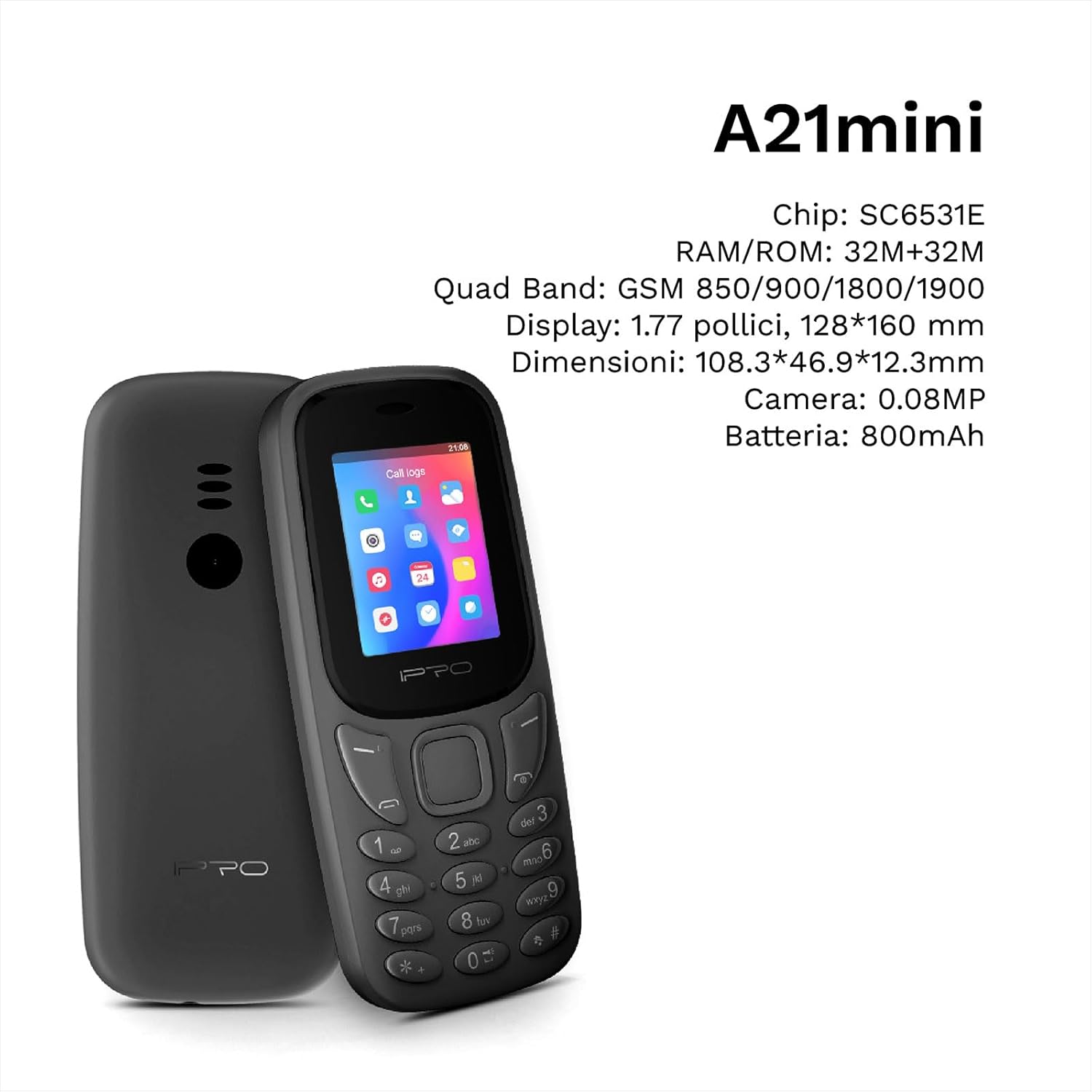
Figure 3.2: The IPRO A21 Mini highlighting its core specifications including the SC6531E chip, 32MB RAM/ROM, 1.77-inch display, and 800mAh battery.
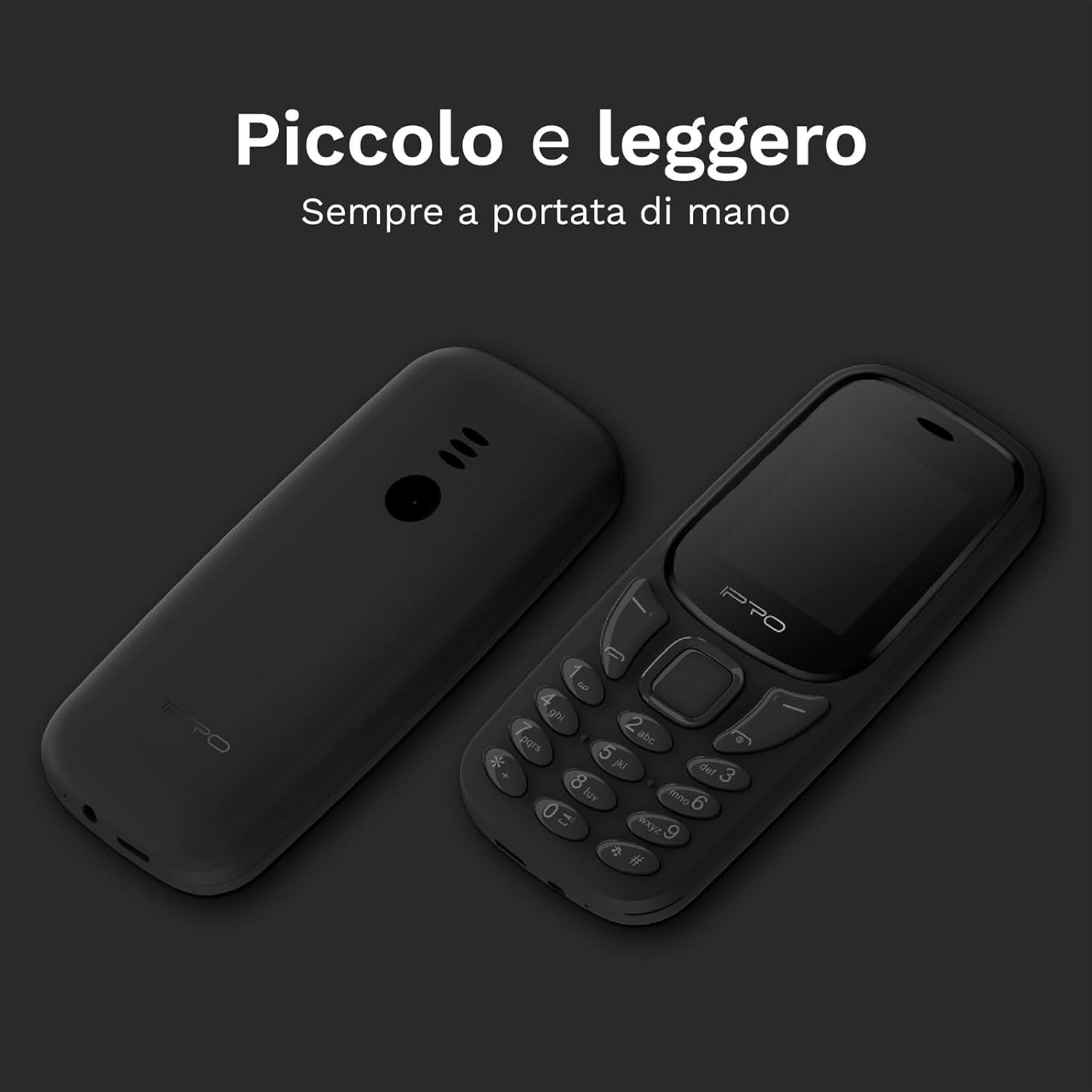
Figure 3.3: Two IPRO A21 Mini phones demonstrating their small and lightweight form factor, designed for easy portability.

Figure 3.4: The IPRO A21 Mini's 1.77-inch color screen, providing clear visibility for daily use.
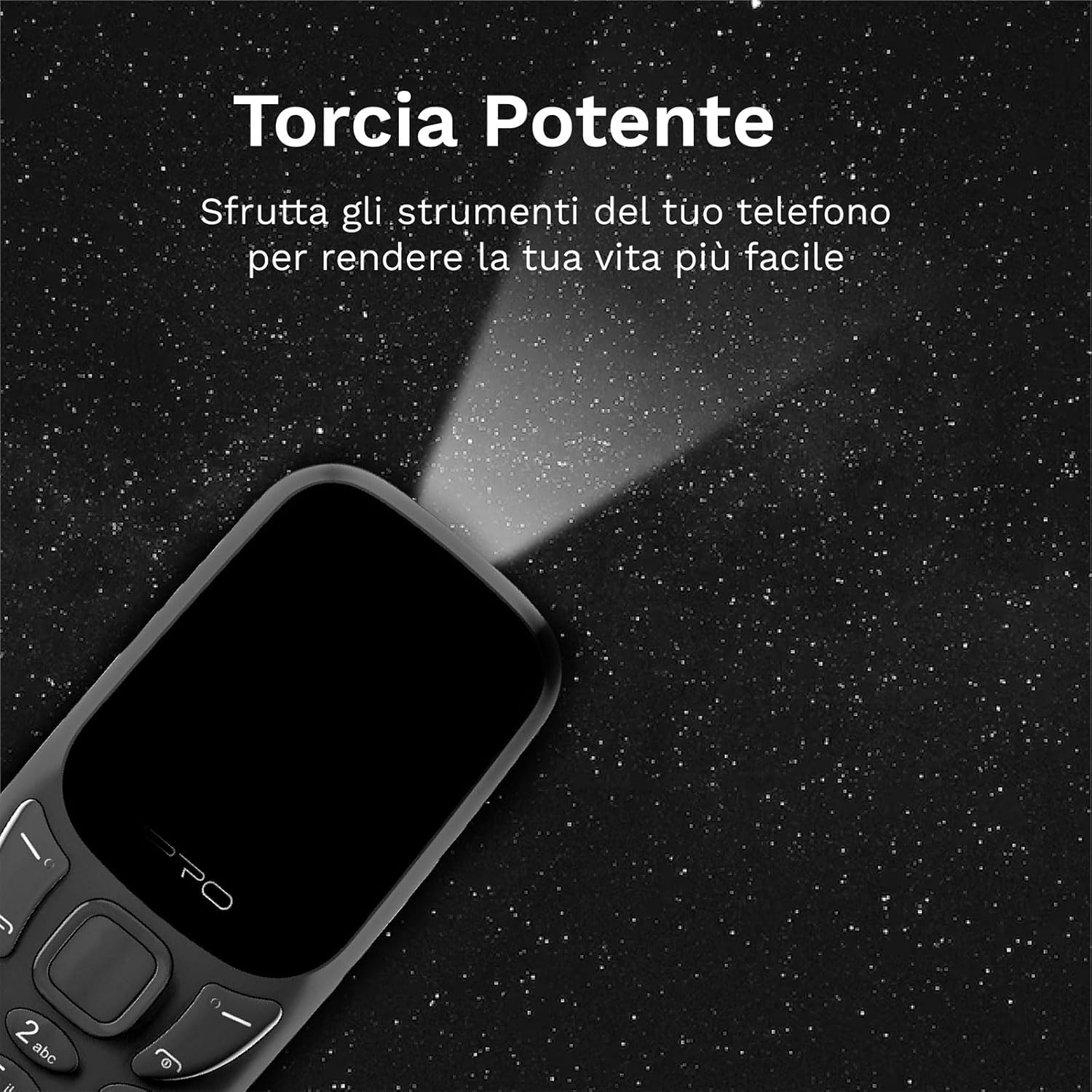
Figure 3.5: The IPRO A21 Mini's integrated powerful LED flashlight, useful for various situations.
The IPRO A21 Mini features a compact design with a 1.77-inch color display and large, easy-to-press buttons. It includes essential functions such as a camera, Bluetooth, FM radio, alarm clock, and a powerful LED flashlight.
4. Configuración
4.1. Instalación da tarxeta SIM e da batería
- Retire a tapa traseira do teléfono facendo palanca suavemente para abrila desde a muesca.
- If present, remove the battery.
- Insert the SIM card(s) into the designated slot(s) with the gold contacts facing down. This phone supports Dual SIM.
- Introduza a batería, asegurándose de que os contactos estean aliñados correctamente.
- Volva colocar a tapa traseira ata que encaixe no seu lugar.
4.2. Cargando o teléfono
- Connect the micro USB charger to the charging port on the phone.
- Conecte o cargador a unha toma de corrente.
- Deixa que o teléfono se cargue completamente antes do primeiro uso. O indicador da batería na pantalla mostrará o estado de carga.
5. Instrucións de funcionamento
5.1. Acendido/apagado
- Para acender: manteña premido o botón de acendido/finalizar chamada ata que a pantalla se ilumine.
- Para apagar: manteña premido o botón de acendido/finalización de chamada e, a seguir, seleccione "Apagar" entre as opcións.
5.2. Realización e recepción de chamadas
- To make a call: Enter the phone number using the keypad and press the Call button (green).
- To receive a call: Press the Call button (green) when the phone rings.
- To end a call: Press the End Call button (red).
5.3. Envío e recepción de SMS
- Navega ata o menú "Mensaxes".
- Selecciona "Escribir mensaxe" para redactar unha nova SMS.
- Introduza o número do destinatario e a súa mensaxe e, a seguir, envíea.
5.4. Using the FM Radio
- Access the "FM Radio" application from the main menu.
- Ensure headphones are connected as they act as an antenna.
- Usa as teclas de navegación para buscar emisoras ou sintonizalas manualmente.
5.5. Activating the LED Flashlight
The IPRO A21 Mini features a dedicated LED flashlight. Refer to your phone's specific key mapping for direct activation, or access it via the tools menu.
6. Mantemento
- Coidado da batería: To prolong battery life, avoid extreme temperatures and do not leave the phone charging for extended periods after it is fully charged.
- Limpeza: Usa un pano suave e seco para limpar a pantalla e a carcasa do teléfono. Evita usar produtos de limpeza líquidos ou materiais abrasivos.
- Almacenamento: Garde o teléfono nun lugar fresco e seco cando non o use durante longos períodos de tempo.
7 Solución de problemas
| Problema | Causa posible | Solución |
|---|---|---|
| O teléfono non se acende | Batería baixa; batería non instalada correctamente | Charge the phone; Reinstall the battery |
| Non se poden facer/recibir chamadas | No SIM card; SIM card not activated; Out of network coverage | Insert SIM card; Contact your service provider; Move to an area with better signal |
| Mala calidade de audio | Low signal; Speaker/microphone obstructed | Move to an area with better signal; Clean speaker/microphone openings |
| A batería esgotarase rapidamente | Excessive usage; Old battery | Reduce usage; Replace battery if necessary |
8. Especificacións
| Característica | Detalle |
|---|---|
| Marca | IPRO |
| Modelo | IP-P-A21M-K |
| Tecnoloxía de rede | 2G GSM Quad Band (850/900/1800/1900MHz) |
| Chipset | SC6531E |
| Mostrar | Pantalla a cor de 1.77 polgadas |
| RAM | 4 MB |
| ROM | 4 MB |
| Memoria ampliable | Ata 16 GB (MicroSD) |
| Soporte SIM | SIM dual |
| Conectividade | Bluetooth |
| Cámara | 2 MP |
| Formatos de audio | MP3, MP4 |
| Batería | 800 mAh de iones de litio |
| Tempo de conversa | Ata 240 minutos |
| Tempo de espera | Ata 150 horas |
| Dimensións (L x W x H) | 11.18 x 4.9 x 1.39 cm |
| Peso | 200 g |
| Linguas | Inglés, español, francés, italiano, portugués |
| Características adicionais | FM Radio, Alarm Clock, Calendar, Calculator, LED Flashlight, Games |
9. Garantía e soporte
IPRO offers comprehensive technical and customer service support for two years from the date of purchase. Please note that this warranty does not cover artificial damage.
For any inquiries or support needs, please refer to the contact information provided with your purchase documentation or visit the official IPRO websitio.
Documentos relacionadosIP-P-A21M-K


Ask a question about this manual
Ask about setup, troubleshooting, compatibility, parts, safety, or missing instructions. Manuals+ will review the question and use this page’s manual context to help answer it.