
Alienware AW920K
Manual do usuario do teclado inalámbrico para xogos Alienware AW920K de tres modos
Model: AW920K
Introdución
The Alienware AW920K Tri-Mode Wireless Gaming Keyboard is designed to elevate your gaming and productivity performance with versatile connectivity options, customizable controls, and vibrant AlienFX per-key RGB lighting. This manual provides essential information for setting up, operating, and maintaining your keyboard.

Figure 1: Alienware AW920K Tri-Mode Wireless Gaming Keyboard with USB dongle and cable.
O que hai na caixa
- Alienware AW920K Tri-Mode Wireless Gaming Keyboard
- USB Cable (detachable paracord)
- Documentación (este manual de usuario)
Configuración
Opcións de conectividade
The Alienware AW920K keyboard offers three modes of connectivity:
Conexión sen fíos a 2.4 GHz
For responsive wireless gaming performance on your PC, use the included 2.4GHz wireless USB-C dongle. For optimal reception, deploy the convenient dongle extender to position the receiver closer to the keyboard.
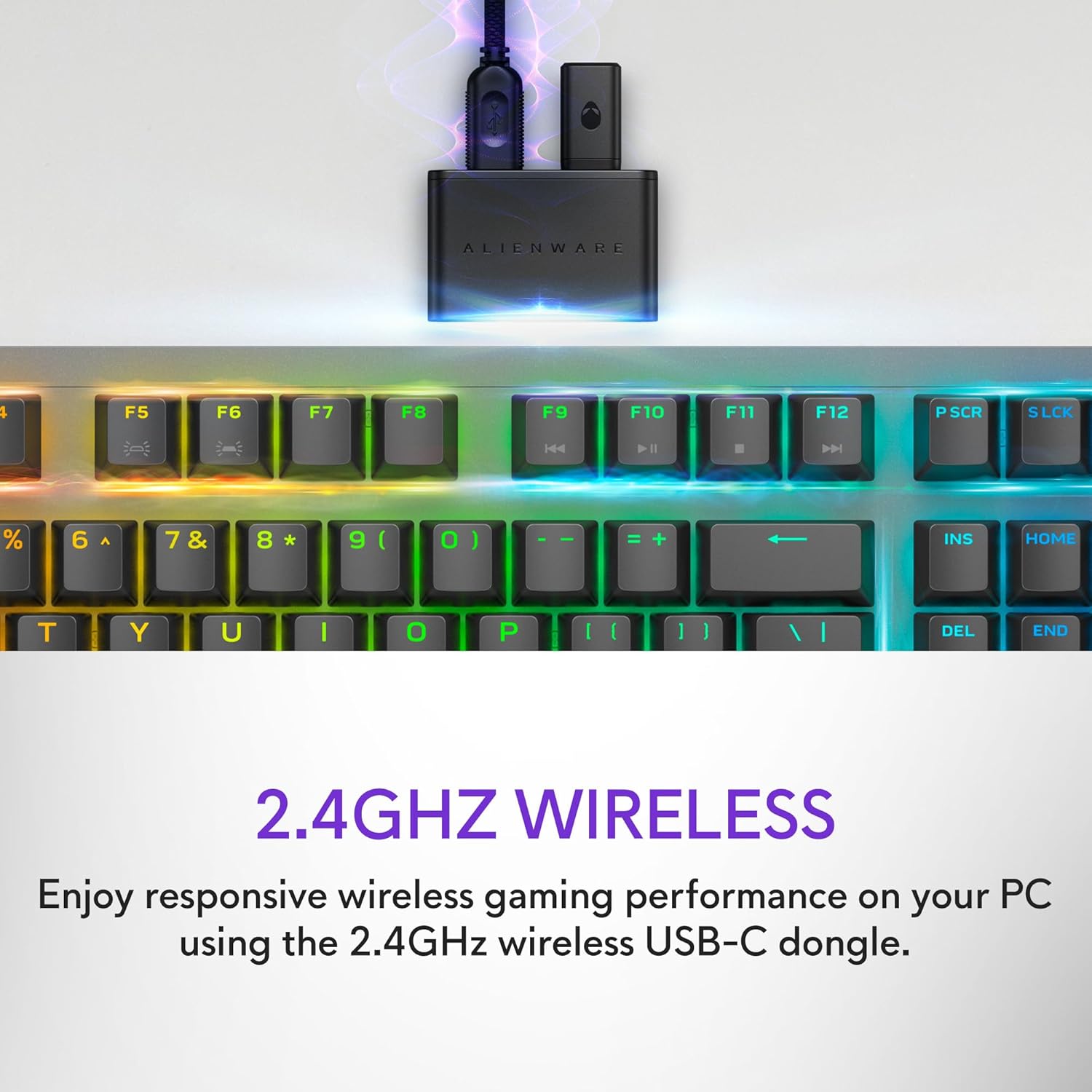
Figure 2: The 2.4GHz wireless USB-C dongle for PC connection.
Conexión Bluetooth 5.1
Connect up to three different compatible devices via Bluetooth 5.1. Use the selection button located on the back of the keyboard to choose the active paired device or switch to the 2.4GHz connection.

Figure 3: Connectivity toggle switch on the back of the keyboard.
Conexión USB con cable
For a direct and reliable connection, plug in and play on your PC using the detachable USB paracord cable.

Figure 4: Connecting the keyboard via the detachable USB cable.
Cargando
The keyboard features magnetic snap-on charging for convenience. Easily connect and disconnect the charging cable to keep your keyboard powered without interrupting your game or compromising performance.

Figure 5: Magnetic snap-on charging port.
The keyboard offers robust battery life: up to 42 hours with 50% RGB lighting brightness on 2.4GHz dongle connection, or up to 46 hours on Bluetooth connection with 50% RGB lighting brightness.
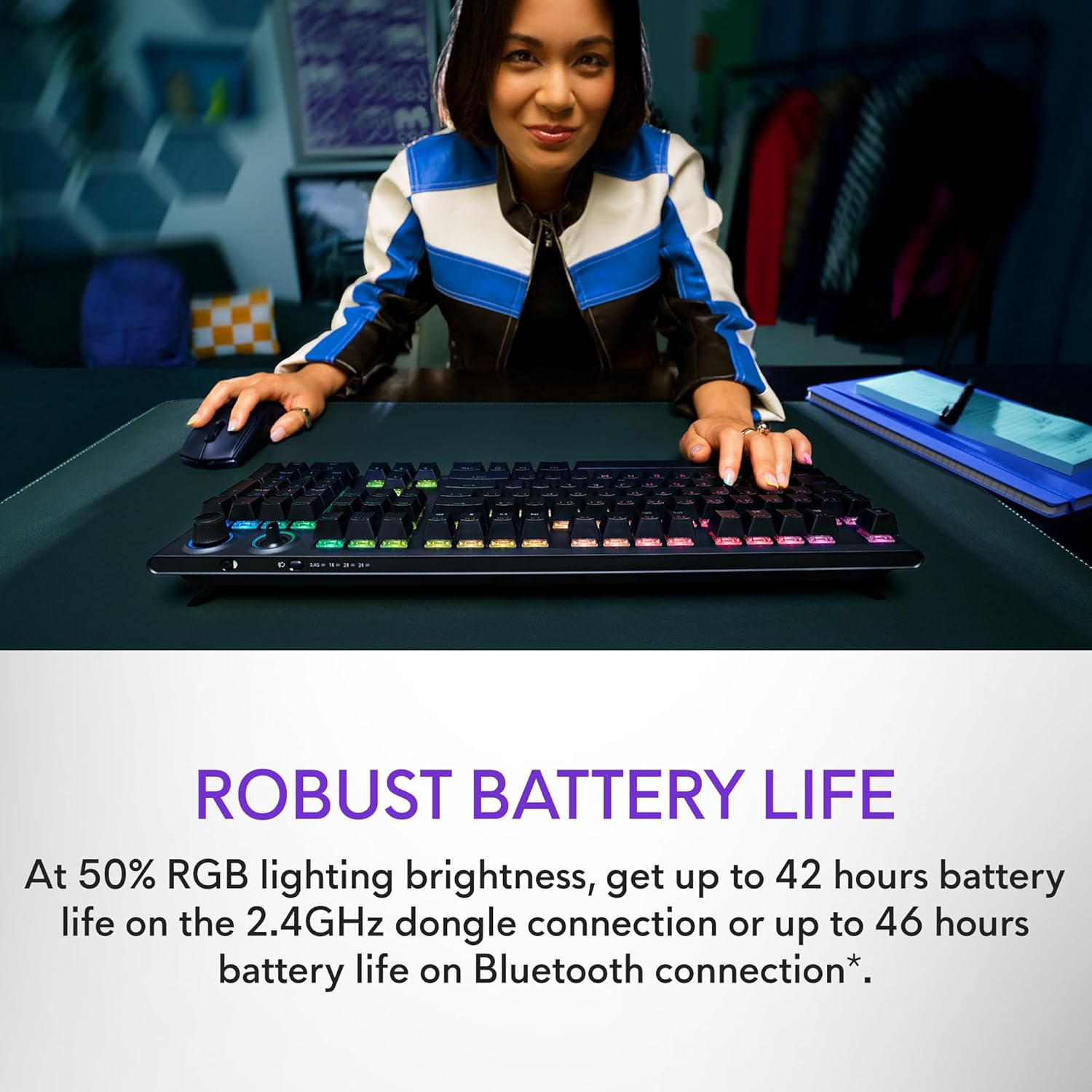
Figure 6: Illustration of the keyboard's extended battery life.
Instrucións de funcionamento
Key Switches and Performance
The AW920K features CHERRY MX Red switches, known for their consistent high performance, 100 million actuation lifecycle, responsive feel, and smooth linear operation, making them ideal for gaming.

Imaxe 7: Primeiro plano view of the CHERRY MX Red switches.
Double-shot PBT keycaps provide reliable durability and exceptional wear resistance. The key legends are molded into the cap, not painted, ensuring dependable fade resistance.
Controis personalizables
The programmable rocker switch and dial allow you to customize your experience. Map compatible Windows productivity controls via Alienware Command Center on your PC. This includes media controls and system volume, accessible directly from your fingertips.

Figure 8: The programmable rocker switch and dial for custom functions.
Iluminación RGB AlienFX
AlienFX per-key RGB lighting is configurable with Alienware Command Center, delivering an immersive gaming experience with up to 16.8 million colors. Utilize the Alienware Command Center on PC to create themes and customize the keyboard for a more personal gaming experience.

Figure 9: Keyboard displaying AlienFX RGB lighting effects.
Características do xogo
The keyboard supports full anti-ghosting and N-key rollover, ensuring that all keystrokes register correctly and the keyboard remains responsive during intense gaming sessions and rapid typing.
Mantemento
To ensure the longevity and optimal performance of your Alienware AW920K keyboard, follow these maintenance guidelines:
- Limpeza: Use un pano suave e sen pelusa lixeiramente dampEnxágüe con auga ou unha solución de limpeza suave para limpar as teclas e o chasis. Evite produtos químicos agresivos ou materiais abrasivos.
- Eliminación de po: Usa aire comprimido para eliminar o po e os residuos que hai entre as tapas das teclas.
- Almacenamento: Cando non o use durante períodos prolongados, garde o teclado nun lugar seco e fresco, lonxe da luz solar directa e de temperaturas extremas.
- Coidado do cable: Handle the detachable USB cable with care. Avoid sharp bends or excessive pulling to prevent damage.
Resolución de problemas
Se tes problemas co teclado Alienware AW920K, consulta os seguintes pasos comúns para a resolución de problemas:
| Problema | Posible causa/solución |
|---|---|
| O teclado non responde (sen fíos) |
|
| A iluminación RGB non funciona |
|
| As chaves non se rexistran ou aparecen como pantasmas |
|
| As funcións programables non funcionan |
|
Especificacións
| Característica | Detalle |
|---|---|
| Número de modelo | AW920K |
| Conectividade | Sen fíos de 2.4 GHz, Bluetooth 5.1, USB-C con cable |
| Interruptores de teclas | CHERRY MX Red |
| Chaves | PBT de dobre inxección |
| Iluminación | AlienFX per-key RGB |
| Battery Life (2.4GHz, 50% RGB) | Ata 42 horas |
| Battery Life (Bluetooth, 50% RGB) | Ata 46 horas |
| Anti-Ghosting | Anti-Ghosting completo |
| Rollover de tecla N | Soportado |
| Dimensións (LxWxH) | 17.76 x 5.82 x 2.28 polgadas (45.1 x 14.8 x 5.8 cm) |
| Peso | 2.35 libras (1.06 kg) |
| Dispositivos compatibles | Portátil, PC, teléfono intelixente, tableta |

Figure 10: Keyboard dimensions (Length, Width, Height).
Garantía e Soporte
Alienware products are backed by a manufacturer's warranty. For detailed warranty information, technical support, or service inquiries, please visit the official Alienware support websitio web ou póñase en contacto co servizo de atención ao cliente. Garde o recibo de compra para reclamacións de garantía.
For software updates and advanced customization, download the Alienware Command Center from the official Alienware support page.
You can visit the official Alienware store for more products and support: Alienware Store
Ask a question about this manual
Ask about setup, troubleshooting, compatibility, parts, safety, or missing instructions. Manuals+ will review the question and use this page’s manual context to help answer it.