
CAPOXO CP-PBV-32G-New
Manual do usuario da gravadora de voz dixital CAPOXO CP-PBV-32G-Nova
Model: CP-PBV-32G-New | Brand: CAPOXO
1. Introdución
This manual provides detailed instructions for the operation and maintenance of your CAPOXO CP-PBV-32G-New Digital Voice Recorder. Please read this manual thoroughly before using the device to ensure proper functionality and to maximize its lifespan.
The CAPOXO CP-PBV-32G-New is a 32GB digital voice recorder designed for capturing audio with clarity. It features a long-lasting battery, voice-activated recording, and MP3 playback capabilities. Its compact design allows for discreet use in various environments.
2. Contido do paquete
Verifica que todos os elementos estean presentes no paquete:
- 1 x CAPOXO CP-PBV-32G-New Digital Voice Recorder
- 1 x cable USB
- 1 x auricular
- 1 x Manual de usuario (este documento)
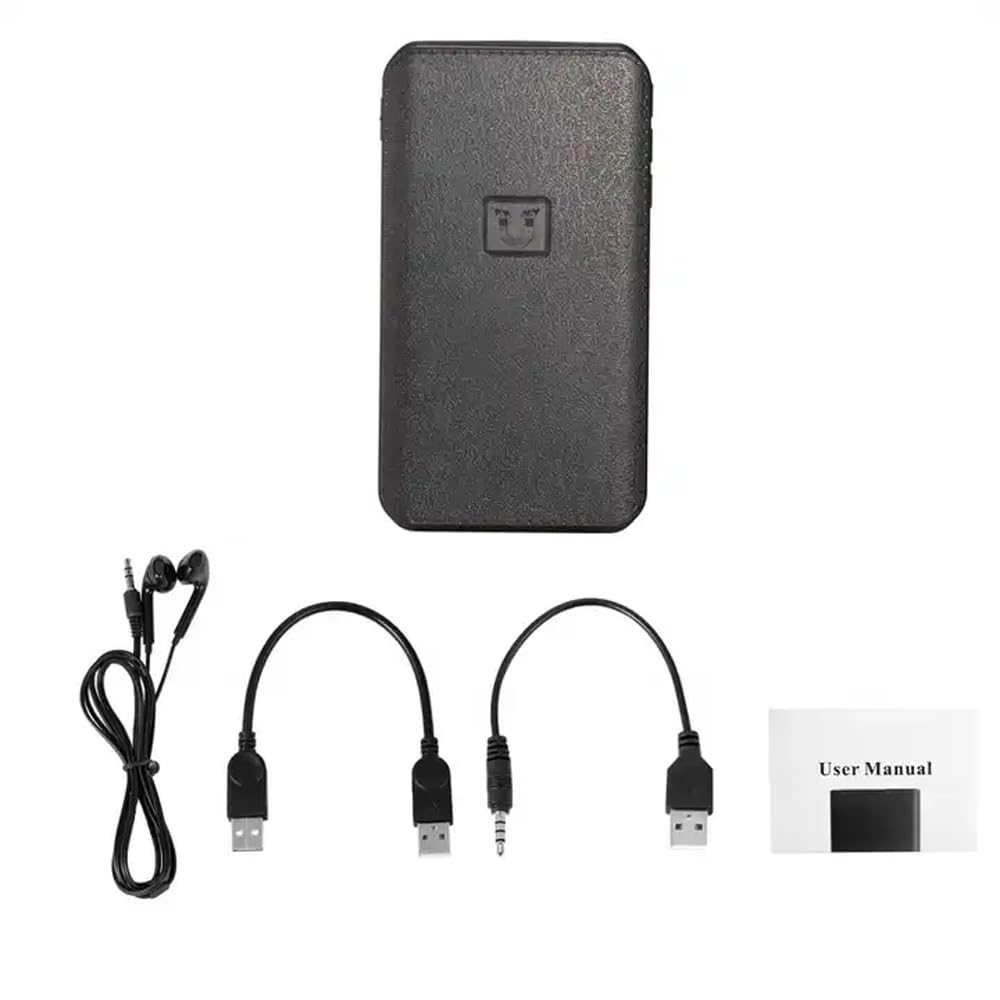
Image: Contents of the CAPOXO voice recorder package, including the recorder, USB cable, earphones, and user manual.
3. Produto rematadoview
Familiarízate cos compoñentes e controis do dispositivo.

Image: Diagram showing the CAPOXO voice recorder with labels for the headphone plug, USB/Charge input, USB/Charge output, Volume plus, Volume reduction, Menu button, and recording switch.
- Recording Switch: Slide to initiate or save recordings.
- Conector de auriculares: For connecting earphones for audio playback.
- USB/Charge Input: Para cargar o dispositivo e conectalo a un ordenador.
- USB/Charge Output: (If applicable, for power bank function)
- Botóns de volume: Axustar o volume de reprodución.
- Botón de menú: Access device settings and navigation.
4. Configuración
4.1 Carga do dispositivo
Before first use, fully charge the voice recorder. Connect the device to a USB power adapter (not included) or a computer's USB port using the provided USB cable. The charging indicator will show the charging status.
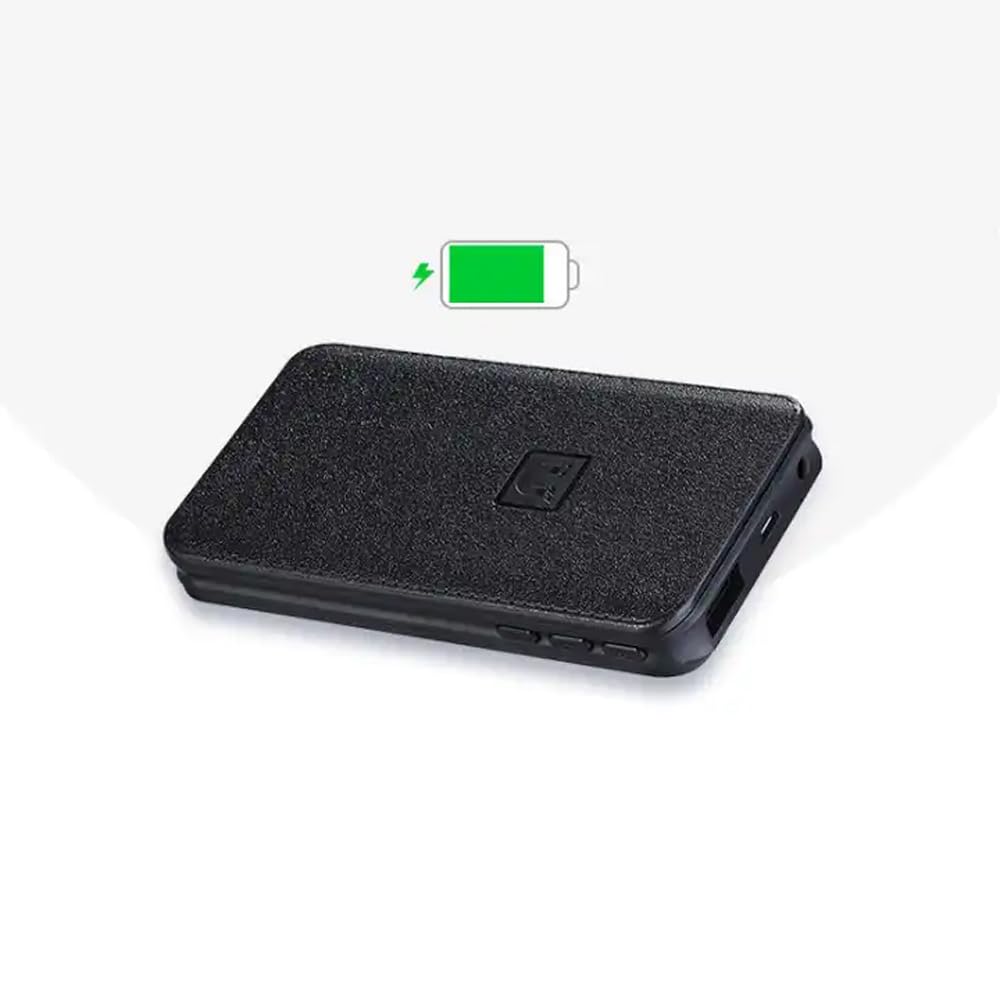
Image: The CAPOXO voice recorder with a green battery icon indicating a full or charging battery.
4.2 Conectando a un ordenador
Para transferir files or set the device's time, connect the recorder to your computer using the USB cable. The device will appear as a removable disk drive.
5. Instrucións de funcionamento
5.1 Gravación básica
- To start recording, slide the recording switch to the "ON" position. The device will begin recording automatically.
- To save the recording and stop, slide the recording switch to the "OFF" position. The recording will be saved as an MP3 file.

Image: A hand interacting with the CAPOXO voice recorder, illustrating the "Push ON to start recording" and "Push OFF to save recording" actions. Icons for one-click recording, automatic save, segmented recording, magnetic adsorption, OTG, and AVR Mode are also visible.
5.2 Voice Activated Recording (AVR Mode)
The device supports Voice Activated Recording (AVR). Refer to the on-screen menu or specific instructions for activating and configuring this mode. In AVR mode, the recorder will automatically pause during silent periods to conserve storage space and battery life.
5.3 Reprodución
- Connect the provided earphones to the headphone jack.
- Use the menu button to navigate through saved recordings.
- Press the play button (if available, or use the menu) to start playback.
- Adjust volume using the volume buttons.
5.4 File Xestión
As gravacións gárdanse como MP3 files. When connected to a computer, you can access, copy, move, or delete these files like any other data on a USB drive. Files are typically organized by date for easy identification.
5.5 Adsorción magnética
The recorder features strong magnetic adsorption, allowing it to be easily attached to any metallic surface. This provides versatile placement options for recording.
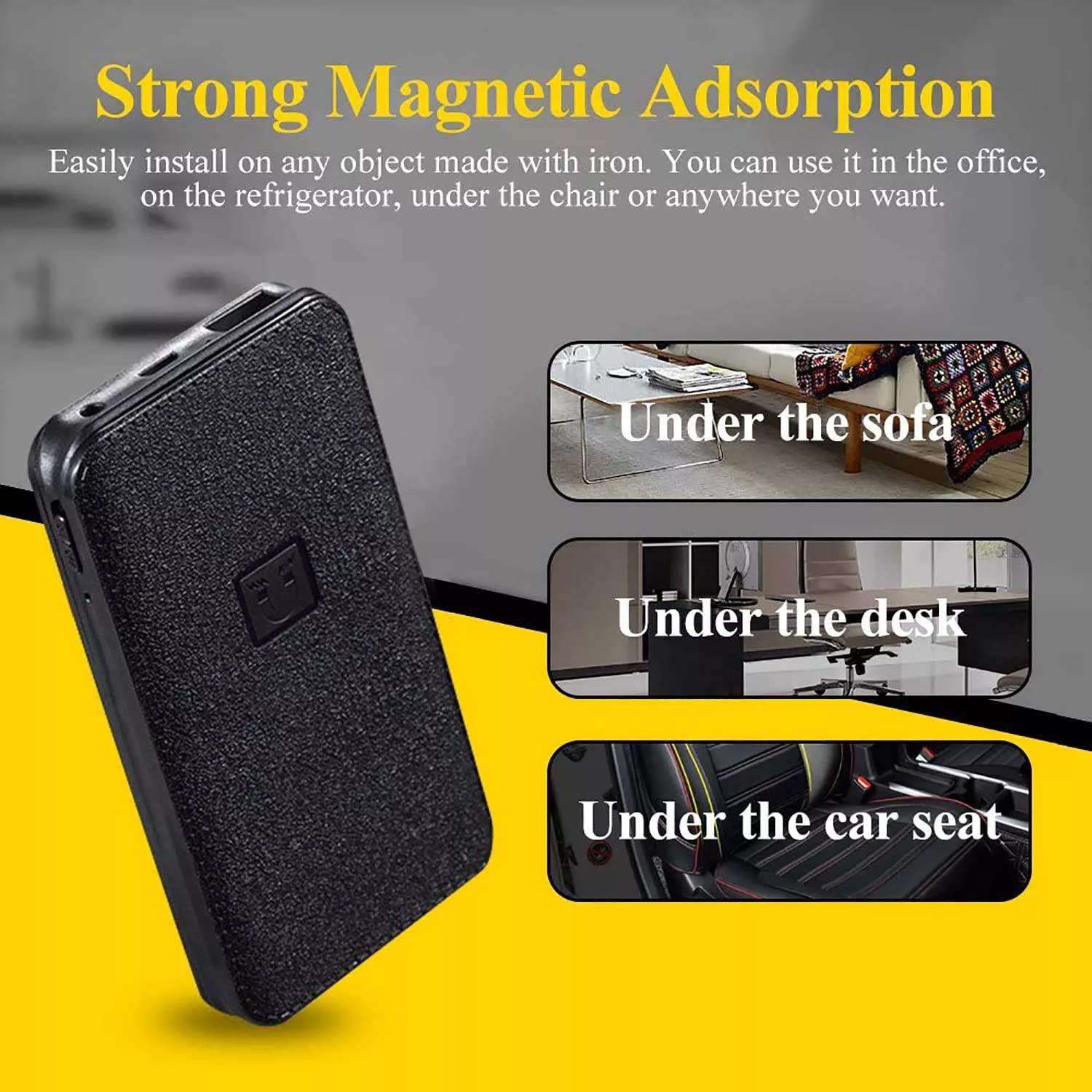
Image: The CAPOXO voice recorder shown with text indicating "Strong Magnetic Adsorption" and examples of placement such as "Under the sofa", "Under the desk", and "Under the car seat".
6. Mantemento
- Manteña o dispositivo seco e lonxe de temperaturas extremas.
- Limpar o exterior cun pano suave e seco. Non usar produtos de limpeza líquidos.
- Evite deixar caer o dispositivo ou sometelo a fortes impactos.
- Regularly back up important recordings to a computer.
7 Solución de problemas
| Problema | Causa posible | Solución |
|---|---|---|
| O dispositivo non se acende. | Batería baixa. | Cargue o dispositivo completamente. |
| Non se pode gravar. | Memory full; Recording switch not in "ON" position. | Eliminar antigo files to free up space; Ensure switch is in "ON" position. |
| Mala calidade de audio. | Device too far from sound source; High background noise. | Place the device closer to the sound source; Record in a quieter environment. |
| Dispositivo non recoñecido polo ordenador. | Faulty USB cable; Driver issue; Incorrect connection. | Try a different USB cable or USB port; Restart computer; Ensure proper connection. |
8. Especificacións
| Marca | CAPOXO |
| Modelo | CP-PBV-32G-New |
| Capacidade de almacenamento da memoria | 32 GB |
| Dimensións do produto | 12 x 4.5 x 1.5 cm |
| Peso do elemento | 395 g |
| Tipo de batería | Polímero de litio |
| Duración media da batería | Up to 15 Days (recording) |
| Formatos de audio admitidos | MP3 |
| Formato de micrófono | Integrado |
| Interface de hardware | USB 3.0 tipo B |
| Dispositivos compatibles | MP3 Player, Personal Computer, Smartphone, Tablet |

Image: The CAPOXO voice recorder placed next to a ruler, illustrating its physical dimensions of approximately 12 cm in length and 4.5 cm in width.
9. Garantía e soporte
9.1 Información da garantía
This product is covered by a limited warranty against defects in materials and workmanship. Please refer to the warranty card included in your package or contact customer support for specific warranty terms and conditions. Keep your purchase receipt as proof of purchase.
9.2 Atención ao cliente
For technical assistance, troubleshooting, or warranty claims, please contact CAPOXO customer support. Contact details may be found on the product packaging or the official CAPOXO websitio.
Fabricante: Capoxo
Importador: CAPOXO
País de orixe: India
Ask a question about this manual
Ask about setup, troubleshooting, compatibility, parts, safety, or missing instructions. Manuals+ will review the question and use this page’s manual context to help answer it.