
1. Introdución
The PNI PMR R70 PRO is a portable PMR446 radio designed for reliable communication. This device operates on the 446 MHz frequency band, offering 16 channels and 99 PC programmable channels. It features 50 CTCSS tones and 166 DCS tones for enhanced privacy and interference reduction. With an IP67 rating, the radio is protected against dust and water immersion, making it suitable for various environments. No license is required for operation in most European Union countries.
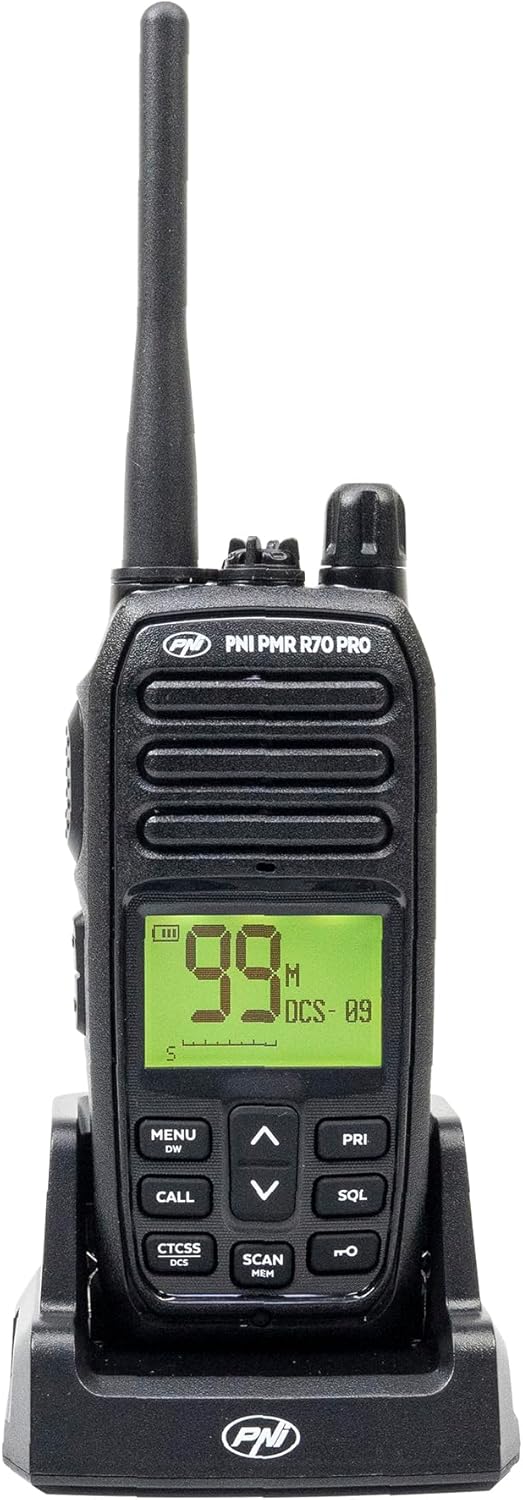
Imaxe 1.1: Fronte view of the PNI PMR R70 PRO portable radio, showing the display and control buttons.
2. Contido do paquete
Verifique que todos os elementos que se indican a continuación estean incluídos no seu paquete:
- PNI PMR R70 PRO Radio Unit
- Antena
- Batería de 1800 mAh
- Cargador de escritorio
- Clip para cinto
- Guía de usuario
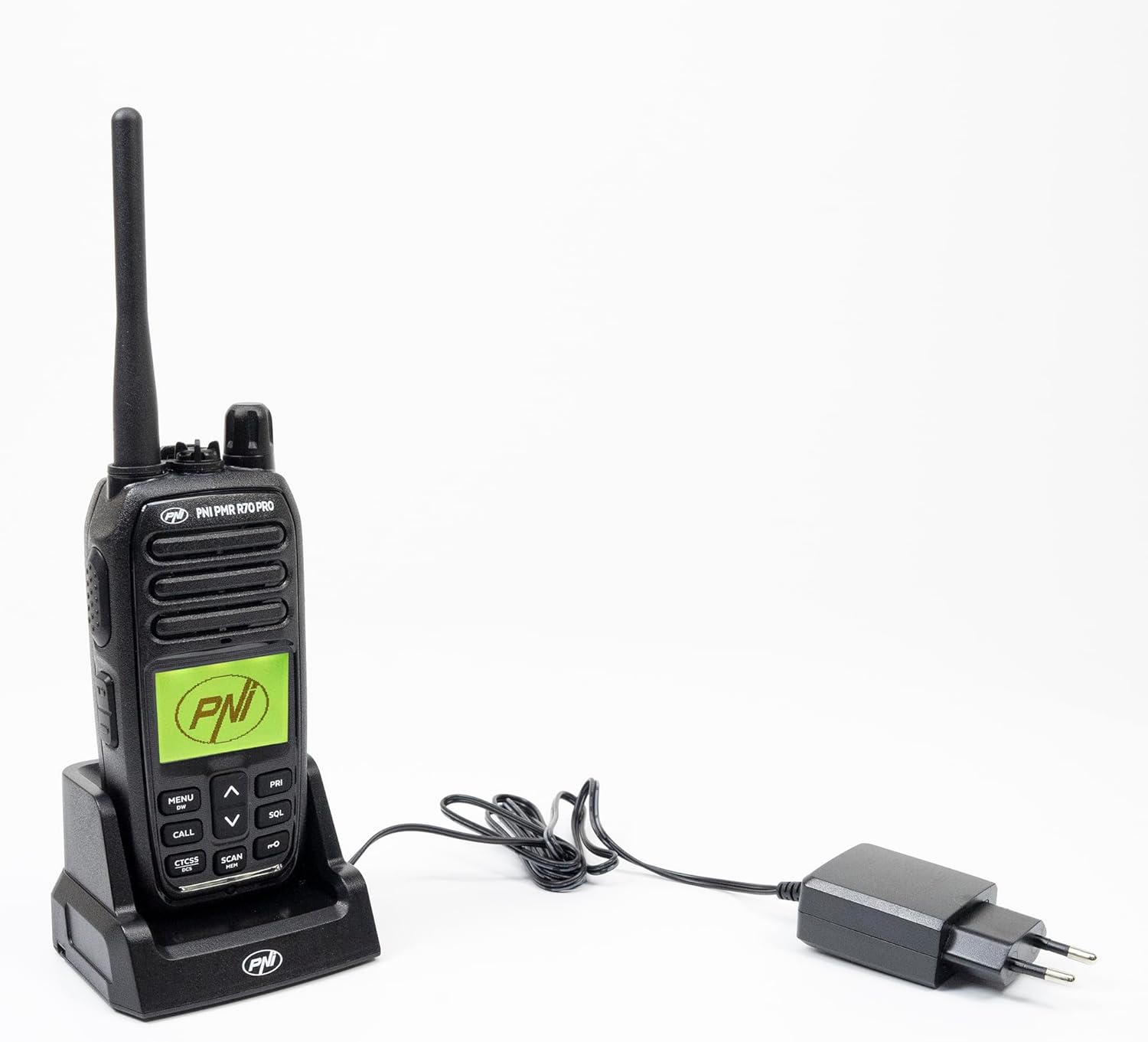
Image 2.1: All components included in the PNI PMR R70 PRO package: radio, antenna, battery, desktop charger, and belt clip.
3. Configuración
3.1 Instalación da batería
- Asegúrate de que a radio estea apagada.
- Localiza a tapa do compartimento da batería na parte traseira da radio.
- Unscrew the retaining screw and carefully remove the cover.
- Insert the 1800 mAh battery into the compartment, ensuring the contacts align correctly.
- Coloque a tapa do compartimento da batería e fíxaa co parafuso.

Imaxe 3.1: Traseira view of the PNI PMR R70 PRO radio with the battery compartment open, showing the battery and its connection.
3.2 Carga da batería
- Conecta o cargador de escritorio a unha toma de corrente.
- Place the radio unit into the charging cradle. Ensure the charging contacts on the radio align with those on the charger.
- A luz indicadora de carga do cargador acenderase, normalmente en vermello para a carga e en verde para a carga completa.
- A full charge typically takes several hours. Do not overcharge the battery.
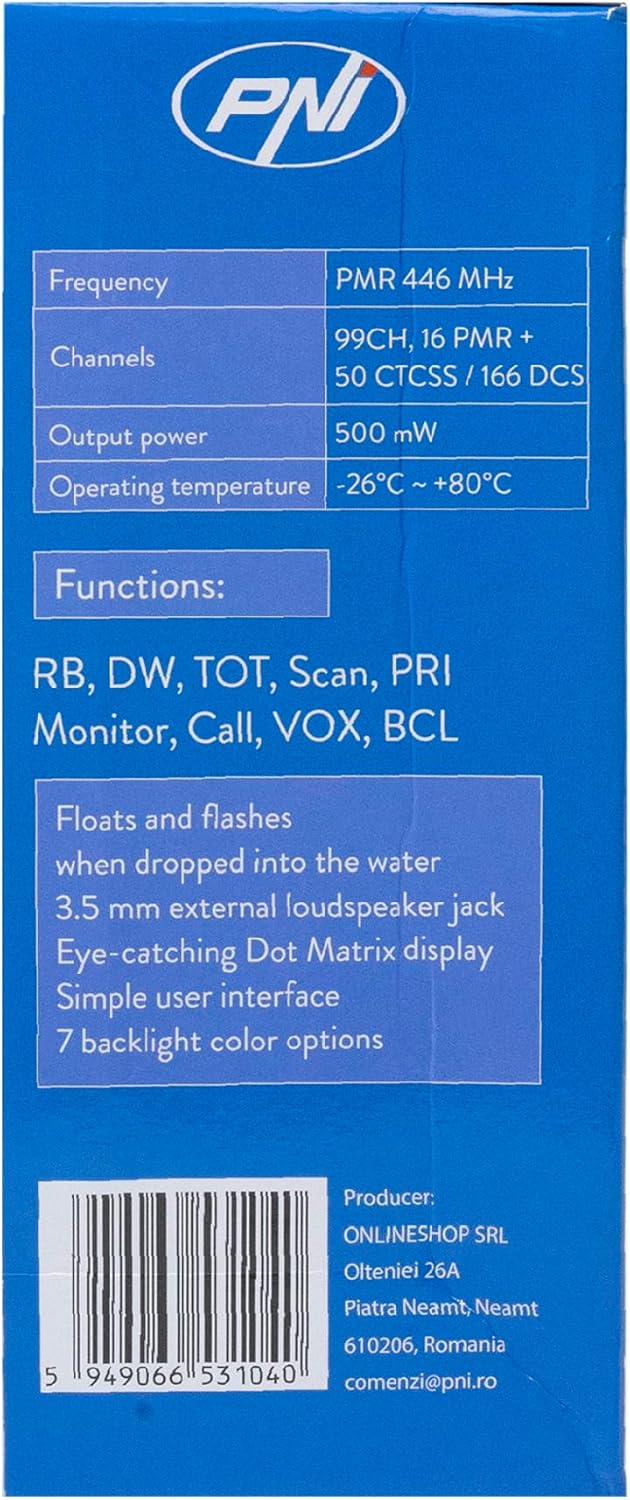
Image 3.2: The PNI PMR R70 PRO radio placed in its desktop charging cradle, connected to a power adapter.
4. Instrucións de funcionamento
4.1 Encendido/apagado
To power on the radio, rotate the power/volume knob clockwise until you hear a click. To power off, rotate the knob counter-clockwise until it clicks.
4.2 Axuste de volume
Rotate the power/volume knob clockwise to increase the volume and counter-clockwise to decrease it.
4.3 Selección de canles
Use o UP (^) e ABAIXO (v) arrow buttons on the front panel to select one of the 16 available channels. The selected channel number will be displayed on the screen.
4.4 Transmisión e recepción
- Para transmitir: Press and hold the Push-To-Talk (PTT) button located on the side of the radio. Speak clearly into the microphone. Release the PTT button to stop transmitting.
- Para recibir: Asegúrate de non premer o botón PTT. A radio recibirá sinais automaticamente na canle seleccionada.
4.5 Características especiais
- Tons CTCSS/DCS: The radio supports 50 CTCSS (Continuous Tone-Coded Squelch System) and 166 DCS (Digitally Coded Squelch) tones. These tones help filter out unwanted conversations on the same channel. Refer to the full user guide for programming instructions.
- Función de dixitalización: Activate the scan function to monitor all active channels. The radio will stop on an active channel until the transmission ends.
- Dual Watch (DW): This feature allows the radio to monitor two channels simultaneously.
- Roger Beep: An audible tone emitted when the PTT button is released, signaling the end of your transmission.
- Bloqueo do teclado: Evita cambios accidentais na configuración.
- PC Programmable Channels: The radio supports 99 PC programmable channels. This requires a specific programming cable (PNI - PSR70) and software.

Image 4.1: The PNI PMR R70 PRO radio connected to a laptop via a programming cable for channel and feature customization.
5. Mantemento
5.1 Limpeza
Limpe a radio cun suave, damp pano. Non empregue produtos químicos agresivos nin produtos de limpeza abrasivos. Asegúrese de que a radio estea seca antes de usala ou cargala.
5.2 Resistencia á auga (IP67)
The PNI PMR R70 PRO is rated IP67, meaning it is fully protected against dust ingress and can withstand immersion in water up to 1 meter for 30 minutes. While robust, avoid unnecessary exposure to water and ensure all covers (e.g., battery cover, accessory port cover) are securely closed before exposing the radio to water.

Image 5.1: The PNI PMR R70 PRO radio with water droplets, illustrating its IP67 water resistance feature.
6 Solución de problemas
If you encounter issues with your PNI PMR R70 PRO radio, consider the following common troubleshooting steps:
- Sen enerxía: Ensure the battery is correctly installed and fully charged. Check the power/volume knob is turned on.
- Non se pode transmitir nin recibir: Verify that you are on the correct channel. Check if the PTT button is functioning. Ensure the antenna is securely attached.
- Mala calidade de audio: Adjust the volume. Ensure the microphone and speaker are not obstructed. Move to an area with fewer obstructions for better signal.
- Alcance curto: Obstacles like buildings and terrain can significantly reduce range. Operate in open areas for maximum range. Ensure the battery is fully charged.
- O teclado non responde: Check if the keypad lock feature is activated. Deactivate it if necessary.
For persistent issues, consult the comprehensive user guide or contact customer support.
7. Especificacións
| Característica | Especificación |
|---|---|
| Marca | PNI |
| Número de modelo | PNI-R70-PRO |
| Rango de frecuencias | 446.00625 ~ 446.19375 MHz |
| Número de canles | 16 (PMR), 99 PC Programmable |
| Potencia de saída | 0.5 W |
| Tons CTCSS | 50 |
| DCS Tones | 166 |
| Clasificación de protección internacional | IP67 (Dustproof, Submersible up to 1m for 30 min) |
| Batería | 1800 mAh (incluída) |
| Duración media da batería | 18 horas |
| Voltage | 7.4 voltios (DC) |
| Rango máximo | Up to 10 Kilometers (open space) |
| Temperatura de funcionamento | -26 °C ~ +80 °C |
| Dimensións do produto (P x A x A) | 6P x 13L x 4H centímetros |
| Peso do elemento | 225 gramos |
| Características especiais | Digital Display, Rechargeable, Roger Beep, Submersible, Keypad Lock |
8. Garantía e soporte
8.1 Información da garantía
The PNI PMR R70 PRO radio comes with a 2 ano de garantía desde a data de compra. Esta garantía cobre defectos de fabricación en condicións de uso normal. Conserve o comprobante de compra para reclamacións de garantía.
8.2 Atención ao cliente
For technical assistance, troubleshooting, or warranty service, please contact your retailer or the manufacturer's customer support. Refer to the contact information provided in your purchase documentation.