
1. Introdución
This manual provides comprehensive instructions for the PTHTECHUS 4G Kids Smart Watch, model LT49. It covers product setup, operation, maintenance, and troubleshooting to ensure optimal use of the device. Please read this manual thoroughly before using the watch.
2. Que hai na caixa
- PTHTECHUS 4G Kids Smart Watch (Model LT49)
- Cable de carga
- Manual de usuario
- Banda de reloxo
- SpeedTalk Mobile SIM Kit (includes SIM card)
3. Produto rematadoview
Familiarize yourself with the physical components of your PTHTECHUS 4G Kids Smart Watch.
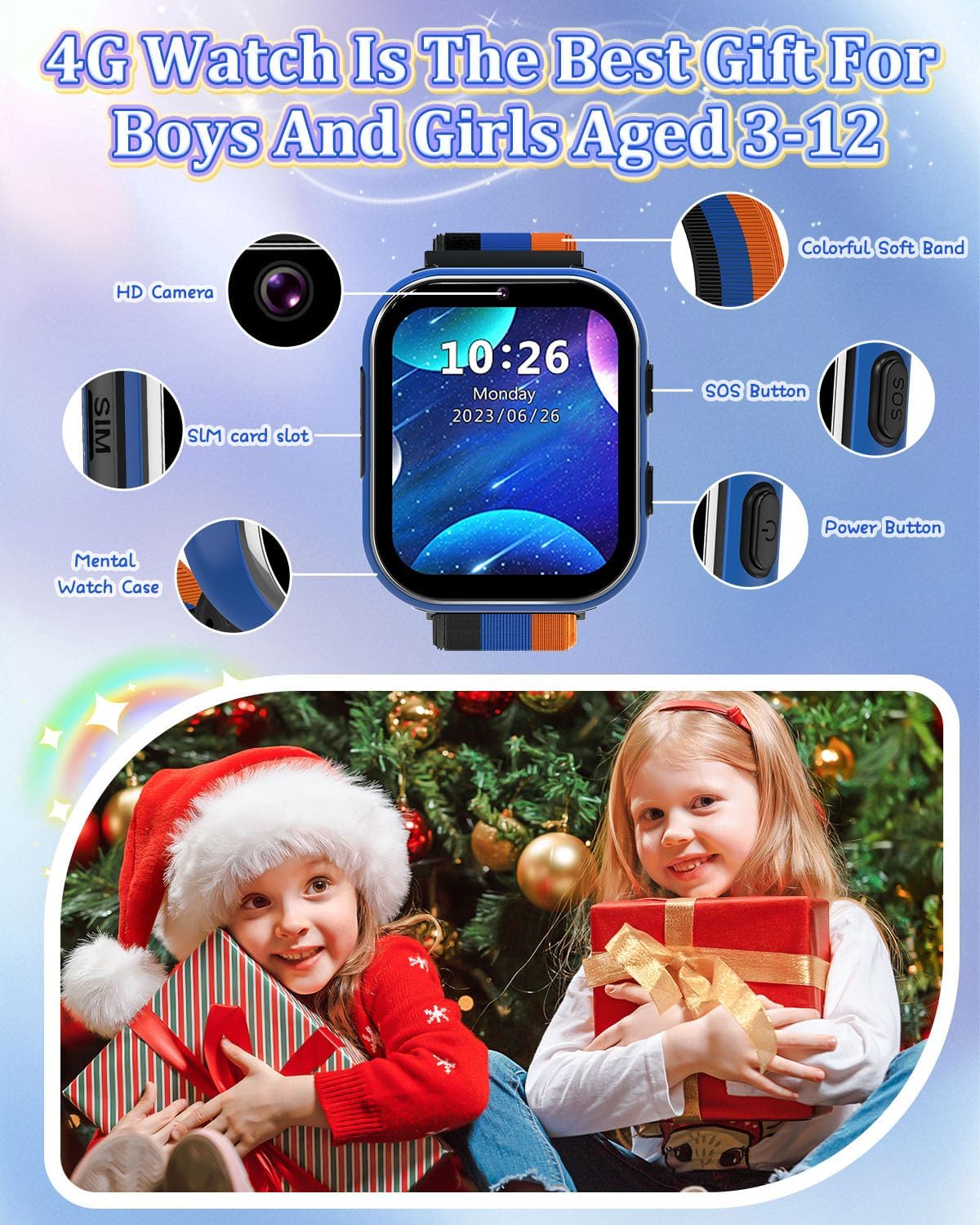
Image: PTHTECHUS 4G Kids Smart Watch LT49 showing its HD Camera, SIM card slot, Mental Watch Case, Colorful Soft Band, SOS Button, and Power Button.
- Cámara HD: Located at the top of the watch face, used for taking photos and videos.
- Ranura para tarxeta SIM: Located on the side, for inserting the Nano SIM card.
- Botón SOS: A dedicated button for emergency calls.
- Botón de encendido: Used to power on/off the device and navigate.
- Pantalla táctil: 1.54-inch display for interaction.
4. Instrucións de configuración
4.1. Instalación da tarxeta SIM
The PTHTECHUS 4G Kids Smart Watch requires a Nano SIM card for 4G network functionality, including calling. A SpeedTalk Mobile SIM kit is included.

Image: Illustration of a Nano SIM card and its correct orientation for insertion into the watch's SIM card slot, alongside information about SpeedTalk Mobile service.
- Asegúrate de que o reloxo estea apagado.
- Localiza a ranura para a tarxeta SIM no lateral do reloxo.
- Carefully insert the Nano SIM card into the slot with the gold contacts facing up and the notched corner aligned correctly.
- Gently push until the SIM card clicks into place.
4.2. Carga inicial e acendido
- Connect the charging cable to the watch's charging port and a compatible USB power adapter.
- Allow the watch to charge fully before first use. The battery indicator will show charging status.
- To power on, press and hold the Power Button until the screen illuminates.
4.3. Network Activation (SpeedTalk Mobile)
The included SpeedTalk Mobile SIM card requires activation to enable calling and data features. Visit the SpeedTalk Mobile website to activate the service. Support is available 7 days a week.
5. Instrucións de funcionamento
5.1. Navegación básica
The watch features an HD touch screen for navigation. Swipe left/right or up/down to access different applications and settings. Tap icons to select.
5.2. Realización e recepción de chamadas
With an activated 4G SIM card, the watch supports two-way calling.

Image: The PTHTECHUS 4G Kids Smart Watch displaying an incoming call, illustrating its two-way calling capability.
- Facendo unha chamada: Navigate to the 'Phone' application, select a contact from the pre-set list, and initiate the call.
- Recibindo unha chamada: Cando entre unha chamada, toque a icona verde de resposta na pantalla.
5.3. Chamada de emerxencia SOS
In an emergency, the SOS function allows the child to quickly contact pre-set numbers.
- Activar SOS: Manteña premido o botón SOS durante 3-5 segundos.
- The watch will automatically dial up to 3 pre-set emergency contacts in a loop until one answers.
- An emergency text message will also be sent to these contacts.
5.4. Uso da cámara
The built-in camera allows for capturing photos and videos.
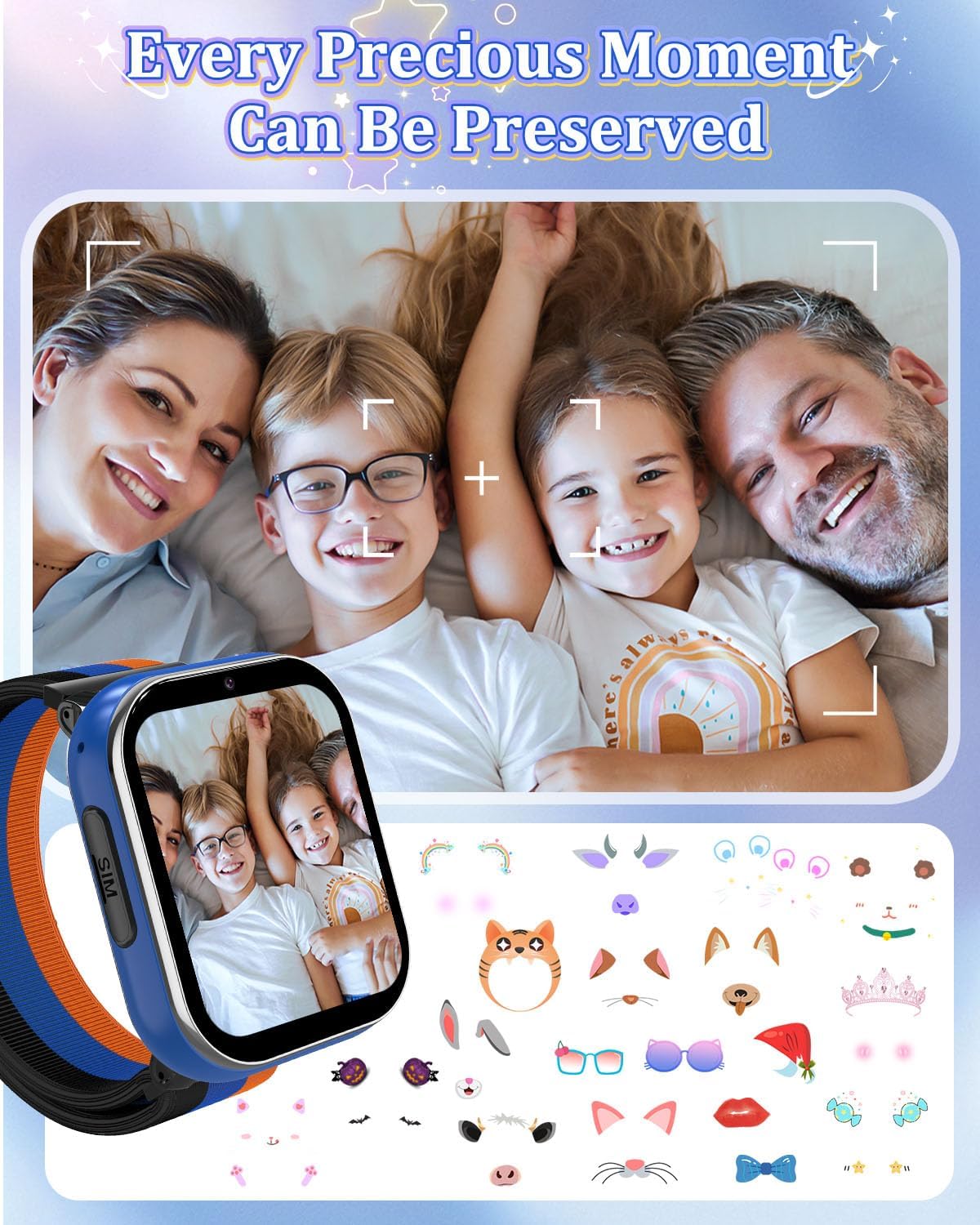
Image: A family portrait displayed on the watch screen, demonstrating the watch's camera function and ability to preserve moments.
- Navigate to the 'Camera' application.
- Toca a pantalla para sacar unha foto ou iniciar/deter a gravación de vídeo.
- Photos and videos are saved to the watch's internal memory.
5.5. Reprodución de música
The watch supports MP3 music playback.
- Transferir MP3 files to the watch's storage via USB connection to a computer.
- Access the 'Music' application to browse and play stored audio files.
5.6. Xogos
The watch includes 8 pre-installed puzzle games designed to engage children and develop logical thinking.
- Access games through the 'Games' application.
- Modo Escolar: To prevent distractions during study times, activate 'School Mode' in the settings. This temporarily disables game functions.
5.7 Podómetro
The built-in pedometer tracks daily steps.
- Access the 'Pedometer' application to view conta de pasos.
5.8. Alarm Clock and Habit Tracker
Set up to 13 different alarm clock modes to help establish daily routines.

Image: A visual representation of 13 alarm clock modes, including 'Get Up', 'Brush Your Teeth', 'Breakfast', 'Walk the Dog', 'Go to School', 'Lunch', 'Sports', 'Homework', 'Dinner', 'Housework', 'Reading', and 'Go to Bed', displayed around the watch face.
- Navigate to the 'Alarm' or 'Habit' application to set and manage alarms.
5.9. Learning Features
The watch includes learning cards and audio stories.

Image: Display of various learning cards (e.g., animals, plants) and icons representing audio stories, designed to aid learning.
- Access 'Learning Cards' for educational content.
- Access 'Audio Stories' for pre-loaded narratives.
5.10. Outras características
- Calculadora: Funcións aritméticas básicas.
- Temporizador e cronómetro: Para actividades de cronometraxe.
- Gravación: Voice recording function.
- Fondo de pantalla: Customize the watch face with multiple wallpaper options.
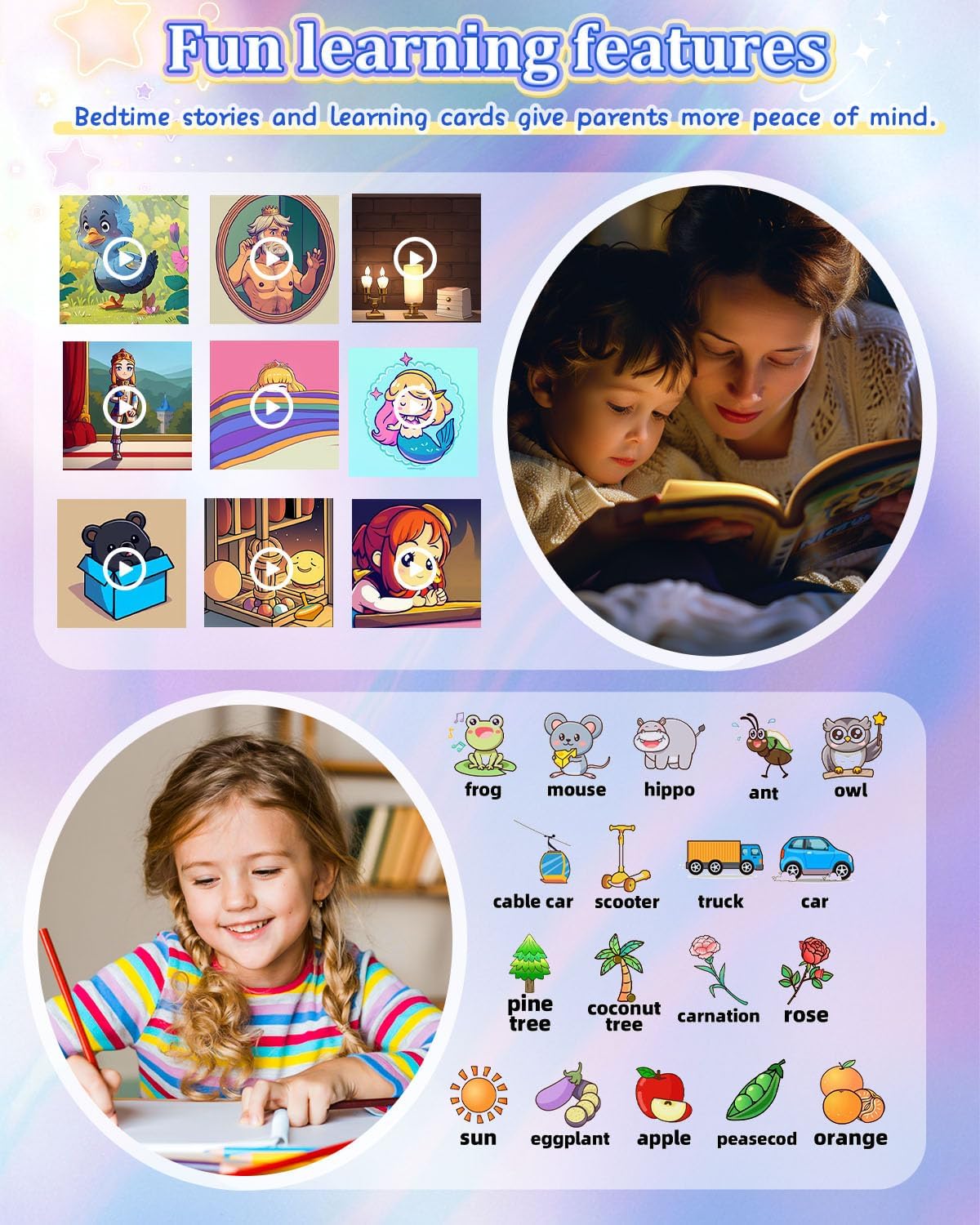
Image: A grid of diverse wallpaper designs available for customization on the watch screen.
6. Mantemento
6.1. Cargando
- Use só o cable de carga proporcionado.
- Carga o reloxo regularmente para manter a batería en bo estado.
- Evita sobrecargar ou descargar completamente a batería con frecuencia.
6.2. Limpeza
- Limpa a pantalla e a carcasa do reloxo cun pano suave e seco.
- Evite o uso de produtos químicos agresivos ou materiais abrasivos.
6.3. Coidado da batería
- The watch is equipped with a 700mAh Lithium Metal battery.
- Garde o reloxo nun lugar fresco e seco cando non o use durante períodos prolongados.
- If the watch will not be used for a long time, charge it to about 50% before storing.
7 Solución de problemas
- O reloxo non se acende: Asegúrate de que o reloxo estea completamente cargado. Mantén premido o botón de acendido durante polo menos 10 segundos.
- Non se poden facer/recibir chamadas: Verify that the SIM card is correctly inserted and activated with a 4G plan. Check network signal strength.
- A pantalla non responde: Reinicia o reloxo. Se o problema persiste, asegúrate de que a pantalla estea limpa e seca.
- Baixa calidade das chamadas: Check network signal. Ensure the microphone and speaker are not obstructed.
- A batería esgotando rapidamente: Reduce screen brightness, close unused applications, and ensure no background processes are consuming excessive power.
8. Especificacións
| Característica | Especificación |
|---|---|
| Nome do modelo | LT49 |
| Tamaño da pantalla | 1.54 polgadas |
| Capacidade da batería | 700 millónsamp Hours (Lithium Metal) |
| Capacidade de almacenamento da memoria | 3.3 GB |
| Tecnoloxía de conectividade | USB |
| Características especiais | Alarm Clock, Camera, Music Player, Phone Call, SOS Button |
| GPS | Sen GPS |
| Peso do elemento | 60 gramos (2.12 onzas) |
| Dimensións do paquete | 3.94 x 2.36 x 1.57 polgadas |
9. Garantía e soporte
PTHTECHUS is committed to providing quality products. For any questions or issues regarding your PTHTECHUS 4G Kids Smart Watch LT49, please contact our customer support. We are available to assist you with product inquiries and troubleshooting.