
1. Introdución
This manual provides instructions for the safe and efficient use of your ELECTROPRIME HOCO AC7 Storm Power Strip. This device features three AC outlets, one USB-C port, and three USB-A ports, designed for convenient power distribution and charging of multiple electronic devices. Please read this manual thoroughly before operation and retain it for future reference.
2. Instrucións de seguridade
To prevent injury or damage to the device, always follow these basic safety precautions:
- Do not exceed the maximum power rating of 2500W (10A / 250V).
- Este produto está deseñado só para uso en interiores. Non o expoña á humidade nin a temperaturas extremas.
- Non desmonte, modifique nin intente reparar o dispositivo. Encargue calquera mantemento a persoal cualificado.
- Manter fóra do alcance dos nenos.
- Ensure the power cord is fully extended and not coiled or covered when in use to prevent overheating.
- Insert plugs fully into the outlets. Loose connections can cause overheating.
- Do not use with appliances that draw more power than the strip's maximum capacity.
3. Produto rematadoview
The ELECTROPRIME HOCO AC7 Storm power strip provides multiple power and charging options. It features a durable, flame-retardant PC material construction for enhanced safety.
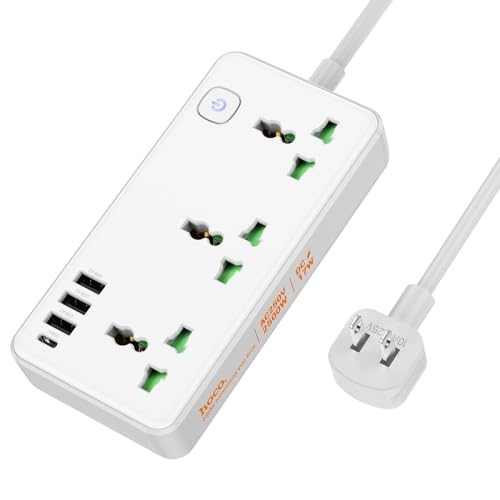
Imaxe 1: Acabadoview of the ELECTROPRIME HOCO AC7 Storm Power Strip, illustrating both white and black color variants with their respective AC and USB ports, power button, and attached power cable with a US plug.
4. Configuración
- Desempaquetar: Retire con coidado a regleta de alimentación da súa embalaxe.
- Colocación: Place the power strip on a stable, dry surface, away from heat sources, water, and direct sunlight. Ensure adequate ventilation around the unit.
- Conectar á toma de parede: Plug the power strip's US plug into a standard 250V wall outlet.
- Encendido: Press the power button located on the unit to turn on the power strip. An indicator light will illuminate when the unit is powered on.
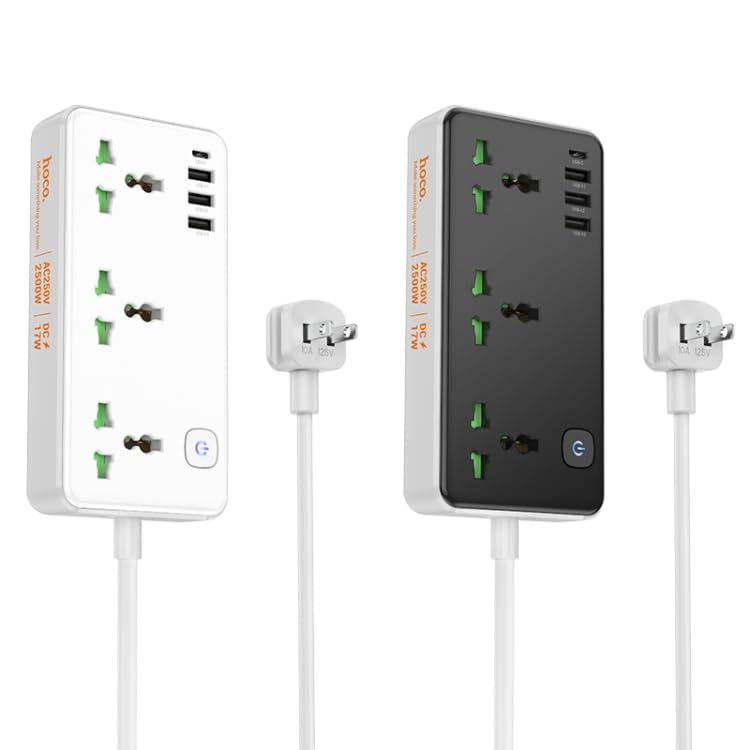
Imaxe 2: En ángulo view of the white power strip, highlighting the arrangement of AC and USB ports.
5. Instrucións de funcionamento
5.1 Uso de tomas de corrente alterna
The power strip features three universal AC outlets. To use, simply plug your appliances into the available sockets. Ensure the total power consumption of all connected devices does not exceed 2500W.
5.2 Uso dos portos de carga USB
The power strip includes one USB-C port and three USB-A ports for charging mobile devices, tablets, and other USB-powered electronics. The total USB output is 5V/3.4A.
- Connect your device's USB charging cable to the appropriate USB-C or USB-A port on the power strip.
- Asegúrate de que o dispositivo comece a cargar.
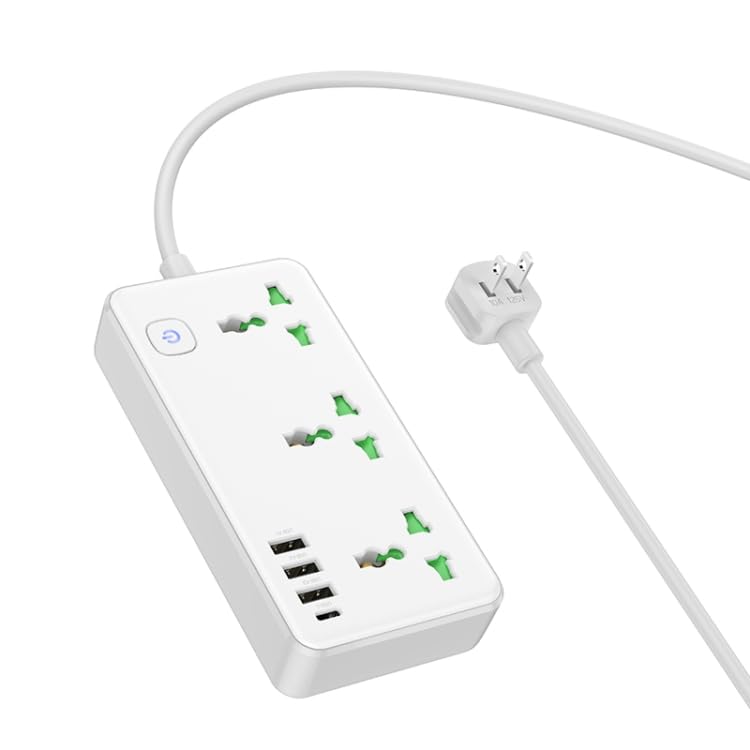
Imaxe 3: Arriba abaixo view of the white power strip, illustrating the layout of the AC outlets and USB ports, along with the attached power cable.
6. Mantemento
- Limpeza: Disconnect the power strip from the wall outlet before cleaning. Use a dry, soft cloth to wipe the surface. Do not use liquid cleaners or aerosols.
- Almacenamento: When not in use for extended periods, unplug the power strip and store it in a cool, dry place.
- Inspección: Periodically inspect the power cord and plug for any signs of damage. If damaged, discontinue use and contact customer support.
7 Solución de problemas
- Sen enerxía:
- Asegúrese de que a regleta estea ben conectada a unha toma de corrente que funcione.
- Check if the power button on the strip is pressed to the "ON" position.
- Verify that the wall outlet itself is functioning by plugging in another device.
- Devices Not Charging via USB:
- Ensure the power strip is powered on.
- Comprobe se o cable USB está danado e asegúrese de que estea conectado correctamente tanto á regleta como ao dispositivo.
- Verify that your device is compatible with 5V/3.4A USB charging.
- Protección contra sobrecarga: If the power strip stops providing power, it may have triggered its overload protection. Unplug all devices, wait a few minutes, and then press the power button to reset. Reduce the number of high-power devices connected.
8. Especificacións
| Característica | Especificación |
|---|---|
| Material | PC ignífugo |
| Saída AC | 10A/250V |
| Potencia máxima | 2500 W |
| Saída USB | 5V / 3.4A (Total) |
| Lonxitude do cable de alimentación | 1.5 m |
| Tipo de cable de alimentación | 0.75 square PVC wire |
| Dimensións (L x W x H) | 198 x 110 x 107 mm |
| Peso | 340 g |
| Tipo de enchufe | Enchufe dos EUA |
9. Garantía e soporte
This product comes with a standard manufacturer's warranty. For detailed warranty information, technical support, or service inquiries, please contact ELECTROPRIME customer service through your purchase platform or the contact information provided with your product packaging.