
BINNUNE BW01
BINNUNE Wireless Gaming Headset User Manual
Modelo: BW01
Marca: BINNUNE
Introdución
Thank you for choosing the BINNUNE Wireless Gaming Headset. This manual provides detailed instructions on how to set up, operate, and maintain your headset to ensure optimal performance and a superior gaming experience. Please read this manual thoroughly before using the product.
O que hai na caixa
Upon unboxing your BINNUNE Wireless Gaming Headset, please verify that all the following components are included:
- BINNUNE Wireless Gaming Headset (Blue)
- Dongle USB de 2.4 GHz
- Cable de audio de 3.5 mm
- Cable de carga USB
- Manual de usuario (este documento)

Image: The BINNUNE Wireless Gaming Headset in blue, accompanied by its 2.4GHz USB dongle and a 3.5mm audio jack. These are the primary components included in the product package.
Produto rematadoview
Familiarize yourself with the key features and components of your BINNUNE Wireless Gaming Headset:
- Diadema axustable: Para un axuste cómodo.
- Orellas suaves: Large-size memory foam earmuffs (110mm diameter, 45mm thickness) made of breathable PU leather and mesh material for extended comfort.
- Controladores de 50 mm: High-performance 50mm driver units for clear and rich stereo sound.
- Unidirectional Noise-Canceling Microphone: A 120° adjustable boom mic designed to filter out background noise for clear communication.
- Controis nos auriculares: Buttons for power, volume adjustment, and microphone mute.

Imaxe: Unha detallada view of the BINNUNE Wireless Gaming Headset's unidirectional boom microphone, highlighting its flexible design and noise-canceling capabilities.

Image: An exploded diagram illustrating the internal components of the 50mm audio drivers within the BINNUNE headset, emphasizing their design for rich, full-range sound.
Configuración
Cargando os auriculares
Before first use, fully charge the headset. A full charge takes approximately 3 hours. A 10-minute quick charge can provide up to 3 hours of battery life. The headset offers up to 80 hours of continuous use in 2.4GHz mode and up to 120 hours in Bluetooth mode.
- Conecta o cable de carga USB ao porto de carga dos auriculares.
- Conecta o outro extremo do cable USB a unha fonte de alimentación USB compatible (por exemplo, un porto USB do ordenador ou un adaptador de parede USB).
- The LED indicator on the headset will show charging status (refer to the headset's LED guide for specific indications).

Image: The BINNUNE Wireless Gaming Headset displayed alongside a visual representation of its impressive 120-hour battery life, indicating extended usage time.
Opcións de conectividade
Your BINNUNE headset supports three connection modes:
- 2.4GHz Wireless (USB Dongle): Provides ultra-low latency (15ms) for gaming. Ideal for PS5, PS4, PC, and Mac.
- Bluetooth 5.3: For wireless connection to mobile phones, tablets, PC, and Mac.
- Conexión con cable de 3.5 mm: Universal compatibility with any device featuring a 3.5mm audio jack.
2.4GHz Wireless Connection (for PS5, PS4, PC, Mac)
- Insert the 2.4GHz USB dongle into an available USB port on your PS5, PS4, PC, or Mac.
- Acenda os auriculares. Tentarán conectarse automaticamente ao dongle.
- Once connected, the LED indicator on the headset will confirm the connection (refer to LED guide).
- On your device, ensure the BINNUNE headset is selected as the audio output and input device.
Bluetooth 5.3 Connection (for PC, Mac, Mobile Phone, Tablet)
- Ensure the headset is powered on and in Bluetooth pairing mode (usually indicated by a blinking LED). If not, double-press the power button to switch to Bluetooth mode.
- On your device (PC, Mac, mobile phone, tablet), go to Bluetooth settings and search for available devices.
- Select "BINNUNE BW01" (or similar) from the list of found devices to pair.
- Once paired, the LED indicator will show a solid light (refer to LED guide).
3.5mm Wired Connection (for All Platforms)
- Conecta un extremo do cable de audio de 3.5 mm ao porto de 3.5 mm dos auriculares.
- Connect the other end of the 3.5mm audio cable to the 3.5mm audio jack on your device (e.g., PS4/PS5 controller, PC, mobile phone).
- The headset will function in passive wired mode. Note that some headset features (like LED lighting or specific controls) may be limited in wired mode.
Note: The BINNUNE Wireless Gaming Headset is not compatible with Xbox consoles.
Compatibilidade rematadaview
The following table provides a quick reference for device compatibility across different connection modes:

Image: A visual compatibility chart detailing which devices (PC, PS4/PS5 Console, PS4/PS5 Controller, Switch, Cell Phone, Tablet) support sound, microphone, and microphone mute functions across 2.4GHz Wireless (USB Dongle), Bluetooth 5.3, and 3.5mm Wired connection modes.
Instrucións de funcionamento
Encendido/apagado
- Encendido: Manteña premido o botón de acendido durante aproximadamente 3 segundos ata que o indicador LED se acenda.
- Apagado: Manteña premido o botón de acendido durante aproximadamente 3 segundos ata que o indicador LED se apague.
Switching Between 2.4GHz and Bluetooth Modes
The headset supports simultaneous wireless operation, allowing quick toggling between 2.4GHz and Bluetooth modes.
- Para cambiar de modo: Double-press the Power button. The headset will switch between 2.4GHz wireless mode and Bluetooth mode.
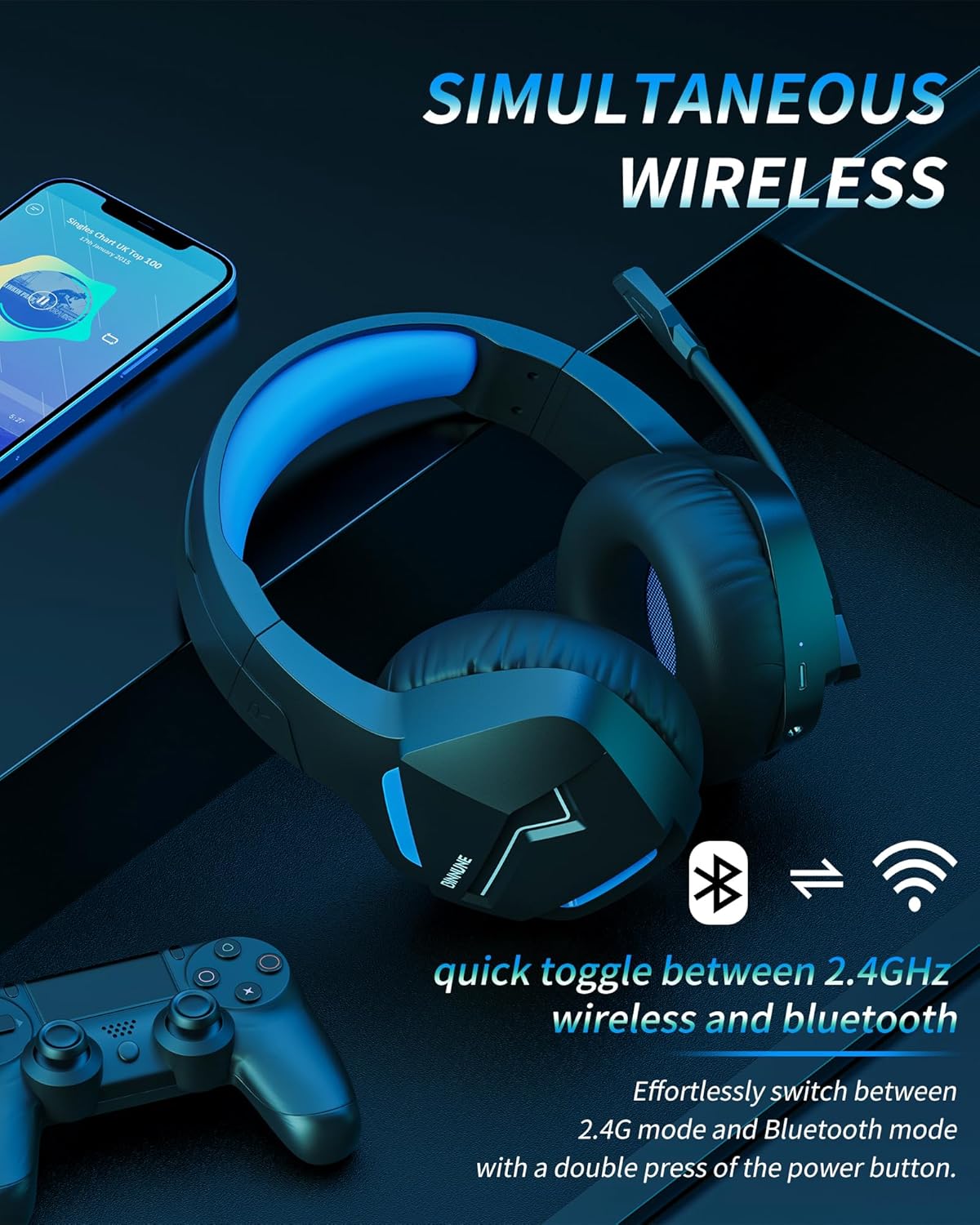
Image: The BINNUNE Wireless Gaming Headset shown with icons representing both 2.4GHz wireless and Bluetooth connectivity, indicating its ability to switch between these modes for versatile use.
Control de volume
- Aumentar o volume: Prema o botón Subir volume (+).
- Diminuír o volume: Prema o botón para baixar o volume (-).
Control de micrófono
- Silenciar/Activar o micrófono: Press the Microphone Mute button. A red LED on the microphone tip usually indicates it is muted.
- Axustar a posición do micrófono: The 120° adjustable memory line microphone can be freely shaped and adjusted to your ideal angle.
Rendemento de xogos
The headset is designed for an immersive gaming experience with features like:
- Accurate Sound Positioning: The 50mm drivers provide clear and rich stereo sound, allowing you to accurately pinpoint in-game sounds like footsteps and environmental details.
- Baixa latencia: The 2.4GHz wireless technology ensures an ultra-low latency of 15ms, providing synchronized audio and video for competitive gaming.
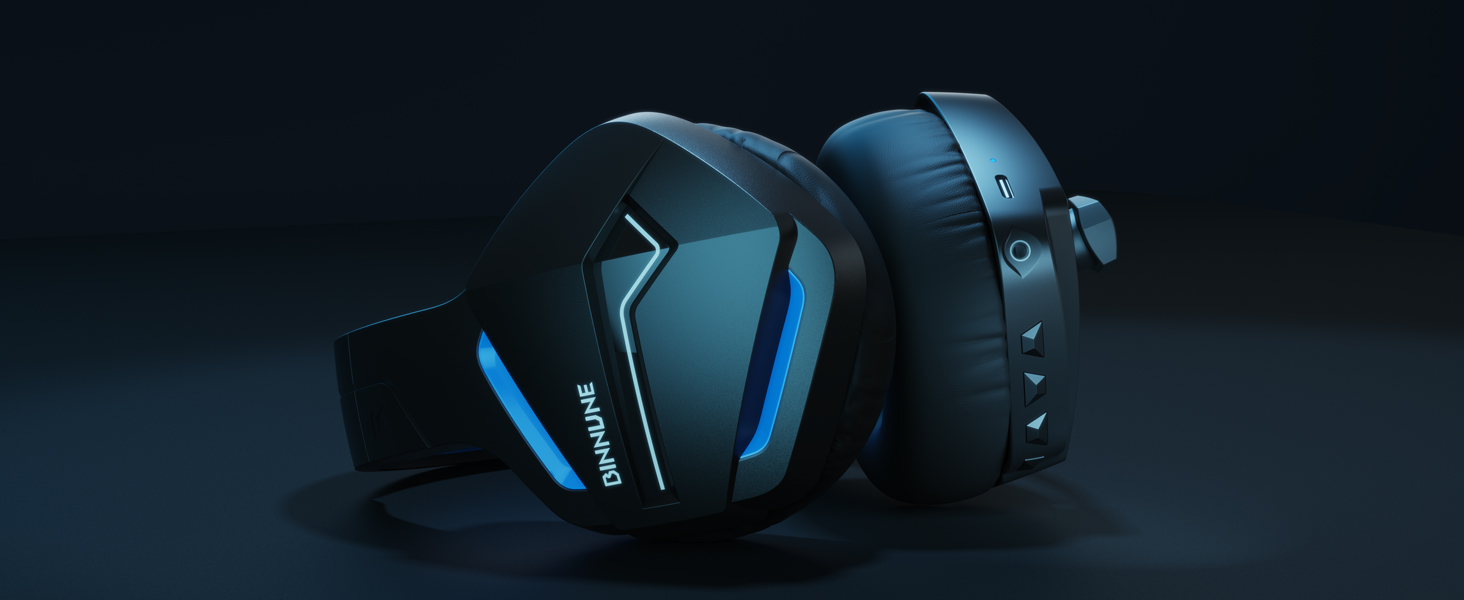
Image: A gamer immersed in a game, wearing the BINNUNE headset, highlighting the benefits of low latency and stable wireless connection for an enhanced gaming experience.
Mantemento
Proper maintenance ensures the longevity and performance of your BINNUNE Wireless Gaming Headset.
- Limpeza:
- Use a soft, dry, lint-free cloth to clean the headset's surfaces.
- Para as orelleras, limpe suavemente cun pano lixeiramente damp pano e deixar secar completamente ao aire antes de usalo.
- Non use produtos químicos agresivos, disolventes de limpeza ou deterxentes fortes.
- Almacenamento:
- Garde os auriculares nun lugar fresco e seco, lonxe da luz solar directa e de temperaturas extremas.
- Evite colocar obxectos pesados enriba dos auriculares.
- Coidado da batería:
- Evite descargar completamente a batería con frecuencia.
- If storing for a long period, charge the headset to about 50% every few months to preserve battery health.
Resolución de problemas
If you encounter issues with your BINNUNE Wireless Gaming Headset, please refer to the following common solutions:
| Problema | Causa posible | Solución |
|---|---|---|
| Sen son / volume baixo |
|
|
| O micrófono non funciona |
|
|
| Connection Issues (Intermittent/No Connection) |
|
|
| Headset Not Compatible with Xbox |
|
|
Especificacións
Detailed technical specifications for the BINNUNE Wireless Gaming Headset (Model: BW01):
| Característica | Detalle |
|---|---|
| Nome do modelo | BW01 |
| Tecnoloxía de conectividade | Wireless (2.4GHz USB Dongle, Bluetooth 5.3), Wired (3.5mm Jack) |
| Tecnoloxía de comunicación sen fíos | Bluetooth 5.3 |
| Alcance Bluetooth | Ata 10 metros (33 pés) |
| Audio Latency (2.4GHz) | 15ms (Ultra Stable 2.4GHz Wireless Connection) |
| Tipo de controlador de audio | Driver dinámico |
| Tamaño do controlador de audio | 50 milímetros |
| Resposta en frecuencia | 20 Hz - 20,000 Hz |
| Sensibilidade | 96 dB |
| Micrófono | Unidirectional Noise-Canceling Mic (120° adjustable) |
| Duración da batería | Ata 80 horas (modo de 2.4 GHz), ata 120 horas (modo Bluetooth) |
| Tempo de carga | Aprox. 3 horas para carga completa |
| Forma do auricular | Oval (110mm diameter, 45mm thickness memory foam) |
| Material | Plastic (headset), PU leather and mesh (earmuffs) |
| Peso do elemento | 10.7 onzas (aprox. 303 gramos) |
| Dimensións do produto | 8.27 x 7.48 x 4.33 polgadas |
| Dispositivos compatibles | Gaming Consoles (PS4, PS5), Laptops, PC, Mac, Mobile Phones, Tablets |
| Tipo de control | Control de botón |
| Compoñentes incluídos | User Manual, 2.4GHz USB Dongle, 3.5mm Audio Cable, USB Charging Cable |
Información da garantía
BINNUNE products are manufactured with high-quality standards. While specific warranty details are not provided in this manual, BINNUNE typically offers a limited warranty against defects in materials and workmanship. For detailed warranty terms, conditions, and registration, please refer to the official BINNUNE websitio ou póñase en contacto co servizo de atención ao cliente.
Atención ao cliente
For further assistance, technical support, or inquiries regarding your BINNUNE Wireless Gaming Headset, please contact BINNUNE customer support through the following channels:
- Official BINNUNE Websitio: Visit the official BINNUNE websitio con preguntas frecuentes, recursos de asistencia e formularios de contacto.
- Tenda Amazon: Tamén podes visitar o BINNUNE Store on Amazon para obter información sobre o produto e as opcións de contacto do vendedor.
Please have your product model (BW01) and purchase details ready when contacting support.
Ask a question about this manual
Ask about setup, troubleshooting, compatibility, parts, safety, or missing instructions. Manuals+ will review the question and use this page’s manual context to help answer it.