
Anker Soundcore K20i
Manual do usuario dos auriculares sen fíos Anker Soundcore K20i
Model: K20i | Brand: Anker Soundcore
1. Introdución
The Anker Soundcore K20i are true wireless earbuds designed for comfortable, extended listening. They feature Bluetooth 5.3 connectivity, IPX5 water resistance, and up to 36 hours of total playback with the charging case. Enjoy powerful bass and clear calls with AI noise reduction.

Image: Anker Soundcore K20i earbuds and charging case in black, white, purple, and blue.
2. Contido do paquete
Asegúrate de que todos os elementos estean presentes no paquete do produto:
- Soundcore K20i True Wireless Earbuds
- Estuche de carga
- USB-C & USB-A Charging Cable
- Safety Manual & Quick Start Guide

Image: The Anker Soundcore K20i earbuds, their charging case, and the included USB-C charging cable.
3. Configuración
3.1. Cargando
Antes do primeiro uso, carga completamente tanto os auriculares como a caixa de carga.
- Place the earbuds into the charging case. Close the case to begin charging the earbuds.
- Conecte o estuche de carga a unha fonte de alimentación mediante o cable USB-C proporcionado.
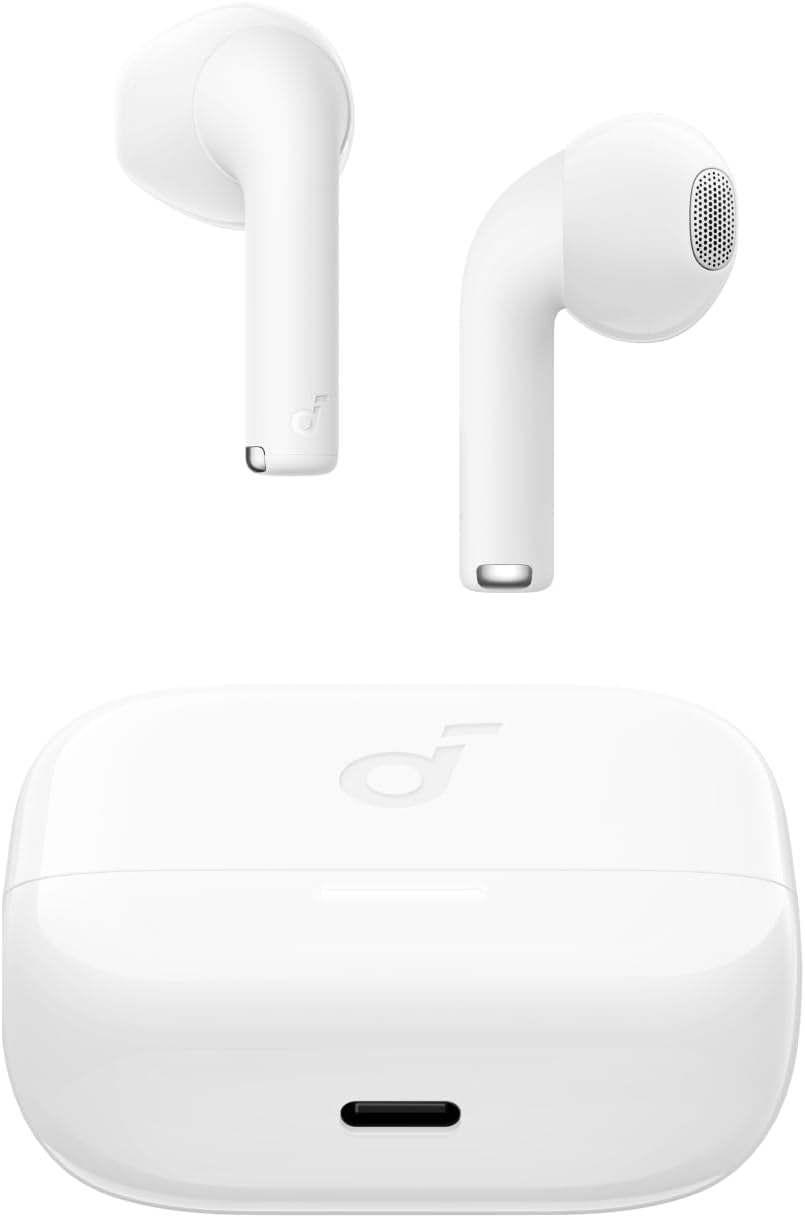
Image: The Anker Soundcore K20i earbuds resting in their open charging case, with the USB-C charging port visible at the front of the case.
3.2. Maridaxe
Sigue estes pasos para emparellar os teus auriculares cun dispositivo compatible con Bluetooth:
- Abre a caixa de carga. Os auriculares entrarán automaticamente no modo de emparellamento Bluetooth.
- On your device (smartphone, PC), enable Bluetooth and search for 'Soundcore K20i'.
- Select 'Soundcore K20i' to connect.
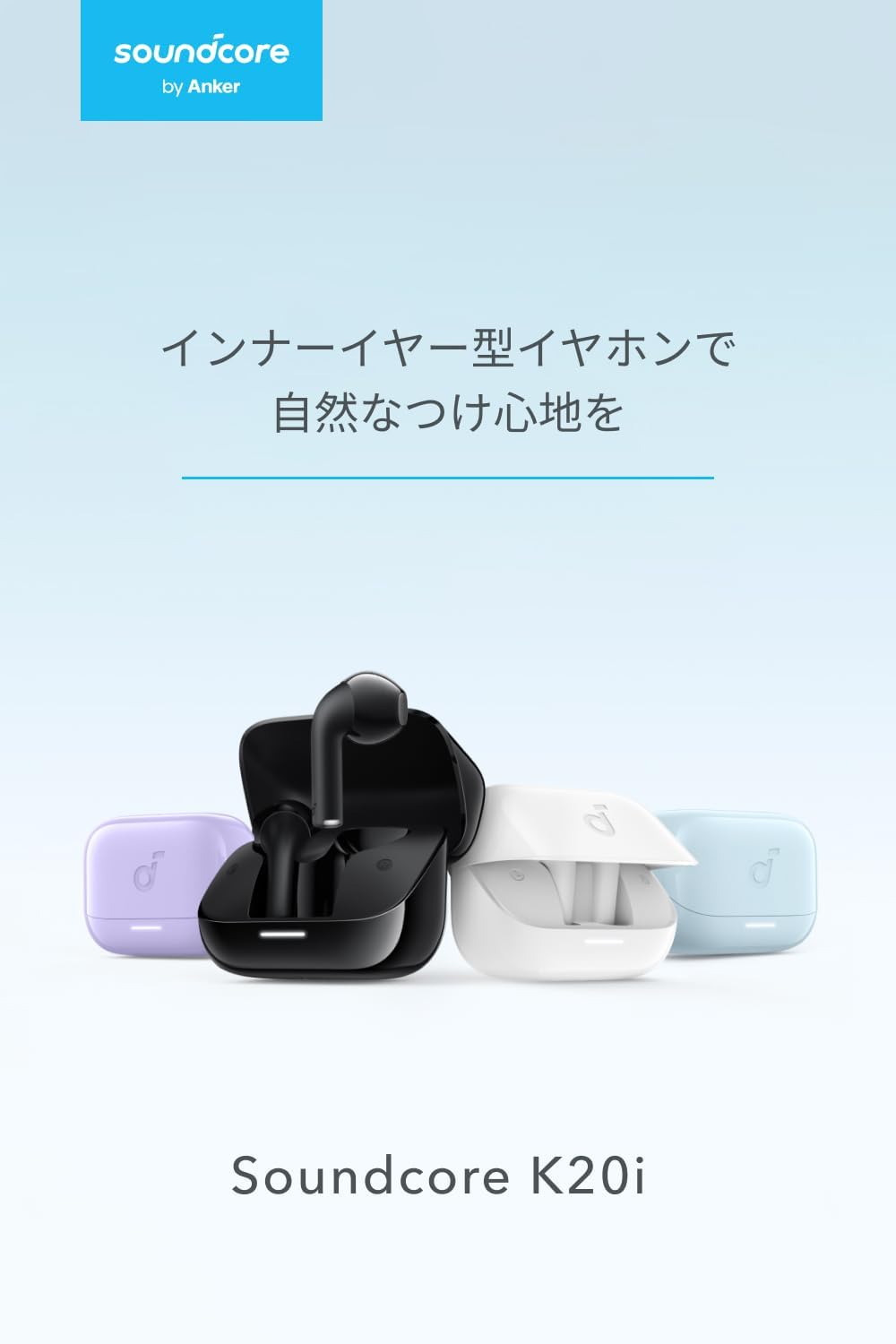
Image: The Anker Soundcore K20i earbuds removed from their charging case, indicating they are ready for Bluetooth pairing.
4. Instrucións de funcionamento
4.1. Como usar os auriculares
For optimal comfort and sound quality, ensure the earbuds are properly seated in your ears.
- Insert the earbuds into your ears and gently rotate them until they fit snugly and comfortably.
- Each earbud weighs approximately 3.3g, designed for extended comfortable wear without ear tips.

Image: A diagram illustrating the correct way to position the Anker Soundcore K20i earbud in the ear canal for a secure and comfortable fit.
4.2. Controis básicos
The Soundcore K20i earbuds feature touch controls for various functions. Specific actions for single, double, or triple taps can often be customized via the Soundcore app.
4.3. Aplicación Soundcore
Enhance your listening experience by downloading the Soundcore app. The app allows you to:
- Customize sound settings and adjust the equalizer.
- Locate your earbuds if misplaced.
- Actualizar o firmware dos auriculares.

Image: A user interacting with the Soundcore application on a smartphone, displaying various sound customization options for the earbuds.
5. Mantemento
5.1. Limpeza
A limpeza regular axuda a manter un rendemento e unha hixiene óptimos:
- Regularly clean the earbuds and charging case with a dry, soft, lint-free cloth.
- Evite o uso de produtos químicos agresivos ou materiais abrasivos.
5.2. Resistencia á auga (IPX5)
The earbuds are IPX5 water-resistant, meaning they can withstand splashes and sweat. This makes them suitable for workouts and light rain. Non mergullas en auga.

Image: Two Anker Soundcore K20i earbuds covered in water droplets, illustrating their IPX5 water-resistant design.
5.3. Almacenamento
Store the earbuds in their charging case when not in use to protect them from damage and ensure they remain charged.
6 Solución de problemas
If you encounter issues with your Soundcore K20i earbuds, try the following solutions:
- Auriculares sen emparellamento: Ensure both earbuds are charged and within range of your device. Turn off and on your device's Bluetooth.
- Only one earbud plays sound: Try placing both earbuds back into the charging case, closing it for a few seconds, then reopening. Refer to the quick start guide for specific earbud reset instructions.
- Mala calidade de son: Ensure the earbuds are properly seated in your ears. Try adjusting equalizer settings in the Soundcore app.
- Problemas de carga: Verify the charging cable is securely connected to both the case and the power source. Ensure the charging contacts on the earbuds and inside the case are clean.
7. Especificacións
| Característica | Especificación |
|---|---|
| Nome do modelo | Soundcore K20i |
| Tecnoloxía de conectividade | Sen fíos (Bluetooth 5.3) |
| Colocación do oído | In-Ear |
| Estilo de auriculares | In-Ear |
| Impedancia | 16 ohmios |
| Control de ruído | None (AI Noise Reduction for calls) |
| Tempo de reprodución (auriculares) | Ata 6 horas |
| Tempo total de reprodución (con estuche) | Ata 36 horas |
| Carga rápida | 10 minutes charge for approx. 2 hours playback |
| Earbud Weight (per earbud) | Aprox. 3.3 g |
| Peso do produto | 42.6 g |
| Resistencia á auga | IPX5 |
| Número de modelo do fabricante | A3994 |
| Dispositivos compatibles | Smartphones, PCs, and other Bluetooth-compatible devices |
8. Garantía e soporte
Anker Soundcore K20i comes with an Garantía do produto de 18 meses from the date of purchase. For registered members, an additional Garantía estendida de 6 meses is provided, totaling 24 months of coverage.
For product or delivery-related inquiries, please contact customer support. Anker provides dedicated Japanese customer support.

Image: Details on Anker's 18-month product warranty, an additional 6-month extended warranty for members, and information for contacting Japanese customer support.
Ask a question about this manual
Ask about setup, troubleshooting, compatibility, parts, safety, or missing instructions. Manuals+ will review the question and use this page’s manual context to help answer it.