
1. Introdución
This manual provides essential information for the proper use and maintenance of your Andoer Mini Digital Video Camera. Please read it thoroughly before operating the device to ensure optimal performance and longevity.
2. Contido do paquete
Verifique que todos os elementos que se indican a continuación estean incluídos no seu paquete:
- Andoer Mini Digital Video Camera
- Cable de carga USB
- Manual de usuario (este documento)
Note: A Micro SD card is required for operation and is not included in the package.
3. Produto rematadoview
The Andoer Mini Digital Video Camera is a compact and lightweight device designed for capturing photos and 1080P videos. It features a built-in LCD screen for direct viewing and a flash for improved low-light performance.

Image: The Andoer Mini Digital Video Camera, demonstrating its small form factor when held in hand.
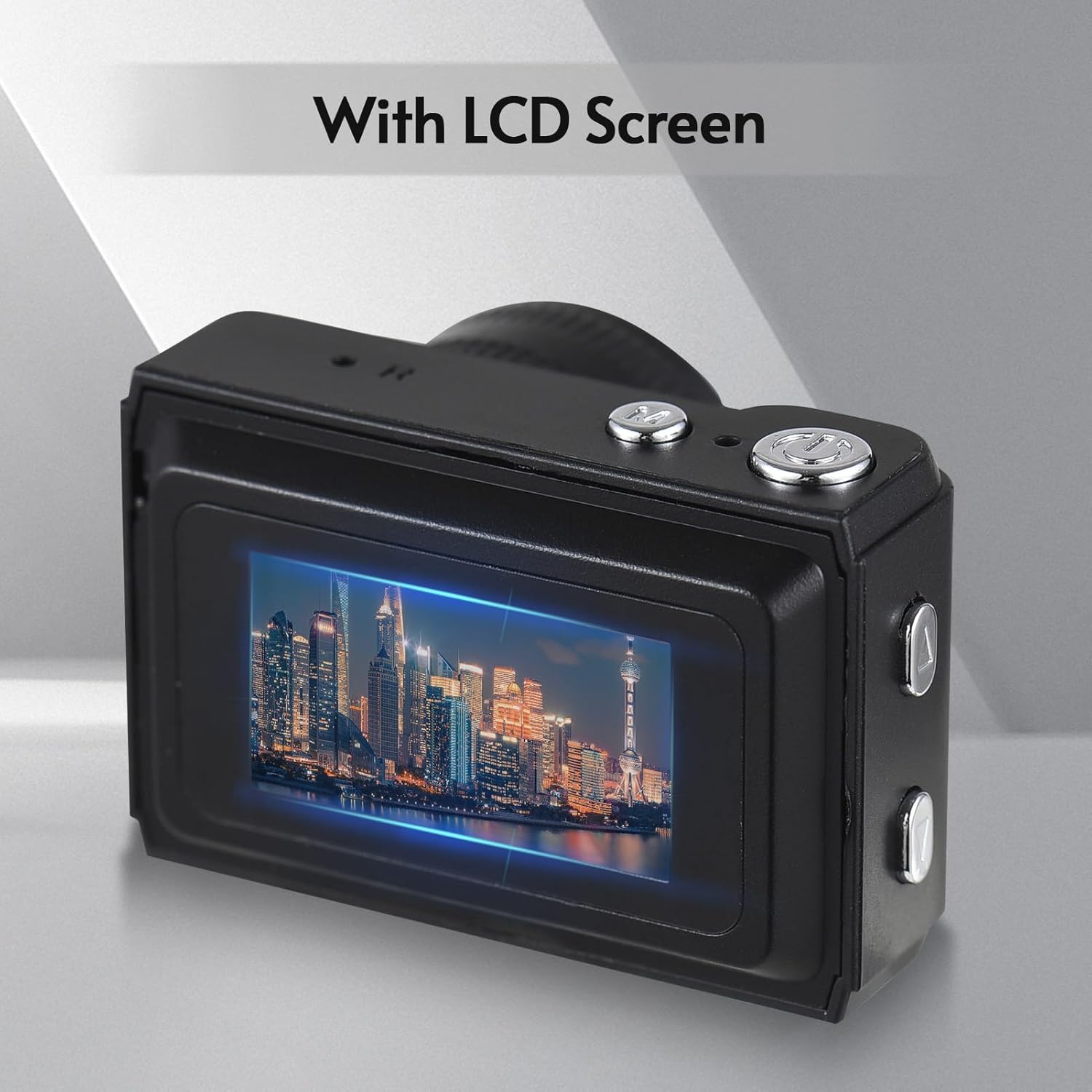
Imaxe: Traseira view of the camera, highlighting the integrated LCD screen displaying an image.

Imaxe: Lateral view of the camera with approximate dimensions indicated, showing its compact design.
4. Configuración
4.1. Cargando a batería
The camera features a built-in rechargeable battery. Before first use, fully charge the camera using the provided USB charging cable.
- Conecta o extremo pequeno do cable USB ao porto USB da cámara.
- Conecta o extremo máis grande do cable USB a un adaptador de corrente USB (non incluído) ou ao porto USB dun ordenador.
- A luz indicadora de carga acenderase. Unha vez cargada completamente, a luz pode cambiar de cor ou apagarse.

Image: Illustration of the camera's built-in rechargeable battery and its USB charging interface.
4.2. Inserción dunha tarxeta Micro SD
A Micro SD card (not included) is required to store photos and videos. The camera supports Micro SD cards up to a certain capacity (refer to specifications for details).
- Localiza a ranura para tarxetas Micro SD na cámara.
- Insert the Micro SD card with the metal contacts facing down until it clicks into place.
- Para retirala, empurre a tarxeta con coidado ata que saia de golpe.
5. Instrucións de funcionamento
5.1. Acendido/apagado
Press and hold the Power button (usually located on the top or side) for a few seconds to turn the camera on or off.
5.2. Facendo fotos
The camera can capture still images with 1080P resolution.
- Ensure the camera is in photo mode (indicated on the LCD screen).
- Encadra a túa foto usando a pantalla LCD.
- Press the Shutter button (typically on top) to take a photo.
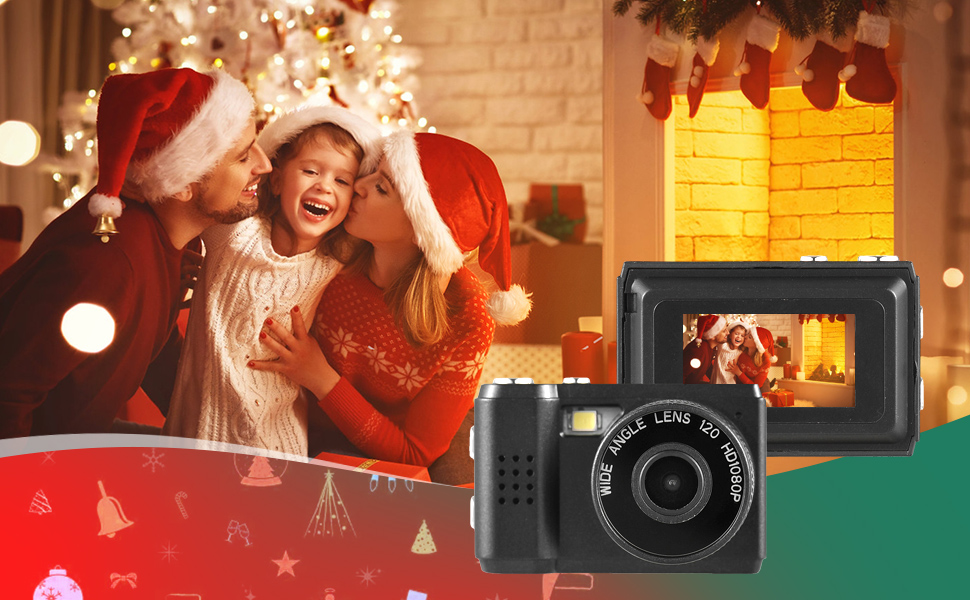
Imaxe: Examples of scenes that can be captured with the camera's photo and video functions.
5.3. Gravación de vídeos
Record videos in 1080P resolution.
- Cambia a cámara ao modo de gravación de vídeo.
- Press the Record button (often the same as the Shutter button, or a dedicated button) to start recording.
- Preme de novo o botón Gravar para deixar de gravar.
5.4. Uso do flash incorporado
The camera includes a built-in flash for illuminating subjects in low-light conditions.
- Access the flash settings through the camera's menu.
- Select the desired flash mode (e.g., Auto, On, Off).
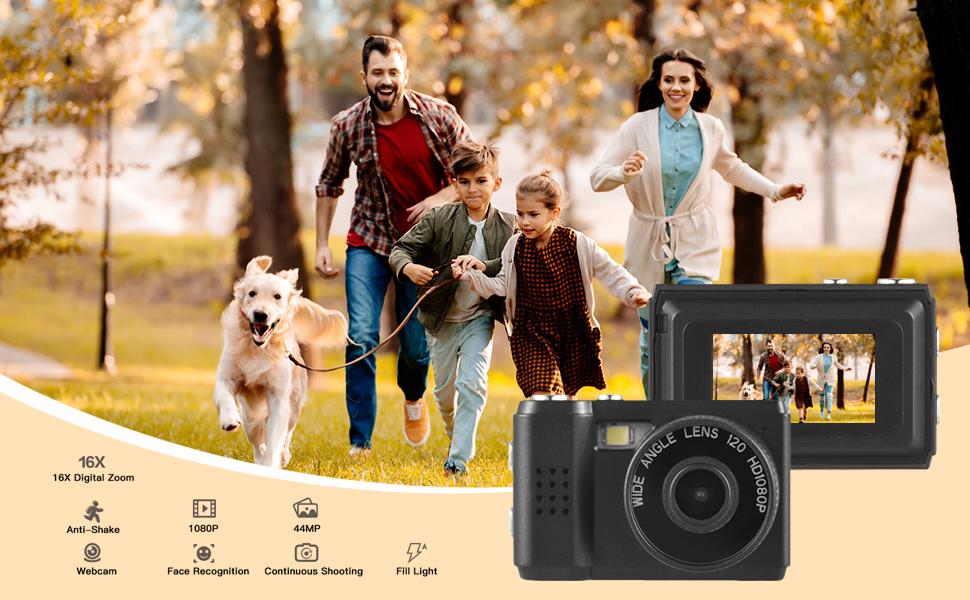
Image: The camera's built-in flash in operation, providing illumination for a photo.
5.5. Applying Filter Effects
The camera offers various filter effects to enhance your photos.
- In photo mode, navigate to the filter settings in the menu.
- Select from the available filter options to apply them to your images.
5.6. Conectando a un ordenador
You can transfer photos and videos to your computer using the USB cable.
- Asegúrate de que a cámara estea acendida.
- Conecte a cámara ao seu ordenador usando o cable USB.
- The camera should appear as a removable disk drive on your computer.
- Accede ao almacenado files e cópiaos no teu ordenador.
6. Mantemento
- Limpeza: Use a soft, dry cloth to clean the camera body. For the lens and LCD screen, use a specialized lens cleaning cloth. Avoid abrasive materials or harsh chemicals.
- Almacenamento: Store the camera in a cool, dry place away from direct sunlight and extreme temperatures. Remove the Micro SD card if storing for extended periods.
- Coidado da batería: To maintain battery health, avoid fully discharging the battery frequently. Charge it regularly, even if not in use.
7 Solución de problemas
- A cámara non se acende: Ensure the battery is charged. If the issue persists, try charging for a longer period.
- "No SD Card" error: Verify that a Micro SD card is properly inserted and that it is not full or corrupted. Try reinserting the card or using a different one.
- Mala calidade de imaxe/vídeo: Ensure adequate lighting. Check lens for smudges or dirt. Note that image quality may vary based on environmental conditions and the camera's compact sensor.
- A cámara conxélase: If the camera becomes unresponsive, try pressing and holding the Power button for an extended period (e.g., 10-15 seconds) to force a shutdown.
8. Especificacións
| Característica | Especificación |
|---|---|
| Marca | Andoer |
| Número de modelo | d26ed34e-1e4d-4f4c-8a08-ff20d919aeaa |
| Resolución de vídeo | 1080 p |
| Resolución efectiva de fotografías | 1.92 MP |
| Tecnoloxía do sensor fotográfico | CMOS |
| Tamaño da pantalla | 4.2 Centimeters (LCD) |
| Estabilización da imaxe | Óptica |
| Tipo de memoria flash | Micro SD |
| Capacidade de gravación | 330 minutos |
| Tecnoloxía de conectividade | USB |
| Peso do elemento | 0.05 quilogramos |
| As pilas están incluídas | Si (integrado) |
| Cor | Negro |
9. Garantía e soporte
For warranty information and technical support, please refer to the documentation provided with your purchase or contact Andoer customer service through their official websitio. Garda o comprobante de compra para reclamacións de garantía.