
1. Introdución
This manual provides essential information for the safe and efficient installation, operation, and maintenance of the XP POWER C10N Non-Isolated DC/DC Converter. Please read this manual thoroughly before attempting to install or operate the device. Retain this manual for future reference.
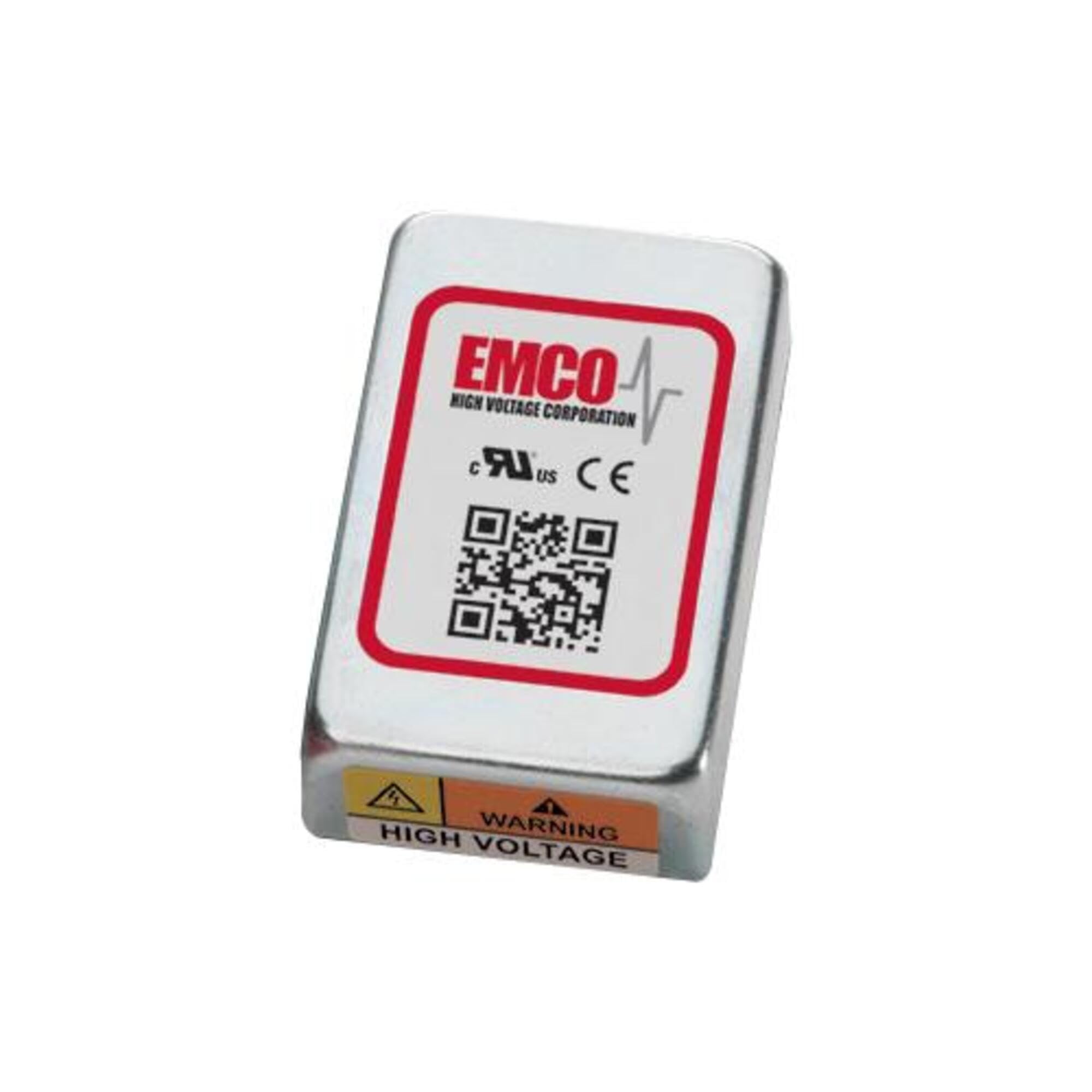
Image showing the physical unit of the XP POWER C10N Non-Isolated DC/DC Converter, typically displaying its casing and connection terminals.
2. Información de seguridade
Always observe the following safety precautions to prevent injury and damage to the device or connected equipment.
- Persoal cualificado: A instalación e o mantemento deben ser realizados só por persoal cualificado.
- Risco de descarga eléctrica: This device operates with electrical voltages that can cause severe injury or death. Ensure all power sources are disconnected before installation, wiring, or maintenance.
- Cableado correcto: Verify correct input and output polarity and voltage levels before applying power. Incorrect wiring can damage the converter and connected devices.
- Ventilación: Ensure adequate ventilation around the converter to prevent overheating. Do not obstruct airflow.
- Condicións ambientais: Operate the converter within its specified environmental limits (temperature, humidity).
- Capacidade de carga: Do not exceed the maximum output current or power rating of the converter. Overloading can lead to damage or failure.
3. Configuración
3.1 Desembalaxe e inspección
Upon receiving the C10N converter, carefully unpack it and inspect for any signs of physical damage. If damage is found, do not proceed with installation and contact your supplier immediately.
3.2 Montaxe
Mount the converter in a secure location that provides sufficient airflow for cooling. Ensure the mounting surface is stable and capable of supporting the converter's weight. Avoid mounting near heat sources or in enclosed spaces without ventilation.
3.3 Conexións de cableado
Refer to the product datasheet for specific pin assignments and wiring diagrams. Ensure all connections are secure and correctly polarized. Use appropriate wire gauges for the expected current levels.
- Potencia de entrada: Conecte a entrada de CC voltage source to the designated input terminals. Observe correct polarity (+IN, -IN).
- Potencia de saída: Connect the load to the designated output terminals. Observe correct polarity (+OUT, -OUT).
- Conexión a terra: Ensure proper grounding practices are followed according to local electrical codes and product specifications.
3.4 Encendido inicial
Before applying power, double-check all wiring connections. Once verified, apply the specified input voltage. Monitorizar o volume de saídatage and current to ensure proper operation. If any anomalies are observed, immediately disconnect power and troubleshoot.
4. En funcionamento
The C10N converter is designed for continuous operation within its specified parameters. Once properly installed and powered, it will provide a stable DC output voltage.
- Xestión de carga: Ensure the connected load does not exceed the converter's maximum output current or power rating.
- Seguimento ambiental: Maintain the operating environment within the specified temperature and humidity ranges to ensure optimal performance and longevity.
- Output Monitoring: Periodically verify the output voltage and current to confirm stable operation, especially in critical applications.
5. Mantemento
The C10N converter is designed for minimal maintenance. However, periodic checks can help ensure long-term reliability.
- Limpeza: Keep the converter free from dust and debris. Use a soft, dry cloth for cleaning. Do not use liquid cleaners or solvents.
- Comprobacións de conexión: Inspeccione periodicamente todas as conexións do cableado para comprobar se están ben axustadas e se presentan signos de corrosión ou danos.
- Ventilación: Ensure that ventilation openings remain clear and unobstructed.
6 Solución de problemas
If the converter is not functioning as expected, perform the following basic troubleshooting steps:
| Problema | Causa posible | Solución |
|---|---|---|
| Sen saída voltage | Sen potencia de entrada Cableado incorrecto Protección de sobrecarga activada | Check input power source and connections. Verify wiring against datasheet. Reduce load, then cycle input power. |
| Vol. De saídatage inestable | Vol. De entradatage flutuacións Condición de sobrecarga Malas conexións | Ensure stable input power. Reduce a carga. Comprobe todas as conexións do cableado para comprobar o estanqueidade. |
| Converter is overheating | Ventilación insuficiente Condición de sobrecarga Alta temperatura ambiente | Asegúrese de que haxa un fluxo de aire axeitado arredor da unidade. Reduce a carga. Relocate converter to a cooler environment. |
If the problem persists after performing these steps, contact XP POWER technical support.
7. Especificacións
The following are key specifications for the XP POWER C10N Non-Isolated DC/DC Converter. For a complete list of detailed electrical and environmental specifications, please refer to the official product datasheet available on the XP POWER websitio.
- Fabricante: POTENCIA XP
- Modelo: C10N
- ASIN: B0D38GP8ZW
- Data de primeira dispoñibilidade: 3 de maio de 2024
- Tipo: Non-Isolated DC/DC Converter
8. Garantía e soporte
For information regarding the warranty period and terms for your XP POWER C10N converter, please refer to the official warranty statement provided with your purchase or visit the XP POWER official website. Technical support is available to assist with any questions or issues not covered in this manual.
Información de contacto: Please visit the official XP POWER website for the most current contact details for technical support and customer service in your region.