
1. Información importante de seguridade
Please read these safety instructions carefully before operating your TV and retain them for future reference. Always follow basic safety precautions to reduce the risk of fire, electric shock, and injury.
- Potencia: Connect the TV to an AC power outlet only. Do not overload wall outlets. Ensure the power cord is not damaged or pinched.
- Ventilación: Do not block ventilation openings. Install the TV in a location with adequate airflow.
- Limpeza: Desconecte o televisor antes de limpalo. Use un pano suave e seco. Non empregue produtos de limpeza líquidos nin aerosois.
- Auga e humidade: Non expoñas o televisor á choiva nin á humidade. Non coloques obxectos cheos de líquidos enriba do televisor.
- Estabilidade: Ensure the TV is placed on a stable surface or securely mounted to prevent it from falling.
2. Que está incluído
Comprobe que todos os compoñentes estean presentes na embalaxe:
- LG 55QNED85T 55-inch 4K QNED Smart TV
- Base (Stand)
- Cable de alimentación desmontable
- Magic Remote (MR 24Y)
- Pilas AA x 2
3. Configuración
3.1 Desembalaxe
Carefully remove the TV and all accessories from the packaging. It is recommended to keep the packaging materials for future transport or service needs.
3.2 Instalación do stand
Para instalar o soporte da TV:
- Coloque o televisor boca abaixo sobre unha superficie suave e plana para evitar danar a pantalla.
- Aliñe os compoñentes do soporte coas ranuras correspondentes na parte inferior do televisor.
- Fixe o soporte cos parafusos fornecidos. Asegúrese de que todos os parafusos estean ben axustados.

Fronte view of the LG 55QNED85T 55-inch 4K QNED Smart TV with its stand installed.

Lado view of the LG 55QNED85T 55-inch 4K QNED Smart TV showing its slim profile e de pé.
3.3 Montaxe na parede (opcional)
If you choose to wall mount your TV, refer to the instructions provided with your wall mount bracket. Ensure the bracket is compatible with VESA standards for your TV model and installed by a qualified professional.
3.4 Conexión de periféricos
Connect external devices such as set-top boxes, gaming consoles, or sound systems to the TV's ports. The TV features HDMI, USB, Ethernet, Bluetooth, and Wi-Fi connectivity.

Traseira view of the LG 55QNED85T 55-inch 4K QNED Smart TV showing various input and output ports.
3.5 Conexión de alimentación
After connecting all desired devices, plug the detachable power cable into the TV's power input and then into a wall outlet.
3.6 Configuración inicial
Upon first power-on, the TV will guide you through the initial setup process. This includes selecting your language, connecting to a network (Wi-Fi or Ethernet), and scanning for channels.
4. Funcionamento da súa TV
4.1 Magic Remote (MR 24Y)
The LG Magic Remote allows for intuitive control of your TV. It functions like an air mouse, allowing you to point and click. It also features a dedicated AI button for smart functions.

The LG AI Magic Remote offers dedicated buttons and features for AI functions, including AI Chatbot, AI Concierge, AI Search, AI Picture Wizard, AI Voice ID, and AI Sound Wizard.
4.2 WebFuncións intelixentes do sistema operativo 24
O teu televisor LG QNED funciona con webOS 24, offering a smart and user-friendly interface. Key features include:
- LG ThinQ AI: Integrated artificial intelligence for enhanced control and personalization.
- Amazon Alexa integrada: Use voice commands for various TV functions and smart home control.
- Intelligent Voice Recognition: Control your TV and search for content using your voice.
- App Remote Control (LG ThinQ): Control your TV from your smartphone using the LG ThinQ app.
- Conserxe de IA: Provides personalized keyword suggestions and recommendations based on your viewhistoria.

The AI Concierge feature provides personalized keyword suggestions and recommendations based on your search and viewhistoria.
- Busca AI: Offers personalized recommendations for your queries and additional solutions with Microsoft Copilot.

AI Search provides personalized recommendations for your queries and can integrate with Microsoft Copilot for additional solutions.
- Identificación por voz con IA: Recognizes each user's vocal signature and offers personalized recommendations as you speak.

AI Voice ID recognizes individual user voices to provide personalized content recommendations.
4.3 Configuración da imaxe
Your QNED TV combines Quantum Dot and NanoCell technologies for vibrant and accurate colors. The α8 AI Processor Gen 2 optimizes picture quality.
- QNED Dynamic Colors: LG's wide color gamut technology provides enhanced color reproduction.
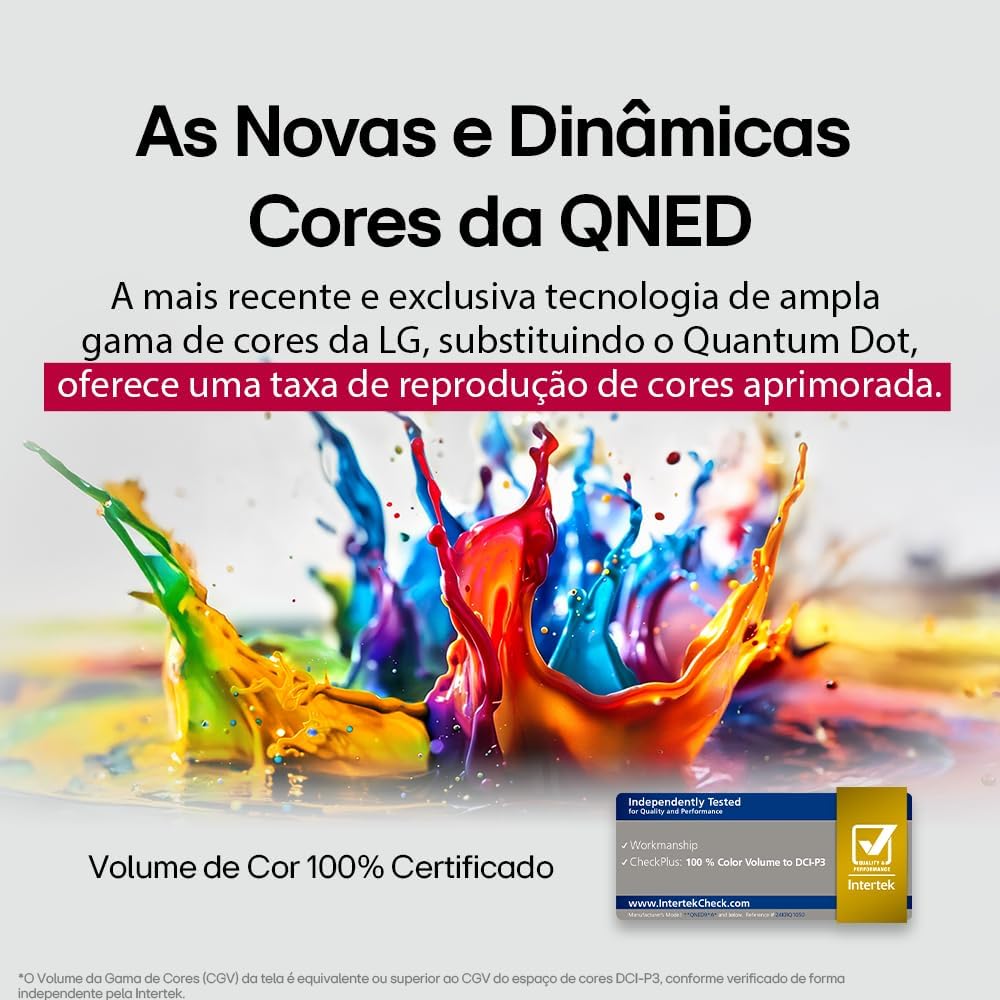
LG's QNED technology delivers new and dynamic colors, offering an improved color reproduction rate with 100% Certified Color Volume to DCI-P3.
- MiniLED: This technology enhances sharpness and provides superior contrast for an immersive viewexperiencia ing.
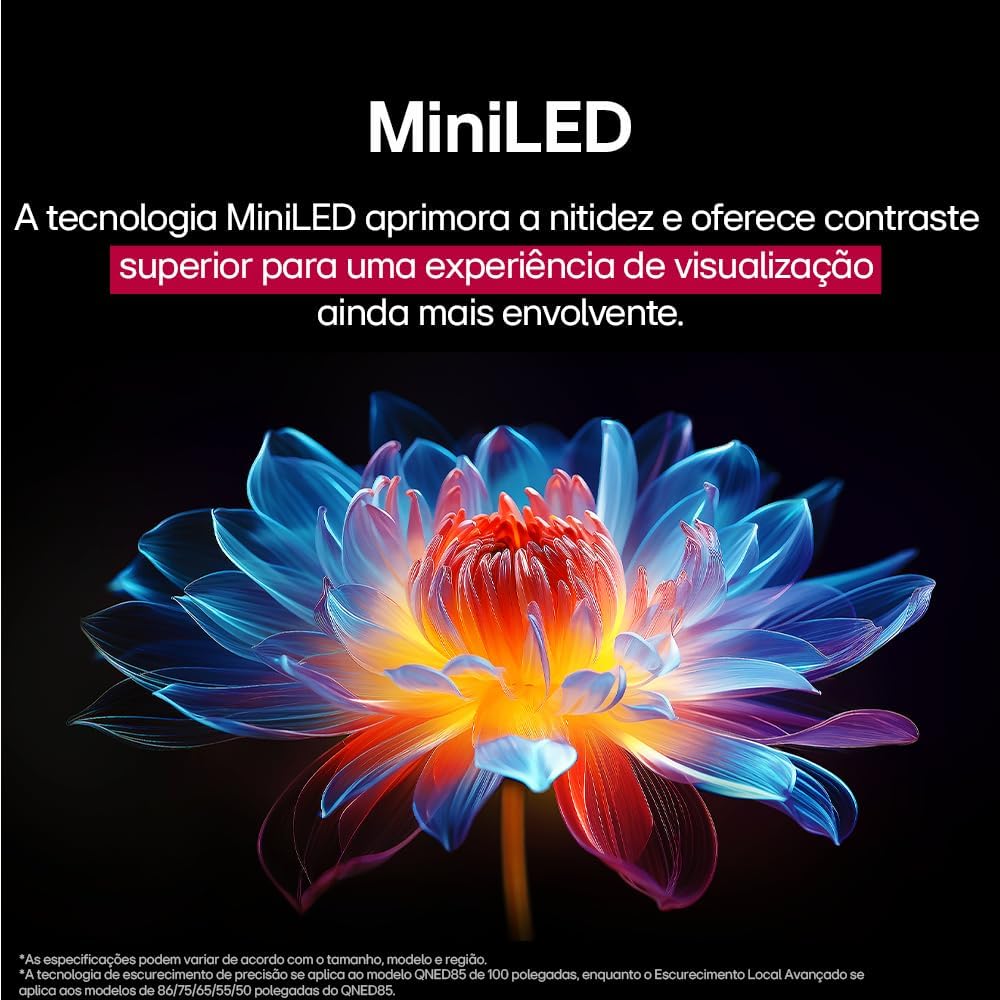
MiniLED technology improves sharpness and offers superior contrast for an immersive viewexperiencia ing.
- α8 AI Processor Gen 2: This processor enhances 4K visuals with impressive colors and brightness.
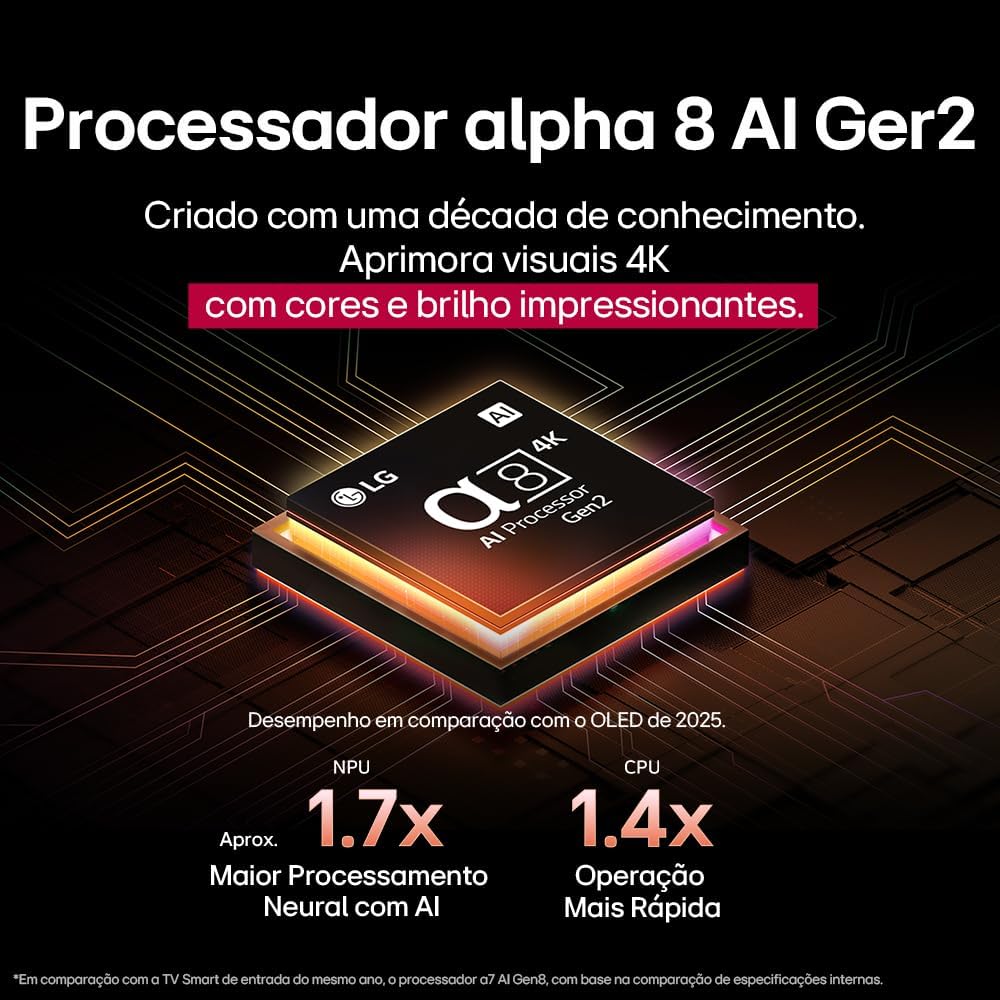
The Alpha 8 AI Processor Gen 2 enhances 4K visuals with impressive colors and brightness, offering approximately 1.7x greater neural processing with AI and 1.4x faster operation compared to previous generations.
- AI Picture Pro: Analyzes each frame, enhancing resolution, brightness, depth, and clarity to bring every scene to life.

AI Picture Pro analyzes each frame, enhancing resolution, brightness, depth, and clarity to bring every scene to life.
4.4 Configuración de son
The TV includes AI Sound Wizard features to optimize audio output based on your environment and content.
4.5 Conectividade
O teu televisor admite varias opcións de conectividade:
- Wi-Fi: Connect to your home wireless network for internet access and smart features.
- Ethernet: Use a wired connection for stable internet access.
- HDMI: Conecta dispositivos de alta definición como reprodutores de Blu-ray, consolas de xogos e barras de son.
- USB: Reproducir medios files desde dispositivos de almacenamento USB.
- Bluetooth: Connect wireless headphones, speakers, or other compatible devices.
4.6 Características dos xogos
The LG 55QNED85T is equipped with features for an enhanced gaming experience:
- 120Hz Panel: Ofrece un movemento máis suave para xogos de ritmo rápido.
- FreeSync: Reduces screen tearing and stuttering when connected to compatible gaming devices.
5. Mantemento
5.1 Limpeza
- Pantalla: Limpe a pantalla con suavidade cun pano suave e sen pelusa. Para marcas difíciles, d suavementeampEnxágüe o pano con auga ou cun limpador de pantallas especializado (non o pulverice directamente sobre a pantalla).
- Marco e soporte: Limpe cun pano suave e seco.
- Control remoto: Use a soft, dry cloth to clean the remote.
5.2 Actualizacións de software
Your TV may receive software updates to improve performance and add new features. You can usually check for and install updates through the TV's settings menu (Settings > General > About This TV > Check for Updates).
6 Solución de problemas
Se tes problemas co teu televisor, consulta as seguintes solucións habituais:
| Problema | Posible Solución |
|---|---|
| Sen Poder | Comprobe se o cable de alimentación está conectado correctamente ao televisor e á toma de corrente. Asegúrese de que a toma de corrente funciona. |
| Sen imaxe, pero hai son | Check the input source. Ensure external devices are powered on and connected correctly via HDMI. |
| Sen son, pero hai imaxe | Check the volume level and mute status. Verify audio output settings (e.g., internal speakers, external soundbar). |
| O control remoto non funciona | Substitúa as pilas. Asegúrese de que non haxa obstrucións entre o mando a distancia e o televisor. Volva emparellar o mando a distancia máxico se é necesario. |
| Problemas de conexión de rede | Reinicia o enrutador e o módem. Comproba o contrasinal da wifi. Proba cunha conexión Ethernet con cable se é posible. |
| Problemas de calidade de imaxe | Axusta a configuración da imaxe (brillo, contraste, nitidez). Asegúrate de que a fonte de entrada proporcione un sinal de alta calidade. |
Se o problema persiste, proba a realizar un restablecemento de fábrica (consulta o menú de configuración do televisor) ou ponte en contacto co servizo de atención ao cliente de LG.
7. Especificacións
Detailed specifications for the LG 55QNED85T 55-inch 4K QNED Smart TV:
| Característica | Especificación |
|---|---|
| Tamaño da pantalla | 55 polgadas |
| Marca | LG |
| Tecnoloxía de visualización | LED (QNED, MiniLED) |
| Resolución | 4K (3840 x 2160) |
| Taxa de actualización | 120 Hz |
| Características especiais | QNED Dynamic Colors, MiniLED, α8 AI Processor Gen 2 |
| Tecnoloxía de conectividade | Bluetooth, Ethernet, HDMI, USB, Wi-Fi |
| Relación de aspecto | 16:9 |
| Dimensións do produto (PxWxH) | 25.7D x 123.6W x 78.3H centimeters (with stand) |

Dimensions of the LG 55QNED85T 55-inch TV. Indicated values and actual measurements may differ.
8. Garantía e soporte
Your LG 55QNED85T Smart TV comes with a manufacturer's warranty. Please refer to the warranty card included in your product packaging for specific terms and conditions.
For technical support, service, or warranty claims, please contact LG customer service through their official websitio web ou a información de contacto proporcionada na documentación da garantía.