
1. Introdución
This user manual provides essential information for the safe and efficient operation of your JATRHG S1 7kW 8M 32A Single-Phase Type 2 EV Charging Station. Please read this manual thoroughly before installation and use, and retain it for future reference. Adherence to these instructions will ensure optimal performance and longevity of your charging station.
2. Produto rematadoview
The JATRHG S1 EV Charging Station is designed for reliable and efficient electric vehicle charging. Familiarize yourself with its components:

Figura 2.1: Compoñentes do produto
1. Charging Station, 2. Type 2 EV Connector, 3. 8m Charging Cable, 4. 1m Input Cable, 5. Mounting Plaque, 6. Plug Holder, 7. Screw Kit, 8. User Manual.
3. Información de seguridade
Please observe the following safety guidelines to prevent injury, damage, or malfunction:
- Instalación profesional: This device must be installed by a qualified electrician in accordance with all local electrical codes and standards. Incorrect installation can lead to risks of electrocution or fire.
- Uso previsto: Use this equipment solely for its intended purpose of charging electric vehicles. Any modification or inappropriate use may result in damage or safety hazards.
- Supervisión: Do not leave the charging station operating unsupervised. In case of any problem or unusual behavior, immediately turn off the power and consult a professional.
- Condicións ambientais: Operate the equipment within the recommended environmental conditions. Avoid exposure to excessive humidity, direct water spray, or extreme temperatures. The unit is designed for outdoor use with IP66 rating, but extreme conditions should be avoided.
- Mantemento: Do not attempt to repair the device yourself. All repairs must be performed by a qualified technician. Inadequate maintenance may void the warranty.
- Child and Animal Safety: Keep the charging equipment out of reach of children and animals.
- Emergency Disconnection: In an emergency, disconnect the device from the power supply to prevent any danger.
- Uso correcto: The user must strictly follow the manufacturer's instructions. Any incorrect use or unauthorized modification of the charging station is the sole responsibility of the user. The manufacturer and reseller are not liable for direct or indirect damages resulting from such actions.
- Compatibilidade do vehículo: Ensure your vehicle is compatible with the technical specifications of this charging station. The manufacturer is not responsible for damages due to incompatibility.
4. Instalación
The JATRHG S1 charging station is designed for robust outdoor use and embedded installation. Professional installation is mandatory.
4.1 Structural Waterproof Design
The charging station features a multi-layer, modular construction, ensuring excellent waterproofing (IP66 rated), sun protection, and flame retardancy. This design makes it suitable for various outdoor environments.

Figure 4.1: Structural Waterproof Design
4.2 Instalación integrada
The optimized casing structure is ideal for embedded installation, further enhancing its outdoor protection rating and providing a clean, integrated look.
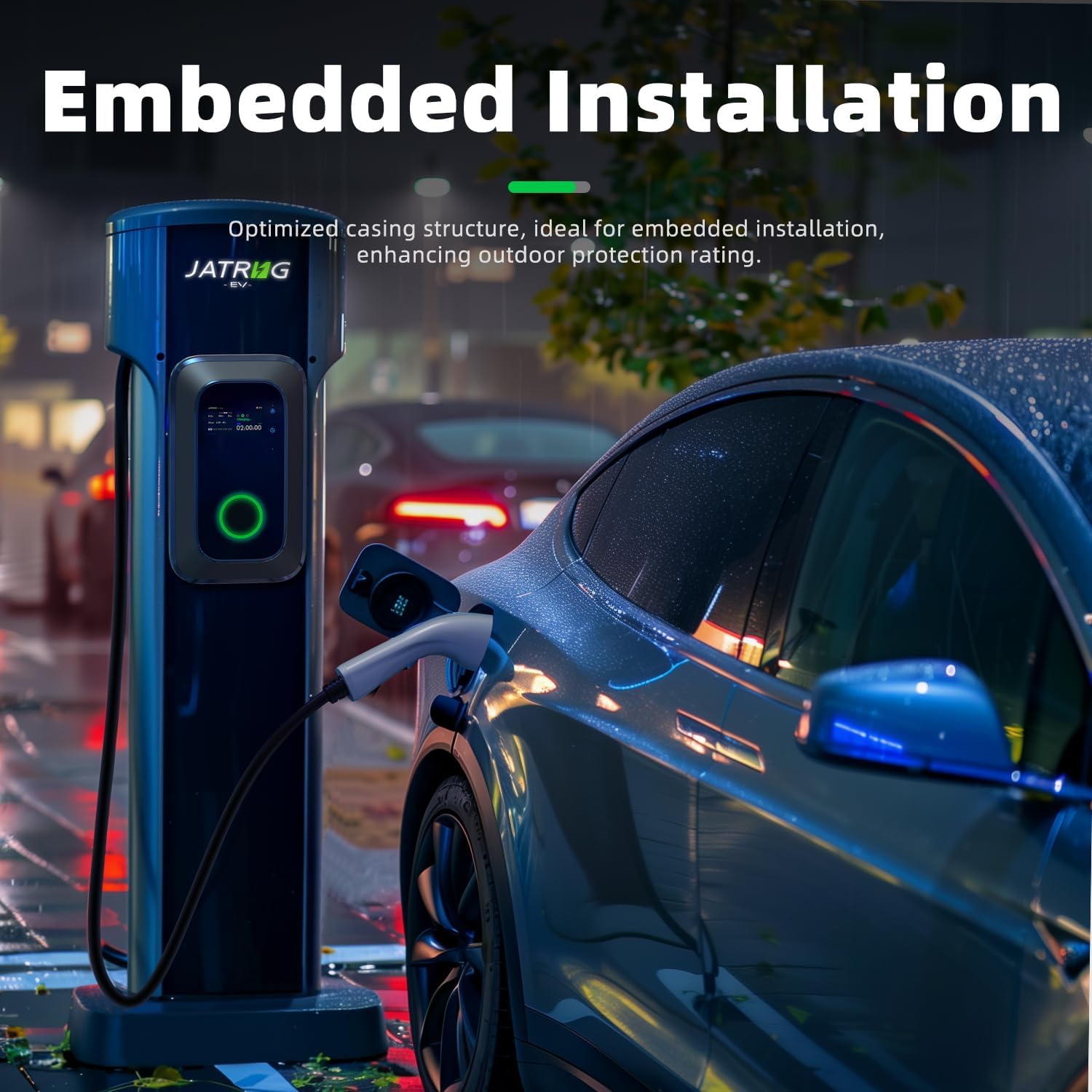
Figure 4.2: Embedded Installation Example
4.3 Integrated Type B RCD Protection
The charging station is equipped with an integrated Type B Residual Current Device (RCD) (AC 30mA + DC 6mA) for enhanced safety. This integrated motherboard solution replaces costly external modules.
5. Instrucións de funcionamento
Follow these steps for effective use of your JATRHG S1 charging station.
5.1 Multilingual Interface
The charging station features a multilingual menu for ease of use. To change the language, press and hold button 'A' on the device interface. The interface supports English, French, German, Spanish, and Italian.

Figure 5.1: Multilingual Display Options

Figure 5.2: Control Buttons and Display
Click button 'A' to adjust current. Press and hold button 'A' to change menu language.
5.2 Manual Load Shedding (Current Adjustment)
You can manually adjust the charging current to increase or reduce power consumption based on your current electrical load. This feature helps prevent overloads and circuit breaker trips. Available settings include 32A, 24A, 16A, 13A, and 8A.

Figure 5.3: Adjustable Current Graph
Adjust current and set charging schedule before connecting the vehicle.
5.3 Schedule Charging
The charging station allows you to schedule charging times to take advantage of off-peak electricity rates. You can set a delayed charging time from 0 to 12 hours.
- Click button 'B' to set the scheduled time.
- Press and hold button 'B' to cancel the scheduled time.

Figure 5.4: Electricity Tariff Schedule Example
Schedule charging to avoid peak hours (18:00-23:00).

Figure 5.5: Multilingual Timer Interface
5.4 Control de aplicacións móbiles
The charging station can be controlled via a mobile application, allowing you to:
- Start or stop charging.
- Lock or unlock the charging station.
- View real-time electrical information (voltage, current, power).
- Access charging records, including dates, times, duration, and energy consumed (kWh).
- Monitor your overall consumption.

Figura 5.6: Interface da aplicación móbil
5.5 Compatibilidade do vehículo
The JATRHG S1 charging station is compatible with all 100% electric vehicles, plug-in hybrids, and extended-range electric vehicles, regardless of brand, that use a Type 2 IEC 62196-2 connector.
5.6 cable de carga
The charging station comes with an 8-meter TPU cable, providing ample length to meet various charging distance requirements.

Figure 5.7: 8-Meter TPU Charging Cable
6. Mantemento
To ensure the continued safe and efficient operation of your charging station, regular maintenance is required. This should be performed by qualified professionals. Inadequate maintenance may void the product warranty.
- Periodically inspect the charging cable and connector for any signs of wear, damage, or corrosion.
- Ensure the charging station's housing is clean and free from debris.
- Non use produtos químicos agresivos ou materiais abrasivos para a limpeza.
- Any internal inspection or repair must be carried out by a certified technician.
7 Solución de problemas
If you encounter issues with your JATRHG S1 charging station, consider the following general troubleshooting steps:
- Sen enerxía: Check the circuit breaker in your electrical panel. Ensure the input cable is securely connected.
- A carga non comeza: Verify that the charging cable is properly connected to both the station and your vehicle. Ensure your vehicle is ready to accept a charge. Check the display for any error messages.
- Carga lenta: Confirm the current setting (Manual Load Shedding) is appropriate for your needs. Ensure your vehicle's charging settings are not limiting the input.
- Mensaxe de erro na pantalla: Refer to the specific error code displayed. If the issue persists, disconnect the power, wait a few minutes, and reconnect.
- Overheating Alert: The station has a high-temperature alert function. If this occurs, stop charging immediately and allow the unit to cool down. Ensure proper ventilation around the unit.
For persistent issues or complex problems, contact a qualified electrician or JATRHG customer support.
8. Especificacións
| Característica | Especificación |
|---|---|
| Marca | JATRHG |
| Número de modelo | JATRHG-S1 |
| Potencia de saída | 7 kW |
| Vol. De entradatage | 230 voltios |
| Vol. De saídatage | 400 voltios |
| Valoración actual | 32 A (Adjustable: 32A, 24A, 16A, 13A, 8A) |
| Tipo de conector | Type 2 IEC 62196-2 |
| Lonxitude do cable | 8 metros |
| Dimensións do produto (L x W x H) | 10P x 22l x 36H Centimeters |
| Peso do elemento | 6 quilogramos |
| Número de portos | 1 |
| Certificacións | CE, RoHS, IP66 |
| Fabricante | TAMITO SAS |
| País de Orixe | China |
9. Garantía e soporte
The JATRHG S1 EV Charging Station comes with a 2 ano de garantía desde a data de compra. Esta garantía cobre defectos de materiais e fabricación en condicións de uso normal.
The warranty may be voided by:
- Improper installation not performed by a qualified electrician.
- Modificacións ou reparacións non autorizadas.
- Use outside of intended purpose or recommended environmental conditions.
- Inadequate or non-professional maintenance.
For warranty claims, technical support, or any questions regarding your charging station, please contact JATRHG customer service through your purchase platform or the official JATRHG website. Please have your model number (JATRHG-S1) and proof of purchase ready when contacting support.