
1. Produto rematadoview
The Xiaomi S20 Smart Robot Vacuum Cleaner is an intelligent 3-in-1 device designed for efficient vacuuming, sweeping, and mopping. Equipped with advanced LDS laser navigation and powerful 5000Pa suction, it provides comprehensive cleaning for various floor types. It supports smart home integration with Google Assistant and Amazon Alexa for convenient control.
Características principais:
- 3-in-1 Cleaning: Vacuum, Sweep, and Mop simultaneously.
- LDS Laser Navigation: Precise mapping and efficient path planning.
- 5000Pa Suction Power: Strong suction for deep cleaning.
- Smart Home Integration: Compatible with Google Assistant and Amazon Alexa.
- App Control: Customize cleaning modes, virtual walls, and no-go zones via the Xiaomi Home app.

Esta imaxe mostra a parte superior view of the black Xiaomi S20 Smart Robot Vacuum Cleaner alongside a smartphone screen showing the Xiaomi Home app interface with a detailed map of a cleaned area, indicating the robot's intelligent navigation capabilities.
2. Contido do paquete
Ensure all items are present in the package before initial use:
- Manual de instrucións
- Adaptador de carga
- Estación de acoplamento
- Cepillo lateral
- Limpeza
3. Compoñentes do produto
3.1 Arriba View
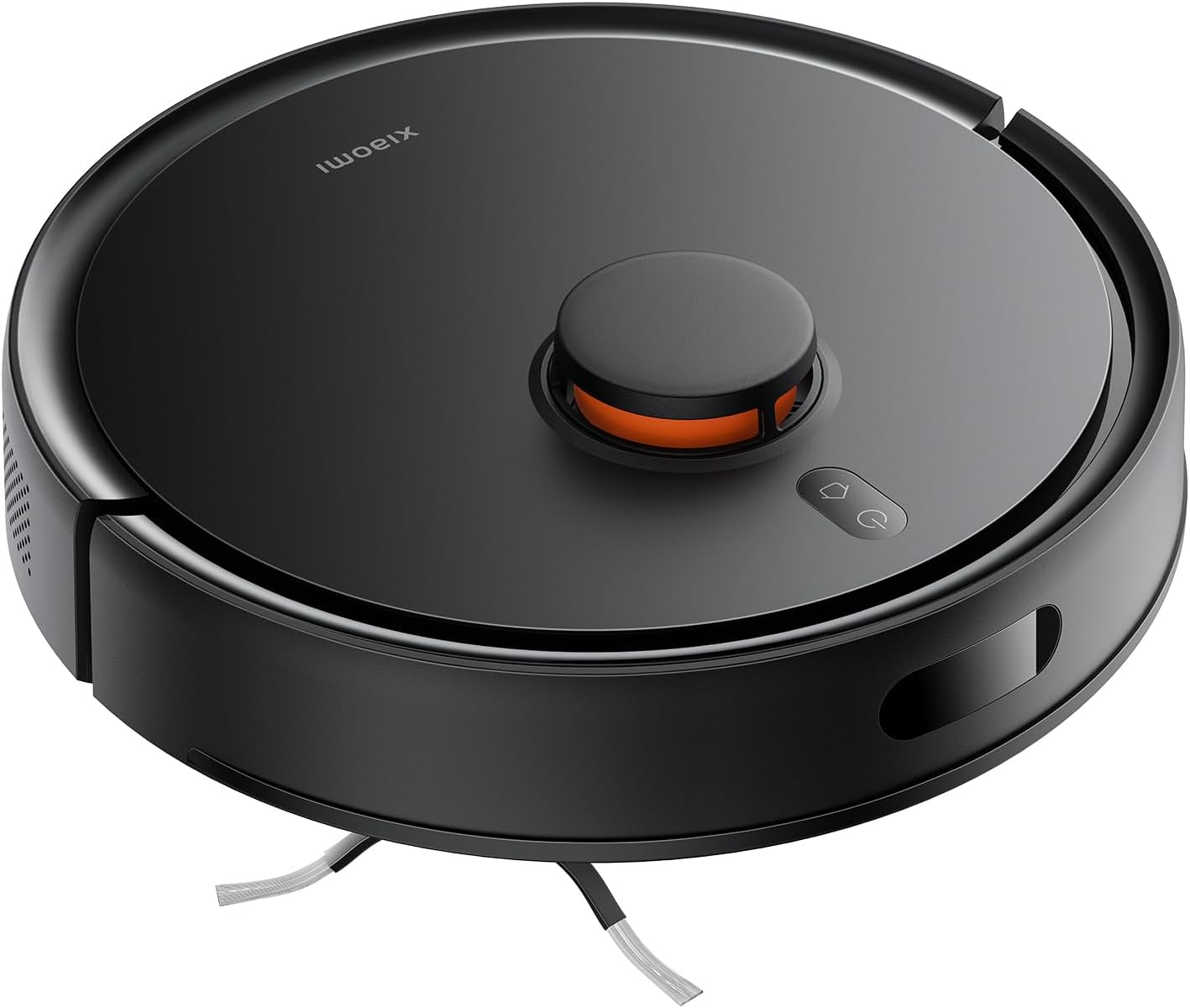
A detailed front-side perspective of the Xiaomi S20 Smart Robot Vacuum Cleaner, highlighting its sleek black design and the front bumper sensor.
3.2 Laterais View
Esta imaxe ofrece unha perspectiva lateral view of the Xiaomi S20 Smart Robot Vacuum Cleaner, showcasing o seu profesional compactofile and the side brush.
3.3 Atrás View
As costas view of the Xiaomi S20 Smart Robot Vacuum Cleaner, revealing the charging contacts and exhaust vents.
4. Configuración
4.1 Colocación da base de carga
Place the charging dock against a wall in an open area, ensuring there are no obstacles within 0.5 meters to either side and 1.5 meters in front. Connect the power adapter to the dock and plug it into a power outlet.

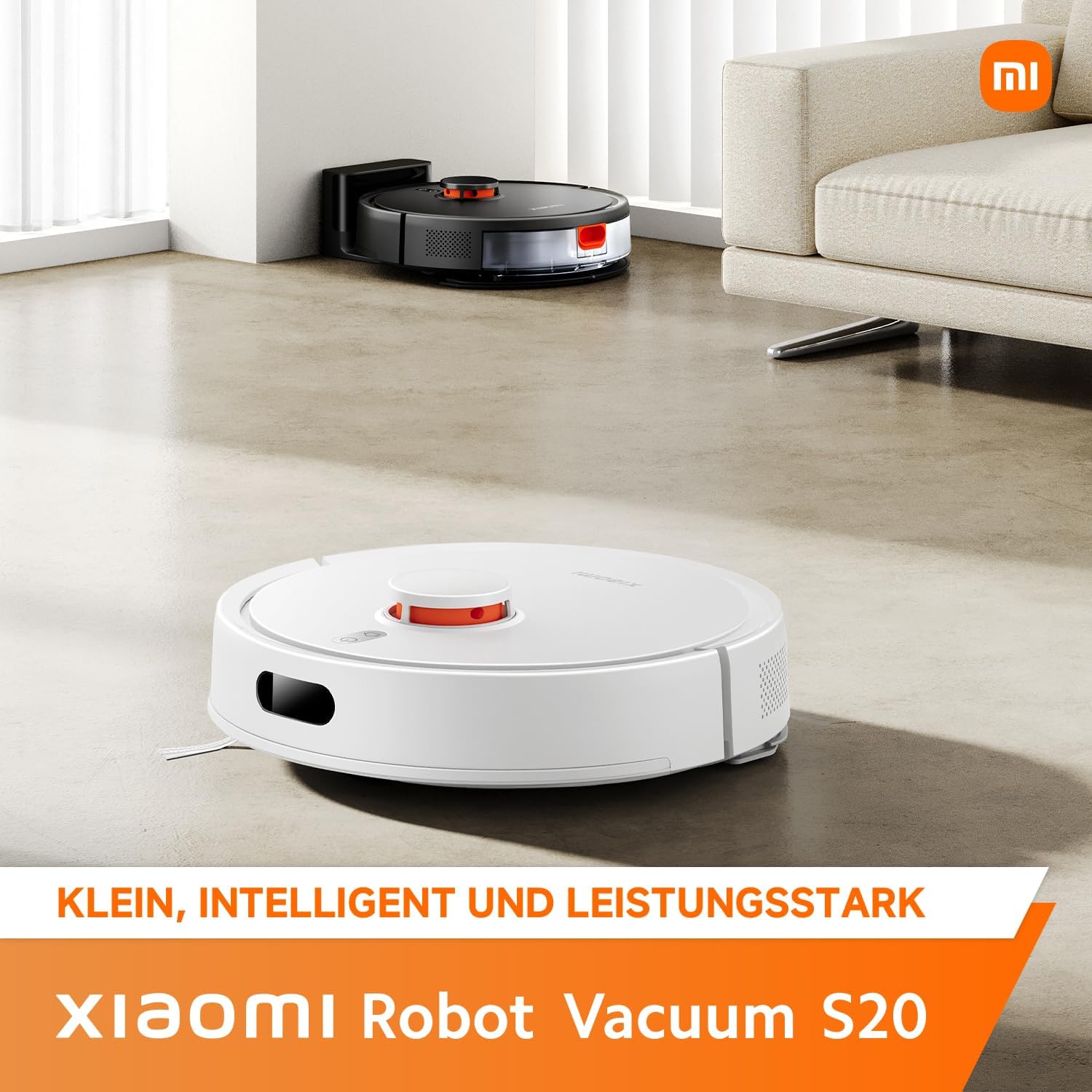
The robot vacuum cleaner is shown charging at its docking station, positioned neatly against a wall in a modern living room setting, demonstrating ideal placement for the charging base.
4.2 Cargo inicial
Place the robot vacuum cleaner on the charging dock. Ensure the charging contacts align. The robot will automatically power on and begin charging. Fully charge the robot before its first use, which may take several hours.
4.3 Instalación e conexión da aplicación
Descarga o Aplicación Xiaomi Home from your app store. Follow the in-app instructions to add your Xiaomi S20 robot vacuum cleaner. This will enable advanced features like mapping, scheduling, and remote control.
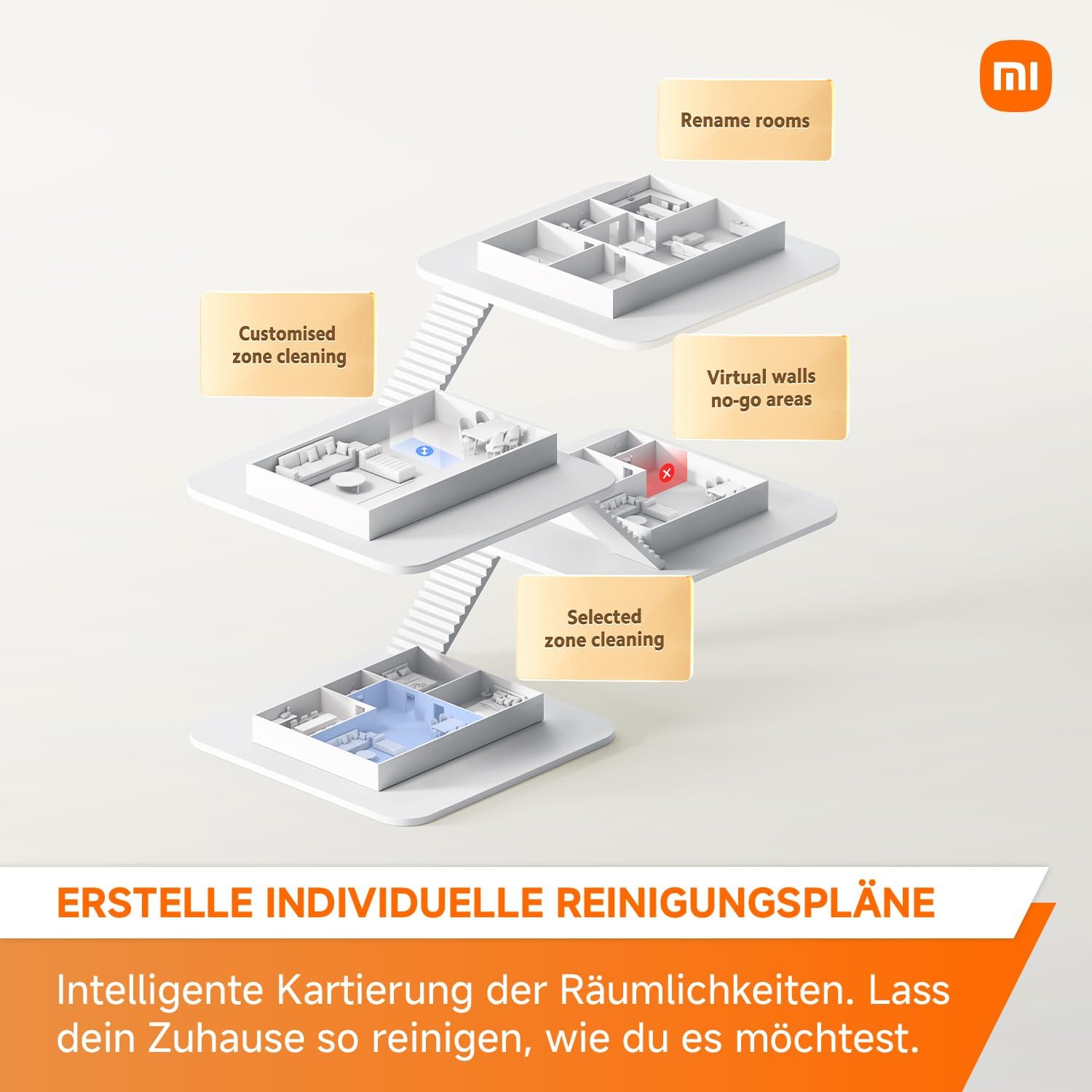
The Xiaomi Home app interface, displaying a detailed map of a room, allows users to manage cleaning zones and monitor the robot's progress.
5. Instrucións de funcionamento
5.1 Encendido/apagado
- Encendido: Manteña premido o botón de acendido ata que se acenda o indicador luminoso.
- Apagado: Manteña premido o botón de acendido ata que o indicador luminoso se apague.
5.2 Modos de limpeza
O robot ofrece varios modos de limpeza accesibles a través da aplicación:
- Limpeza automática: The robot intelligently plans a path to clean the entire area.
- Limpeza de zona: Define specific areas on the map for the robot to clean.
- Limpeza de puntos: Dirixe o robot para limpar unha zona pequena e concentrada.
This image shows two robot vacuum cleaners on a floor, with white lines illustrating their cleaning patterns: one following a systematic zigzag path and another a Y-shaped path, simulating manual cleaning for enhanced efficiency.
5.3 Potencia de succión
The Xiaomi S20 features a powerful 5000Pa suction, ensuring effective removal of dust, debris, and pet hair from various surfaces. Suction levels can be adjusted via the Xiaomi Home app.

An illustrative image highlighting the robot vacuum cleaner's strong suction power, with '5000Pa' prominently displayed and visual effects indicating powerful airflow, demonstrating its capability for thorough cleaning.
5.4 Cartografía e navegación
The robot uses an advanced LDS (Laser Distance Sensor) navigation system to accurately map your home, allowing for efficient and systematic cleaning paths. The app allows you to view and manage these maps, set virtual walls, and define no-go zones.

The robot vacuum cleaner is depicted with blue laser beams extending from its top, symbolizing its LDS (Laser Distance Sensor) navigation system actively mapping the surrounding environment for precise and efficient cleaning.

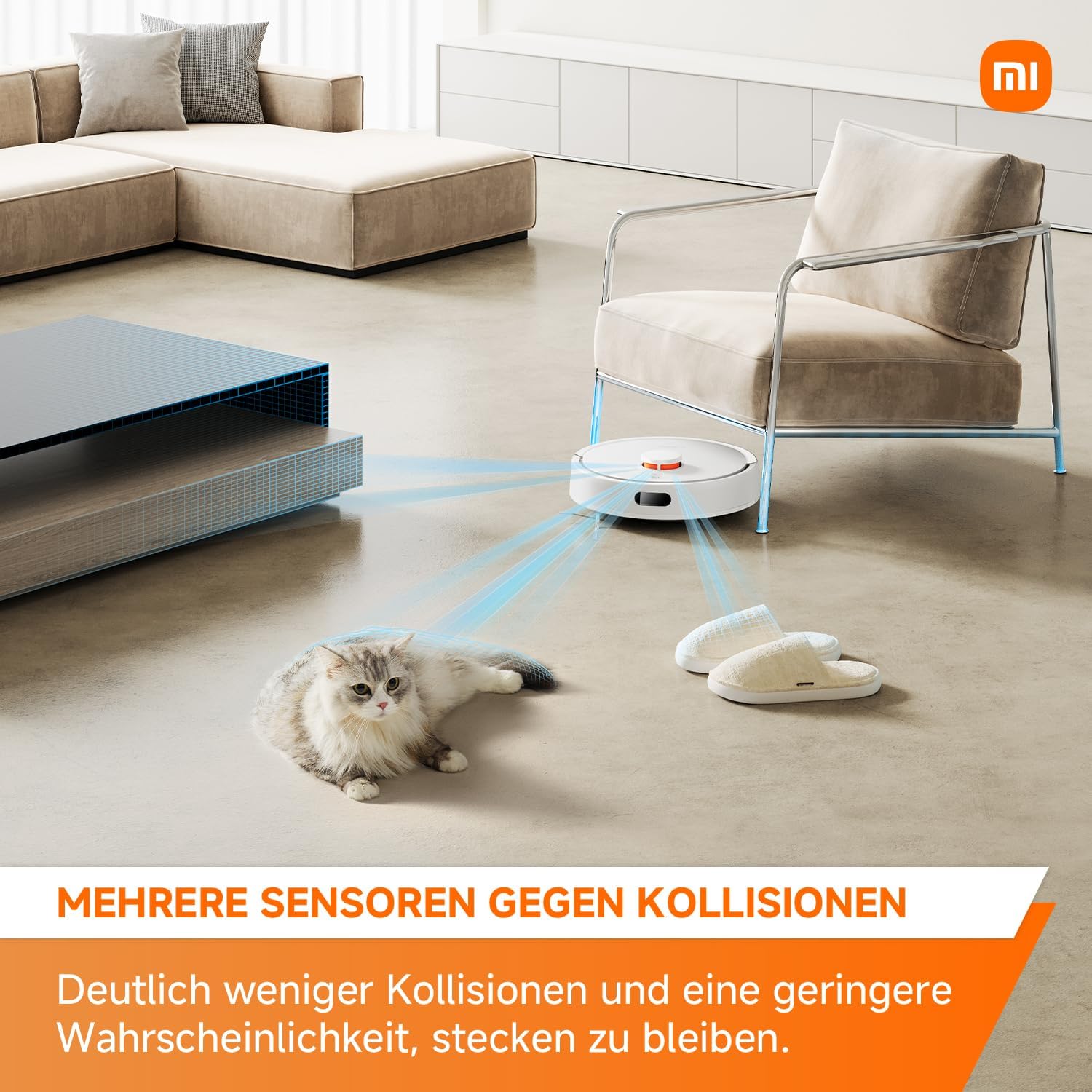
This image illustrates the robot vacuum cleaner's advanced multi-sensor system, depicting blue light rays emanating from the device as it navigates around common household obstacles such as a cat and slippers, ensuring collision avoidance.
6. Mantemento
6.1 Limpeza do cubo de lixo e do depósito de auga
Regularly empty the dustbin and clean the water tank to maintain optimal performance. The dustbin has a capacity of 400ml and the water tank 270ml.

Un primeiro plano view of the robot vacuum cleaner's transparent dustbin and water tank, indicating their respective capacities (400ml dustbin, 270ml water tank) and ease of access for maintenance.
6.2 Limpeza con cepillos
Periodically remove and clean the main brush and side brush to prevent hair entanglement and ensure effective sweeping.
6.3 Limpeza do sensor
Wipe the cliff sensors, wall sensors, and charging contacts with a soft, dry cloth to ensure proper navigation and charging.
7 Solución de problemas
If you encounter issues with your Xiaomi S20, refer to the table below for common problems and solutions:
| Problema | Causa posible | Solución |
|---|---|---|
| O robot non se acende | Batería baixa; o botón de acendido non foi premido o tempo suficiente | Charge the robot; Press and hold power button for 3 seconds |
| Robot cannot find charging dock | Dock is obstructed; Dock is unplugged | Ensure clear path to dock; Plug in the charging dock |
| Cleaning performance is poor | Caixa de lixo chea; Cepillos enredados; Filtro atascado | Empty dustbin; Clean brushes; Clean or replace filter |
| O robot quédase atascado con frecuencia | Obstáculos no chan; Sensores sucios | Clear floor of small objects; Clean all sensors |
For further assistance, please refer to the official Xiaomi support websitio ou póñase en contacto co servizo de atención ao cliente.
8. Especificacións
| Característica | Especificación |
|---|---|
| Nome do modelo | Xiaomi Robot Vacuum S20 |
| Cor | Negro |
| Peso do produto | 3.5 quilogramos |
| Dimensións | 47.2 x 38.6 x 15.2 cm |
| Voltage | 14.4 voltios |
| Tipo de batería | Ión de litio (1 incluída) |
| Capacidade do lixo | 400 ml |
| Capacidade do depósito de auga | 270 ml |
| Características especiais | Programmable, Scheduling, Simultaneous Vacuuming & Mopping, Precision Laser Mapping & Navigation, LiDAR Navigation |
| Recomendación de superficie | Multisuperficie |
9. Garantía e soporte
The Xiaomi S20 Smart Robot Vacuum Cleaner comes with a standard manufacturer's warranty. Please refer to your purchase documentation for specific warranty terms and conditions. For technical support, troubleshooting assistance, or to inquire about replacement parts, please visit the official Xiaomi support websitio ou póñase en contacto co seu departamento de atención ao cliente.
Conserve o seu comprobante de compra para reclamacións de garantía.


