
Introdución
This manual provides detailed instructions for the safe and efficient operation of your Philips Portable Radio RL384/94. Please read this manual thoroughly before using the device and retain it for future reference. The Philips RL384/94 is a portable radio designed for versatile listening, offering reception across MW, SW, and FM bands. It features a 500mW RMS sound output, a telescopic antenna for enhanced signal reception, and a 4-inch loudspeaker for clear audio. The radio can be powered by three R20 batteries or an external 4.5V DC source.
O que hai na caixa
Desembala con coidado o contido e asegúrate de que estean presentes todos os elementos:
- Philips Portable Radio RL384/94
- Guía de inicio rápido
Produto rematadoview
Familiarize yourself with the main components and controls of your Philips Portable Radio RL384/94.
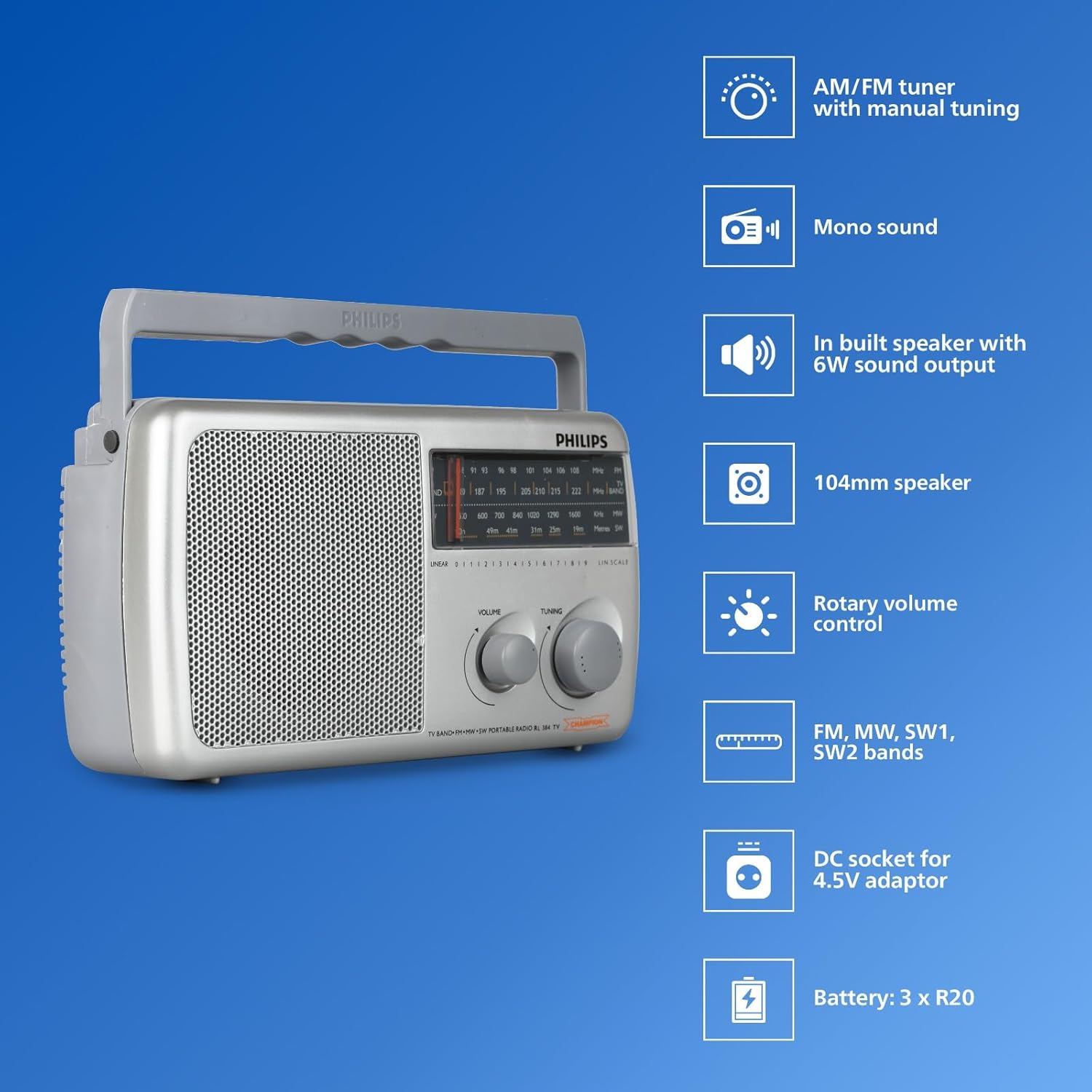
Imaxe: Fronte view of the Philips Portable Radio RL384/94 highlighting key features such as AM/FM tuner, mono sound, built-in speaker, 104mm speaker, rotary volume control, FM, MW, SW1, SW2 bands, DC socket for 4.5V adaptor, and battery compartment for 3 x R20 batteries.
- Antena telescópica: Extendable antenna for improved radio signal reception, particularly for FM and SW bands.
- Selector de banda: Switch to select between FM, MW (Medium Wave), and SW (Shortwave) bands.
- Botón de afinación: Used to precisely tune into desired radio frequencies.
- Control de volume: Rotary knob to adjust the audio output level.
- Altofalante: Integrated 4-inch (104mm) loudspeaker for audio output.
- Compartimento de batería: Located at the rear, holds three R20 (D-size) batteries.
- Toma de CC: Input for an external 4.5V DC power adapter (not included).
Vídeo: Un overview of the Philips Portable Radio RL384/94, showcasing its multi-band reception (MW, SW, FM), telescopic antenna, 500mW RMS sound output, 4-inch loudspeaker, and flexible power options (battery or external DC).
Configuración
Alimentando a Radio
The Philips RL384/94 can be powered by batteries or an external DC adapter.
Usando baterías
- Localice a tapa do compartimento da batería na parte traseira da radio.
- Deslice ou solte a tapa para abrila.
- Insert three R20 (D-size) batteries, ensuring the correct polarity (+/-) as indicated inside the compartment.
- Pecha a tapa do compartimento da batería de forma segura.
Using an External DC Adapter
An external 4.5V DC adapter (not supplied) can be used to power the radio.
- Ensure the DC adapter output is 4.5V.
- Insert the DC adapter plug into the 4.5V DC socket on the radio.
- Conecte o adaptador a unha toma de corrente axeitada.
Funcionamento da radio
Acender e apagar
Rotate the volume control knob clockwise to turn the radio on. Rotate it counter-clockwise until it clicks to turn the radio off.
Axuste do volume
Rotate the volume control knob to increase or decrease the sound level.
Selecting a Radio Band
Use the band selector switch to choose between FM, MW, or SW bands.

Image: The Philips Portable Radio RL384/94 shown outdoors with a person stretching, illustrating its portability and multi-band (AM/FM/SW) reception capabilities.
Sintonizando unha emisora
- Select the desired radio band (FM, MW, or SW).
- Extend the telescopic antenna for optimal FM and SW reception. For MW, the radio has a built-in antenna, but repositioning the radio may improve reception.
- Slowly rotate the tuning knob until you hear a clear broadcast.
- Adjust the antenna position and radio orientation for the best possible signal.
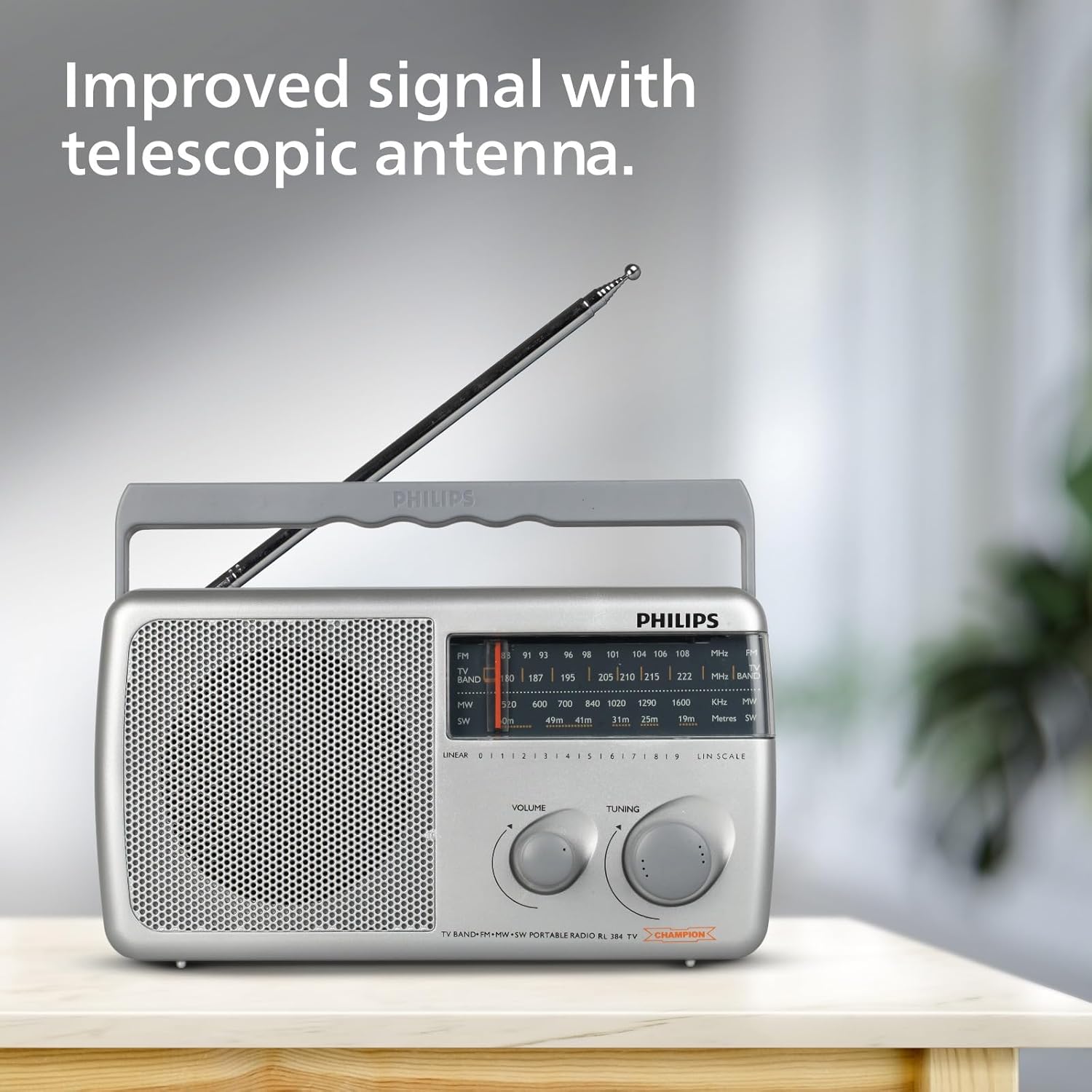
Image: The Philips Portable Radio RL384/94 with its telescopic antenna fully extended, demonstrating how to improve signal reception.
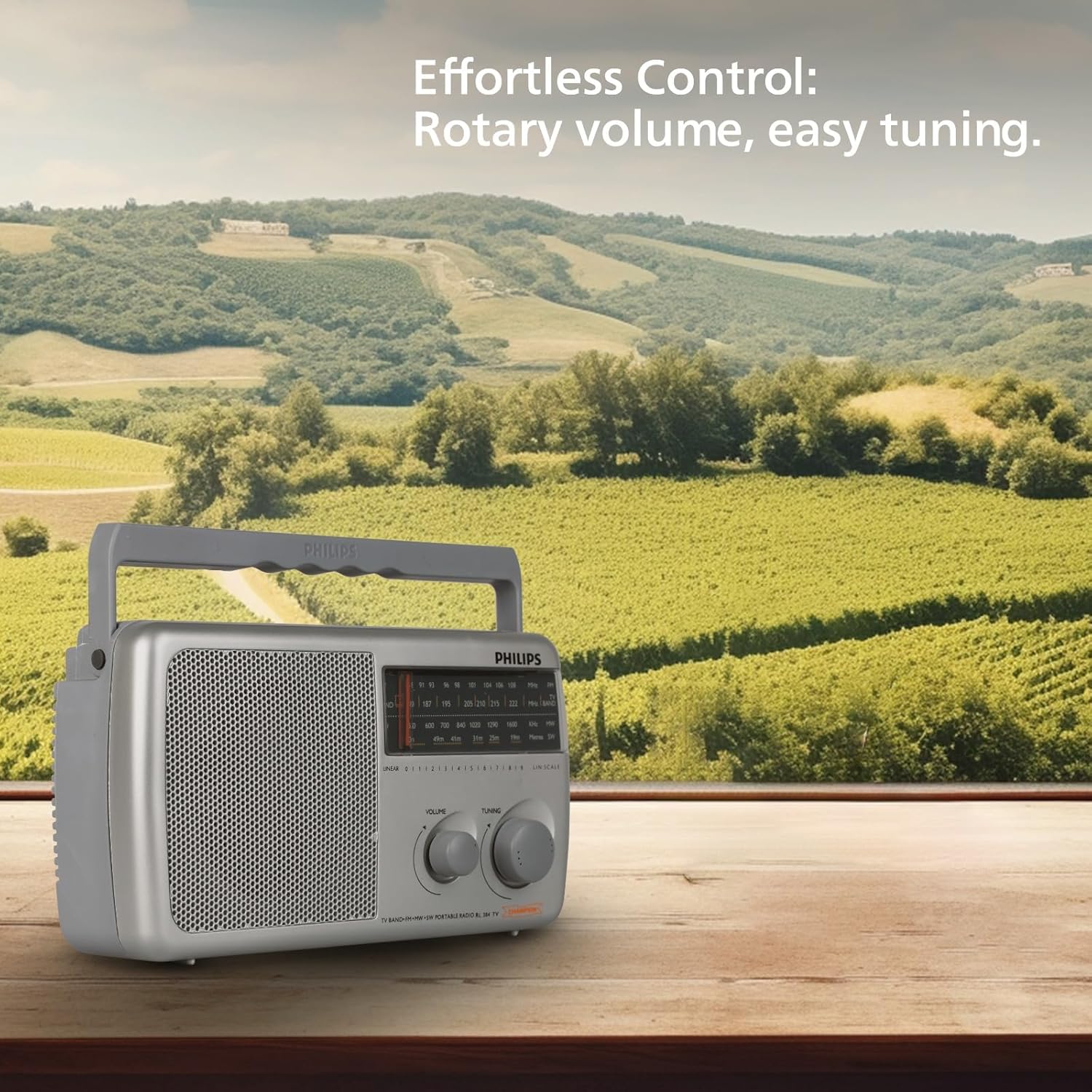
Image: The Philips Portable Radio RL384/94 on a wooden table, highlighting its rotary volume and tuning controls for effortless operation.
Mantemento
Limpeza
- Limpe a radio cun suave, damp pano. Non use produtos de limpeza ou disolventes abrasivos.
- Ensure no liquid enters the radio's openings.
Coidado da batería
- Retire as pilas se non vai usar a radio durante un período prolongado para evitar fugas.
- Substitúa todas as baterías ao mesmo tempo por outras novas do mesmo tipo.
Resolución de problemas
| Problema | Causa posible | Solución |
|---|---|---|
| No sound or very low sound. | Volume is too low. Batteries are depleted or incorrectly inserted. External DC adapter is not connected or faulty. | Increase the volume. Check and replace batteries if necessary, ensuring correct polarity. Verify external DC adapter connection and functionality. |
| Mala recepción de radio. | Antenna not extended. Weak signal in the area. Interference from other electronic devices. | Fully extend the telescopic antenna. Reposition the radio to a different location. Move the radio away from other electronic devices. |
| A radio non se acende. | No power source. Batteries are dead. External DC adapter is not working. | Ensure batteries are inserted or external DC adapter is connected. Replace batteries. Check external DC adapter. |
Especificacións
| Característica | Detalle |
|---|---|
| Marca | Philips |
| Número de modelo | RL384/94 |
| Cor | Gris |
| Dimensións do produto (L x W x H) | 30.3L x 17.8W x 13.4H Centímetros |
| Peso do elemento | 870 gramos |
| Tecnoloxía de sintonizador | FM |
| Bandas de radio admitidas | MW, SW, FM (4-Band) |
| Frecuencia | Ata 108 MHz (FM) |
| Saída de son | 500 mW RMS |
| Altofalante | 4-inch (104mm) round loudspeaker, 8 Ohms impedance |
| Fonte de enerxía | Battery Powered (3xR20) or External DC (4.5V) |
| Características especiais | Antena AM integrada, lixeira, portátil |
| País de Orixe | India |
Garantía e Soporte
Información da garantía
This Philips Portable Radio RL384/94 comes with a 6 meses de garantía desde a data de compra. Conserve o recibo de compra como proba de garantía.
Atención ao cliente
Para calquera dúbida relacionada co produto, asistencia técnica ou reclamación de garantía, póñase en contacto co fabricante:
- Fabricante: TPV Technology India Pvt. Ltd.
- Información de contacto: TPV Technology India Pvt. Ltd. 501 - 508, 5th Floor, Bestech Chambers, B Block, Sushant Lok Phase - 1, Sector- 27, Gurgaon-122002, Haryana, India
Consulte o oficial Philips website or your local service center for the most up-to-date support information.