
Introdución
This manual provides detailed instructions for the safe and effective use of your Andoer 1080P Digital Camera. Please read this manual thoroughly before operating the device and retain it for future reference. This camera is designed to capture high-quality photos and videos, featuring a 56MP picture resolution and 1080P video recording capabilities. It includes an 8X digital zoom, AF auto-focus, and a 2.88-inch IPS screen for clear viewing.
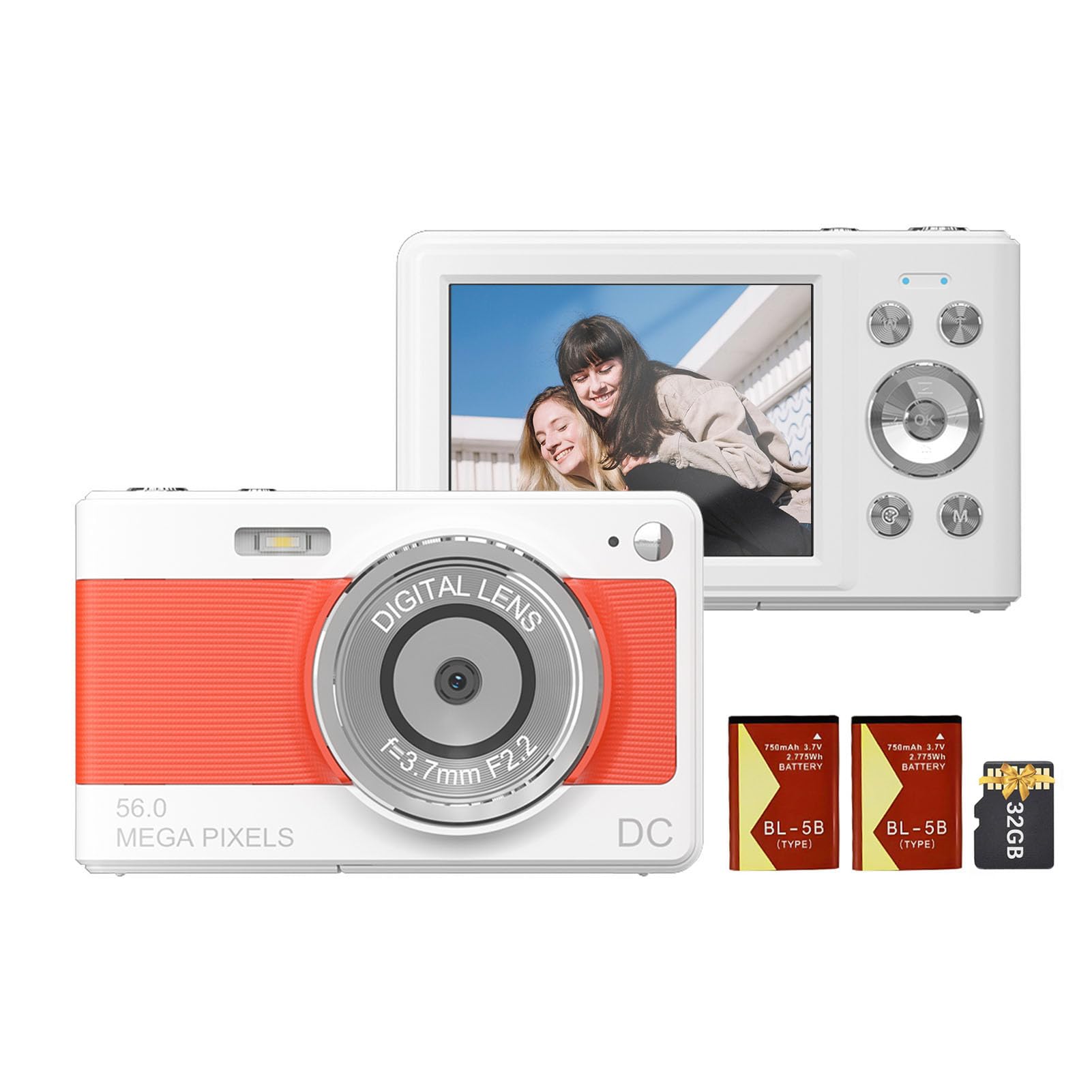
Fronte view of the Andoer 1080P Digital Camera, showcasina súa lente e o seu deseño compacto.
Contido do paquete
Verifica que todos os elementos estean presentes no paquete:
- 1 x Andoer Digital Camera
- 2 x Lithium Batteries (3.7V 750mAh)
- 1 x USB Charge Cable (Type-C)
- 1 x Correa de boneca
- 1 x bolsa de transporte
- Tarxeta de memoria 1 x 32GB
- 1 Manual de usuario (inglés)
Configuración
1. Instalación e carga da batería
The camera uses a rechargeable lithium battery. Two batteries are included to ensure extended usage.
- Locate the battery compartment on the bottom or side of the camera.
- Abra a tapa do compartimento da batería.
- Insert a fully charged battery, ensuring the correct polarity as indicated inside the compartment.
- Pecha a tapa do compartimento da batería de forma segura.
- To charge the battery, connect the camera to a power source using the provided Type-C USB cable. The charging indicator light will illuminate.
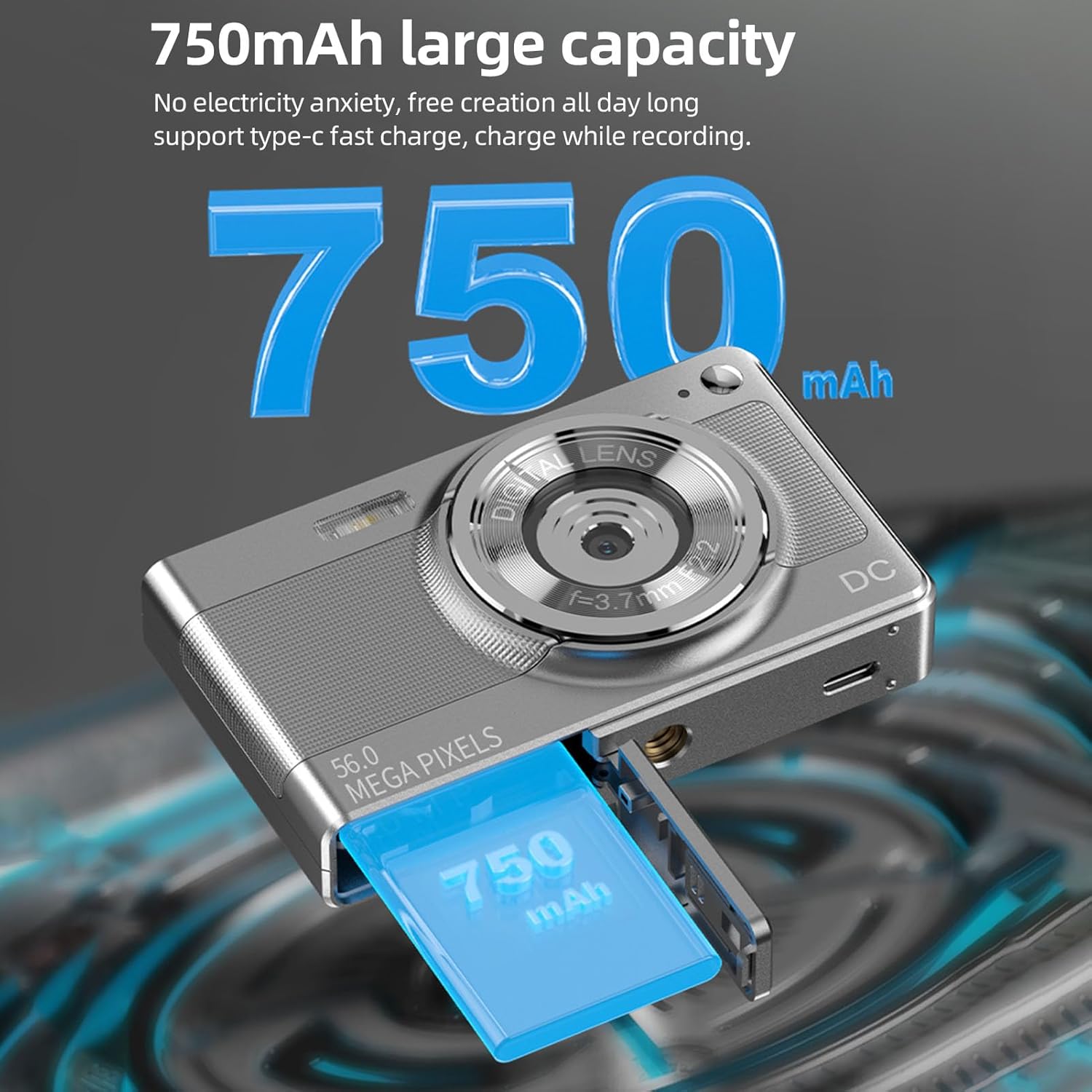
Illustration of the 750mAh battery and its insertion into the camera's battery compartment.
2. Instalación da tarxeta de memoria
A 32GB memory card is included for immediate use. Ensure the camera is powered off before inserting or removing the memory card.
- Locate the memory card slot, typically on the side of the camera.
- Insert the 32GB memory card into the slot with the metal contacts facing the correct direction (refer to the diagram near the slot if available).
- Empurre a tarxeta suavemente ata que encaixe no seu lugar.
- To remove, push the card in again until it springs out slightly, then pull it out.
Instrucións de funcionamento
1. Acendido/apagado
- To power on: Press and hold the power button (usually marked with ON/OFF or a power symbol) until the screen illuminates.
- Para apagar: manteña premido o botón de acendido de novo ata que a pantalla se apague.
2. Facendo fotos
The camera supports up to 56MP picture resolution.
- Acende a cámara.
- Ensure the camera is in photo mode (indicated by an icon on the screen, typically a camera symbol).
- Frame your shot using the 2.88-inch IPS screen.
- The camera features AF auto-focus. Allow the camera to focus on your subject.
- Prema o botón do obturador ata a metade para enfocar e, a seguir, prémao completamente para capturar a imaxe.
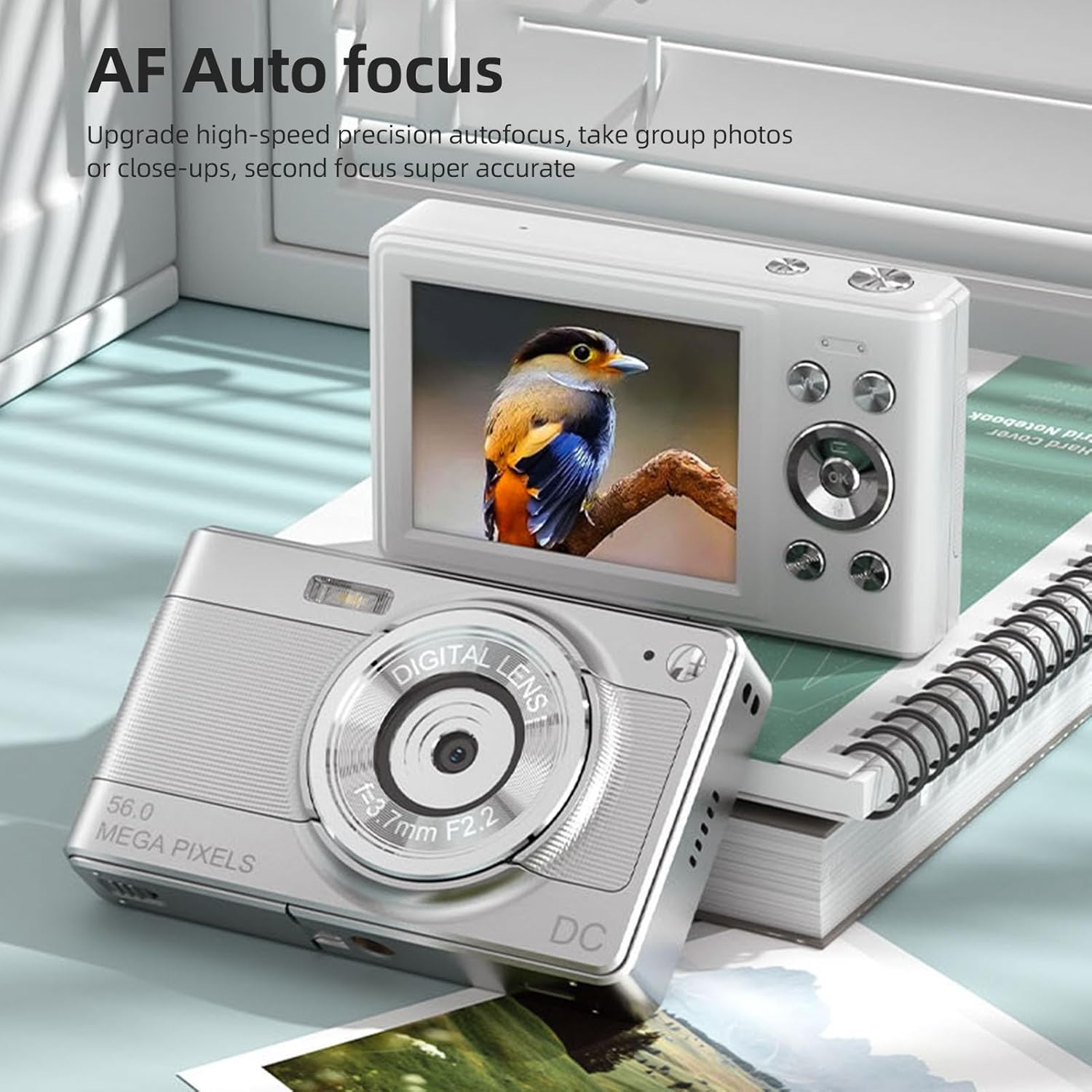
The camera's AF Auto Focus system ensures sharp images by automatically adjusting the lens.
3. Gravación de vídeos
Record videos in 1080P resolution.
- Acende a cámara.
- Switch to video recording mode (indicated by a video camera icon).
- Press the shutter button to start recording. A red indicator or timer will appear on the screen.
- Preme de novo o botón disparador para deter a gravación.
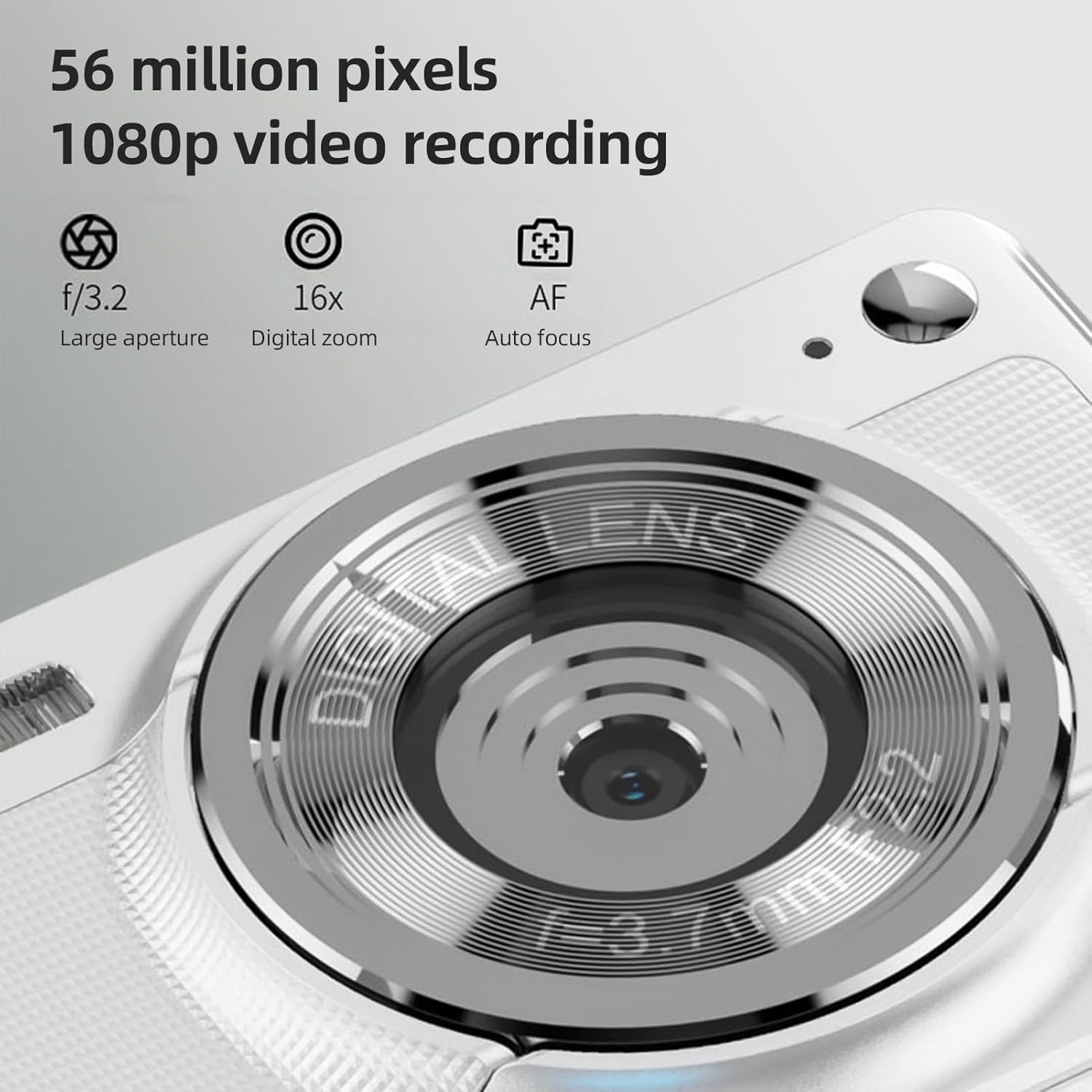
The camera is capable of capturing 56-megapixel photos and recording 1080p videos.
4. Zoom dixital
The camera features an 8X digital zoom.
- While in photo or video mode, use the zoom buttons (often marked with W for Wide and T for Telephoto, or +/- symbols) to zoom in or out.
- Note that digital zoom may reduce image quality compared to optical zoom.

Comparison showing the effect of 8X digital zoom versus no zoom mode.
5. Flash incorporado
Use the built-in flash for low-light conditions.
- Access the flash settings through the camera's menu.
- Select from options such as Auto Flash, Fill-in Flash, Red-eye Reduction, or Flash Off.
6. Outras funcións
The camera includes several features to enhance your photography:
- Antivibración: Helps reduce blur caused by camera movement.
- Face Detect: Detecta e enfoca automaticamente as caras no cadro.
- Continuous Photography: Captures a series of photos rapidly.
- Temporizador automático: Delays the shutter release by 2, 5, or 10 seconds.
- Efectos de cor: Apply various filters or color tones to your images.
7. Viewing e transferencia Files
Review your captured media and transfer them to other devices.
- Reprodución: Press the playback button (often indicated by a play icon) to view photos and videos on the 2.88-inch IPS screen. Use the navigation buttons to browse.
- File Transfer (OTG Method):
- Remove the memory card from the camera.
- Insert the memory card into a card reader.
- Connect the card reader to your mobile phone or computer using an OTG adapter or USB cable to export photos and videos.

The camera's memory card can be used with an OTG adapter or card reader for easy transfer of files to a mobile phone or computer.
Mantemento
- Limpeza da lente: Usa un pano suave e sen fiapos deseñado especificamente para lentes de cámara. Evita tocar a lente cos dedos.
- Limpeza da pantalla: Gently wipe the IPS screen with a microfiber cloth. Do not use harsh chemicals.
- Almacenamento: When not in use, store the camera in the provided carrying bag in a cool, dry place away from direct sunlight and extreme temperatures.
- Coidado da batería: Do not expose batteries to high temperatures. If the camera will not be used for an extended period, remove the battery.
Resolución de problemas
| Problema | Causa posible | Solución |
|---|---|---|
| A cámara non se acende. | A batería está esgotada ou inserida incorrectamente. | Cargue a batería. Asegúrese de que a batería estea inserida coa polaridade correcta. |
| Non se poden facer fotos/vídeos. | A tarxeta de memoria está chea, bloqueada ou non está inserida. | Insert a memory card. Check if the memory card is locked. Delete unnecessary files ou substituír a tarxeta. |
| As imaxes son borrosas. | Camera shake, subject too close, or lens is dirty. | Hold the camera steady. Ensure adequate lighting. Clean the lens. Use AF auto-focus. |
| O flash non funciona. | Flash is set to "Off" or battery is low. | Check flash settings in the menu. Charge the battery. |
Especificacións
- Sensor de imaxe: Sensor CMOS
- Visualización: Pantalla IPS de 2.88 polgadas
- Resolución da imaxe: 56M, 48M, 36M, 30M, 24M, 20M, 16M, 12M, 8M, 5M, 3M
- Resolución de vídeo: 1080P, 720P
- Zoom dixital: 8X
- Foco automático: Yes (AF)
- Antivibración: Si
- Face Detect: Si
- Temporizador automático: 2 sec / 5 sec / 10 sec / Off
- Exposición: EV-3 to EV+3
- Balance de brancos: Automático / Luz diurna / Nubrado / Fluorescente / Incandescente
- Fonte de alimentación: Lithium battery (3.7V 750mAh)
- Tamaño do elemento: 9.8 * 6 * 2 cm / 3.9 * 2.4 * 0.8 polgadas
- Peso do artigo: 110 g / 3.8 oz (batería incluída)
- Tarxeta de memoria incluída: 32 GB
- Apoio lingüístico: Chinese, Japanese, English, French, Spanish, Portuguese, German, Dutch, Italian, etc.
Garantía e Soporte
Specific warranty details are not provided in this manual. For warranty information, technical support, or service inquiries, please refer to the product packaging or contact Andoer customer service directly through their official websitio web ou o vendedor onde se comprou o produto.
Garda o teu recibo de compra como xustificante de compra para calquera reclamación de garantía.