
BTQILEYOO Y10-2X
Y10-2X Motorcycle Helmet Bluetooth Headset User Manual
Model: Y10-2X | Brand: BTQILEYOO
1. Introdución
Thank you for choosing the BTQILEYOO Y10-2X Motorcycle Helmet Bluetooth Headset. This device is designed to enhance your riding experience with advanced communication and audio features. It offers dual 300m intercom capabilities, Bluetooth 5.3 connectivity, smart noise reduction, HiFi level sound quality, and IPX6 waterproof rating, making it compatible with all helmet types.
This manual provides detailed instructions on how to set up, operate, maintain, and troubleshoot your headset to ensure optimal performance and longevity.
2. Produto rematadoview
The Y10-2X headset features a robust design with intuitive controls and high-quality audio components. Below is an overview of its main features and components.

Figura 2.1: Principal view of the Y10-2X Bluetooth Headset.

Figure 2.2: Detailed description of the headset's function buttons and interfaces.

Figure 2.3: The Y10-2X headset highlighting its dual 300m intercom, long range, and IPX6 waterproof features.

Figure 2.4: The split installation design of the headset for easy and secure mounting.
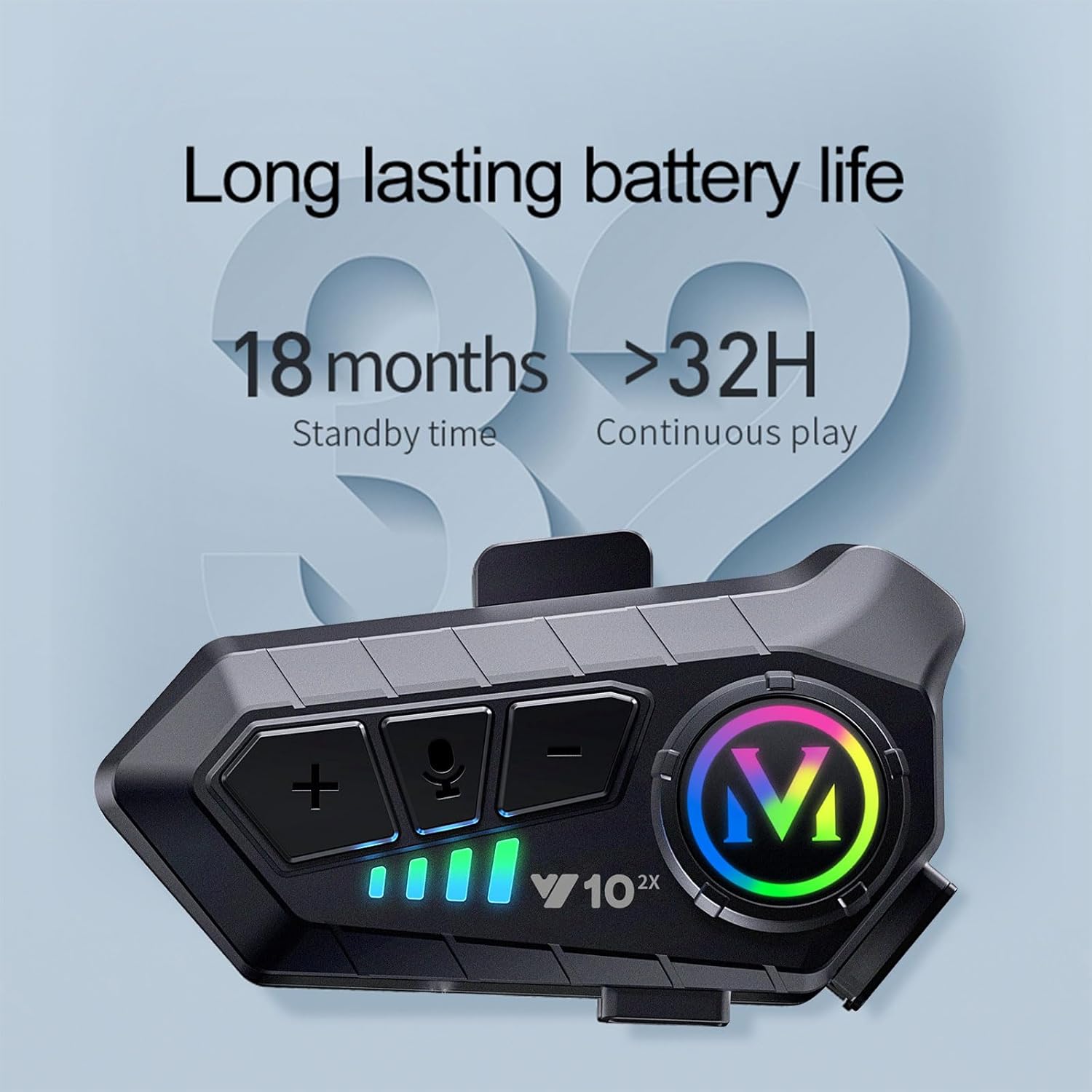
Figure 2.5: The headset boasts long-lasting battery life, offering over 32 hours of continuous play and 18 months of standby time.
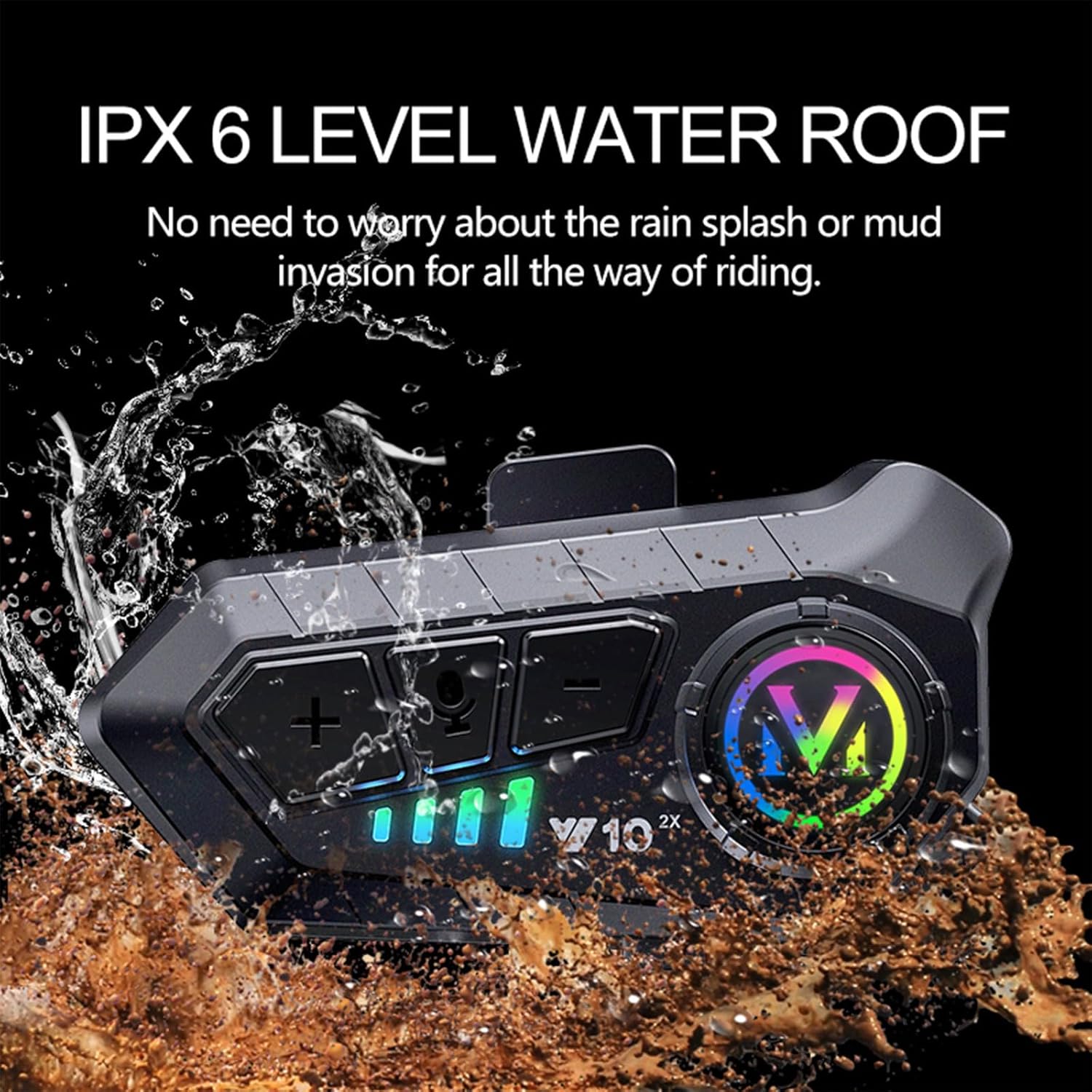
Figure 2.6: The IPX6 waterproof rating ensures the headset is protected against rain and mud splashes.

Figure 2.7: Enjoy high-fidelity sound quality and intelligent noise reduction for clear audio.

Figure 2.8: The headset supports dual 300m intercom, allowing easy communication and call answering while riding.
3. Guía de configuración
3.1. Instalación
- Mounting the Headset: The Y10-2X features a split mount design with a back clip for easy installation. Securely attach the mounting clip to the side of your helmet.
- Attaching the Main Unit: Slide the main headset unit onto the mounted clip until it clicks into place.
- Connecting Speakers and Microphone: Plug the speaker and microphone cable into the designated interface on the headset unit. Ensure the connection is firm. The package includes both soft and hard microphones to suit different helmet types and preferences.
3.2. Emparellamento inicial (Bluetooth)
Follow these steps to pair your Y10-2X headset with your mobile phone:
- Encendido: Press and hold the power button (usually the main large button) on the headset until the indicator light illuminates, indicating it's powered on and in connection mode.
- Activate Phone Bluetooth: On your mobile phone, go to Settings > Bluetooth and turn on Bluetooth.
- Busca Dispositivo: Your phone will scan for available Bluetooth devices. Look for "QINLIFE Y10 2x" in the list.
- Conectar: Tap on "QINLIFE Y10 2x" to initiate the pairing process. Confirm any pairing requests on your phone.
- Confirmación de conexión: Once successfully paired, the headset's indicator light will blink slowly, confirming the Bluetooth connection.
3.3. Emparejamento de intercomunicadores
To use the intercom function between two Y10-2X headsets:
- Disconnect Phone Bluetooth: Before connecting the intercom, ensure Bluetooth is turned OFF on both phones connected to the headsets. The headset's Bluetooth off indicator will blink quickly.
- Enter Intercom Mode: On both headsets, press the intercom key (microphone button) to enter intercom mode. One headset will enter receive mode (slow blinking), and the other will enter transmit mode (flash blinking).
- Confirmación de emparellamento: When the intercom is successfully paired, the light in the grid on both headsets will flash once every one second, indicating a stable intercom connection.
Video 3.1: A demonstration of the Y10-2X headset's features, installation, and pairing processes.
4. Instrucións de funcionamento
4.1. Funcións dos botóns
- Power On/Off Button (Main 'M' button): Press and hold to power on/off. Short press to play/pause music, answer/hang up calls.
- Botón para subir volume / seguinte canción (+): Presión curta para subir o volume. Presión longa para a seguinte canción.
- Botón para baixar o volume / pista anterior (-): Presión curta para baixar o volume. Presión longa para volver á pista anterior.
- Intercom Button / Voice Key (Microphone icon): Short press to activate voice assistant. Long press to initiate/end intercom communication.
4.2. Características principais do funcionamento
- Chip Bluetooth 5.3: The new upgraded Bluetooth 5.3 chip provides stable signal transmission and intelligent noise reduction, effectively reducing interference from the 2.4GHz band.
- 40MM Graphene Diaphragm: Equipped with a custom speaker featuring a 40MM graphene diaphragm, the headset delivers balanced single-frequency, full medium-frequency, clean low-frequency, and soft high-frequency sound for a HiFi audio experience.
- Redución de ruído intelixente: Multi-layer intelligent noise reduction ensures clear call communication by filtering noise and effectively reducing decibels.
- Conectividade multidispositivo: You can connect two mobile phones to one device simultaneously, allowing seamless switching between music, navigation, and phone calls.
5. Mantemento
5.1. Cargando
The Y10-2X supports USB Type-C fast charging. A 20-minute charge provides approximately 2 hours of battery life. A full charge takes about 2.5 hours and offers up to 32 hours of continuous play.
- Use the provided USB Type-C cable to connect the headset to a compatible power source.
- Asegúrate de que a tapa do porto de carga estea ben pechada despois da carga para manter a resistencia á auga.
5.2. Limpeza e almacenamento
- Limpe os auriculares cun pano suave eamp pano. Non use produtos químicos agresivos ou produtos de limpeza abrasivos.
- The headset is IPX6 waterproof, meaning it can withstand strong jets of water. However, avoid submerging it in water.
- Garde os auriculares nun lugar fresco e seco, lonxe da luz solar directa e de temperaturas extremas.
6 Solución de problemas
If you encounter issues with your Y10-2X headset, please refer to the following common problems and solutions:
- Unstable Connection / Intermittent Sound:
Ensure the headset is fully charged. Move closer to your paired device (phone or other headset) to reduce interference. Restart both the headset and the paired device. - Poor Waterproofing:
While rated IPX6, ensure all port covers (especially the charging port) are securely sealed before exposure to water. Avoid prolonged exposure to heavy rain or submersion. - Low Sound Quality / Volume:
Check the volume levels on both the headset and your connected device. Ensure the speakers are correctly positioned within your helmet, close to your ears. Verify that the microphone is not obstructed. - Intercom Pairing Issues:
Ensure both headsets are powered on and their phone Bluetooth connections are turned off before attempting intercom pairing. Follow the intercom pairing steps precisely. - Device Not Found During Bluetooth Search:
Ensure the headset is in pairing mode (indicator blinking quickly after power on). Turn off and on your phone's Bluetooth. Try restarting the headset.
Se o problema persiste, póñase en contacto co servizo de atención ao cliente para obter máis axuda.
7. Especificacións
| Característica | Especificación |
|---|---|
| Modelo | Y10-2X |
| Marca | BTQILEYOO |
| Control de ruído | Cancelación activa de ruído |
| Tecnoloxía de conectividade | Sen fíos |
| Tecnoloxía de comunicación sen fíos | Bluetooth |
| Versión Bluetooth | 5.3 |
| Alcance Bluetooth | 10 metros |
| Material | Plástico |
| Tempo de carga | 20 minutes for 2 hours use; 2.5 hours for full charge |
| Duración da batería | 32 Hours (Continuous Play) |
| Dispositivos compatibles | Cellphones, Motorcycles |
| Función de cable | Sen Cable |
| Nivel de resistencia á auga | Impermeable IPX6 |
| Rango de frecuencias | 20 Hz - 20,000 Hz |
| Método de control | Toque, Voz |
| Tipo de controlador de audio | Driver dinámico |
| Forma do auricular | Ear hook or wing |
| Peso do elemento | 6.3 onzas |
| Cor | Negro |
| Impedancia | 30 ohmios |
8. Garantía e soporte
For warranty information, technical support, or any inquiries regarding your BTQILEYOO Y10-2X Motorcycle Helmet Bluetooth Headset, please refer to the product packaging or contact BTQILEYOO customer service directly. Contact details can typically be found on the manufacturer's official website or the product's retail page.
Ask a question about this manual
Ask about setup, troubleshooting, compatibility, parts, safety, or missing instructions. Manuals+ will review the question and use this page’s manual context to help answer it.