
1. Introdución
This manual provides detailed instructions for the T-Wolf TF800 Gaming Combo, a 4-in-1 package designed for an enhanced gaming experience. The combo includes a backlit keyboard, a gaming mouse, a stereo headset with microphone, and a mouse pad. Please read this manual carefully before using the product to ensure proper setup and operation.

Image: T-Wolf TF800 Gaming Combo retail box. The box displays the included keyboard, mouse, headset, and mouse pad, highlighting features like floating keycaps, highlight light, multimedia keys, and ergonomic design.
2. Contido do paquete
Asegúrate de que o teu paquete inclúa todos os seguintes elementos:
- 1 x T-Wolf Gaming Keyboard
- 1 x T-Wolf Gaming Mouse
- 1 x T-Wolf Gaming Headset
- 1 x T-Wolf Gaming Mouse Pad
3. Instrucións de configuración
Follow these steps to set up your T-Wolf TF800 Gaming Combo:
3.1 Configuración do teclado
- Localiza un porto USB 2.0 dispoñible no teu ordenador.
- Conecte o conector USB do teclado ao porto USB.
- O sistema operativo detectará e instalará automaticamente os controladores necesarios.
- The keyboard backlight will illuminate upon successful connection.
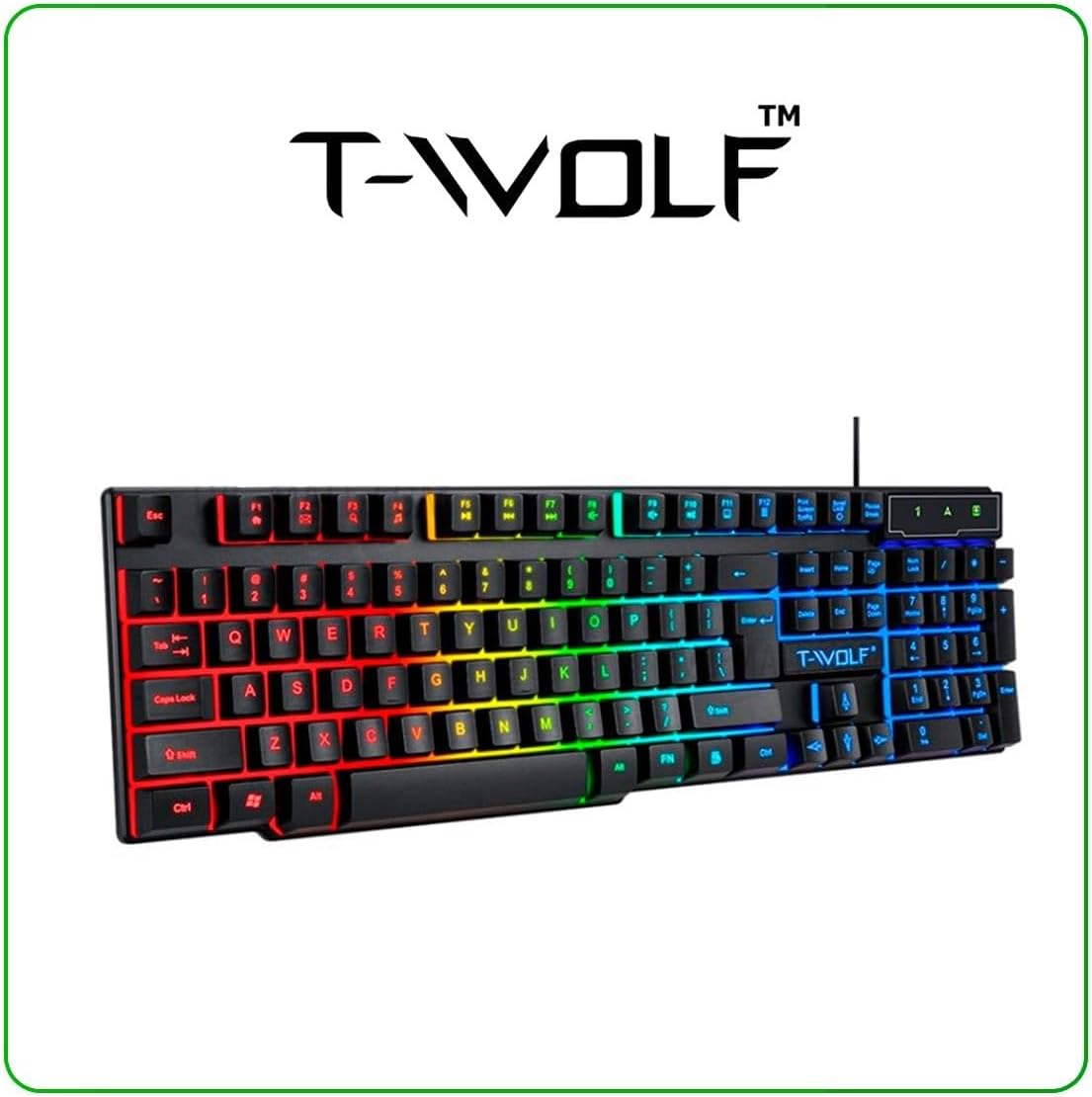
Image: T-Wolf Gaming Keyboard. This image shows the full 104-key layout with vibrant RGB backlighting, including the 'Ñ' key.
3.2 Configuración do rato
- Locate another available USB 2.0 port on your computer.
- Conecte o conector USB do rato ao porto USB.
- O sistema operativo detectará e instalará automaticamente os controladores necesarios.
- The mouse LED lighting will activate upon successful connection.

Image: T-Wolf Gaming Mouse. This image displays the ergonomic design of the mouse with multi-color RGB lighting accents.
3.3 Headset Setup
- Locate the 3.5mm audio jack on your computer (usually marked with a headphone icon).
- Plug the 3.5mm connector of the headset into the audio jack.
- If your computer has separate microphone and headphone jacks, you may need a Y-splitter (not included) or connect to a combined audio jack.
- Adjust the volume using the in-line control on the headset cable.
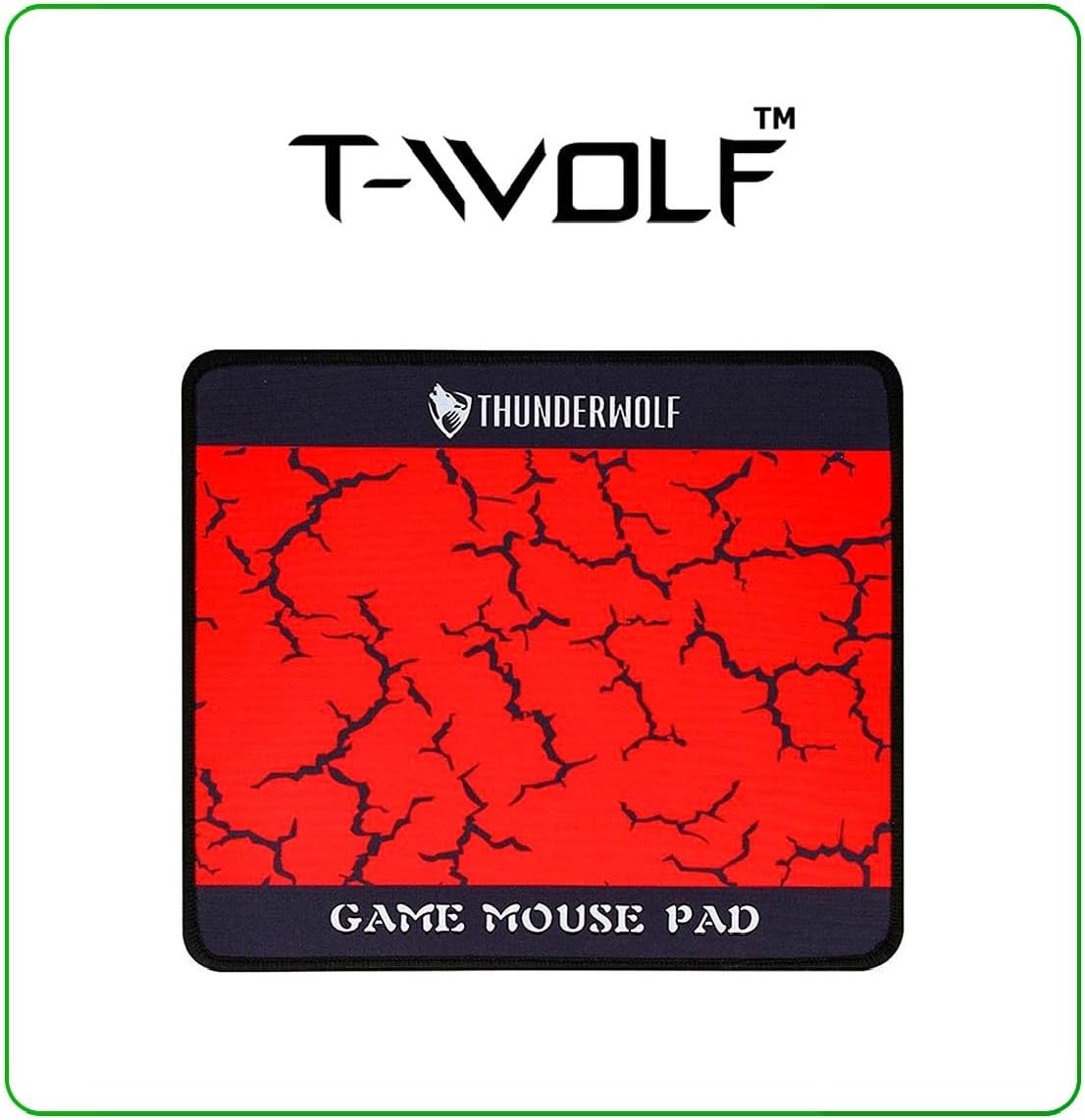
Image: T-Wolf Gaming Headset. This image shows the over-ear headset with a flexible microphone and red accents.
3.4 Colocación da alfombrilla do rato
- Coloque a alfombrilla do rato nunha superficie plana e limpa.
- Ensure the non-slip rubber base is in full contact with the desk to prevent movement during use.
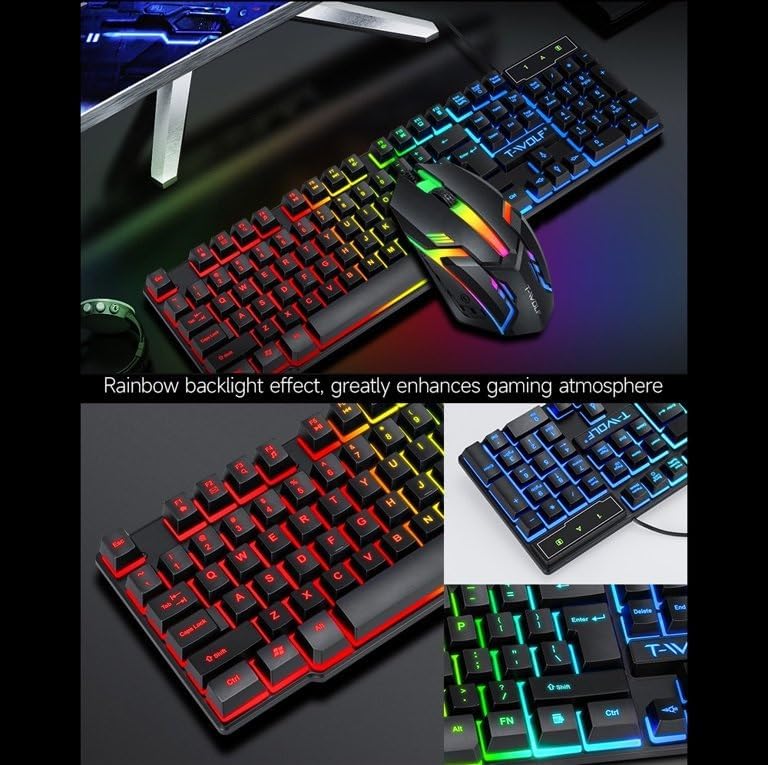
Image: T-Wolf Gaming Mouse Pad. This image features the mouse pad with a red cracked pattern and a black border, designed for optimal mouse precision.
4. Instrucións de funcionamento
4.1 Funcionamento do teclado
- Control de retroiluminación: The keyboard features a 3-color LED backlight (Red, Blue, Green). Press the Bloqueo de desprazamento key to toggle the backlight ON/OFF.
- Teclas multimedia: Utilize the dedicated multimedia keys (usually F-keys combined with Fn) for quick access to volume control, media playback, and other functions. Refer to the keyboard layout for specific key assignments.
- Deseño ergonómico: The keyboard is designed for comfortable typing during extended use.

Image: T-Wolf Keyboard and Mouse. This image illustrates the rainbow backlight effect on both the keyboard and mouse, enhancing the gaming atmosphere.
4.2 Funcionamento do rato
- Axuste de DPI: The mouse supports adjustable DPI settings (up to 1200 DPI). Use the DPI button (typically located near the scroll wheel) to cycle through different sensitivity levels.
- Iluminación LED: The mouse features 4-color circular breathing LED lighting, which activates automatically when connected.
- Botóns: The mouse has 3 buttons for standard operation.
4.3 Headset Operation
- Control de volume: Adjust the audio volume using the in-line control wheel located on the headset cable.
- Uso do micrófono: The microphone is foldable. Position it appropriately for clear voice communication. Ensure your computer's audio settings recognize the headset microphone as the input device.
- Son estéreo: The headset provides stereo sound for deep bass and crisp treble.

Image: T-Wolf Gaming Headset in use and with dimensions. This image shows a user wearing the headset and provides detailed dimensions (200x130x100mm) for the headset.
5. Mantemento
Un mantemento axeitado garante a lonxevidade e o rendemento óptimo do teu combo de xogos.
- Limpeza:
- Usa un pano suave e seco para limpar o teclado, o rato e os auriculares.
- Para a sucidade persistente, d lixeiramenteampEnxágüe o pano con auga ou unha solución de limpeza suave. Evite produtos químicos agresivos.
- Do not immerse any component in water.
- The mouse pad can be gently hand-washed with mild soap and water, then air-dried.
- Almacenamento:
- Garda a combinación nun lugar fresco e seco, lonxe da luz solar directa e de temperaturas extremas.
- Avoid placing heavy objects on the keyboard or headset to prevent damage.
- Xestión de cables Avoid sharp bends or kinks in the cables to prevent internal wire damage.
6 Solución de problemas
If you encounter any issues with your T-Wolf TF800 Gaming Combo, refer to the following common problems and solutions:
- O teclado/rato non responde:
- Ensure the USB connectors are securely plugged into the computer's USB ports.
- Tenta conectar os dispositivos a diferentes portos USB.
- Reinicia o teu ordenador.
- Check if the Scroll Lock key is pressed (for keyboard backlight).
- Headset No Sound/Microphone Not Working:
- Ensure the 3.5mm audio jack is fully inserted into the correct port.
- Check the in-line volume control on the headset cable and ensure it is not muted or set to minimum.
- Verify your computer's audio settings:
- For output, ensure the headset is selected as the default playback device.
- For input, ensure the headset microphone is selected as the default recording device.
- Test the headset on another device if possible to rule out a device-specific issue.
- As luces LED non funcionan:
- Para o teclado, prema a tecla Bloq Despráz para activar/desactivar a retroiluminación.
- Ensure the devices are properly connected via USB.
- Some systems may require specific drivers or software for advanced lighting control, though basic functionality should be plug-and-play.
7. Especificacións
Detailed specifications for each component of the T-Wolf TF800 Gaming Combo:
7.1 Especificacións do teclado
| Backlight System | 3-color LED (Red, Blue, Green) |
| Disposición de teclas | 104 keys, includes 'Ñ' |
| Interface de conexión | USB 2.0 |
| Lonxitude do cable | 1.45 metros (4.8 pés) |
| Key Stroke Life | 1 millóns de veces |
| Dimensións | 430 x 130 x 30 mm |
| Peso | 650 g |
7.2 Especificacións do rato
| DPI | 1200 |
| Botóns | 3 |
| Retroiluminación | 4-color circular breathing LED |
| Interface de conexión | USB 2.0 |
| Lonxitude do cable | 1.35 metros (4.4 pés) |
| Vida por accidente cerebrovascular | 2 millóns de veces |
| Peso | 95 g |
7.3 Headset Specifications
| Diámetro do altofalante | 50 mm |
| Impedancia | 32Ω ±15% |
| Resposta en frecuencia | 20 Hz-20 kHz |
| Lonxitude do cable | 1.8 metros |
| Potencia nominal | 25 mW |
| Potencia máxima de entrada | 100 mW |
| Tipo de enchufe | 3.5 mm |
| Sensibilidade do micrófono | -58dB ± 3dB |
| Dimensións | 200 x 130 x 100 mm |
| Peso | Not specified in detail, but generally lightweight |
7.4 Especificacións da alfombrilla de rato
| Tamaño | 300 x 250 x 2 mm |
| Material | Cloth surface, Rubber base |
| Características | Ultra-smooth weave surface, Anti-slip bottom |
| Peso | 122 g |
8. Información da garantía
This T-Wolf TF800 Gaming Combo comes with a standard manufacturer's warranty against defects in materials and workmanship. The specific duration and terms of the warranty may vary by region and retailer. Please retain your proof of purchase for warranty claims. For detailed warranty information, refer to the documentation provided at the point of purchase or contact your retailer.
9. Atención ao cliente
If you require further assistance or have questions not covered in this manual, please contact your retailer or the product manufacturer's customer support.
- Apoio ao comercio minorista: Refer to the contact information provided by your purchase retailer.
- Soporte do fabricante: For general inquiries, please visit the official T-Wolf website (if available) or search for T-Wolf customer service online.