
1. Introdución
The LOFREE Zero ARTZ Mechanical Keyboard is a 75% layout keyboard designed for versatile use across multiple operating systems. It features a rechargeable battery, hot-swappable switches, and offers three connection types: Bluetooth, 2.4G wireless, and USB-C wired. This manual provides essential information for setting up, operating, and maintaining your keyboard.

Image: The LOFREE Zero ARTZ keyboard, showcasing its unique Terrazzo-inspired design and minimalist aesthetic.
2. Que hai na caixa
Comprobe o contido do paquete para asegurarse de que estean presentes todos os elementos:
- LOFREE Zero ARTZ Mechanical Keyboard
- Cable USB (para carga e conexión con fíos)
- 2.4G Wireless Receiver (typically stored in the keyboard's magnetic silo)
3. Configuración
3.1 Carga inicial
Before first use, connect the keyboard to a power source using the provided USB-C cable. The keyboard features a long-lasting battery life. An LED indicator will show charging status.
3.2 Opcións de conectividade
The LOFREE Zero ARTZ keyboard supports three connection methods:
- Bluetooth: Pair with up to three devices.
- Sen fíos 2.4G: Use the included USB receiver for a stable connection.
- USB-C con cable: Connect directly via the USB-C cable.
The keyboard is compatible with MacOS, iOS, Windows, and Android operating systems.
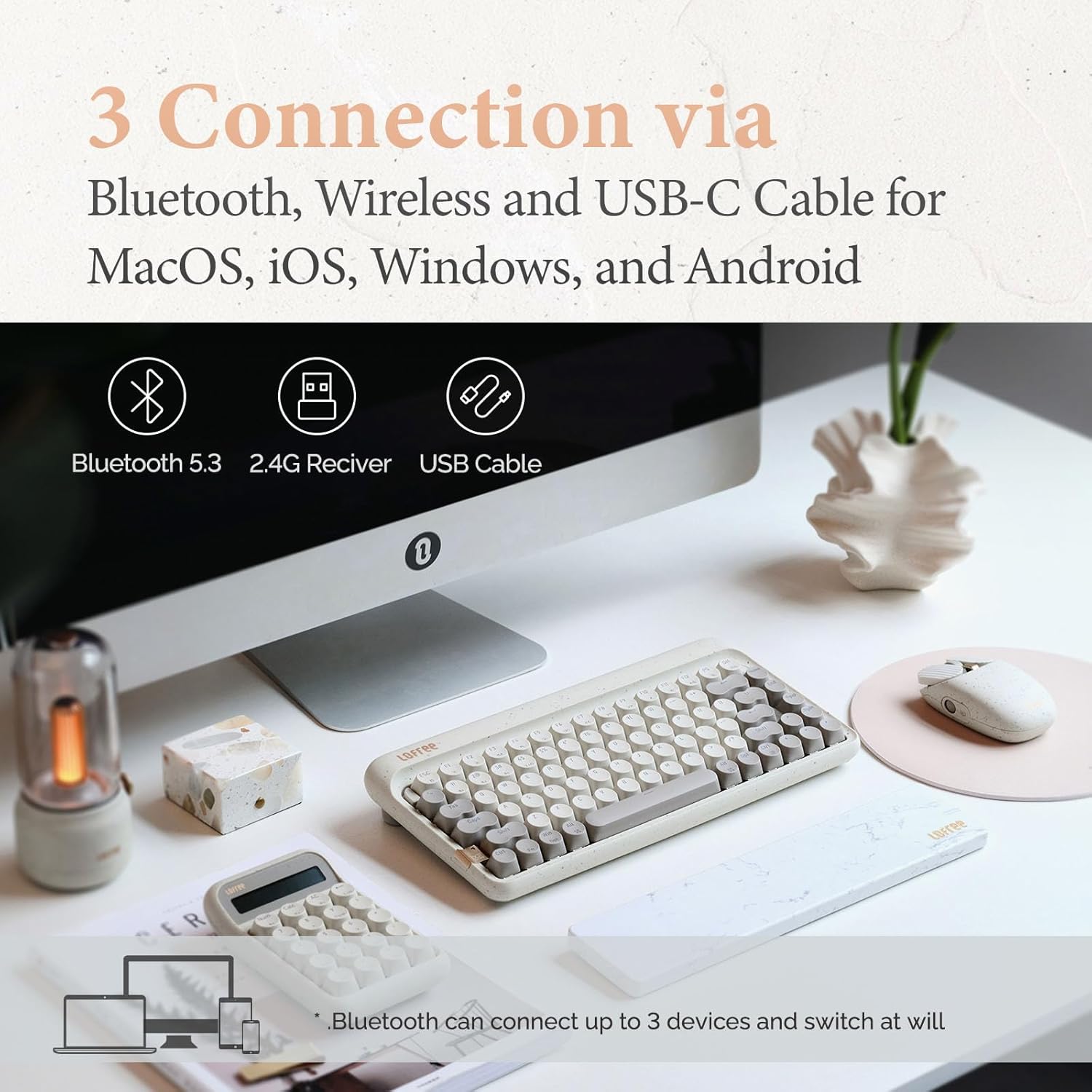
Image: Visual representation of the three connection types: Bluetooth, 2.4G wireless, and USB-C cable, highlighting multi-device compatibility.

Image: The keyboard illustrating efficient switching between various scenarios and devices.
4. Instrucións de funcionamento
4.1 Uso xeral
The 75% layout provides a compact yet functional typing experience. The keyboard features dual-color PBT keycaps for durability and aesthetic appeal. Its gasket mount design contributes to a softer typing feel and purer sound.

Imaxe: Primeiro plano view of the keyboard's dual-color PBT keycaps.

Image: An exploded diagram illustrating the gasket mount structure of the keyboard, highlighting its various layers for improved typing experience.
4.2 Taxa de sondaxe
The keyboard supports up to a 1000Hz polling rate, ensuring quick and responsive input, particularly beneficial for tasks requiring precision.

Image: The keyboard in use, with a display indicating a 1000Hz polling rate for fast response times.
4.3 Retroiluminación
The keyboard features backlighting with 7 distinct lighting effects, 4 brightness levels, and 4 blink frequencies. Adjust these settings to your preference using the designated function keys.
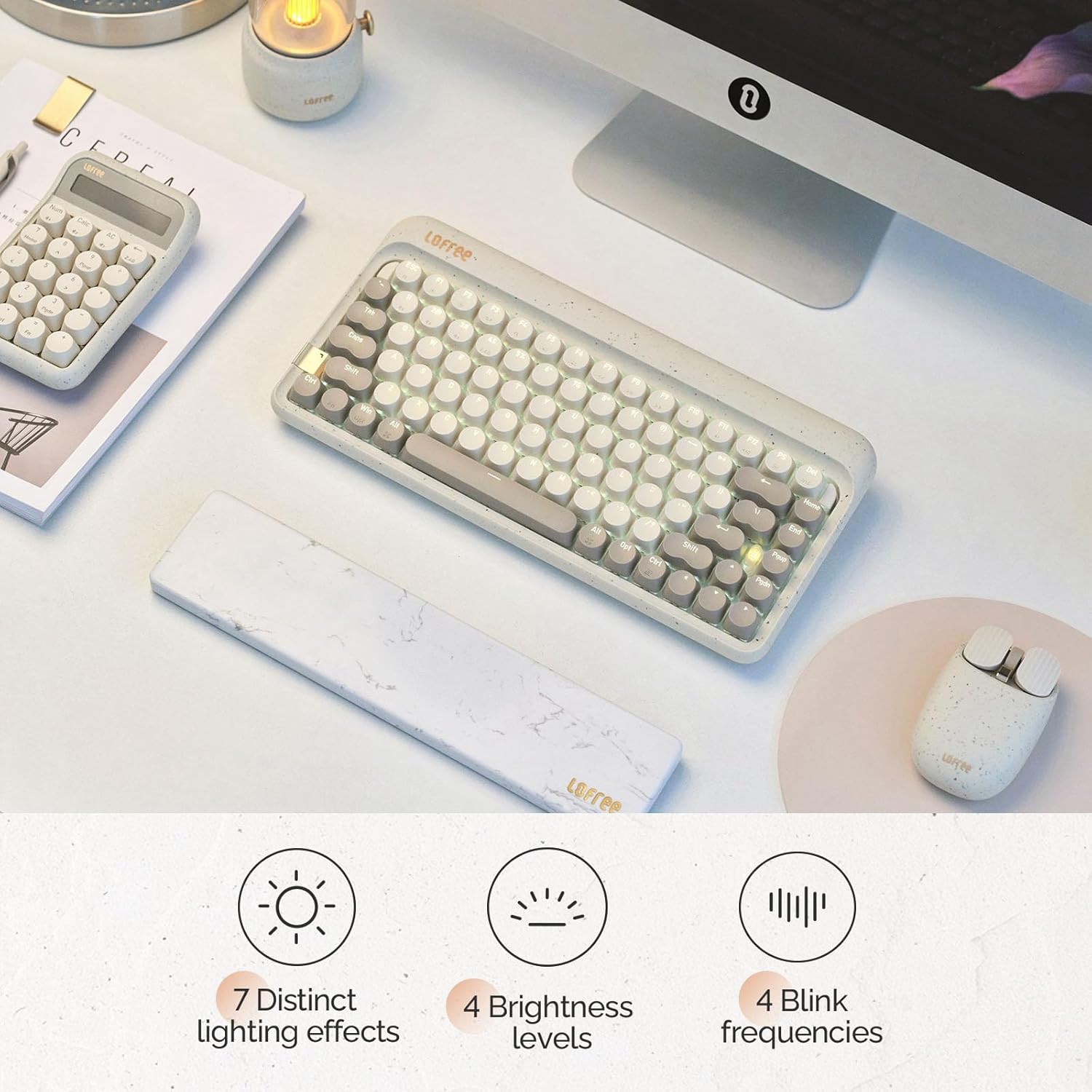
Image: The keyboard illuminated, highlighting its various backlighting features including distinct effects, brightness levels, and blink frequencies.

Image: The keyboard's keys glowing, described as resembling fireflies shining on rocks, emphasizing the aesthetic quality of the backlighting.
4.4 Interruptores intercambiables en quente
The LOFREE Zero ARTZ keyboard is equipped with full POM hot-swappable switches, allowing users to easily change switches without soldering. This feature enables customization of typing feel and sound.
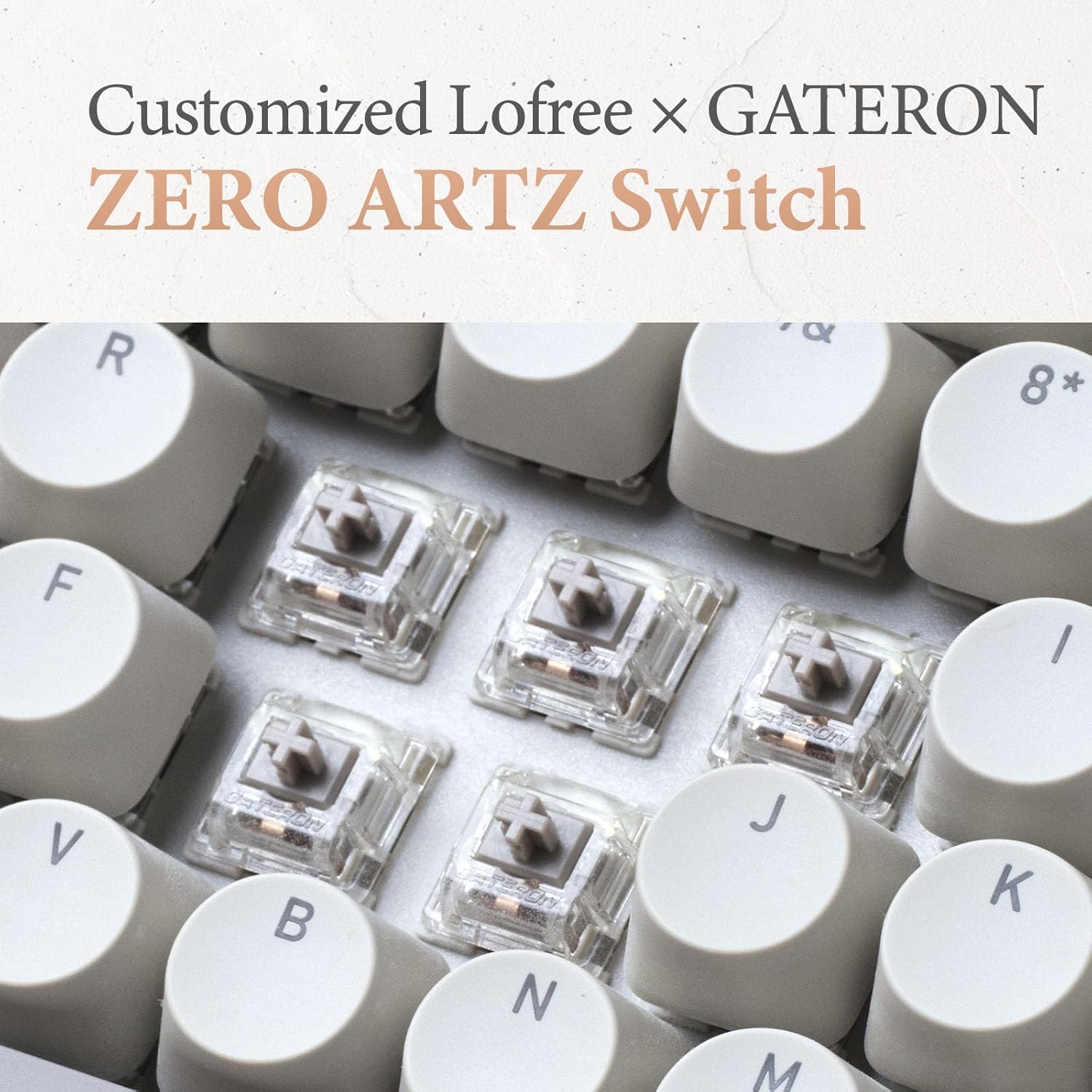
Image: A close-up of the customized LOFREE x GATERON ZERO ARTZ switches, visible beneath the keycaps.

Image: The keyboard highlighting its FULL POM switches and hot-swappable capability.
5. Mantemento
Para garantir a lonxevidade e o rendemento óptimo do teu teclado:
- Limpeza: Use a soft, dry cloth to wipe the keyboard surface. For deeper cleaning, remove keycaps and use compressed air to clear debris.
- Coidado da batería: Avoid extreme temperatures. For long-term storage, charge the battery to approximately 50% and store in a cool, dry place.
- Almacenamento: Keep the keyboard away from direct sunlight, excessive moisture, and dust.
6 Solución de problemas
If you encounter issues with your LOFREE Zero ARTZ keyboard, consider the following:
- Problemas de conectividade: Ensure the keyboard is charged. For Bluetooth, re-pair the device. For 2.4G wireless, ensure the receiver is securely plugged in and try a different USB port. For wired, check the USB-C cable connection.
- Chaves que non responden: If a specific key is not responding, ensure it is properly seated. For hot-swappable switches, try reseating or replacing the switch.
- A luz de fondo non funciona: Check the brightness settings. Ensure the keyboard has sufficient battery charge.
- Lag/Delay: For wireless connections, ensure there are no strong interference sources nearby. For optimal performance, especially in gaming, consider using the wired connection with its 1000Hz polling rate.
7. Especificacións
| Característica | Detalle |
|---|---|
| Dimensións do produto | 12.8 x 6.32 x 1.75 polgadas (12.8" de longo x 6.32" de ancho x 1.75" de alto) |
| Peso do elemento | 2.88 libras |
| Fabricante | LOFREE |
| Número de modelo do artigo | OE914 |
| Baterías | Requírese 1 batería de polímero de litio (incluída) |
| Dispositivos compatibles | Laptop (and other devices supporting Bluetooth/USB-C) |
| Tecnoloxía de conectividade | Bluetooth, 2.4G Wireless, USB-C |
| Descrición do teclado | Mecánica |
| Usos recomendados | Business, Everyday Use, Personal |
| Característica especial | Backlit, Hot-swappable switches, Gasket mount |
| Cor | Terrazzo Grey |
| Soporte de cores de retroiluminación do teclado | Cor única |
| Estilo | Clásico |
8. Produto rematadoview Vídeo
Video: This official LOFREE video provides an overview of the Zero ARTZ Terrazzo Keyboard and Mouse series, showcasing o seu deseño e as súas características.
9. Garantía e soporte
Specific warranty details are not provided in the product information. For warranty claims, technical support, or further assistance, please refer to the official LOFREE websitio web ou póñase en contacto directamente co servizo de atención ao cliente. Garde o recibo da compra como proba de compra.