
Bmax X15 Pro
Bmax X15 Pro 15.6-inch Laptop User Manual
Modelo: X15 Pro
1. Introdución
This manual provides essential information for setting up, operating, and maintaining your Bmax X15 Pro 15.6-inch laptop. Please read this manual thoroughly to ensure proper use and to maximize the performance and longevity of your device.

Image: The Bmax X15 Pro laptop displaying the Windows 11 Pro operating system, highlighting its Intel N95 processor, 16GB RAM, 512GB SSD, and 1920x1080 FHD display.
2. Que hai na caixa
Upon unpacking your Bmax X15 Pro laptop, please verify that all the following items are included:
- 1 x BMAX MaxBook X15 Pro Intel N95 Notebook Computer
- 1 x 12V / 3A adaptador de corrente continua
- 1 x Multi-Language User Manual
3. Produto rematadoview
3.1. Physical Components and Ports
Familiarize yourself with the various ports and components of your laptop for optimal connectivity and usage.

Imaxe: Lateral view of the Bmax X15 Pro laptop illustrating the placement of its various ports, including Micro SD, USB 3.0, Headset jack, HDMI, and Power input.
- Lado esquerdo: Micro SD slot, 2x USB 3.0 ports, 3.5mm Headset jack.
- Lado dereito: Power input, HDMI port, 1x USB 3.0 port, Security Lock slot.
3.2. Teclado e panel táctil
The laptop features a full-size keyboard with large keycaps and a large touchpad supporting multi-touch gestures for efficient navigation and input.

Imaxe: De arriba abaixo view of the Bmax X15 Pro laptop's full-size keyboard and large touchpad, highlighting its ergonomic design for comfortable use.
4. Configuración
4.1. Acendido e carga iniciais
- Connect the provided DC power adapter to the laptop's power input port and a wall outlet.
- Deixa que o portátil se cargue durante polo menos 30 minutos antes do primeiro uso ou ata que o indicador da batería mostre unha carga suficiente.
- Prema o botón de acendido situado no teclado para acender o portátil.
- Follow the on-screen instructions to complete the Windows 11 Pro setup process.
5. Instrucións de funcionamento
5.1. Xestión de enerxía
- Encendido: Preme o botón de acendido.
- Modo de suspensión: Pecha a tapa ou preme brevemente o botón de acendido/apagado.
- Apagar: Fai clic no botón Inicio e, a seguir, en Acendido/Apagar > Apagar.
- Reiniciar: Fai clic no botón Inicio e, a seguir, en Acendido/Apagado > Reiniciar.
5.2. Uso da pantalla
The 15.6-inch FHD IPS display offers a 180° convertible design, allowing for flexible viewing angles and collaborative use.

Image: The Bmax X15 Pro laptop shown in its 180-degree lay-flat configuration, demonstrating its versatility for sharing and collaboration.
5.3. Conectividade
The laptop supports various wireless and wired connections:
- Wi-Fi: Dual-band Wi-Fi 5 (802.11ac/a/b/g/n) for fast internet access.
- Bluetooth: Bluetooth 5.0 for connecting wireless peripherals.
- HDMI: Conectar a pantallas ou proxectores externos.
- USB 3.0: Three ports for high-speed data transfer with external devices.
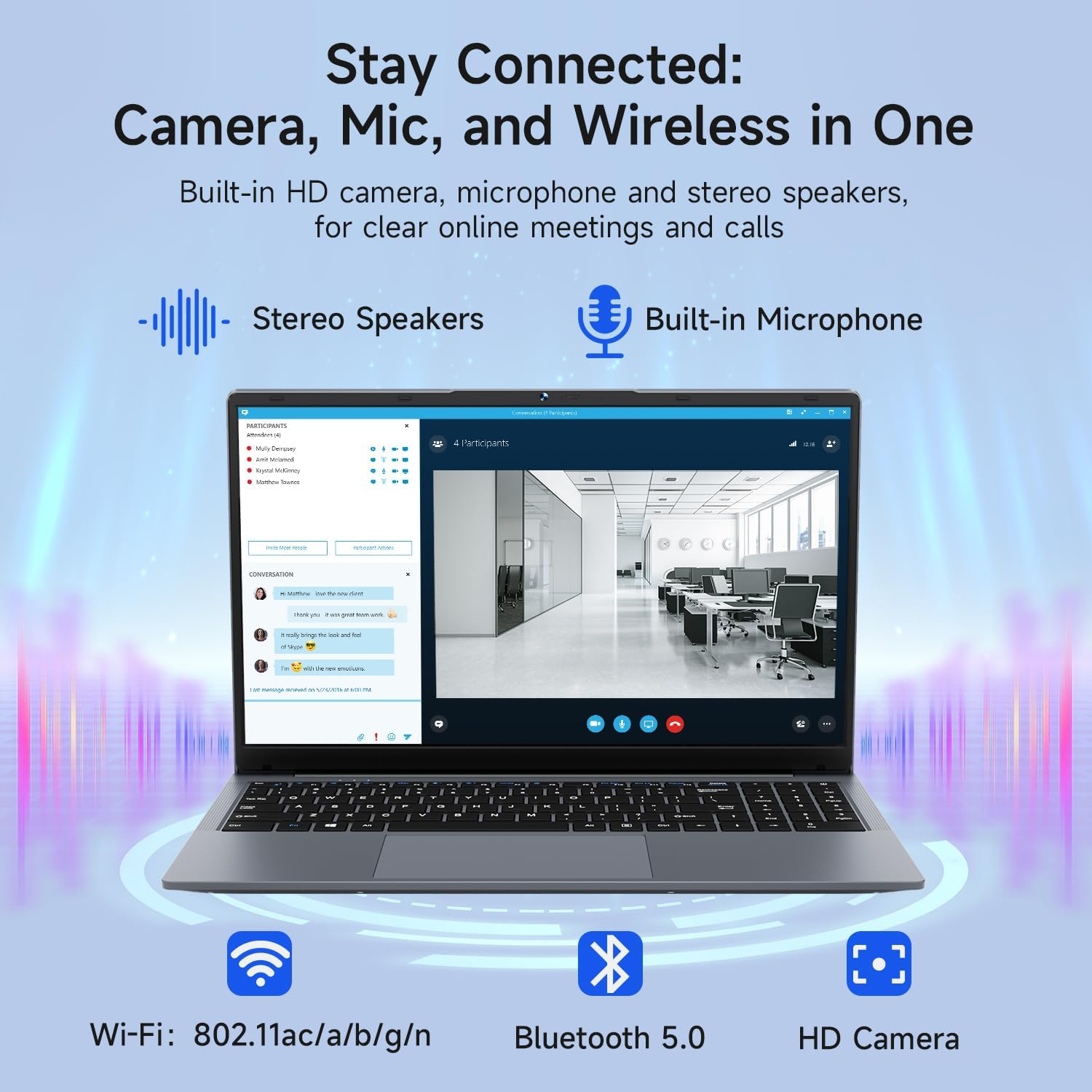
Image: The Bmax X15 Pro laptop with icons representing its integrated Wi-Fi, Bluetooth 5.0, and HD camera capabilities, emphasizing its comprehensive connectivity for communication.
6. Almacenamento e rendemento
The Bmax X15 Pro is equipped with robust components for efficient performance and ample almacenamento.
6.1. Procesador
Powered by the Intel Celeron N95 Quad-Core Processor (up to 3.4GHz), featuring 4 cores and 4 threads with a 6MB cache, ensuring efficient performance for various tasks.

Image: A graphic detailing the Intel 12th Gen Processor N95, showing its 3.40GHz Turbo Frequency, 6MB Cache, 15W Power Consumption, and 4 cores/4 threads, alongside performance benchmarks.
6.2. Memoria e almacenamento
The laptop includes 16GB DDR4 RAM and a 512GB SSD, providing substantial storage capacity and enabling efficient multitasking. An M.2_SATA 2280 expansion slot is available for additional storage.
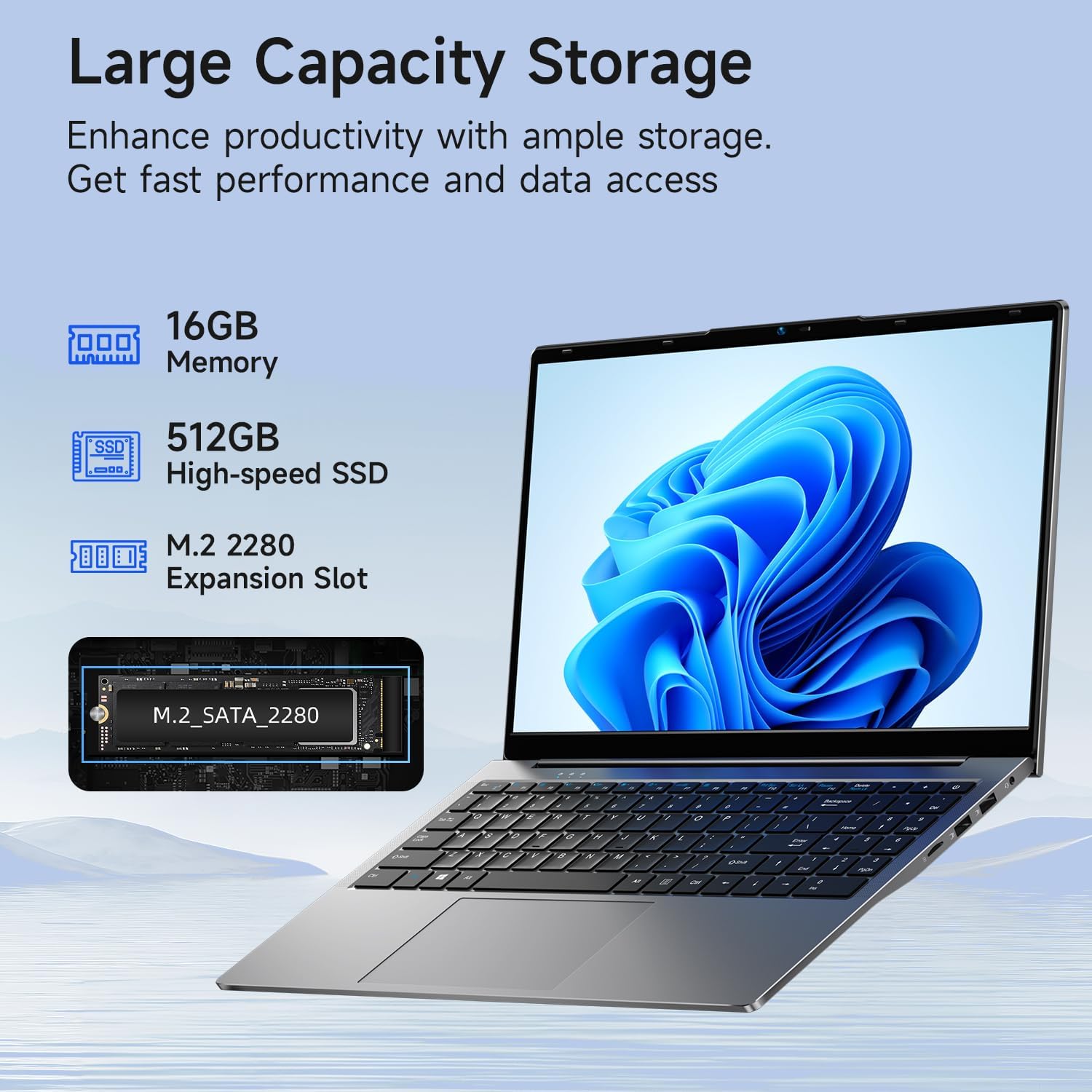
Image: A visual representation of the Bmax X15 Pro laptop's internal components, highlighting its 16GB memory, 512GB high-speed SSD, and an accessible M.2 2280 expansion slot for storage upgrades.
7. Características da pantalla
Experience clear and vibrant visuals with the 15.6-inch FHD 1920x1080 IPS display, featuring a slim bezel design and 180° viewángulos de inflexión.

Image: A graphic illustrating the Bmax X15 Pro laptop's display features, including its 15.6-inch IPS FHD screen, 1920x1080 resolution, 5.7mm ultra-narrow bezel, and 180° lay-flat design.
8. Sistema de refrixeración
The laptop incorporates intelligent fans and dual copper heat pipes to ensure rapid heat dissipation, maintaining optimal performance and preventing overheating during extended use.

Image: An internal diagram of the Bmax X15 Pro laptop, highlighting its dual copper heat pipes and silent smart fan, illustrating the efficient and quiet cooling system.
9. Xestión da batería
The laptop is powered by a 51.3Wh battery, providing up to 6-8 hours of usage on a single charge, depending on usage patterns.
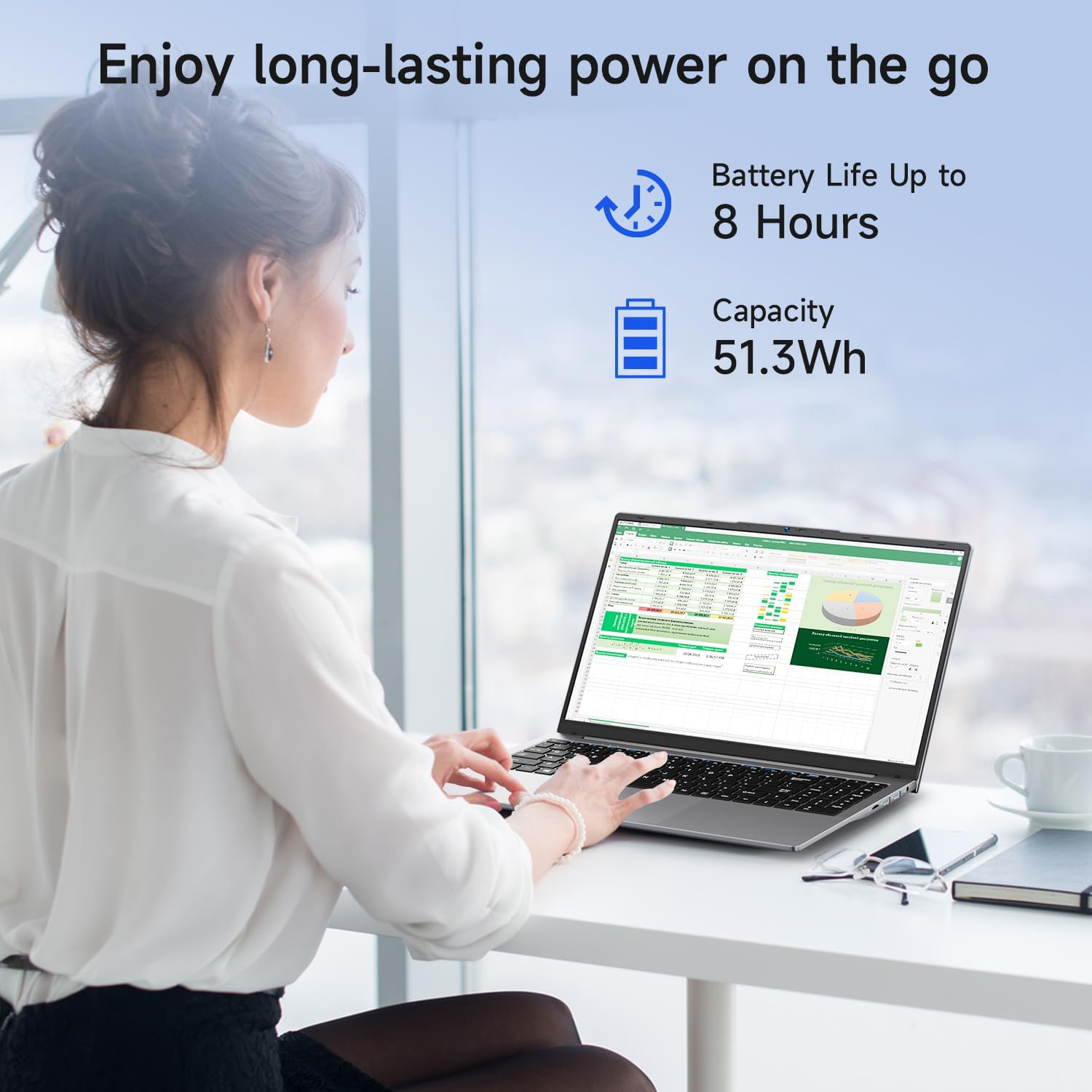
Image: A woman working on the Bmax X15 Pro laptop, with an overlay indicating a battery life of up to 8 hours and a capacity of 51.3Wh, emphasizing its long-lasting power.
10. Mantemento
Un mantemento axeitado garante a lonxevidade e o rendemento óptimo do teu portátil.
- Limpeza: Usa un pano suave e sen fiapos para limpar a pantalla e o exterior. Evita produtos químicos agresivos.
- Ventilación: Asegúrate de que as aberturas de ventilación estean libres de obstrucións para evitar o sobrequecemento.
- Actualizacións de software: Regularly update your operating system and drivers to maintain security and performance.
- Coidado da batería: Avoid fully discharging the battery frequently. Store the laptop in a cool, dry place if not used for extended periods.
11 Solución de problemas
This section addresses common issues you might encounter with your Bmax X15 Pro laptop.
- O portátil non se acende: Asegúrate de que o adaptador de corrente estea conectado correctamente e de que a batería teña carga suficiente. Proba cunha toma de corrente diferente.
- Problemas de visualización: If the screen is blank, try connecting an external monitor to check if the issue is with the laptop's display. Adjust brightness settings.
- Problemas de conectividade Wi-Fi: Asegúrate de que o Wi-Fi estea activado na configuración de Windows. Reinicia o enrutador e o portátil. Comproba se hai controladores de Wi-Fi actualizados.
- Rendemento lento: Pecha as aplicacións innecesarias. Comproba se hai software malicioso. Asegúrate de que haxa espazo libre suficiente no SSD.
12. Especificacións
| Característica | Especificación |
|---|---|
| Tamaño da pantalla de pé | 15.6 polgadas |
| Resolución de pantalla | 1920 x 1080 píxeles |
| Resolución máxima de pantalla | 1920 x 1080 píxeles |
| Procesador | 3.4 GHz Celeron (Intel N95 Quad-Core) |
| RAM | 16 GB DDR4 |
| Velocidade da memoria | 2666 MHz |
| Disco duro | 512 GB SSD (PCIE x 4 interface) |
| Coprocesador gráfico | Gráficos Intel UHD |
| Tamaño RAM da tarxeta gráfica | 8 GB (integrado) |
| Tipo sen fíos | 2.4 GHz Radio Frequency, 5 GHz Radio Frequency, 802.11a/b/g/n/ac, Bluetooth 5.0 |
| Número de portos USB 3.0 | 3 |
| Duración media da batería (en horas) | 4-8 Hours (51.3Wh) |
| Sistema Operativo | Windows 11 Pro |
| Peso do elemento | 3.57 libras |
| Dimensións do produto | 14.08 x 9.04 x 0.76 polgadas |
| Cor | Gris espacial |
| Característica especial | HD Audio, Lightweight, Memory Card Slot, Numeric Keypad |
13. Garantía e soporte
Your Bmax X15 Pro laptop comes with a 12-month warranty from the date of purchase. This warranty covers manufacturing defects and ensures product reliability.
- Período de garantía: 12 months from the purchase date.
- Política de devolución: Worry-free 30-day return period.
- Atención ao cliente: 7 days/24 hours friendly customer support.
- Accesorios incluídos: 2 replaceable plugs (US, EU) are included to meet diverse connectivity needs.
For technical assistance or warranty claims, please refer to the contact information provided with your purchase documentation or visit the official Bmax support websitio.
Ask a question about this manual
Ask about setup, troubleshooting, compatibility, parts, safety, or missing instructions. Manuals+ will review the question and use this page’s manual context to help answer it.