
WisFox 2.4GHz Full-Size Silent Wireless Keyboard and Mouse Combo (White)
Manual do usuario do conxunto de teclado e rato sen fíos WisFox de 2.4 GHz
Model: Full-Size Silent Wireless Keyboard and Mouse Combo (White)
1. Introdución
Thank you for choosing the WisFox 2.4GHz Wireless Keyboard and Mouse Combo. This product is designed to provide a comfortable, efficient, and quiet wireless computing experience. This manual will guide you through the setup, operation, and maintenance of your new device.

Figure 1: WisFox Wireless Keyboard and Mouse Combo (White) with USB receiver.
2. Información de seguridade
- Manteña o dispositivo lonxe da auga, do lume e das altas temperaturas.
- Non intente desmontar nin reparar o dispositivo vostede mesmo. Póñase en contacto co persoal de servizo cualificado para obter axuda.
- Dispose of batteries according to local regulations. Do not mix old and new batteries.
- Evite deixar caer ou someter o dispositivo a fortes impactos.
3. Contido do paquete
Comprobe o contido do paquete ao abrilo:
- 1 x WisFox Wireless Keyboard
- 1 x WisFox Wireless Mouse
- 1 x Receptor USB (gardado no compartimento da batería do rato)
- 1 x Manual de usuario (este documento)
Nota: Appropriate batteries are not included and must be purchased separately.
4. Guía de configuración
4.1. Instalación de baterías
- Para o rato: Open the battery compartment cover on the bottom of the mouse. Insert the appropriate battery (not included), ensuring correct polarity (+/-). Close the cover.
- Para o teclado: Open the battery compartment cover on the back of the keyboard. Insert the appropriate batteries (not included), ensuring correct polarity (+/-). Close the cover.

Figure 2: Location of battery compartment and USB receiver storage on the mouse.
4.2. Conexión do receptor USB
- Locate the USB receiver, which is conveniently stored in the battery compartment of the mouse. Gently pull it out.
- Conecta o receptor USB a un porto USB dispoñible no teu ordenador, portátil ou dispositivo compatible.
- Your operating system should automatically detect and install the necessary drivers. This is a Plug and Play device, requiring no additional software installation.

Figure 3: USB receiver connected to a device, enabling 2.4GHz wireless communication.
4.3. Acendido
- Para o rato: Locate the ON/OFF switch on the bottom of the mouse (near the battery compartment) and slide it to the "ON" position.
- Para o teclado: The keyboard typically powers on automatically once batteries are inserted and the USB receiver is connected. Some models may have an ON/OFF switch on the back or side.
O teclado e o rato xa están listos para usar.
5. Instrucións de funcionamento
5.1. Uso xeral
The WisFox Wireless Keyboard and Mouse Combo provides a seamless and responsive experience for daily computing tasks. The 2.4GHz wireless connection ensures a stable link up to 33 feet (10 meters) with minimal delays or dropouts.
5.2. Deseño ergonómico e confort
- Keyboard Tilt: The keyboard features an 8° foldable stand on the back, allowing you to adjust the typing angle for optimal comfort and to reduce wrist fatigue during long periods of use.
- Deseño de tamaño completo: The keyboard includes a full-size F-keys row, a dedicated numeric keypad, and arrow keys for enhanced productivity.

Figure 4: Keyboard with 8° foldable tilt and ergonomic mouse design.
5.3. Funcionamento silencioso
- Silent Mouse: The mouse is designed for 100% silent clicking, ensuring a quiet working environment.
- Quiet Keyboard: The keyboard's keys are engineered to be over 90% quieter than standard keyboards, minimizing typing noise.
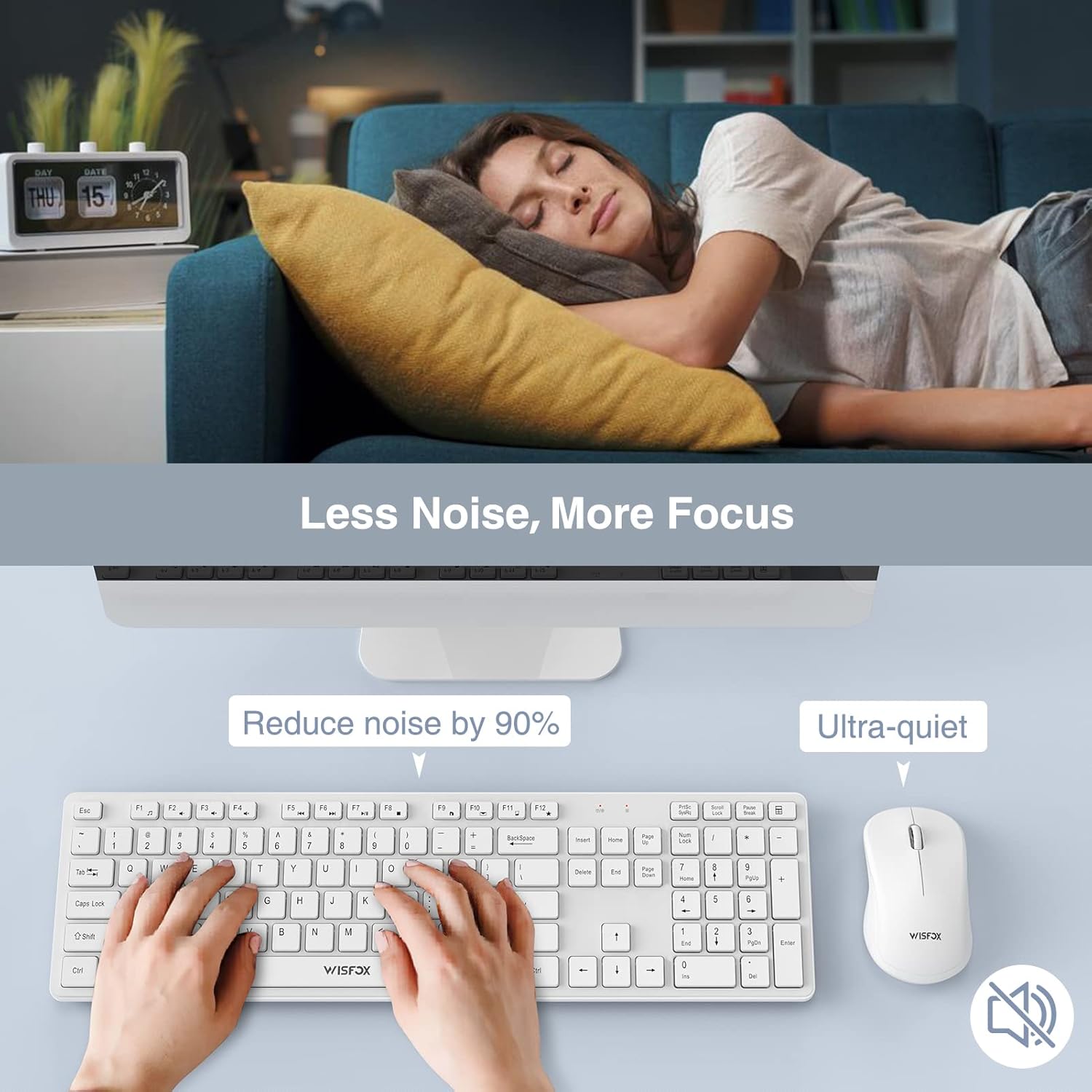
Figure 5: The quiet design of the combo promotes a peaceful work environment.
5.4. Funcións de aforro de enerxía
To conserve battery life, both the keyboard and mouse feature intelligent power-saving modes:
- The mouse will enter sleep mode after 1 minute of inactivity.
- O teclado entrará en modo de suspensión despois de 8 minutos de inactividade.
- To wake the devices, simply press any key on the keyboard or click/move the mouse.
- Both devices also have ON/OFF switches to manually power them down for extended storage or travel, further prolonging battery life up to 365 days.
5.5. Multimedia Keys (Fn+ Keys)
The keyboard includes 12 multimedia keys accessible by pressing the Fn key in combination with the F1-F12 keys. These provide quick access to functions such as volume control, media playback, and more.

Figure 6: The combo's features, including multimedia keys, enhance efficiency.
5.6. Ampla compatibilidade
This keyboard and mouse combo is compatible with a broad range of operating systems and devices, including:
- All Windows system versions (e.g., Windows 2000/Vista/XP/7/8/10/Visa)
- Linux
- Chrome OS
- Mac OS
It works well with desktops, Chromebooks, PCs, laptops, computers, and even Smart TVs and HTPCs.
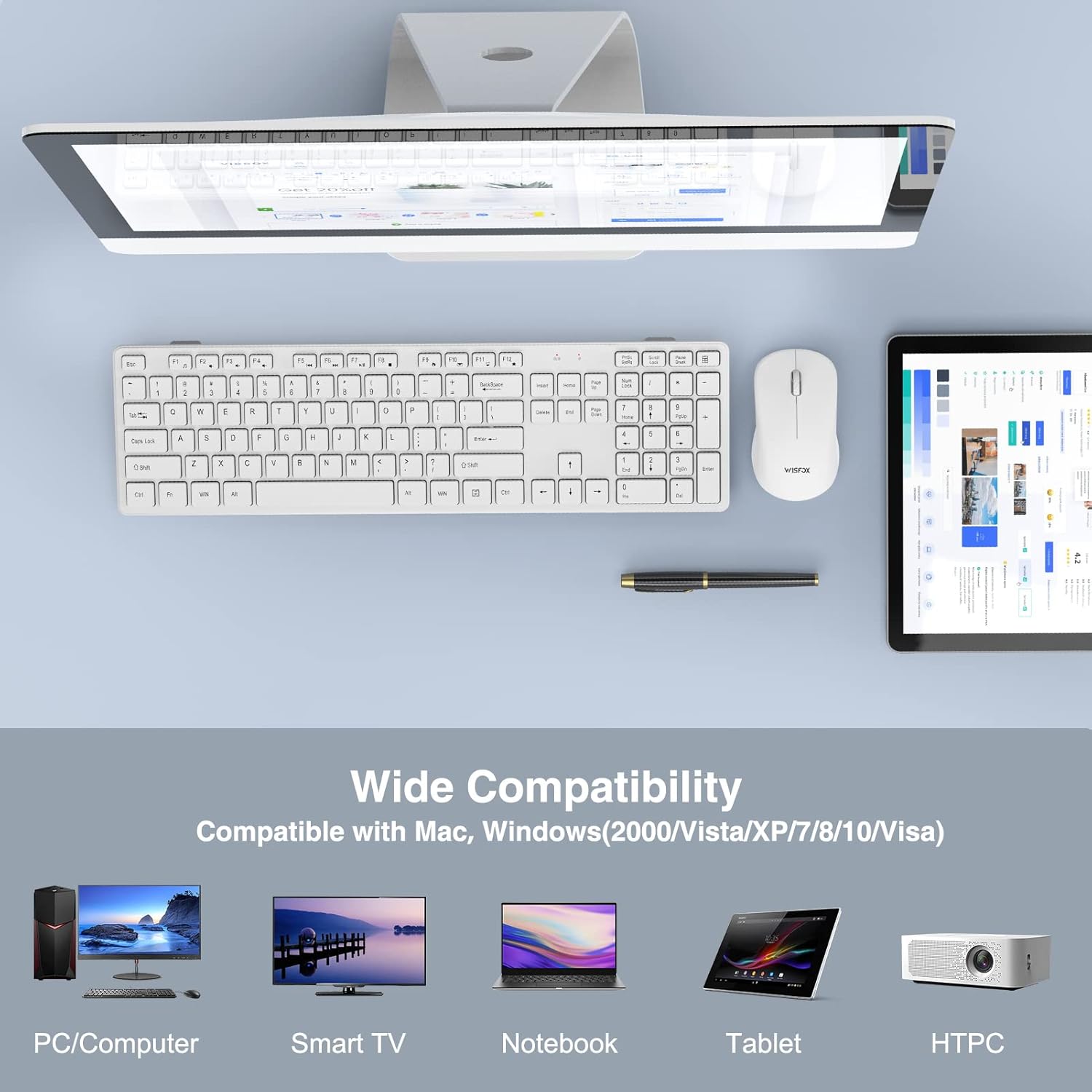
Figure 7: Broad compatibility with various devices and operating systems.
6. Mantemento
- Limpeza: Usa un pano suave e seco para limpar as superficies do teclado e do rato. Para a sucidade persistente, usa un pano lixeiramente seco.amp Pódese usar un pano, pero asegúrese de que non entre líquido no dispositivo. Non empregue produtos químicos agresivos nin produtos de limpeza abrasivos.
- Substitución da batería: When the devices stop responding or show signs of low power, replace the batteries with new ones, ensuring correct polarity.
- Almacenamento: If storing the devices for an extended period, remove the batteries to prevent leakage and turn off the power switches.
7 Solución de problemas
| Problema | Causa posible | Solución |
|---|---|---|
| O teclado/rato non responde |
|
|
| Conexión intermitente ou con atraso |
|
|
| O cursor do rato é errático ou non se move con suavidade |
|
|
8. Especificacións
| Característica | Detalle |
|---|---|
| Marca | WisFox |
| Modelo | 2.4GHz Full-Size Silent Wireless Keyboard and Mouse Combo |
| Cor | Branco |
| Tecnoloxía de conectividade | Sen fíos de 2.4 GHz (receptor USB) |
| distancia wireless | Ata 33 pés (10 metros) |
| Disposición do teclado | Full-Size with Numeric Keypad and F-keys |
| Características especiais do teclado | 8° Foldable Tilt, 12 Multimedia Keys, Quiet Operation |
| Mouse Special Features | 100% Silent Click, Optical Sensor |
| Aforro de enerxía | Auto-sleep mode, ON/OFF switches |
| Duración da batería (en espera) | Ata 365 días |
| Dispositivos compatibles | Personal Computer (Desktops, Laptops, Chromebooks, Smart TVs, HTPCs) |
| Compatibilidade do sistema operativo | Windows (todas as versións), Linux, Chrome OS, Mac OS |
| Dimensións do teclado | 16.93 x 4.72 x 0.7 polgadas (43 x 12 x 1.8 cm) |
| Dimensións do rato | 4.16 x 2.4 x 1.45 polgadas (10.6 x 6.1 x 3.7 cm) |
| Peso do elemento | 1.54 libras (0.7 kg) |
| Fabricante | WisFox |
| País de Orixe | China |
9. Garantía e soporte
For warranty information or technical support, please refer to the product packaging or contact WisFox customer service directly. You can typically find contact details on the manufacturer's official websitio web ou a través do seu punto de venda.
For the latest information and support, please visit the WisFox Store on Amazon.
Ask a question about this manual
Ask about setup, troubleshooting, compatibility, parts, safety, or missing instructions. Manuals+ will review the question and use this page’s manual context to help answer it.