
Edifier edifier-x1lite-p
Manual do usuario dos auriculares sen fíos Edifier X1 Lite
Model: edifier-x1lite-p
Introdución
Thank you for choosing the Edifier X1 Lite True Wireless Earbuds. This manual provides detailed instructions on how to set up, operate, and maintain your new earbuds, ensuring you get the best possible audio experience. The Edifier X1 Lite earbuds are designed for powerful sound, clear calls, and long-lasting comfort, featuring Bluetooth 5.4 connectivity and IP54 sweat resistance.

Imaxe: Máis deview of Edifier X1 Lite features, including dynamic drivers, AI call noise cancellation, extended battery life, Bluetooth 5.4, low latency, and IP54 certification.
Información de seguridade
Lea atentamente todas as instrucións de seguridade antes de usar este produto. Garde este manual para futuras consultas.
- Non expoñas os auriculares nin a caixa de carga a temperaturas extremas, humidade nin substancias corrosivas.
- Evite deixar caer ou someter o produto a fortes impactos.
- Do not disassemble, repair, or modify the product yourself. Contact authorized service personnel for assistance.
- Keep the product away from children and pets to prevent accidental ingestion of small parts.
- Emprega só o cable de carga incluído ou un equivalente certificado.
- Escoitar música durante un tempo prolongado a niveis de volume elevados pode causar danos auditivos. Axuste o volume a un nivel seguro.
Contido do paquete
Verifica que todos os elementos estean presentes no teu paquete:
- Auriculares sen fíos Edifier X1 Lite (esquerdo e dereito)
- Estuche de carga
- Cable de carga USB
- Manual de usuario (este documento)
Produto rematadoview
Familiarize yourself with the components of your Edifier X1 Lite earbuds and charging case.

Image: Edifier X1 Lite Earbuds and Charging Case.

Image: Internal structure of the earbud, showcasing the 13mm dynamic driver for enhanced sound quality.
The earbuds feature a compact design, with each earbud weighing only 4g for comfortable wear. The charging case is designed to be portable and provides additional battery life.

Imaxe: Explosión view of the earbud highlighting the 13mm dynamic driver and AI algorithm for voice pickup.
Configuración
1. Carga dos auriculares e da funda
Antes do primeiro uso, carga completamente os auriculares e a caixa de carga.
- Coloque os dous auriculares no estoxo de carga.
- Conecte a caixa de carga a unha fonte de alimentación mediante o cable USB proporcionado.
- The indicator light on the case will show charging status. Once fully charged, the light will indicate completion.
A full charge provides up to 7 hours of playtime for the earbuds, with an additional 19 hours from the charging case, totaling 26 hours. A quick 15-minute charge can provide 1.5 hours of playtime.

Image: Battery life details for Edifier X1 Lite earbuds, showing 26 hours total playtime and fast charging capability.

Image: Visual representation of the extended battery life and fast charging feature.
2. Emparejamento Inicial
Os auriculares entrarán automaticamente no modo de emparellamento ao sacalos da caixa de carga por primeira vez.
- Abre a caixa de carga e retira os dous auriculares.
- No teu dispositivo (teléfono intelixente, portátil, etc.), activa o Bluetooth.
- Busca "EDIFIER X1 Lite" na lista de dispositivos Bluetooth dispoñibles.
- Select "EDIFIER X1 Lite" to connect. You will hear a confirmation tone once connected.
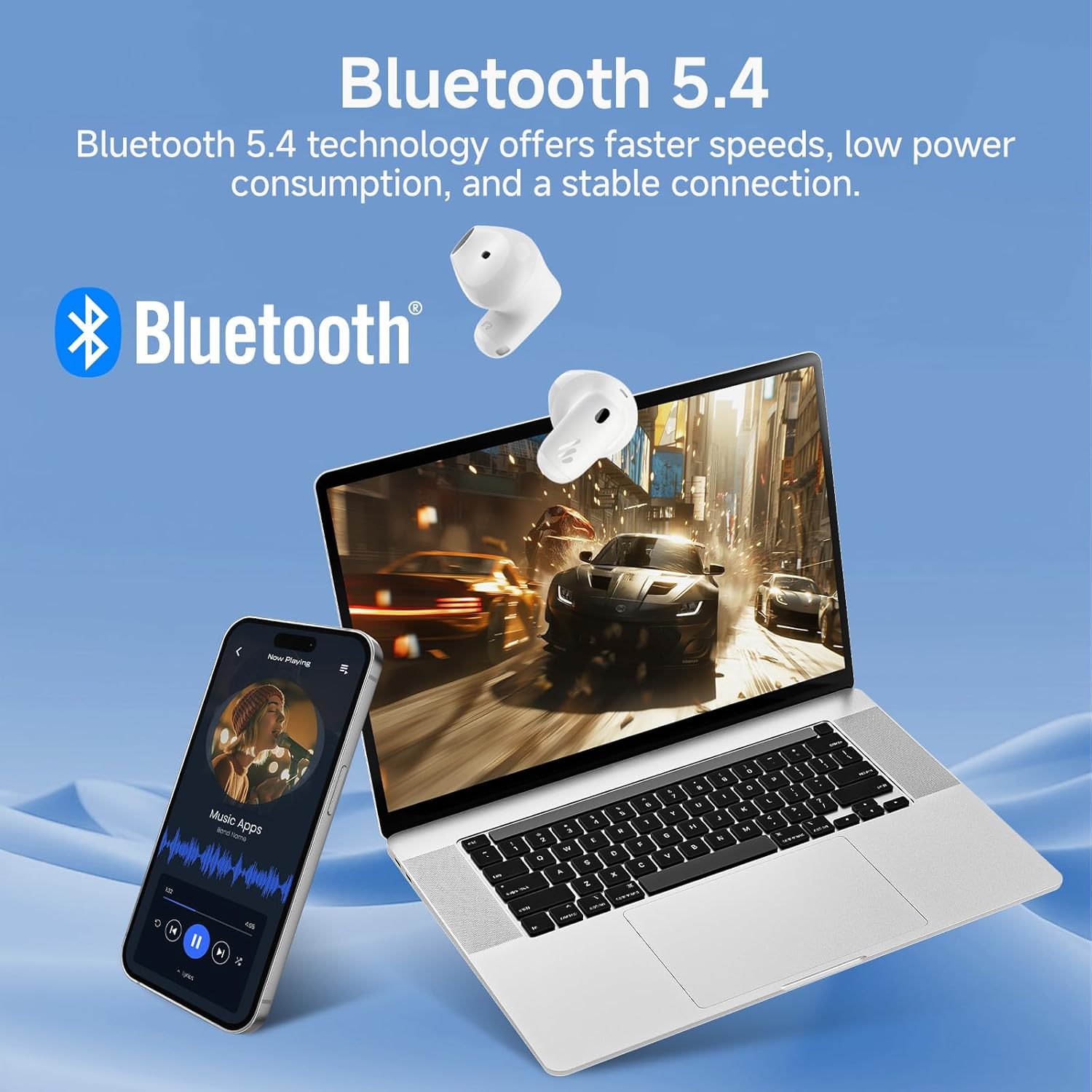
Image: Demonstrating Bluetooth 5.4 connectivity with various devices.
3. Connecting to a New Device
To connect to a new device or re-enter pairing mode:
- Coloque os dous auriculares de novo na caixa de carga.
- Press and hold the function button on the charging case for approximately 3 seconds until the indicator light flashes rapidly. This indicates pairing mode.
- On your new device, search for and select "EDIFIER X1 Lite" to connect.
En funcionamento
1. Toca Controis
The Edifier X1 Lite earbuds feature intuitive touch controls. The touch sensitive area is located on the outer surface of each earbud.
| Acción | Auricular esquerdo | Earbud dereito |
|---|---|---|
| Reproducir/Pausa | Toca dúas veces | Toca dúas veces |
| Próxima pista | N/A | Toca tres veces |
| Pista anterior | Toca tres veces | N/A |
| Responder/Finalizar chamada | Toca dúas veces | Toca dúas veces |
| Rexeitar a chamada | Manteña durante 2 segundos | Manteña durante 2 segundos |
| Activa o asistente de voz | Manteña durante 2 segundos | Manteña durante 2 segundos |
| Modo xogo activado/desactivado | Toca cuádruple | Toca cuádruple |

Image: Visual guide to the touch controls on the earbuds.
2. Clear Calls with AI Algorithm
The Edifier X1 Lite earbuds utilize an AI algorithm voice pick-up technology to ensure clear communication, even in noisy environments. This technology intelligently filters out background noise, focusing on your voice.

Image: Demonstrating clear call quality enabled by AI noise reduction.
3. Low Latency Mode (Game Mode)
For an optimized gaming and video streaming experience, activate the ultra-low latency mode. This reduces audio delay to just 60ms, ensuring audio and video are perfectly synchronized.
- To activate/deactivate: Quadruple tap either earbud.

Image: Visualizing the ultra-low latency feature for gaming and video.
4. Aplicación EDIFIER ConneX
Enhance your experience by downloading the EDIFIER ConneX app. The app allows for customization of sound profiles, touch controls, and access to additional features.
- Scan the QR code or visit the provided link to download the app.
- Connect your earbuds to the app to unlock full customization options.

Image: EDIFIER ConneX app interface and QR code for download.
Download the EDIFIER ConneX App: https://foreign-app.edifier.com/index.php/edifier_provider/public/appDownload.html?appTag=EdifierConneX
Mantemento
Un mantemento axeitado garante a lonxevidade e o rendemento óptimo dos teus auriculares.
1. Limpeza
- Limpe con coidado os auriculares e a funda de carga cun pano suave, seco e sen fiapos.
- Non empregue produtos de limpeza abrasivos, alcol nin disolventes químicos.
- Asegúrate de que os contactos de carga estean limpos e libres de residuos.
2. Water and Sweat Resistance (IP54)
The Edifier X1 Lite earbuds are IP54 certified, meaning they are protected against dust ingress and splashing water from any direction. This makes them suitable for active use and light rain.
- Non mergulles os auriculares na auga.
- Do not expose them to strong jets of water.
- Asegúrate de que os auriculares estean secos antes de volvelo colocar na caixa de carga para evitar danalos.

Image: Demonstrating the IP54 sweat-resistant feature for active daily use.
3. Almacenamento
- Garda os auriculares no seu estuche de carga cando non estes en uso para protexelos e mantelos cargados.
- Almacenar nun lugar fresco e seco lonxe da luz solar directa.
Resolución de problemas
Se tes algún problema, consulta os seguintes problemas e solucións comúns:
| Problema | Posible Solución |
|---|---|
| Non hai son dos auriculares |
|
| Os auriculares non se emparejan |
|
| Un auricular non funciona |
|
| Mala calidade das chamadas |
|
| Earbuds reconnect in case |
|
Especificacións
| Característica | Detalle |
|---|---|
| Nome do modelo | edifier-x1lite-p |
| Conectividade | Sen fíos (Bluetooth 5.4) |
| Versión Bluetooth | 5.4 |
| Tamaño do controlador de audio | Φ13mm Dynamic Driver |
| Resposta en frecuencia | 20 Hz - 20,000 Hz |
| Duración da batería (auriculares) | Ata 7 horas |
| Duración da batería (co estoxo de carga) | Ata 26 horas en total |
| Carga rápida | 15 minutos de carga para 1.5 horas de reprodución |
| Latencia de audio | 60ms (Low Latency Mode) |
| Tecnoloxía de micrófono | AI Algorithm Voice Pick-up |
| Resistencia á auga | IP54 Certified (Sweat and Splash Resistant) |
| Peso dos auriculares | Aproximadamente 4 g por auricular |
| Dispositivos compatibles | Smartphones, Laptops, Tablets, Gaming Consoles |
| Método de control | Touch Control, EDIFIER ConneX App |
| Fabricante | Edificador |
| País de Orixe | China |
Garantía e Soporte
Edifier products come with a limited warranty. For detailed warranty information, please refer to the warranty card included in your package or visit the official Edifier websitio.
Para asistencia técnica, asistencia para a resolución de problemas ou consultas sobre o servizo, póñase en contacto co servizo de atención ao cliente de Edifier a través do seu servizo oficial website or the EDIFIER ConneX app.
Editorial oficial Websitio: www.edifier.com
Ask a question about this manual
Ask about setup, troubleshooting, compatibility, parts, safety, or missing instructions. Manuals+ will review the question and use this page’s manual context to help answer it.