
1. Introdución
The virtavo VistaFlask 2K Security Camera is a wireless, battery-powered outdoor camera designed to enhance your home security. Featuring 2K QHD imaging, AI motion detection, starlight lens for colorful night vision, and weatherproof construction, it provides reliable surveillance in various conditions. This manual provides detailed instructions for setting up, operating, maintaining, and troubleshooting your camera.

Image: Two virtavo VistaFlask 2K security cameras, designed for outdoor use.
2. Información de seguridade
- Ensure the camera is installed securely to prevent falling.
- Use only the specified charging cable and power adapter to charge the battery.
- Do not expose the camera to extreme temperatures outside its operating range.
- Avoid disassembling or modifying the camera, as this will void the warranty and may cause damage.
- Manteña a cámara e os seus accesorios fóra do alcance dos nenos.
3. Contido do paquete
- virtavo VistaFlask 2K Security Camera(s)
- Soporte(s) de montaxe
- Cable de carga USB
- Manual de usuario
- Parafusos e ancoraxes de montaxe
4. Produto rematadoview
The virtavo VistaFlask camera features a compact design with essential components for optimal performance. Key elements include the lens, IR LEDs for night vision, a microphone for audio input, a speaker for two-way communication, and a motion sensor. The power switch, sync button, and charging port are located at the bottom of the camera, alongside the microSD card slot for local storage.

Imaxe: Interna view highlighting the battery and electronic components.

Imaxe: Parte inferior view of the camera with power switch, charging port, sync button, and microSD card slot.
5. Guía de configuración
5.1 Configuración inicial
- Carga a cámara: Before first use, fully charge the camera using the provided USB cable. The battery lasts 1-3 months per charge depending on usage.
- Descarga a aplicación: Busca 'HOME V' in your smartphone's app store (iOS or Android) and download the application.
- Crear unha conta: Open the 'HOME V' app and follow the on-screen instructions to register a new account or log in if you already have one.
5.2 Camera Pairing and Connection
Follow these steps to pair your virtavo VistaFlask camera with the 'HOME V' app. For a visual guide, please refer to the official installation video below.
Video: Official virtavo VistaFlask Installation Guide Setup. This video demonstrates the step-by-step process of binding the camera to the 'HOME V' app using QR codes, including powering on the camera, confirming the red light flashing, connecting to the camera's hotspot, and connecting to your home Wi-Fi network.
- Engadir dispositivo: In the 'HOME V' app, tap the '+' icon to add a new device.
- Escanear código QR: Grant camera access to the app. Scan the QR code located on the back of your virtavo VistaFlask camera.
- Encendido: Ensure the camera is powered on. The power switch is located at the bottom.
- Confirm Flashing Light: Confirm that the camera's red indicator light is flashing rapidly. If not, press and hold the 'Sync' button for 5-10 seconds until you hear a 'Du' sound or see rapid flashing.
- Connect to Camera Hotspot: The app will prompt you to connect to the camera's Wi-Fi hotspot (e.g., 'IPC365_AP-XXXX'). Confirm and join this network.
- Select Home Wi-Fi: Choose your home 2.4GHz Wi-Fi network from the list and enter the correct password. Note: This device only supports 2.4GHz Wi-Fi.
- Nomea a túa cámara: Once connected, name your camera for easy identification (e.g., 'Front Door', 'Living Room').
5.3 Instalación física
The virtavo VistaFlask camera is designed for easy installation, both indoors and outdoors. Its weatherproof design ensures durability.

Image: Easy installation on smooth surfaces like glass or tiles, no drilling required.

Image: Wireless connection for remote access.
- Escolle unha localización: Select a location with good Wi-Fi signal strength and a clear view da zona que desexa controlar.
- Montaxe: Use the provided mounting bracket, screws, and anchors to securely attach the camera to a wall or other suitable surface. Ensure the camera is positioned to capture the desired field of view.
- Resistente á intemperie: The camera is designed to withstand various weather conditions, making it suitable for outdoor use.
6. Instrucións de funcionamento
6.1 En directo View e audio bidireccional
Access real-time video feed and communicate through the camera using the 'HOME V' app.
- En directo View: Abre a aplicación e selecciona a túa cámara para view a transmisión en directo.
- Audio bidireccional: Toca a icona do micrófono na transmisión en directo view to speak through the camera's speaker, and listen through its microphone.
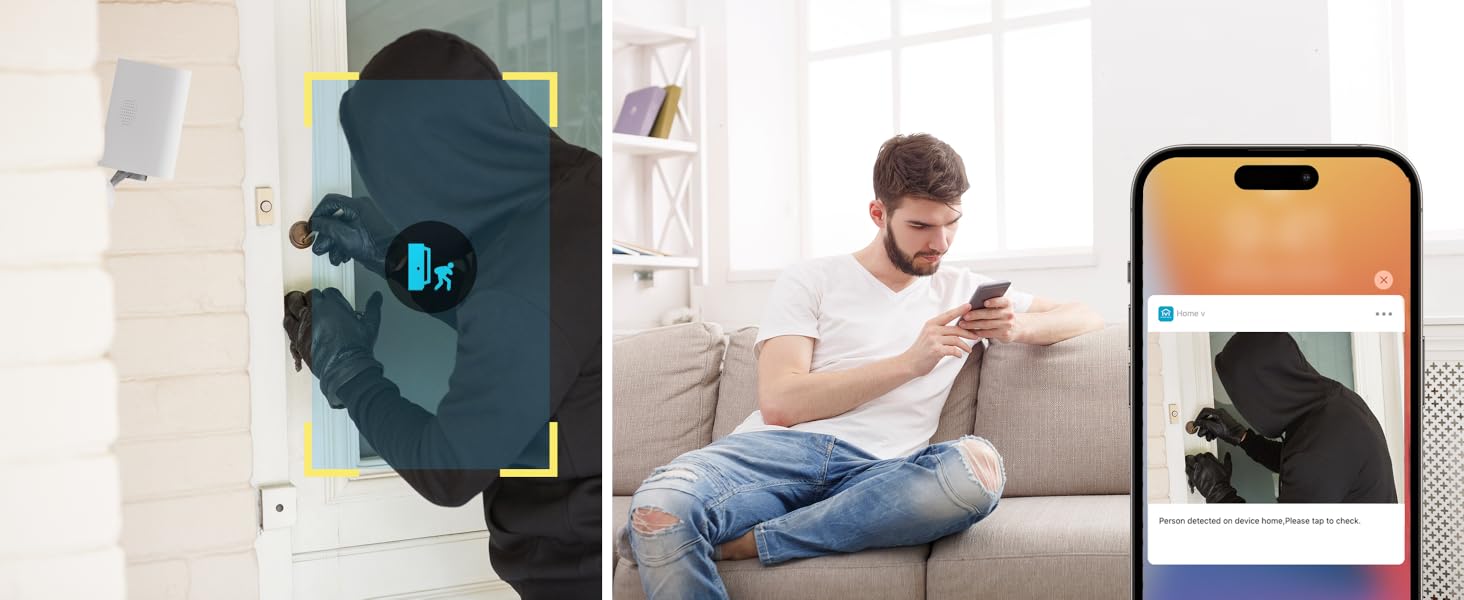
Image: Two-way audio feature for communication.
6.2 Detección de movemento e alertas
The camera features advanced PIR motion detection and AI capabilities to minimize false alarms.
- Detección de movemento PIR: Detecta movemento a unha distancia de ata 30 pés.
- Alertas intelixentes: Recibe notificacións instantáneas no teu teléfono intelixente cando se detecte movemento.
- AI Detection (Cloud Subscription): With an optional cloud subscription, the camera can differentiate between humans, vehicles, and animals, reducing irrelevant alerts.
- Zonas de detección personalizables: Set specific areas for motion detection to focus on critical zones and ignore others.
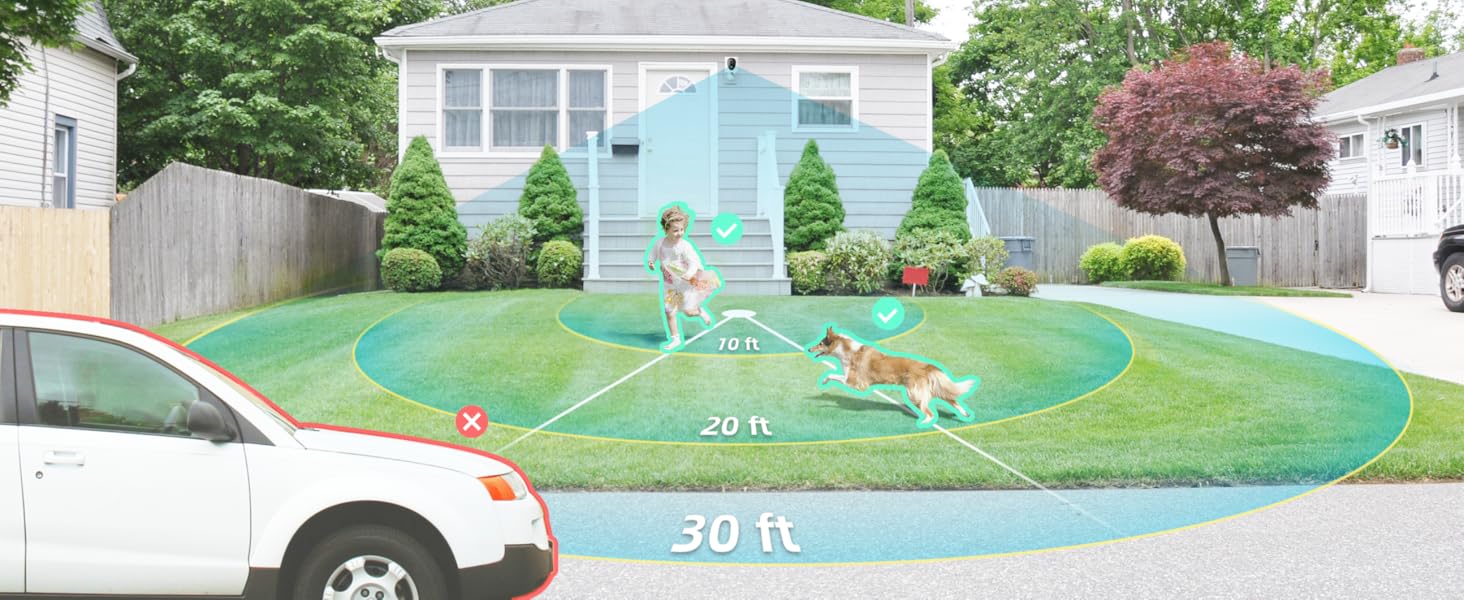
Image: Smart detection distinguishing between people, vehicles, and animals.
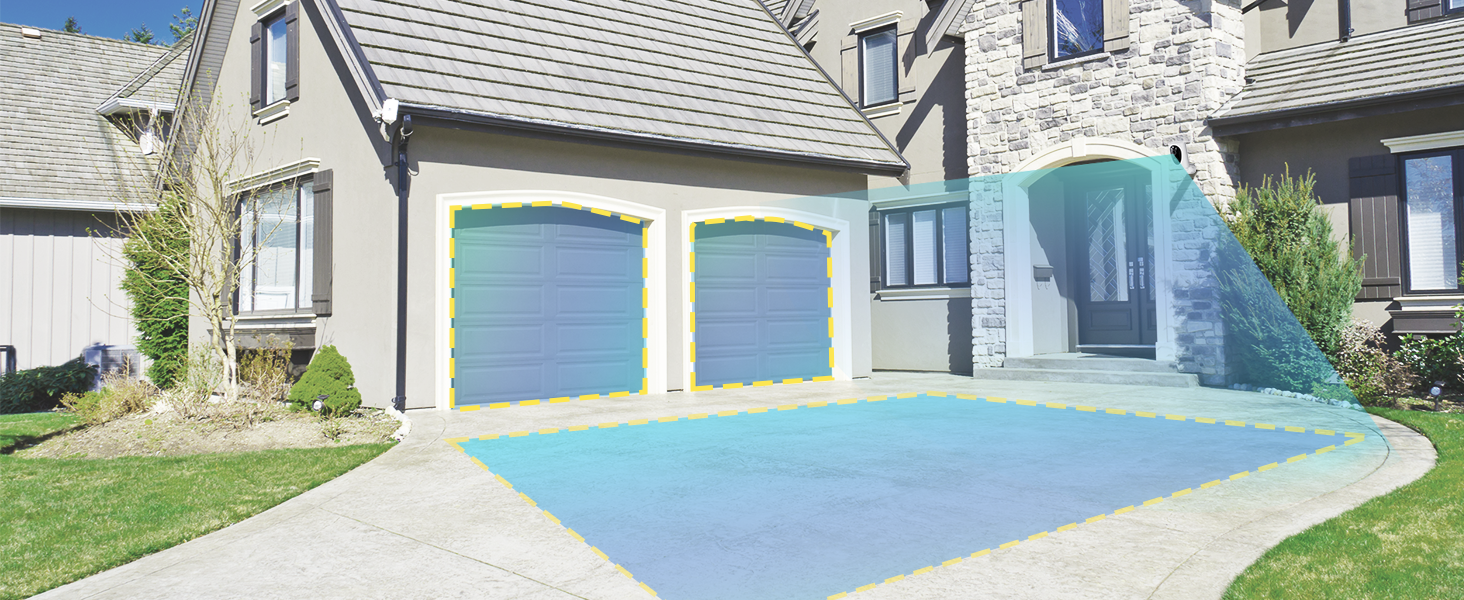
Image: Customizable motion detection zones.

Image: Instant alerts with image previews.
6.3 Visión nocturna
The camera provides clear vision even in low-light conditions.
- Visión nocturna en cor: Utilizes Starlight technology and a wide F1.6 aperture for vivid, color-rich images in low light.
- Visión nocturna IR: Equipped with 2 high-intensity IR LEDs for clear black-and-white viewing in complete darkness.

Image: Superior 2K QHD imaging and color-rich night vision.
6.4 Gravación e almacenamento
Your data is secured with flexible storage options.
- Almacenamento local: Supports microSD cards from 32GB to 256GB for continuous recording, even without network access. (MicroSD card not included).
- Almacenamento na nube: Optional cloud storage plans offer additional features like snapshot alerts and advanced AI capabilities. Video encryption ensures privacy.
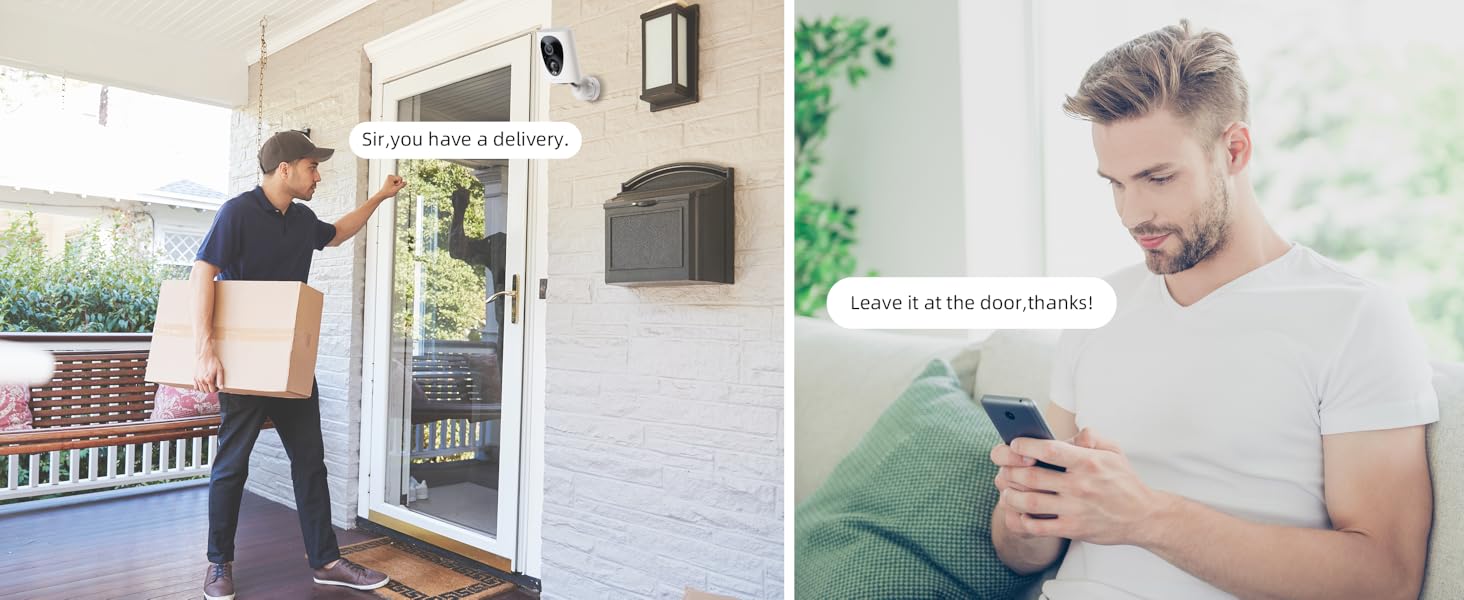
Image: Comparison of no-fee basic storage (SD card) and cloud storage options.
6.5 App Features and Remote Access
Manage and control your security remotely via the 'HOME V' app.
- Monitorización remota: Monitor your home from anywhere with an internet connection.
- Acceso multiusuario: Comparte o acceso á cámara cos membros da familia.
- Programación: Set schedules for recording or alerts.

Image: Remote access and multi-user monitoring via the 'HOME V' app.
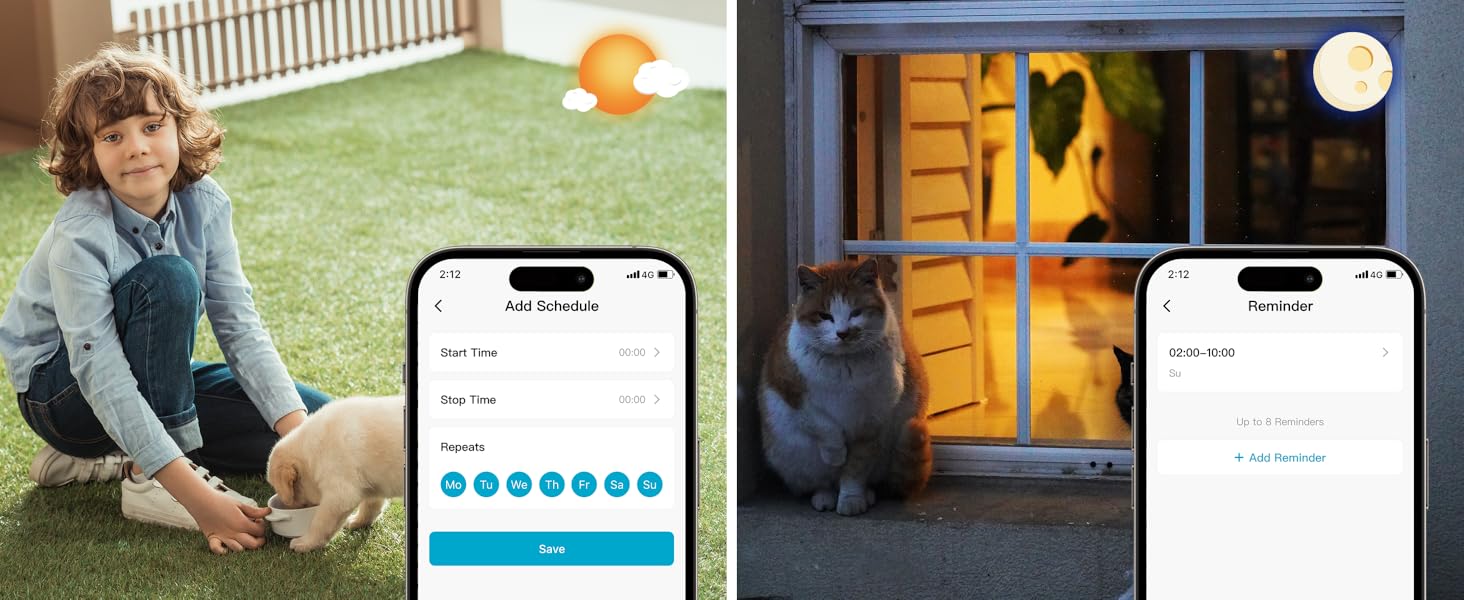
Image: App features including scheduling and reminders.
7. Mantemento
- Carga da batería: Recharge the camera battery when prompted by the app. A full charge can last 1-3 months depending on activity.
- Limpeza: Limpe suavemente a lente e o corpo da cámara cun pano suave eamp pano. Evite produtos de limpeza abrasivos.
- Actualizacións de firmware: Regularly check the 'HOME V' app for firmware updates to ensure optimal performance and security.
8 Solución de problemas
| Problema | Causa posible | Solución |
|---|---|---|
| Camera won't power on | Batería esgotada; interruptor de alimentación apagado | Charge the camera fully; Ensure power switch is in the 'ON' position. |
| Non se pode conectar á wifi | Incorrect Wi-Fi password; 5GHz Wi-Fi network; Weak Wi-Fi signal | Verify password; Ensure you are connecting to a 2.4GHz network; Move camera closer to router or use a Wi-Fi extender. |
| Falsas alarmas frecuentes | High motion sensitivity; Unfiltered motion sources (e.g., trees, animals) | Adjust motion sensitivity in app; Set up detection zones to exclude irrelevant areas; Consider cloud subscription for AI detection. |
| Poor night vision clarity | Dirty lens; Obstruction in front of camera; Insufficient ambient light for color night vision | Clean the lens; Remove obstructions; Ensure adequate ambient light for color mode or switch to IR night vision. |
| A batería esgotarase rapidamente | High activity/recordings; Frequent live view access; Weak Wi-Fi signal | Reduce motion detection sensitivity; Limit live view sessions; Improve Wi-Fi signal strength. |
9. Especificacións
| Característica | Detalle |
|---|---|
| Nome do modelo | LJH10 |
| Uso interior/exterior | Interior, Exterior |
| Fonte de enerxía | Battery Powered (4400mAh rechargeable Lithium battery) |
| Protocolo de conectividade | Wi-Fi (só 2.4 GHz) |
| Tipo de controlador | HOME V App |
| Tipo de montaxe | Soporte de parede |
| Resolución de captura de vídeo | 2K QHD |
| Viewángulo ing | 120 graos (campo de View130 graos) |
| Range de visión nocturna | 30 pés |
| Tecnoloxía de pouca luz | Starlight (F1.6 aperture, 3.0mm focal length) |
| Número de LED IR | 2 |
| Nivel de resistencia á auga | Impermeable |
| Dimensións (L x W x H) | 2.7 x 1.3 x 3.2 polgadas |
| Peso do elemento | 1.41 libras |
| Opcións de almacenamento | MicroSD (32GB-256GB), Cloud Storage |
| Características especiais | 2-Way Audio, Battery Powered, Local Recording, Motion Sensor, Night Vision, AI Motion Detection |
10. Garantía e soporte
virtavo products are designed for reliability and performance. For information regarding product warranty, please refer to the warranty card included in your product packaging or visit the official virtavo website. If you encounter any issues or have questions not covered in this manual, please contact virtavo customer support through the 'HOME V' app or their official support channels for assistance.