
EBTOOLS EBTOOLSs1gq2a4o5t-12
EBTOOLS Body Camera User Manual
Model: EBTOOLSs1gq2a4o5t-12
1. Introdución
This manual provides comprehensive instructions for the operation and maintenance of your EBTOOLS Body Camera, Model EBTOOLSs1gq2a4o5t-12. This portable, body-mounted camcorder is designed for various recording needs, including law enforcement, security, and outdoor activities, offering 1080P HD video recording, night vision capabilities, and a wide-angle lens.
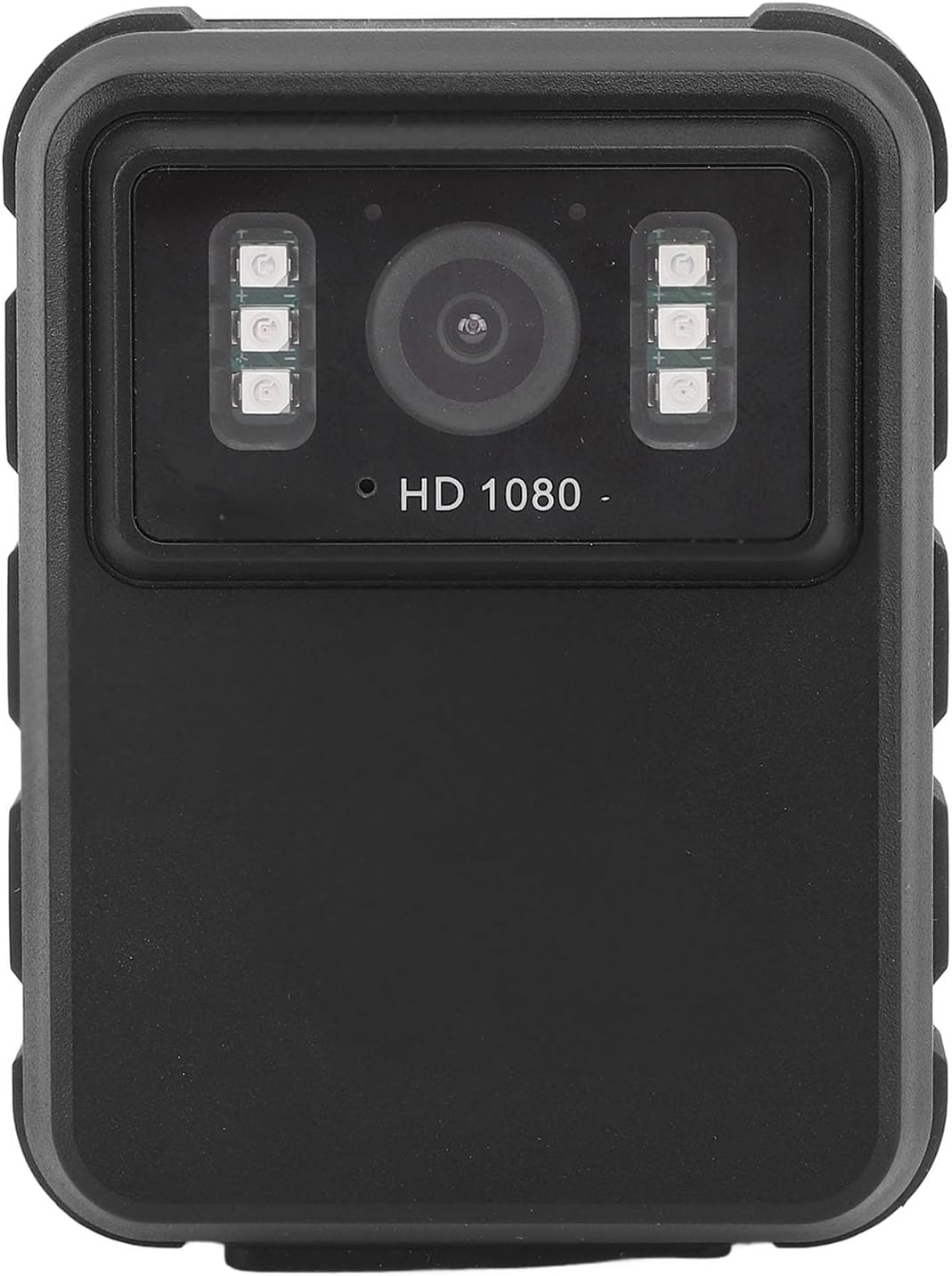
Figura 1: Fronte view of the EBTOOLS Body Camera, showing the lens and infrared LEDs.
2. Produto rematadoview
2.1 Características principais
- Gravación de vídeo HD de 1080p: Captures high-definition video for clear footage.
- Visión nocturna: Equipped with 6 infrared LEDs for clear recording up to 33 feet in low-light or dark conditions, with manual and automatic activation modes.
- Lente gran angular de 130°: Provides a broader field of view to capture more of the surroundings.
- Gravación en bucle: Sobrescribe automaticamente o contido máis antigotage when storage is full, ensuring continuous recording.
- Pantalla IPS de 2.0 polgadas: Allows for immediate video playback and photo viewing directly on the device.
- Opcións de montaxe versátiles: Can be clipped to clothing, mounted on a motorcycle, or used as a dash cam.
- Batería de longa duración: Built-in 1800mAh lithium battery supports approximately 8 hours of continuous recording.

Figura 2: Illustration of the 130° wide-angle lens and the 2.0-inch IPS display for clear viewing.

Figura 3: The camera's built-in infrared lights for night vision and its robust design suitable for various conditions.
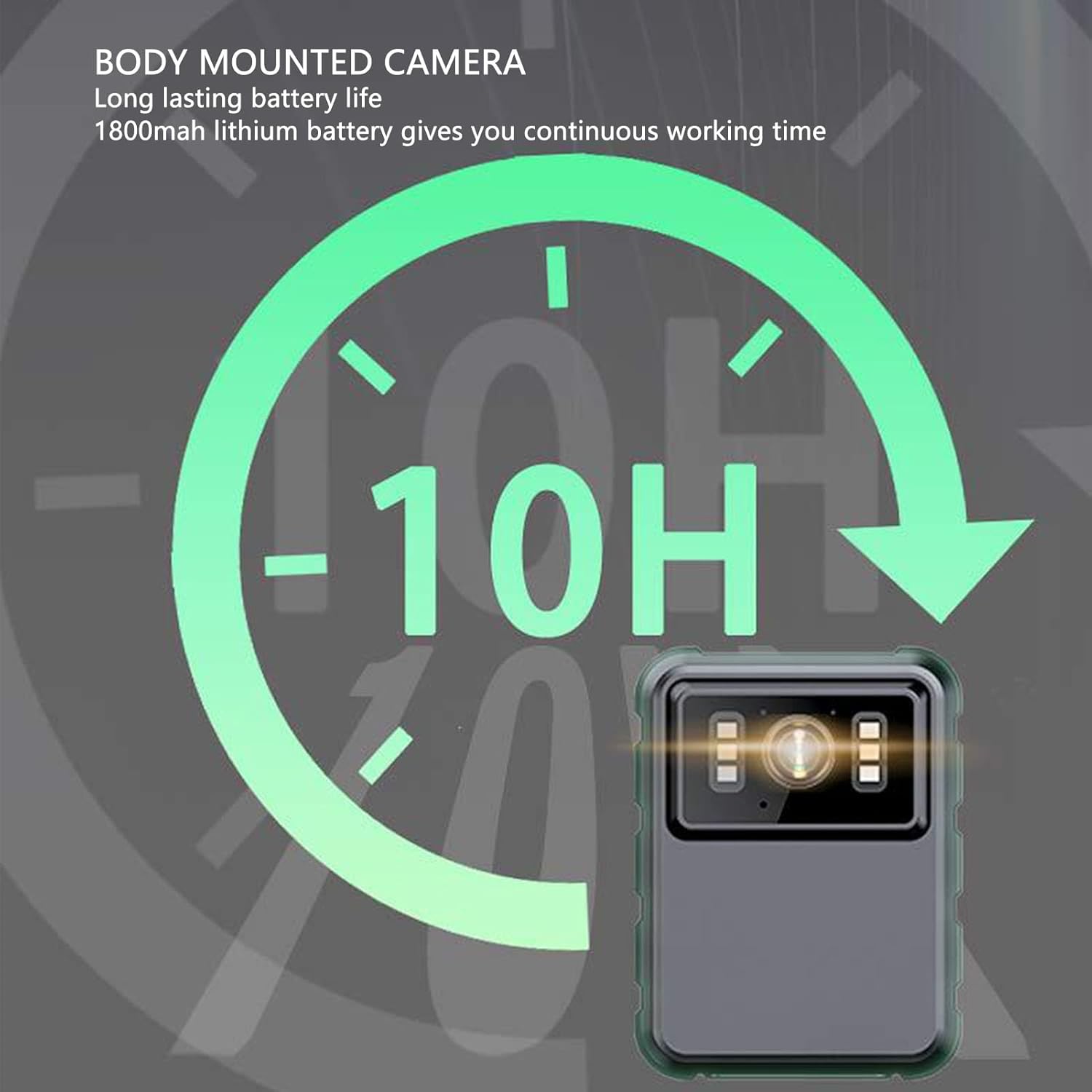
Figura 4: The camera features a long-lasting 1800mAh lithium battery, providing extended operational time.
2.2 Contido do paquete
Verifica que todos os elementos estean presentes no paquete:
- 1 x EBTOOLS Body Camera
- 2 x soportes de montaxe
- 1 x Adaptador
- 1 cable de carga (USB)
- 1 x Manual de usuario (este documento)
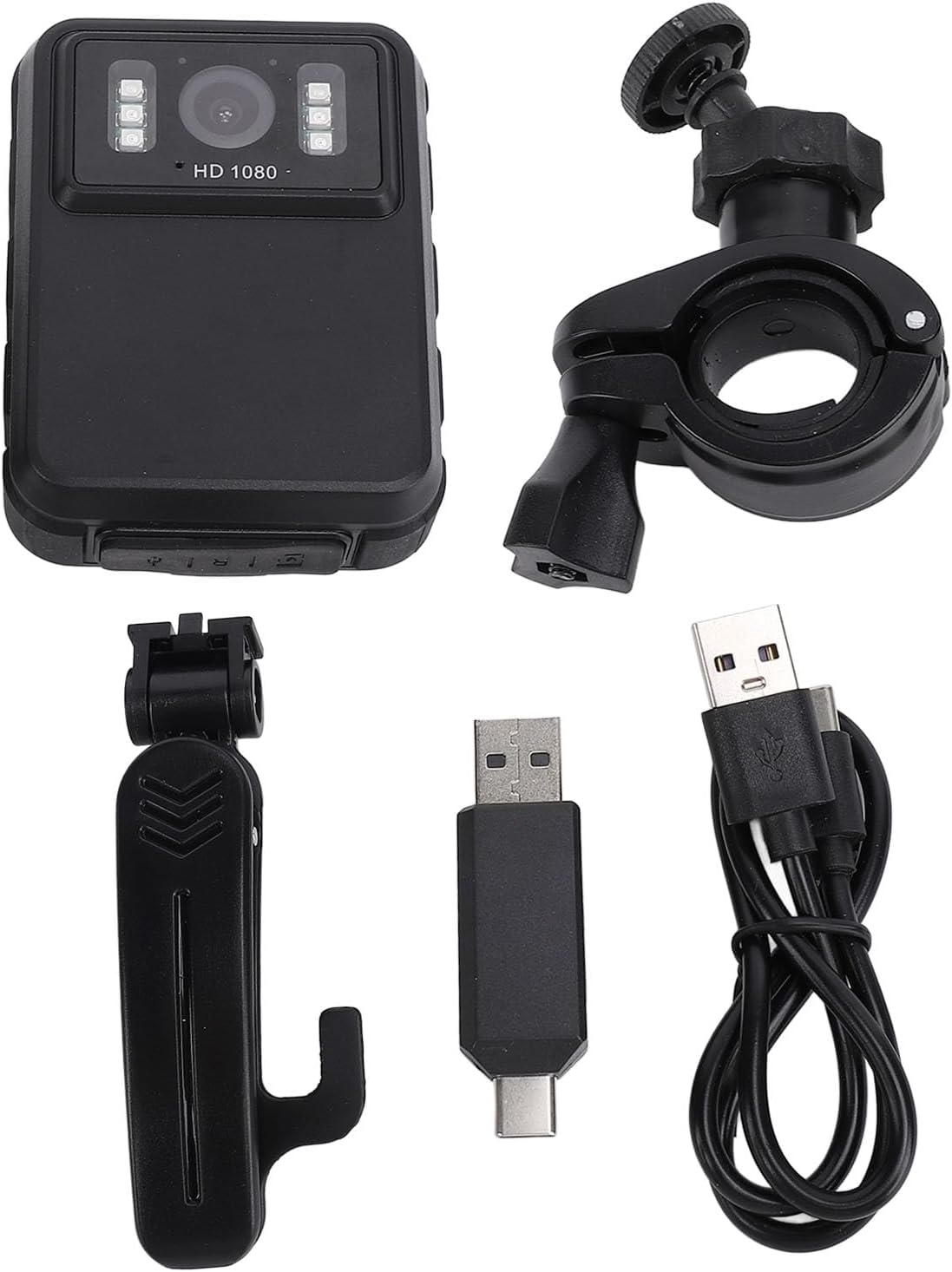
Figura 5: All components included in the EBTOOLS Body Camera package.
3. Configuración
3.1 Carga inicial
- Connect the provided charging cable to the camera's USB port.
- Connect the other end of the charging cable to the adapter, then plug the adapter into a standard power outlet.
- Allow the camera to charge fully before first use. The charging indicator light will typically change color or turn off when charging is complete.
3.2 Acendido/Apagado
- Para acender: Press and hold the Power button (usually located on the side or top) for a few seconds until the screen illuminates.
- Para apagar: Press and hold the Power button again until the device shuts down.
3.3 Attaching Brackets
The camera comes with two types of brackets for versatile mounting:
- Clip Bracket: For attaching to clothing, pockets, or straps. Slide the camera onto the clip until it securely locks.
- Universal Mount Bracket: For motorcycle handlebars, dashboards, or other surfaces. Attach the camera to the bracket's screw mount, then secure the bracket to the desired location.

Figura 6: Detail of the camera's universal mounting screw thread.
4. Instrucións de funcionamento
4.1 Gravación de vídeo
- Asegúrate de que a cámara estea acendida.
- Press the dedicated Record button (often marked with a red dot or camera icon) to start video recording. A recording indicator (e.g., a flashing red light or icon on the screen) will appear.
- Prema de novo o botón Gravar para deter a gravación. O vídeo file gardarase automaticamente.
- The camera supports 1080P and 2K resolution. Refer to the on-screen menu for resolution selection.

Figura 7: The camera supports both 2K and 1080P video recording resolutions.
4.2 Facer fotos
- With the camera powered on, switch to photo mode (if applicable, via a mode button or menu).
- Press the Shutter button (often the same as the Record button, or a separate button) to capture a still image.
4.3 Night Vision Activation
The camera features both automatic and manual night vision modes:
- Modo automático: The camera will detect low light conditions and automatically activate the infrared LEDs.
- Modo manual: Access the camera's menu settings to manually turn night vision on or off.
4.4 Gravación en bucle
When the storage capacity is full, the camera will automatically overwrite the oldest video files to continue recording. This feature ensures continuous operation without manual intervention to clear space.
4.5 Reprodución e File Xestión
- Reprodución no dispositivo: Use the 2.0-inch IPS display and navigation buttons to browse and play recorded videos or view photos directly on the camera.
- Conexión ao ordenador: Connect the camera to a computer using the USB cable to transfer files for backup or viewing on a larger screen. The camera will appear as a removable disk drive.

Figura 8: The camera's display and control buttons for navigation and playback.

Figura 9: Examples of the camera's versatile applications, such as for delivery personnel or motorcycle riders.
5. Mantemento
- Limpeza: Use a soft, dry cloth to clean the camera body. For the lens, use a specialized lens cleaning cloth and solution to avoid scratches. Do not use harsh chemicals.
- Almacenamento: Garde a cámara nun lugar fresco e seco, lonxe da luz solar directa e de temperaturas extremas.
- Coidado da batería: Para prolongar a duración da batería, evite descargala completamente con frecuencia. Cargue a cámara regularmente, mesmo se non a está a usar, para manter a batería en bo estado.
- Actualizacións de firmware: Consulte o do fabricante websitio periodicamente para ver se hai actualizacións de firmware dispoñibles para garantir un rendemento óptimo e novas funcións.
6 Solución de problemas
6.1 A cámara non se acende
- Ensure the battery is sufficiently charged. Connect the camera to a power source and allow it to charge for at least 30 minutes before attempting to power on again.
- Verify that the power button is being pressed and held for the required duration (typically 3-5 seconds).
6.2 Recording Issues (e.g., not saving, corrupted files)
- Check available storage space. If the storage is full and loop recording is not enabled or functioning correctly, new recordings may not save.
- Ensure the camera's internal storage is not corrupted. If issues persist, consider formatting the storage via the camera's settings menu (this will erase all data).
6.3 Night Vision Not Activating
- Verify that night vision is enabled in the camera's settings, either in automatic or manual mode.
- Ensure there are no obstructions blocking the infrared LEDs on the front of the camera.
6.4 Computer Not Recognizing Camera
- Proba cun porto USB diferente no teu ordenador.
- Asegúrate de que o cable USB estea conectado correctamente tanto á cámara como ao ordenador.
- Restart both the camera and the computer.
7. Especificacións
| Característica | Detalle |
|---|---|
| Marca | EBTOOLS |
| Nome do modelo | EBTOOLSs1gq2a4o5t-12 |
| Pantalla de visualización | 2.0 inch IPS Screen (Resolution: 320x240) |
| Lente Viewángulo ing | 100° (gran angular) |
| Resolución da cámara | 3840x2160p (2K), 2560x1440p, 1920x1080p (1080P) |
| Taxa de bits de audio | WAV (512 KBPS) |
| Visión nocturna por infravermellos | Support, Built-in 6 Enhanced Energy Saving Infrared Lights |
| Infrared Switching Mode | Off, Auto, Manual Adjustment |
| Micrófono | Omnidirectional Built-in Capacitor MIC |
| Batería incorporada | Batería de litio 1800 mAh |
| Recording Working Time | Aproximadamente 8 horas |
| Tempo de gravación continua | Aproximadamente 8 horas |
| Longest Photo Time | Approximately 10 hours (1080p 30fps High Grade Video) |
| Tecnoloxía de conectividade | USB |
| Peso do elemento | 10.9 onzas |
| Dimensións do paquete | 5.91 x 5.12 x 2.36 polgadas |
8. Garantía e soporte
For warranty information, technical support, or service inquiries, please refer to the official EBTOOLS websitio web ou póñase en contacto co seu departamento de atención ao cliente. Garde o recibo da compra como proba de compra para reclamacións de garantía.
Normalmente podes atopar os datos de contacto do servizo de asistencia na páxina web do fabricante websitio web ou a través do vendedor onde se comprou o produto.
Ask a question about this manual
Ask about setup, troubleshooting, compatibility, parts, safety, or missing instructions. Manuals+ will review the question and use this page’s manual context to help answer it.