
1. Introdución
The Nobsound DV-01 is a compact USB volume control knob designed to provide precise and convenient audio adjustment for various devices. It features a high-precision rotary knob, a one-touch mute function, and a stylish breathing light, enhancing both functionality and desktop aesthetics.
2. Contido do paquete
Verifique que todos os elementos estean presentes no seu paquete:
- 1 × Volume Controller
- 1 cable USB
- 1 × Non-slip Mat
- 2 × 3M Double-sided Adhesive

Image: The Nobsound DV-01 volume controller, USB Type-C cable, non-slip mat, and 3M double-sided adhesive included in the package.
3. Configuración
3.1. Conexión do dispositivo
- Connect the provided USB Type-C cable to the Type-C input port on the Nobsound DV-01 volume controller.
- Plug the other end of the USB cable into an available USB port on your computer, laptop, smartphone, or tablet.
- The device is plug-and-play and typically requires no additional driver installation for basic functionality.

Image: The Nobsound DV-01 volume controller highlighting its Type-C input and illustrating compatibility with various devices such as MP3 players, phones, tablets, PCs, and TVs.
3.2. Colocación e estabilidade
To ensure stability and prevent the device from sliding, apply the included non-slip mat or 3M double-sided adhesive to the bottom of the volume controller before placing it on your desktop.

Image: Demonstrates the application of the non-slip mat and 3M double-sided adhesive to the Nobsound DV-01 for secure placement on a desk.
4. Instrucións de funcionamento
4.1. Axuste de volume
- Xirar no sentido das agullas do reloxo: Xire o botón no sentido horario para aumentar o volume.
- Xirar en sentido antihorario: Turn the knob counter-clockwise to decrease the volume.
The DV-01 supports both fast and slow adjustment modes. Slow mode adjusts by 2 levels each time, while fast mode adjusts by 6 levels, allowing for smooth volume transitions tailored to individual preferences.
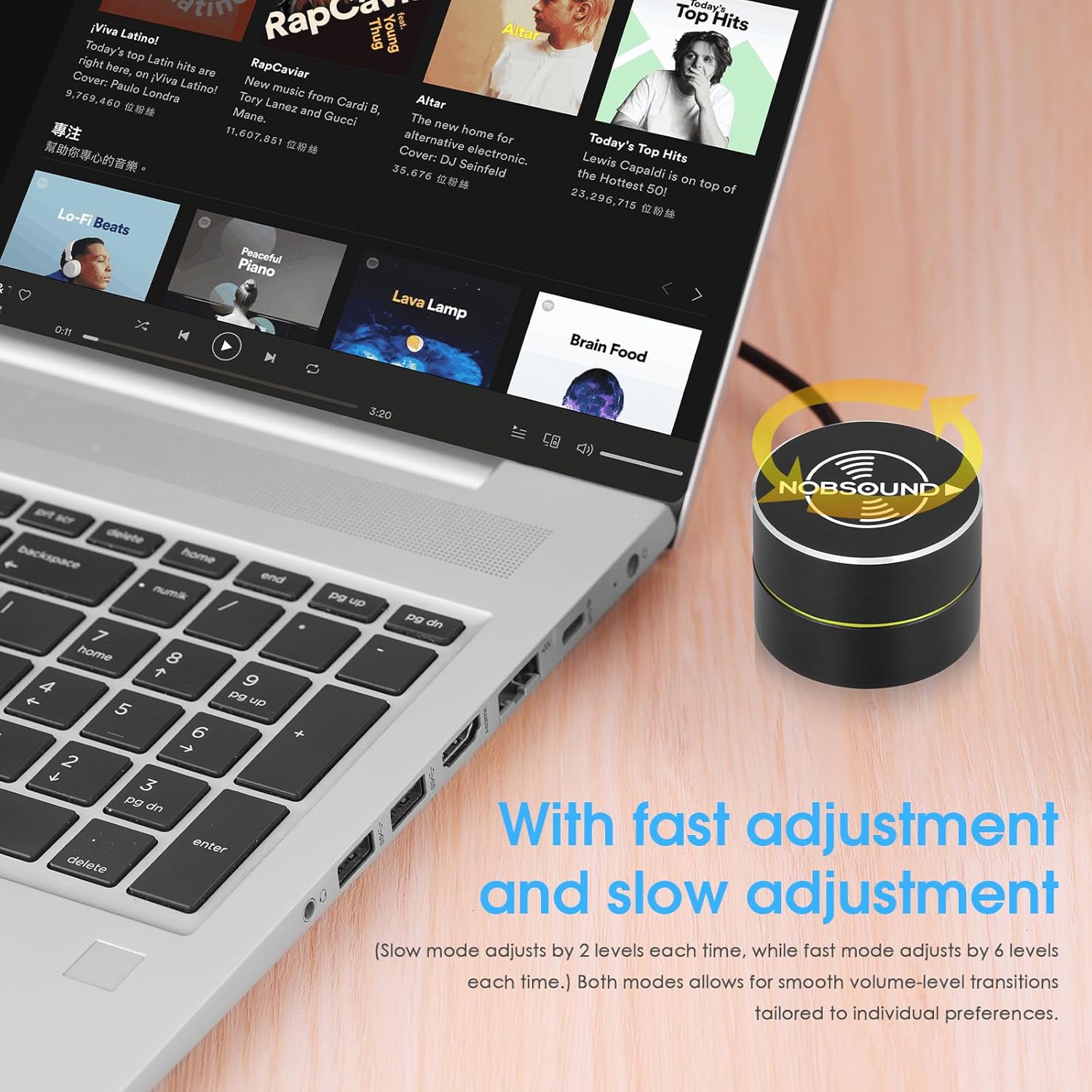
Image: A hand rotating the Nobsound DV-01 knob to adjust volume, illustrating the precise control.
4.2. Función Mute
- Prensa individual: Press the knob once to instantly mute the audio.
- Preme de novo: Press the knob again to unmute the audio.
4.3. Media Control (Previous/Next Song)
The device supports switching between previous and next songs, making it convenient for media playback.
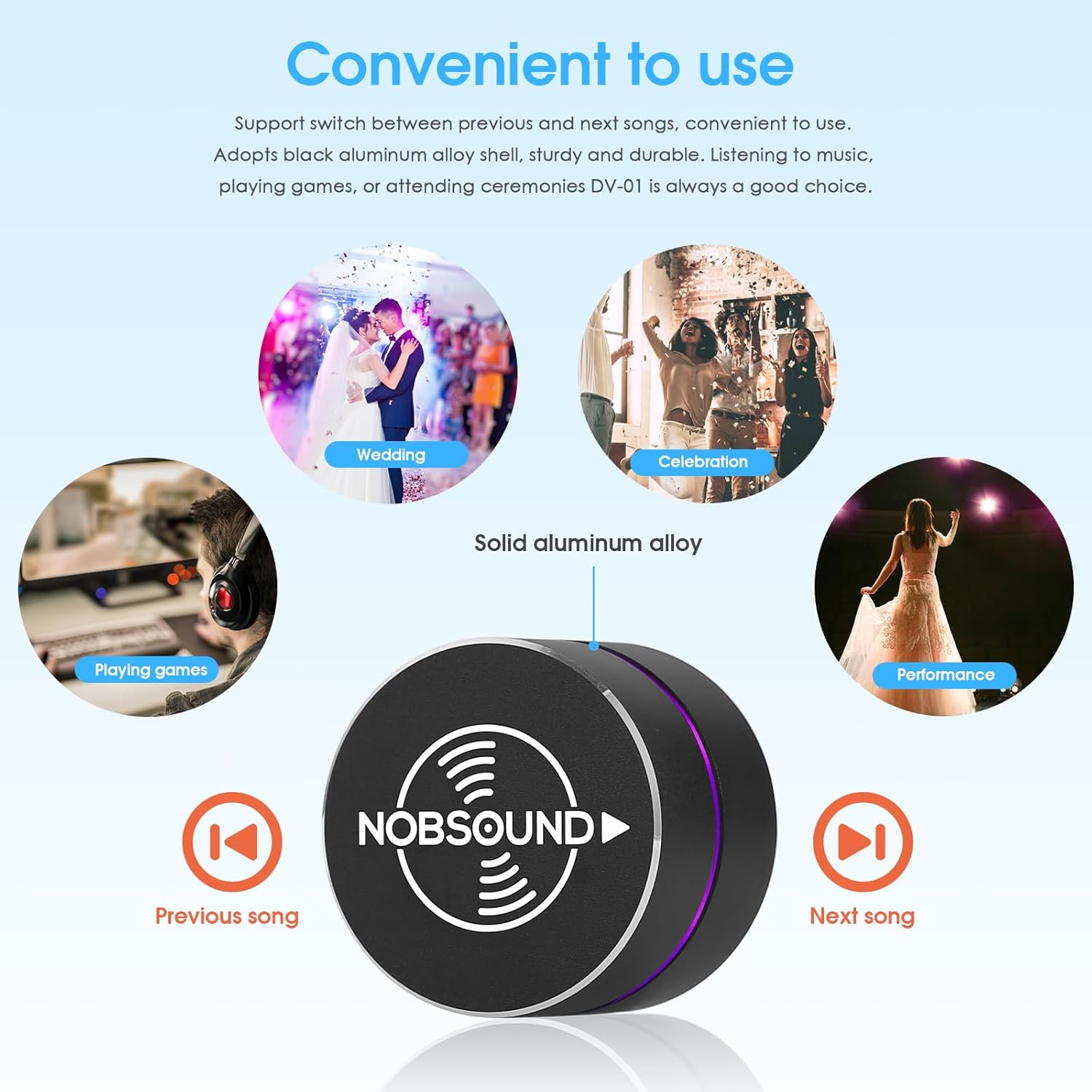
Image: The Nobsound DV-01 controller with icons indicating previous and next song functions, alongside various usage scenarios.
4.4. Breathing Light Control
The DV-01 is equipped with a soft, elegant breathing light that offers 6 color options and dynamic light modes. This enhances desktop aesthetics and provides a clear working status indicator.

Image: Displays the Nobsound DV-01 with its LED breathing light cycling through different color options.
4.5. Demostracións en vídeo
Video: Demonstrates basic volume control and mute functionality of a USB volume knob. Note: Product shown may vary slightly in appearance from the Nobsound DV-01.
Video: Shows the RGB lighting effects and basic volume control of a USB audio remote knob. Note: Product shown may vary slightly in appearance from the Nobsound DV-01.
Video: Illustrates the simple plug-and-play setup and volume adjustment capabilities of a USB volume controller. Note: Product shown may vary slightly in appearance from the Nobsound DV-01.
5. Mantemento
- Manteña o dispositivo limpo limpo cun pano suave e seco.
- Evite expoñer o dispositivo a unha humidade excesiva ou a temperaturas extremas.
- Do not attempt to disassemble the device, as this may void the warranty.
6 Solución de problemas
- Dispositivo non recoñecido: Ensure the USB cable is securely connected to both the controller and your device. Try a different USB port or cable.
- Volume not adjusting: Verify that the device is properly connected and recognized by your operating system. Check your system's audio settings to ensure the Nobsound DV-01 is selected as the output device.
- Breathing light not working: Ensure the device is powered on via the USB connection. If the light is off, press and hold the knob for a few seconds to cycle through light modes or turn it on.
7. Especificacións
| Marca | Nobsound |
| Nome do modelo | DV-01 |
| Tecnoloxía de conectividade | USB |
| Interface de hardware | USB tipo C |
| Dispositivos compatibles | Portátil, PC, teléfono intelixente, tableta |
| Plataforma | Android, Windows, iOS |
| Tipo de control | Big Knob Passive |
| Característica especial | Compact, Volume Control, Mute Function, Breathing Light |
| Peso do elemento | 0.12 quilogramos |
8. Garantía
The Nobsound DV-01 USB Volume Control Knob comes with an 18-month limited warranty. Please retain your proof of purchase for warranty claims.
9. Apoio
For further assistance, technical support, or inquiries regarding your Nobsound DV-01, please refer to the manufacturer's official website or contact their customer service department. Contact information can typically be found on the product packaging or the Nobsound brand store.