
1. Introdución
Thank you for choosing the EDYELL C5S Bluetooth Dual Earphone for Helmet. This device is designed to provide high-quality audio for music and calls while riding, ensuring convenience and safety. Please read this manual carefully before use to ensure proper installation and operation.
2. Información de seguridade
- Prioriza sempre a seguridade viaria. Non uses o dispositivo dun xeito que te distraia da condución.
- Ensure the device is securely mounted to your helmet to prevent detachment during use.
- Avoid listening to audio at excessively high volumes for prolonged periods to prevent hearing damage.
- Non intente desmontar nin modificar o dispositivo. Isto pode anular a garantía e supoñer riscos para a seguridade.
- Manteña o dispositivo lonxe de temperaturas extremas, luz solar directa e chamas abertas.
- Desfágase da batería e do dispositivo segundo a normativa local.
3. Contido do paquete
Verifica que todos os elementos estean presentes no teu paquete:
- Motorcycle Bluetooth Headsets (x1)
- Hard Microphone Speaker (x1)
- Clamping Base (x1)
- Microphone Velcro Tape (x2)
- Speaker Velcro (x2)
- Booster Sticker (x2)
- Stand Velcro Tape (x1)
- Thick Double Sided Tape (x1)
- Stand Velcro Tape (x1)
- Manual de usuario (x1)
- Cable de carga (x1)
4. Produto rematadoview
The EDYELL C5S is a compact Bluetooth headset designed for motorcycle helmets. It features a control unit with integrated buttons and a colorful LED strip, connecting to two 50mm speakers and a microphone for communication and audio playback.

Image: The EDYELL C5S Bluetooth Helmet Headset, showing its sleek design and integrated controls.
5. Instalación
Follow these steps to install the EDYELL C5S on your helmet:
- Montaxe da unidade principal: Adxunta o clamping base to the side of your helmet using the provided clips or adhesive tape. Ensure it is securely fastened and does not obstruct your vision or helmet functionality.
- Colocación do altofalante: Position the 50mm speakers inside the helmet's ear pockets. Use the speaker Velcro to secure them. Ensure the speakers are aligned with your ears for optimal sound quality and comfort.
- Colocación do micrófono: Attach the hard microphone speaker to the inside of the helmet, near your mouth. Use the microphone Velcro tape to secure it. Ensure the microphone is positioned to capture your voice clearly while minimizing wind noise.
- Xestión de cables Route all cables neatly within the helmet's padding to avoid interference and ensure comfort.

Image: Diagram illustrating the installation of the EDYELL C5S headset components, including the main unit, speakers, and microphone, onto a motorcycle helmet.
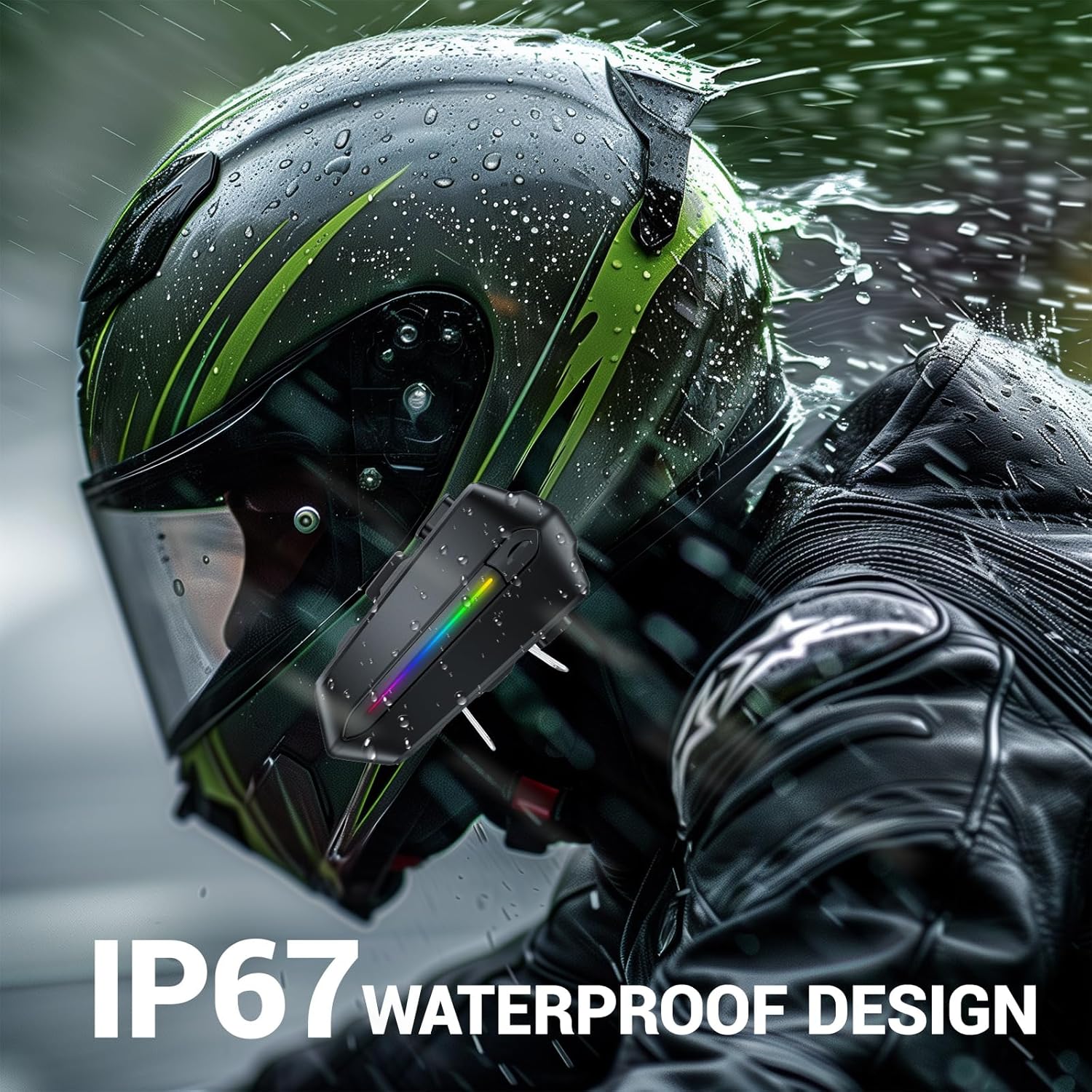
Image: Various helmet types demonstrating the wide compatibility of the EDYELL C5S Bluetooth headset.
6. Cargando
The EDYELL C5S features an 800mAh large-capacity battery. To charge the device:
- Connect the provided Type-C charging cable to the charging port on the headset.
- Conecta o outro extremo do cable a unha fonte de alimentación USB (por exemplo, un adaptador de parede, un porto USB do ordenador).
- O indicador LED mostrará o estado de carga. Unha carga completa tarda aproximadamente 1.5 horas.
Once fully charged, the headset provides up to 30 hours of music listening, 40 hours of calls, and over 300 hours of standby time.
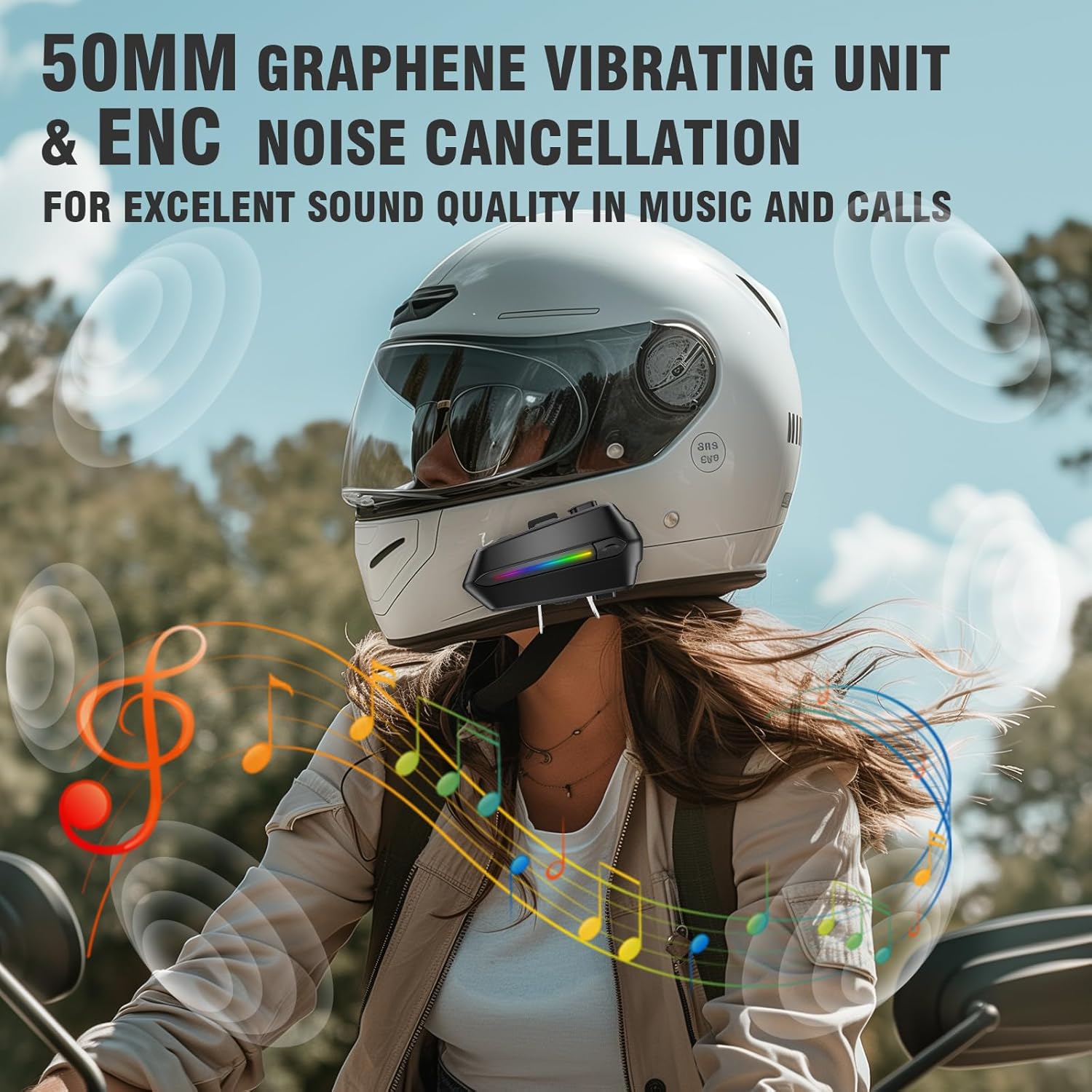
Image: The EDYELL C5S headset connected to a Type-C charging cable, illustrating the charging process and highlighting its 800mAh battery capacity.
7. Instrucións de funcionamento
7.1 Encendido/apagado
- Encendido: Press and hold the power button for approximately 3 seconds until the LED indicator lights up.
- Apagado: Manteña premido o botón de acendido durante aproximadamente 3 segundos ata que o indicador LED se apague.
7.2 Emparejamento Bluetooth
- Asegúrese de que os auriculares están apagados.
- Press and hold the power button for about 5-7 seconds until the LED indicator flashes red and blue alternately, indicating pairing mode.
- On your mobile device, enable Bluetooth and search for "EDYELL C5S".
- Select "EDYELL C5S" from the list of available devices to connect. A voice prompt will confirm successful pairing.
7.3 Conectividade dual
The EDYELL C5S supports simultaneous connection to two devices. After pairing the first device, follow the pairing steps again for the second device. The headset will automatically connect to both devices when powered on.
7.4 Xestión de chamadas
- Resposta automática: Incoming calls will be automatically answered after 10 seconds for hands-free communication.
- Responder/Finalizar chamada: Short press the phone button to answer or end a call.
- Rexeitar a chamada: Press and hold the phone button for 2 seconds to reject an incoming call.
- Control de voz: Press the voice control button to activate your device's voice assistant (e.g., Siri, Google Assistant) to perform tasks like making calls or navigating.
7.5 Reprodución de música
- Reproducir/Pausa: Prema brevemente o botón de reprodución/pausa.
- Próxima pista: Prema brevemente o botón "+".
- Pista anterior: Prema brevemente o botón '-'.
7.6 Control de volume
- Aumentar o volume: Mantén premido o botón "+".
- Diminuír o volume: Mantén premido o botón '-'.

Image: A rider using the EDYELL C5S headset, demonstrating the one-click AI assistant wake-up and auto-answer call features for convenience while riding.
Video: An official product video demonstrating the features and usage of the EDYELL C5S Motorcycle Bluetooth Headset, including its design, controls, and functionality.
7.7 IP67 Waterproof Design
The EDYELL C5S is designed with an IP67 waterproof rating, allowing it to withstand various weather conditions, including rain and snow. This ensures reliable performance during outdoor rides.

Image: The EDYELL C5S headset mounted on a helmet, shown under simulated rain to highlight its IP67 waterproof design.
8. Especificacións
| Característica | Especificación |
|---|---|
| Nome do modelo | C5S |
| Tecnoloxía de conectividade | Sen fíos (Bluetooth V5.4) |
| Control de ruído | Cancelación de ruído pasiva |
| Tamaño do controlador de audio | 50 milímetros |
| Capacidade da batería | Polímero de litio de 800 mAh |
| Tempo de carga | 1.5 horas |
| Tempo de reprodución de música | Ata 30 horas |
| Hora de chamada | Ata 40 horas |
| Tempo de espera | Máis de 300 horas |
| Nivel de resistencia á auga | Impermeable IP67 |
| Tipo de control | Control por voz, control por botón |
| Peso do elemento | 180 gramos |
| Dimensións do produto | 10 x 5 x 2 cm |
9 Solución de problemas
- O dispositivo non se acende: Asegúrate de que a batería estea cargada. Conecta o dispositivo a un cargador e inténtao de novo.
- Unable to pair with Bluetooth: Make sure the headset is in pairing mode (LED flashing red and blue). Check that Bluetooth is enabled on your mobile device and it is within range. Try restarting both devices.
- Non hai son dos altofalantes: Check the volume level on both the headset and your connected device. Ensure speakers are correctly plugged into the main unit and positioned properly inside the helmet.
- O micrófono non funciona: Verify the microphone is securely connected and positioned correctly near your mouth. Check privacy settings on your connected device to ensure microphone access is granted.
- Conexión intermitente: Ensure there are no major obstructions between the headset and your connected device. Move closer to the device if necessary. Avoid environments with strong electromagnetic interference.
10. Garantía e soporte
For product support, installation guidance, or any queries, please contact EDYELL INDIA customer care:
- Correo electrónico: support@fenman.in
- Teléfono: +91 8882786235
- Horario de funcionamento: Monday to Saturday, 10:00 AM to 6:30 PM (IST)
Conserve o recibo de compra para reclamacións de garantía.