
Introdución
Thank you for choosing the CASCHO G10 Bluetooth Headset. This manual provides detailed instructions for setting up, operating, maintaining, and troubleshooting your new headset. Please read this manual carefully before use to ensure optimal performance and longevity of your device.
Produto rematadoview
Características clave
- Tecnoloxía Bluetooth 5.3: Ensures stable connection, fast pairing, and extended range.
- CVC8.0 & ENC Call Noise Cancellation: Advanced noise-canceling technology for clear calls.
- Batería de longa duración: Up to 20 hours of talking time and 250 hours of standby time.
- Resistencia á auga IP7: Provides protection against water splashes and sweat.
- Función de silencio: Allows you to mute your voice during calls for privacy.
- Pantalla LED: Indicates battery status and other relevant information.
Contido do paquete
- 1 x CASCHO G10 Bluetooth Headset
- 1 x cable de carga
- Manual de usuario
Diagrama do produto

Figura 1: Xeral view of the CASCHO G10 Bluetooth Headset.
Configuración
1. Cargando os auriculares
Before first use, fully charge the headset. Connect the charging cable to the headset's charging port and a USB power source. The LED display will indicate the charging status. A full charge takes approximately 1.5 hours.
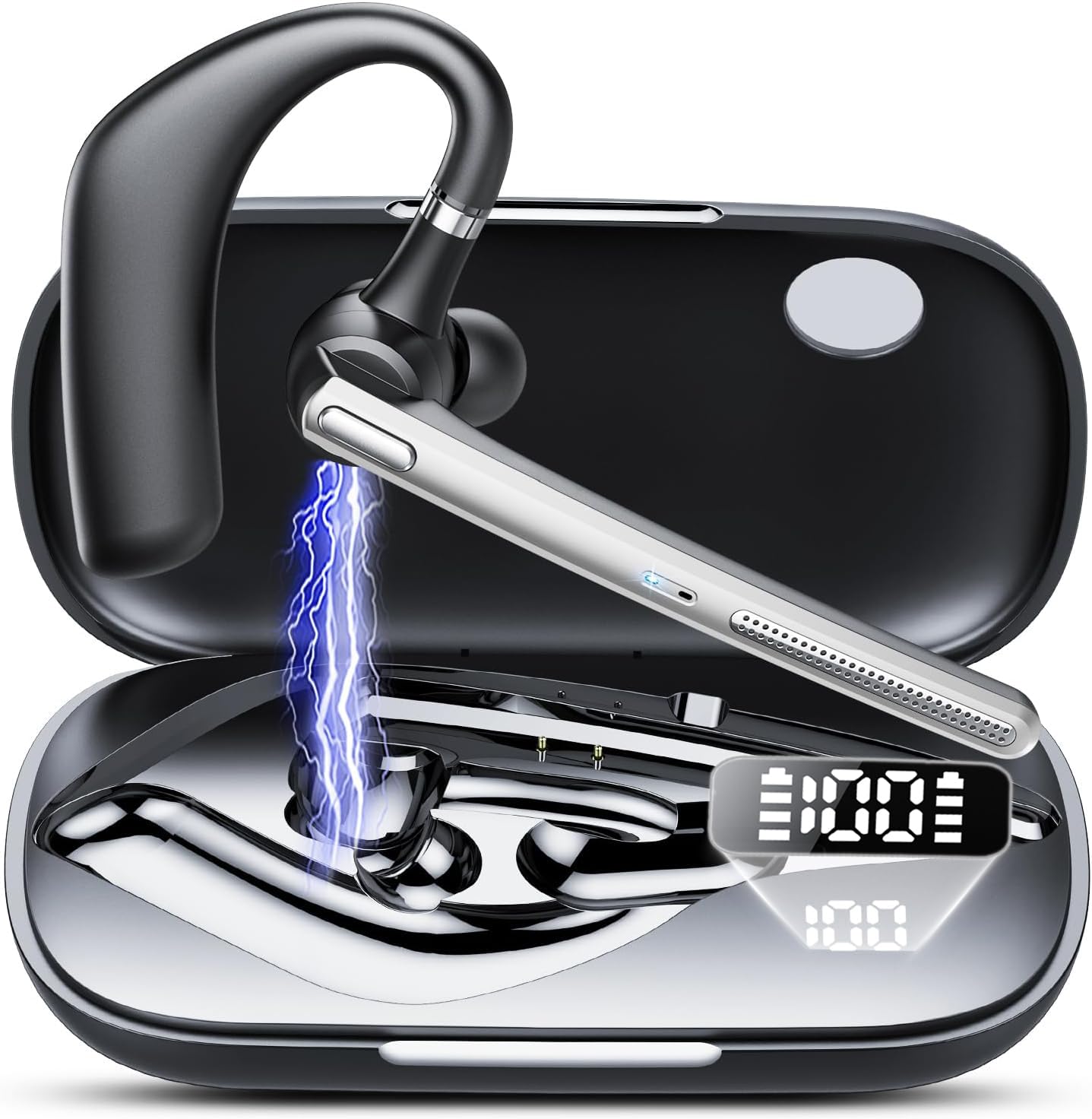
Figure 2: Headset showing battery life and LED display. The charging case has a 500mAh capacity.
2. Acendido/apagado
- Encendido: Prema e manteña premido o botón multifunción durante 3 segundos ata que o indicador LED parpadee en azul.
- Apagado: Press and hold the Multi-function Button for 5 seconds until the LED indicator flashes red and then turns off.
3. Emparellamento Bluetooth
- Asegúrese de que os auriculares están apagados.
- Manteña premido o botón multifunción durante 5-7 segundos ata que o indicador LED parpadee alternativamente en vermello e azul, indicando o modo de emparellamento.
- No teu dispositivo (teléfono intelixente, tableta, etc.), activa o Bluetooth e busca os dispositivos dispoñibles.
- Select "CASCHO G10" from the list of devices.
- Unha vez emparellado, o indicador LED parpadeará lentamente en azul.

Figure 3: Bluetooth 5.3 technology provides stable connection, fast pairing (approx. 2 seconds), and an extended range.
4. Usar os auriculares
Gently place the ear hook over your ear and adjust the earpiece to fit comfortably in your ear canal. Ensure the microphone is positioned towards your mouth for optimal call clarity.
Instrucións de funcionamento
Xestión de chamadas
- Responder/Finalizar chamada: Prema o botón multifunción unha vez.
- Rexeitar a chamada: Manteña premido o botón multifunción durante 2 segundos.
- Silenciar/Activar o silencio: During a call, click the mute button once. The other party will not hear your voice.
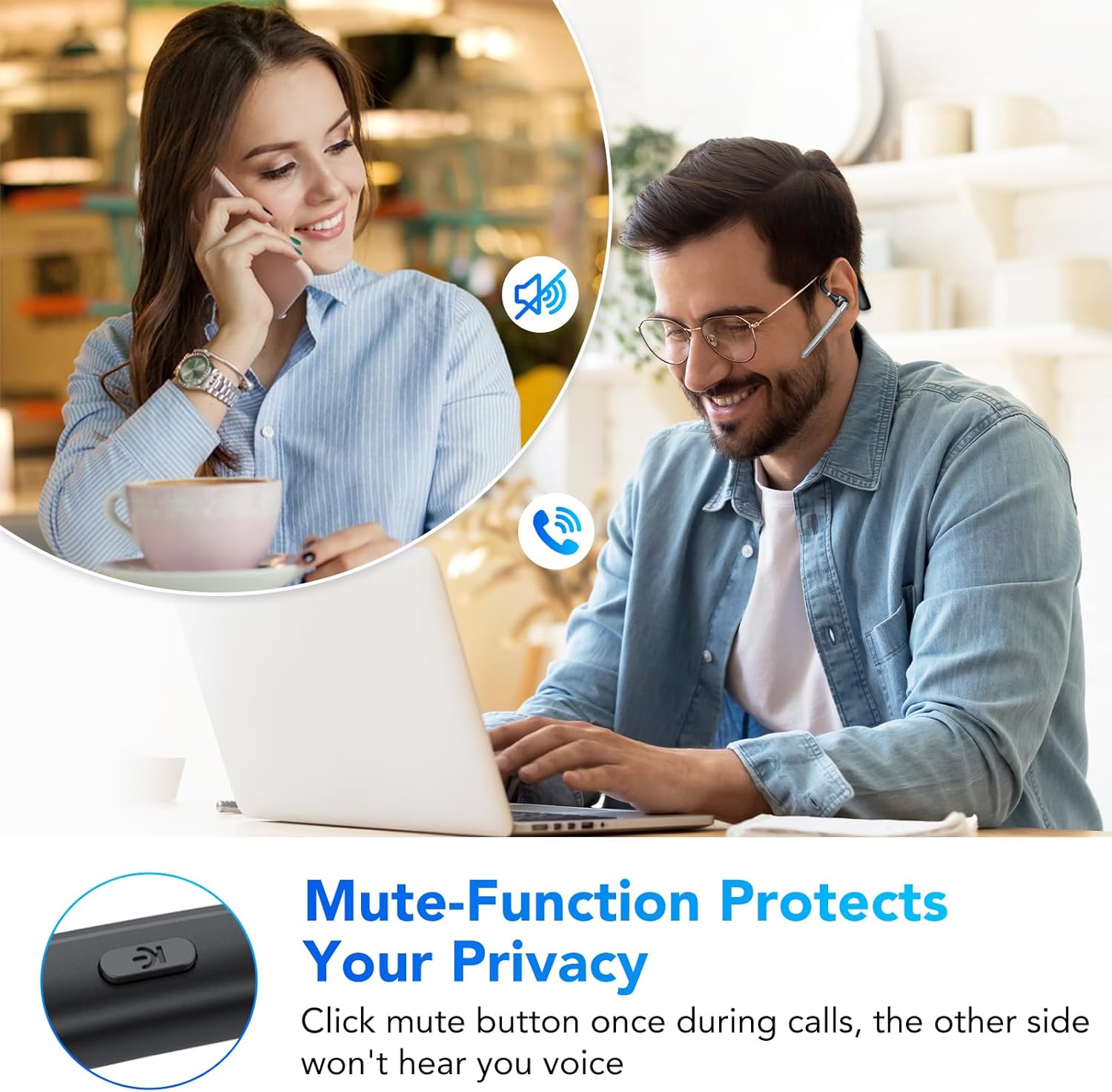
Figure 4: The mute function protects your privacy during calls.
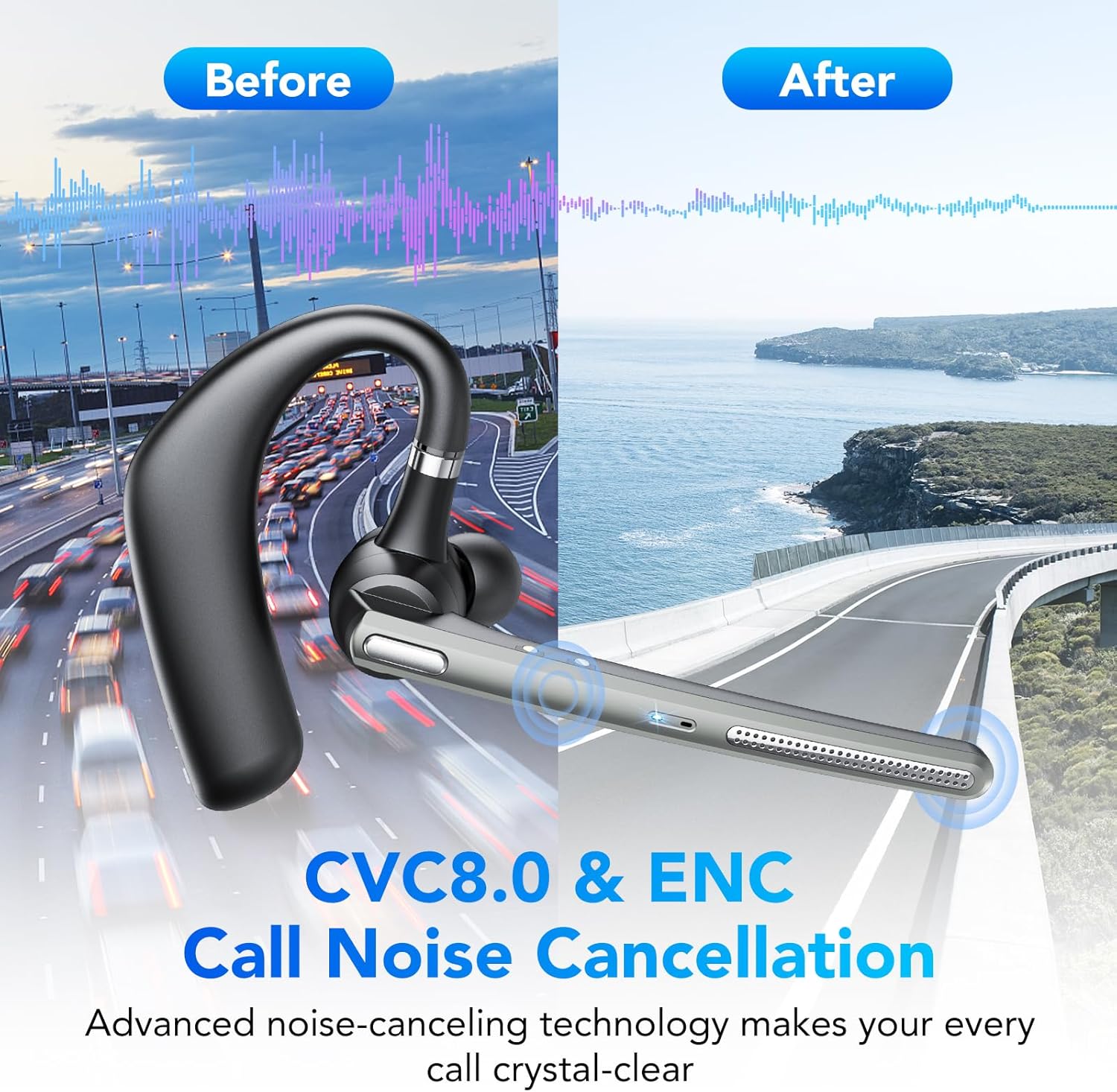
Figure 5: CVC8.0 & ENC Call Noise Cancellation ensures crystal-clear calls even in noisy environments.
Reprodución de música
- Reproducir/Pausa: Prema o botón multifunción unha vez.
- Próxima pista: Prema dúas veces o botón multifunción.
- Pista anterior: Triple-press the Multi-function Button.
Control de volume
- Subir volume: Preme o botón Subir volume.
- Baixar volume: Prema o botón para baixar o volume.
Asistente de voz
Press and hold the Volume Down button for 2 seconds to activate your device's voice assistant (e.g., Siri, Google Assistant).
Mantemento
Limpeza
Wipe the headset with a soft, dry cloth. Do not use abrasive cleaners or solvents. For the earpiece, gently clean with a cotton swab if necessary.
Almacenamento
Store the headset in a cool, dry place away from direct sunlight and extreme temperatures. When not in use for extended periods, charge the headset at least once every three months to preserve battery life.
Resistencia á auga (IP7)
The headset is IP7 water-resistant, meaning it can withstand splashes and sweat. However, it is not designed for submersion in water. Avoid exposing it to heavy rain or swimming.
Resolución de problemas
| Problema | Causa posible | Solución |
|---|---|---|
| Os auriculares non se acende. | Batería baixa. | Cargue os auriculares completamente. |
| Non se pode emparellar co dispositivo. | Os auriculares non están en modo de emparellamento; Bluetooth desactivado no dispositivo; dispositivo demasiado lonxe. | Ensure headset is in pairing mode (red/blue flashing LED). Turn on Bluetooth on your device. Move headset closer to device. |
| No sound during calls/music. | Volume demasiado baixo; auriculares non conectados; saída de audio incorrecta seleccionada. | Increase volume on headset and device. Reconnect headset. Check device's audio output settings. |
| Mala calidade da chamada. | Sinal débil; ruído ambiental. | Move closer to your device. Ensure microphone is positioned correctly. CVC8.0 & ENC should minimize environmental noise. |
Especificacións
| Número de modelo: | G10 |
| Marca: | CASCHO |
| Tecnoloxía de conectividade: | Sen fíos (Bluetooth 5.3) |
| Características especiais: | Noise Cancellation (CVC8.0 & ENC), Mute Function |
| Nivel de resistencia á auga: | IP7 (Impermeable) |
| Tipo de batería: | Ion de litio |
| Tempo de conversación: | Ata 20 horas |
| Tempo de espera: | Ata 250 horas |
| Capacidade da caixa de carga: | 500 mAh |
| Tempo de carga: | Aprox. 1.5 horas |
| Peso: | 150 gramos |
| Material: | Plástico |
| Cor: | Gris Ferro |
| Factor de forma: | In-Ear (Intra-Auriculaire) |
| Compoñentes incluídos: | Headset, Charging Cable |
Garantía e Soporte
Para obter información sobre a garantía ou asistencia técnica, consulte a documentación proporcionada no momento da compra ou póñase en contacto co seu vendedor. Garde o comprobante de compra para reclamacións de garantía.