
Lovskoo M200
Lovskoo Mini Projector M200 User Manual
Modelo: M200
1. Introdución
Grazas pola compraasing the Lovskoo Mini Projector M200. This portable projector is designed for home entertainment and educational purposes, offering a clear viewing experience with versatile connectivity options. This manual provides essential information for setting up, operating, and maintaining your projector.
The M200 features LED diffuse reflection imaging, supporting 1080p HD decoding and on-screen connection. It is compatible with various devices and offers a long service life.

Imaxe 1.1: Fronte view of the Lovskoo Mini Projector M200, showcasino seu deseño compacto e a súa lente.
2. Contido do paquete
Comprobe que todos os elementos estean presentes no paquete:
- 1 x Lovskoo Mini Projector M200
- 1 x cable de alimentación USB
- 1 x mando a distancia
- 1 x Manual de instrucións (este documento)
3. Produto rematadoview
3.1. Dimensións
The projector features a compact design for portability.

Image 3.1: Diagram illustrating the dimensions of the Lovskoo Mini Projector M200 (approximately 4.96 x 3.35 x 1.85 inches).
3.2. Interfaces
The projector is equipped with multiple input interfaces for broad compatibility.
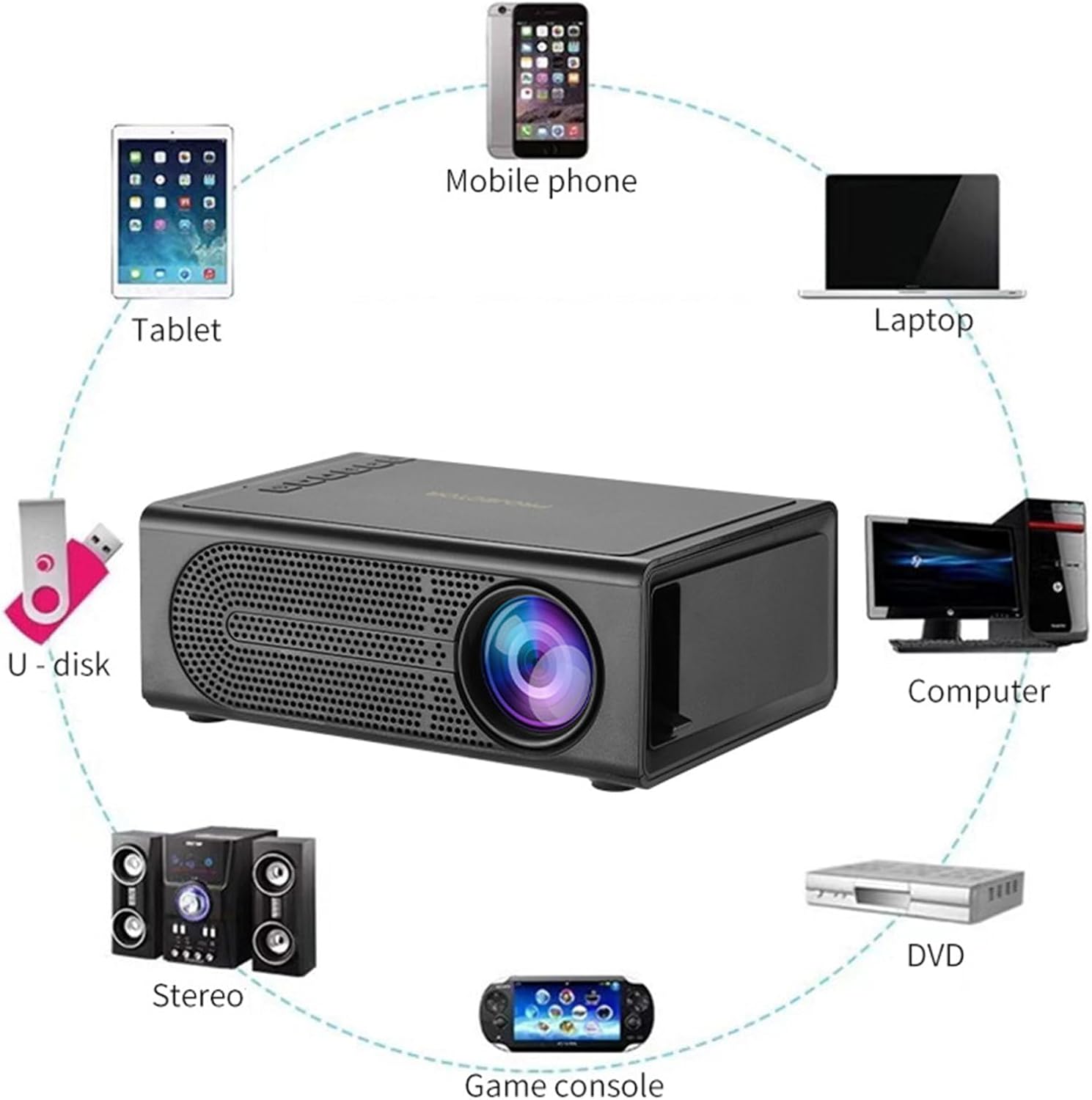
Image 3.2: Diagram showing various devices that can connect to the projector, including mobile phones, tablets, laptops, computers, DVDs, game consoles, U-disks, and stereo systems. The projector features HDMI, USB, AV, and memory card input ports.
4. Configuración
4.1. Conexión de alimentación
- Connect the provided USB power cable to the projector's 5V-2A USB power input port.
- Plug the other end of the USB power cable into a compatible 5V-2A USB power adapter (not included) or a power bank.
- Ensure the power source provides sufficient current (5V-2A) for optimal performance.
4.2 Colocación
Place the projector on a stable, flat surface. For best results, position the projector directly in front of the projection screen or wall. The optimal projection distance ranges from 39 to 79 inches, yielding a viewing size of approximately 60 inches.
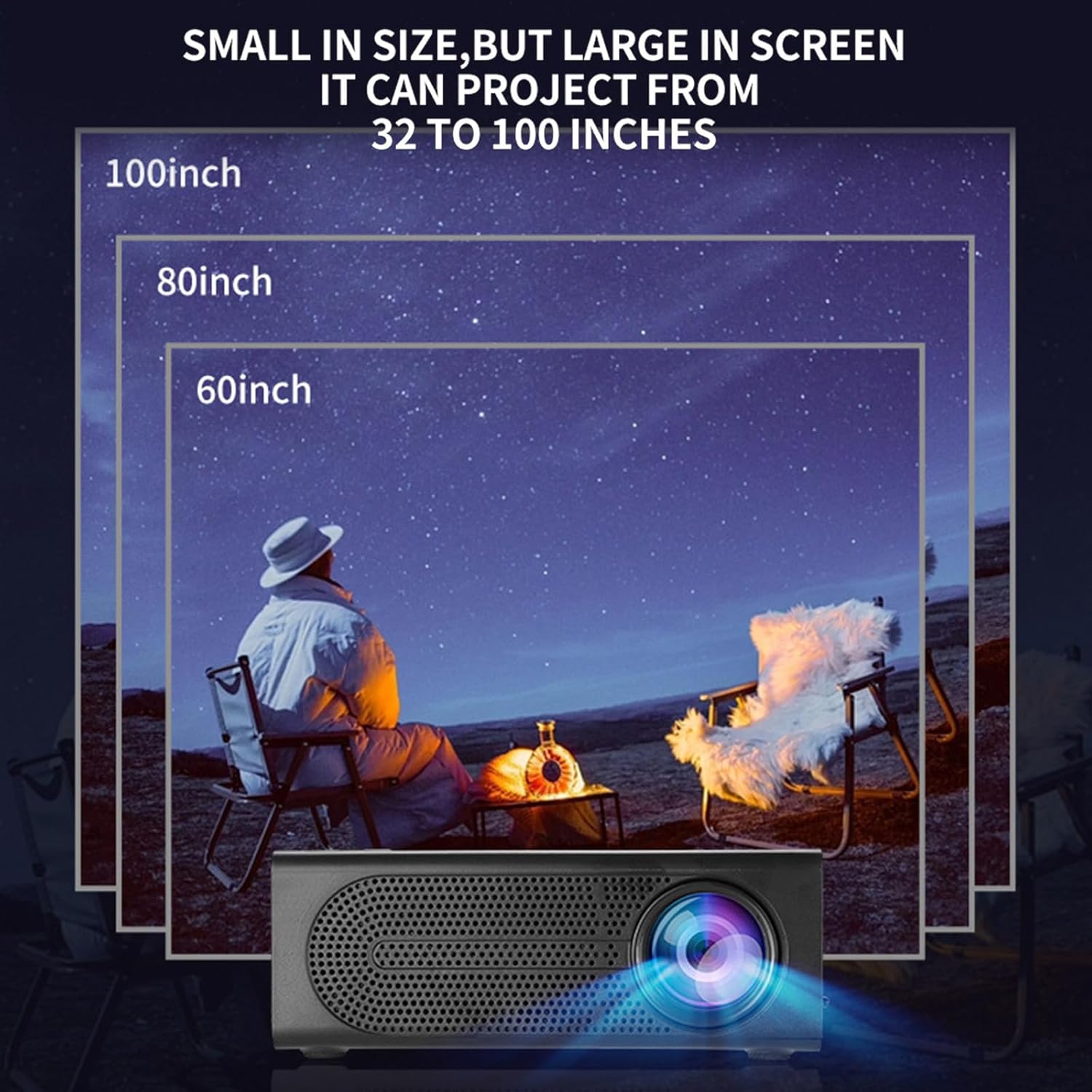
Image 4.1: Illustration demonstrating various projection sizes (60, 80, 100 inches) achievable with the Lovskoo Mini Projector M200 at different distances.
5. Instrucións de funcionamento
5.1. Acendido/apagado
- Para acender o proxector, prema o botón de acendido do mando a distancia ou do mando a distancia.
- Para apagar, preme de novo o botón de acendido.
5.2. Dispositivos de conexión
O proxector admite varias fontes de entrada:
- HDMI: Connect a laptop, DVD player, game console, or set-top box using an HDMI cable.
- USB: Insira unha unidade flash USB para reproducir contido multimedia directamente.
- DE: Use an AV cable to connect older devices.
- Tarxeta de memoria: Insert a TransFlash (TF) card for media playback.
- On-Screen Connection: Supports wired phone same-screen playback. Refer to your phone's specific instructions for wired screen mirroring.
5.3. Axuste do foco
To achieve a clear image, adjust the focus ring located on the projector lens.
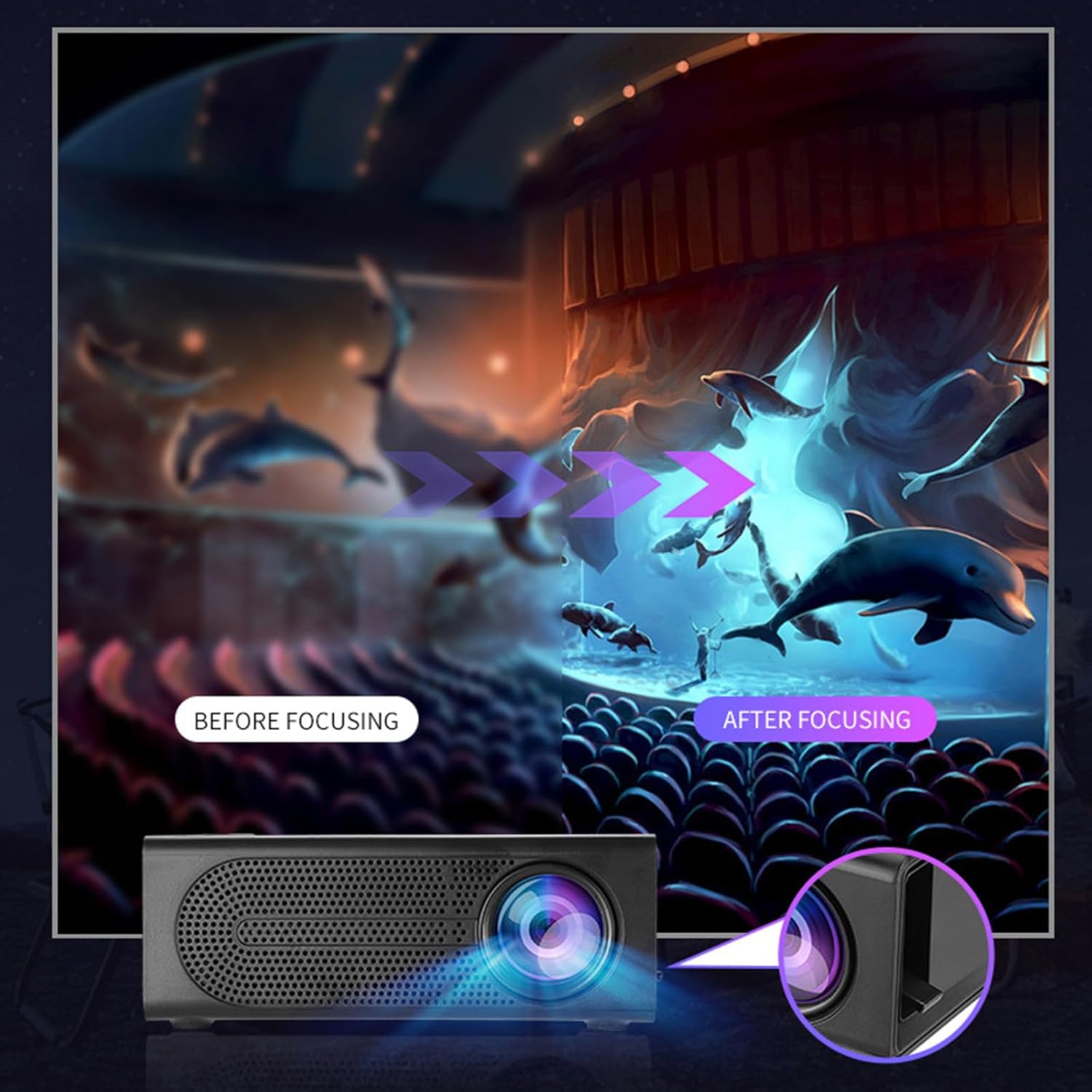
Image 5.1: Depiction of the focus adjustment process on the Lovskoo Mini Projector M200, showing a blurry image becoming sharp after adjustment.
5.4. Selección da fonte
After connecting a device, use the remote control or the projector's buttons to select the correct input source (HDMI, USB, AV, Memory Card) from the on-screen menu.
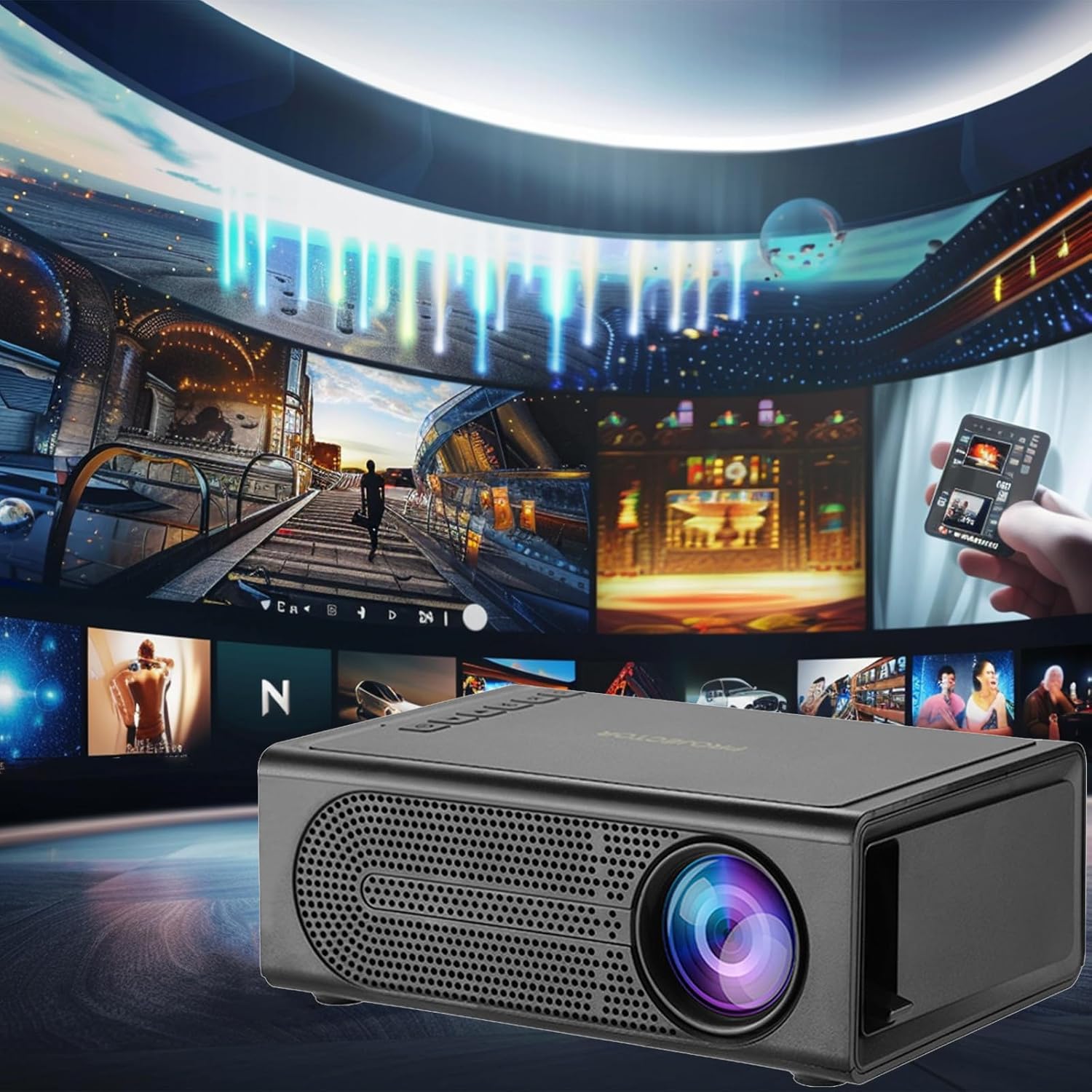
Image 5.2: The Lovskoo Mini Projector M200 displaying various media content, indicating its multi-source playback capability.
6. Mantemento
6.1. Limpeza da lente
Use a soft, lint-free cloth or lens cleaning paper to gently wipe the projector lens. Avoid using abrasive materials or harsh chemicals.
6.2. Limpeza do corpo do proxector
Limpe o exterior do proxector cun pano suave e seco. Non empregue produtos de limpeza líquidos directamente sobre o dispositivo.
6.3. Ventilación
Ensure the projector's ventilation openings are not blocked to prevent overheating. The built-in constant temperature fan is designed to maintain stable system operation and keep noise levels below 30 dB.
6.4. Almacenamento
When not in use, store the projector in a cool, dry place, away from direct sunlight and excessive dust.
7 Solución de problemas
| Problema | Causa posible | Solución |
|---|---|---|
| Non hai imaxe na pantalla |
|
|
| A imaxe está borrosa |
|
|
| Sen son |
|
|
| O control remoto non funciona |
|
|
8. Especificacións
| Característica | Detalle |
|---|---|
| Modelo | M200 |
| Resolución | 600*480P / 320*240p (Supports 1920*1080p decoding) |
| Voltage | USB interface 5V2A |
| Tamaño de proxección | 20-80 inches (Optimal viewing size: 60 inches) |
| interface de entrada | USB / U disk / HDMI / AV / Memory Card (TF Card) |
| Distancia de proxección | 39-79 polgadas |
| Vida útil | Máis de 30,000 horas |
| Poder | 24 W |
| Dimensións do produto | 12.6 x 8.5 x 4.7 cm (4.96 x 3.35 x 1.85 polgadas) |
| Peso do elemento | 425 g (15 onzas) |
| Nivel de ruído | Menos de 30 dB |
| Características especiais | Portable, HDR high trends display technology, Built-in speaker, Multi-language support |
9. Garantía e soporte
For warranty information or technical support, please refer to the contact details provided at the point of purchase or visit the official Lovskoo websitio. Garde o recibo da compra como xustificante de compra para reclamacións de garantía.
Ask a question about this manual
Ask about setup, troubleshooting, compatibility, parts, safety, or missing instructions. Manuals+ will review the question and use this page’s manual context to help answer it.