
LUVIN LUS-G8
LUVIN G8 Motorcycle Helmet Bluetooth Headset User Manual
1. Introdución
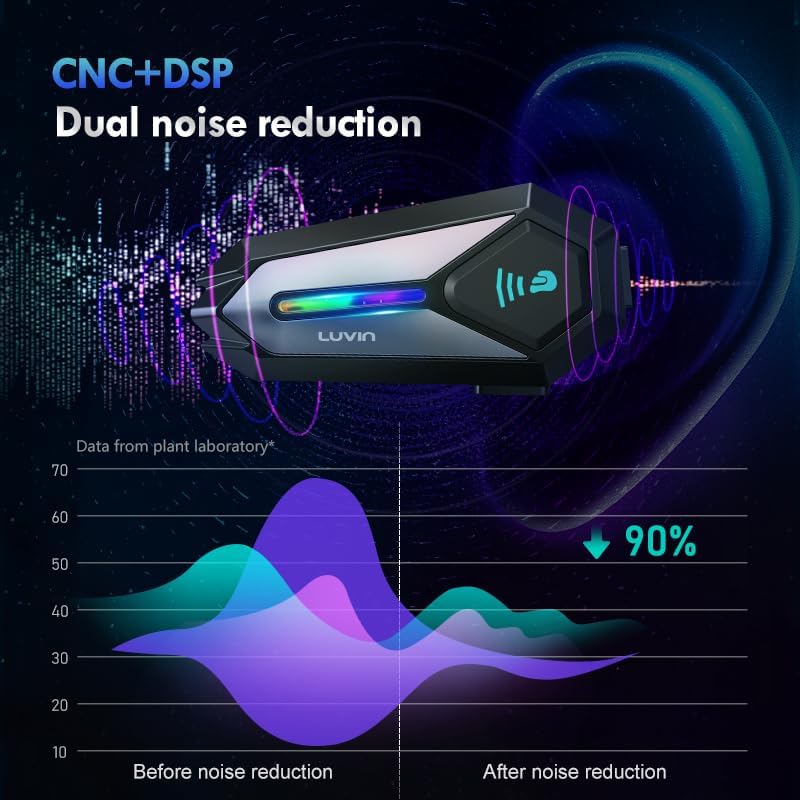
Thank you for choosing the LUVIN G8 Motorcycle Helmet Bluetooth Headset. This device is designed to enhance your riding experience by providing clear communication, music playback, and navigation audio directly within your helmet. It supports rider-to-passenger intercom, Bluetooth 5.3 connectivity, and features CVC+DSP noise reduction for optimal audio quality. Please read this manual thoroughly before use to ensure proper installation and operation.
2. Información de seguridade
- Prioriza sempre a seguridade viaria. Non uses o dispositivo dun xeito que te distraia da condución.
- Adjust volume to a level that allows you to hear ambient traffic sounds.
- Asegúrate de que o dispositivo estea ben montado no casco antes de montar en bicicleta.
- Non intente desmontar nin modificar o dispositivo. Isto pode anular a garantía e supoñer riscos para a seguridade.
- Keep the device away from extreme temperatures and open flames.
3. Contido do paquete
Verifica que todos os elementos estean presentes no teu paquete:
- LUVIN G8 Bluetooth Headset Unit (x2 for 2-rider pack)
- Helmet Speakers and Microphone Kit (x2 for 2-rider pack)
- Clip de montaxe
- Flat Back Clip
- Cable de carga USB tipo C
- Manual de usuario
- Velcro Pads for Speakers/Microphone

4. Produto rematadoview e Controis
The LUVIN G8 headset features intuitive controls and an RGB lighting strip for enhanced visibility. Familiarize yourself with the buttons and indicators:

- Botón de encendido: Press and hold to power on/off. Short press for play/pause, answer/hang up calls.
- Volume Up/Next Song Button: Prema brevemente para subir o volume, preme longa para a seguinte canción.
- Volume Down/Previous Song Button: Prema brevemente para baixar o volume, preme longa para a canción anterior.
- Porto de tipo C: Para cargar o dispositivo.
- Tira de luz RGB: Indicates device status and adds visual flair.
5. Configuración e instalación
Proper installation ensures optimal performance and comfort.
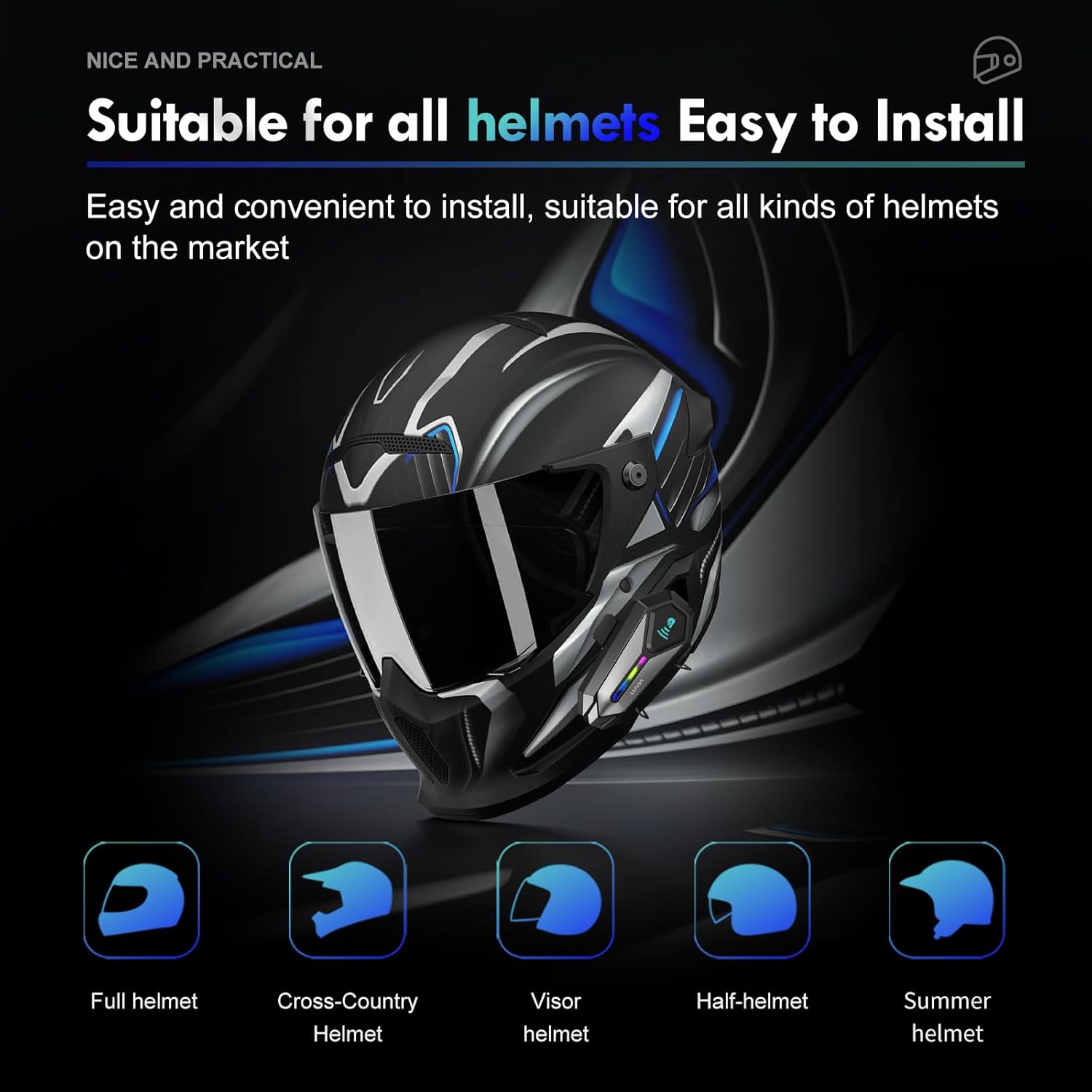
5.1 Mounting the Headset Unit
- Choose a suitable location on the left side of your helmet, near the bottom edge.
- Attach the mounting clip or flat back clip to the helmet. Ensure it is secure.
- Slide the LUVIN G8 main unit onto the mounted clip until it clicks into place.
5.2 Instalación de altofalantes e micrófono
- Open the helmet's inner lining.
- Attach the speakers to the ear pockets using the provided Velcro pads. Ensure they are centered over your ears for best audio.
- Attach the microphone to the inside of the helmet, near your mouth. Position it to avoid wind noise.
- Route the speaker and microphone wires neatly under the helmet lining to the main unit's connector.
- Connect the speaker/microphone jack to the main unit's audio port.
6. Instrucións de funcionamento
6.1 Encendido/apagado
- Encendido: Press and hold the Power Button for approximately 3 seconds until you hear a voice prompt and the RGB lights illuminate.
- Apagado: Press and hold the Power Button for approximately 3 seconds until you hear a voice prompt and the RGB lights turn off.
6.2 Control de volume
- Aumentar o volume: Prema brevemente o botón Subir volume.
- Diminuír o volume: Prema brevemente o botón para baixar o volume.
6.3 Reprodución de música
- Reproducir/Pausa: Prema brevemente o botón de acendido.
- Próxima canción: Mantén premido o botón para subir volume.
- Canción anterior: Mantén premido o botón para baixar o volume.
7. Emparellamento Bluetooth
7.1 Emparejamento cun teléfono móbil
- Ensure the LUVIN G8 headset is powered off.
- Press and hold the Power Button for approximately 5-7 seconds until the RGB lights flash red and blue alternately, indicating pairing mode.
- On your mobile phone, enable Bluetooth and search for new devices.
- Select "LUVIN G8" from the list of available devices.
- Once paired, the RGB lights will flash blue slowly, and you will hear a confirmation tone.
7.2 Intercom Pairing (Rider to Passenger)
The LUVIN G8 supports front and rear rider communication.
- Ensure both LUVIN G8 headsets are powered off.
- On both units, press and hold the Power Button for approximately 5-7 seconds until the RGB lights flash red and blue alternately, entering pairing mode.
- Short press the Power Button on un of the units. It will search for the other unit.
- Once connected, the RGB lights on both units will flash green slowly, indicating intercom mode.

8. Función de intercomunicador
- Iniciar intercomunicador: After successful pairing, short press the Power Button on either unit to start intercom communication.
- Fin do intercomunicador: Short press the Power Button again to end the intercom conversation.
- Compartir música: The LUVIN G8 supports music sharing between two connected units. Refer to the specific instructions for activating music sharing, typically a long press on a designated button while in intercom mode.
9. Asistente de voz
The LUVIN G8 features an AI voice assistant for hands-free control.
- Activar o asistente de voz: While connected to your phone, short press the Power Button twice rapidly to activate your phone's voice assistant (e.g., Siri, Google Assistant).
- You can then use voice commands to control music, make calls, or get navigation directions.

10. Cargando
The LUVIN G8 is equipped with a 1000mAh battery and a Type-C fast charging port.
- Connect the provided USB Type-C cable to the charging port on the headset and to a standard USB power adapter (not included).
- The charging indicator light will illuminate red during charging and turn off when fully charged.
- Unha carga completa adoita tardar aproximadamente 2 horas.
- Battery life: Up to 20 hours of continuous music playback, 15 hours of intercom.

11. Impermeabilización
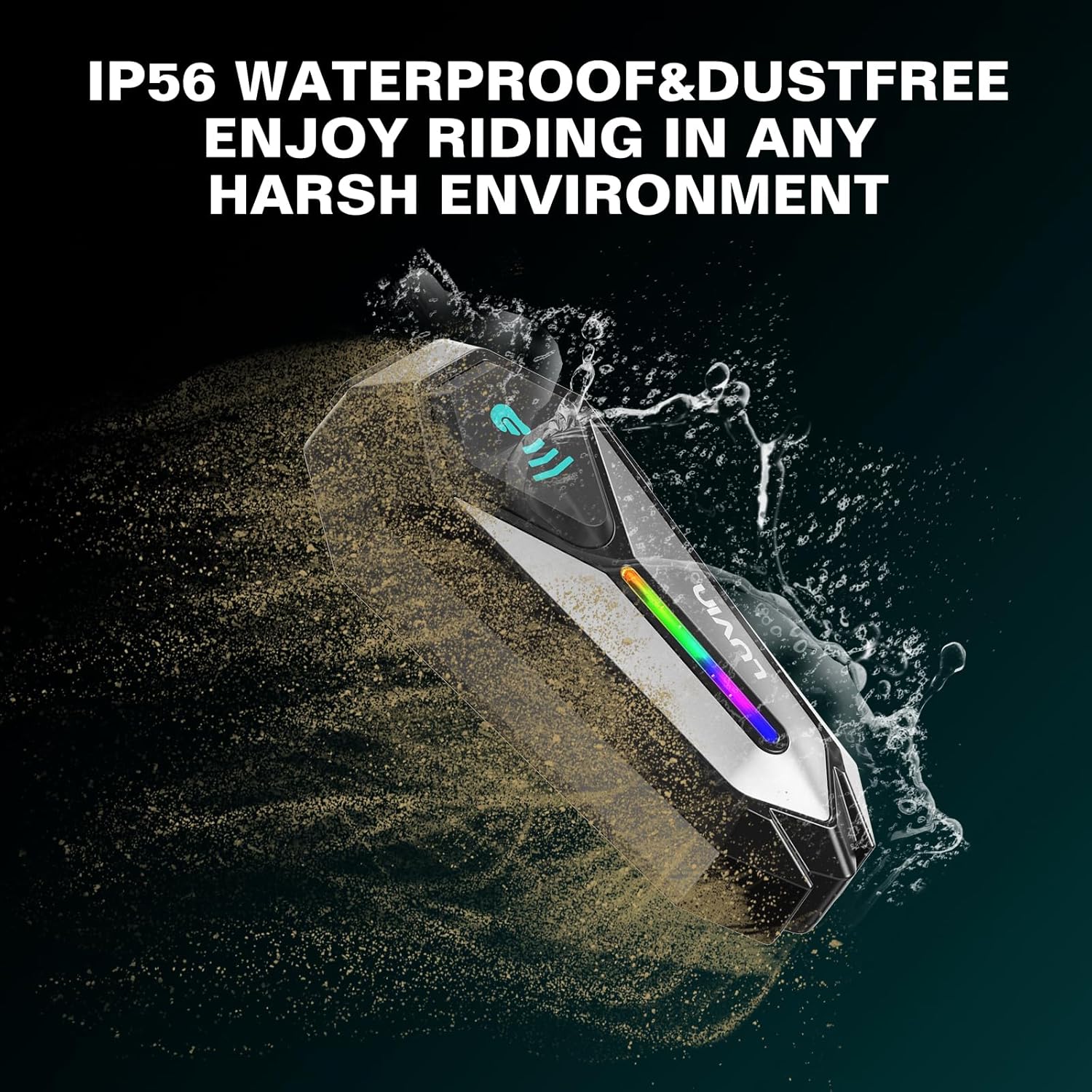
The LUVIN G8 headset is IP56 certified, making it waterproof and dustproof.
- The device is designed to withstand rain and dust exposure during normal riding conditions.
- Evite mergullar o dispositivo na auga.
- Ensure the Type-C charging port cover is securely closed when not charging to maintain water resistance.
12. Mantemento
- Clean the headset unit with a soft, damp pano. Non use produtos químicos agresivos ou produtos de limpeza abrasivos.
- Asegúrate de que o porto de carga estea libre de po e residuos.
- Garda o dispositivo nun lugar fresco e seco cando non estea en uso.
- Charge the battery at least once every three months if not used regularly to maintain battery health.
13 Solución de problemas
13.1 Sen enerxía
- Ensure the battery is charged. Connect to a charger and check the charging indicator.
- Press and hold the Power Button for the required duration (approx. 3 seconds).
13.2 Cannot Pair with Phone/Intercom
- Ensure the headset is in pairing mode (RGB lights flashing red and blue).
- Make sure other Bluetooth devices are not interfering. Turn off Bluetooth on nearby unused devices.
- For intercom pairing, ensure both units are in pairing mode before initiating connection on one.
- Try resetting the headset to factory settings (refer to specific instructions if available, usually a long press combination).
13.3 Poor Audio Quality/Noise
- Ensure speakers are correctly positioned over your ears.
- Check microphone placement to minimize wind noise.
- Verify that the speaker/microphone cable is securely connected to the main unit.
- The CVC+DSP dual noise reduction technology is active, but extreme wind conditions may still affect clarity.
14. Especificacións
| Característica | Especificación |
|---|---|
| Nome do modelo | GLAXY 8 (LUS-G8) |
| Versión Bluetooth | 5.3 |
| Capacidade da batería | 1000 mAh |
| Tempo de carga | Aprox. 2 horas |
| Tempo de reprodución de música | Ata 20 horas |
| Hora do intercomunicador | Ata 15 horas |
| Resistencia á auga | IP56 impermeable e antipolvo |
| Control de ruído | Active Noise Cancellation (CVC+DSP) |
| Método de control | Voice, Button |
| Tecnoloxía de conectividade | Sen fíos (Bluetooth) |
| Dimensións do produto | 1.57 x 0.79 x 3.54 polgadas |
| Peso do elemento | 0.56 quilogramos (1.23 libras) |
15. Garantía e soporte
The LUVIN G8 Motorcycle Helmet Bluetooth Headset comes with a 1-year warranty from the date of purchase. This warranty covers manufacturing defects under normal use.
- For warranty claims or technical support, please contact LUVIN customer service through your purchase platform or the official LUVIN websitio.
- Garde o comprobante de compra para validar a garantía.
Ask a question about this manual
Ask about setup, troubleshooting, compatibility, parts, safety, or missing instructions. Manuals+ will review the question and use this page’s manual context to help answer it.