
mojawa StarClip
Manual do usuario dos auriculares Bluetooth sen fíos StarClip de diadema aberta
Model: StarClip
1. Introdución
Thank you for choosing the mojawa StarClip Open-Ear Wireless Bluetooth Headphones. These headphones are designed to provide a comfortable, open-ear listening experience with high-quality sound and clear calls. This manual will guide you through the setup, operation, and maintenance of your new headphones.
2. Que hai na caixa
- StarClip Open-Ear Wireless Bluetooth Headphones
- Cable de carga
- Funda protectora de carga
- Manual de usuario (este documento)
3. Produto rematadoview
The StarClip headphones feature an elegant, lightweight ear clip design for comfortable all-day wear. They are equipped with a metallic spherical listening unit for 4D panoramic sound and AI ENC noise cancellation for clear calls.

Image: StarClip headphones and charging case.
4. Configuración
4.1 Carga dos auriculares e da funda
Before first use, fully charge the headphones and the charging case. Place the headphones into the charging case. Connect the charging cable to the case and a power source. The indicator lights on the case will show the charging status.
4.2 Emparejamento Bluetooth
- Ensure the headphones are in the charging case and the case has sufficient power.
- Open the charging case lid. The headphones will automatically enter pairing mode, indicated by a flashing light (if applicable, refer to specific light indicators in a separate diagram if provided).
- No teu dispositivo (teléfono intelixente, tableta, etc.), vai á configuración de Bluetooth e activa Bluetooth.
- Select "StarClip" from the list of available devices.
- Unha vez conectado, unha mensaxe de voz confirmará o emparellamento correcto.
Os auriculares volverán conectarse automaticamente ao último dispositivo emparellado ao sacalos da funda, se o Bluetooth está activado no dispositivo.
5. Instrucións de funcionamento
5.1 Encendido/apagado
- Encendido: Open the charging case lid. The headphones will power on automatically.
- Apagado: Place the earbuds inside the charging case and close the lid. The headphones will power off automatically.
5.2 Controis táctiles
The StarClip headphones feature intuitive touch controls on each earbud.
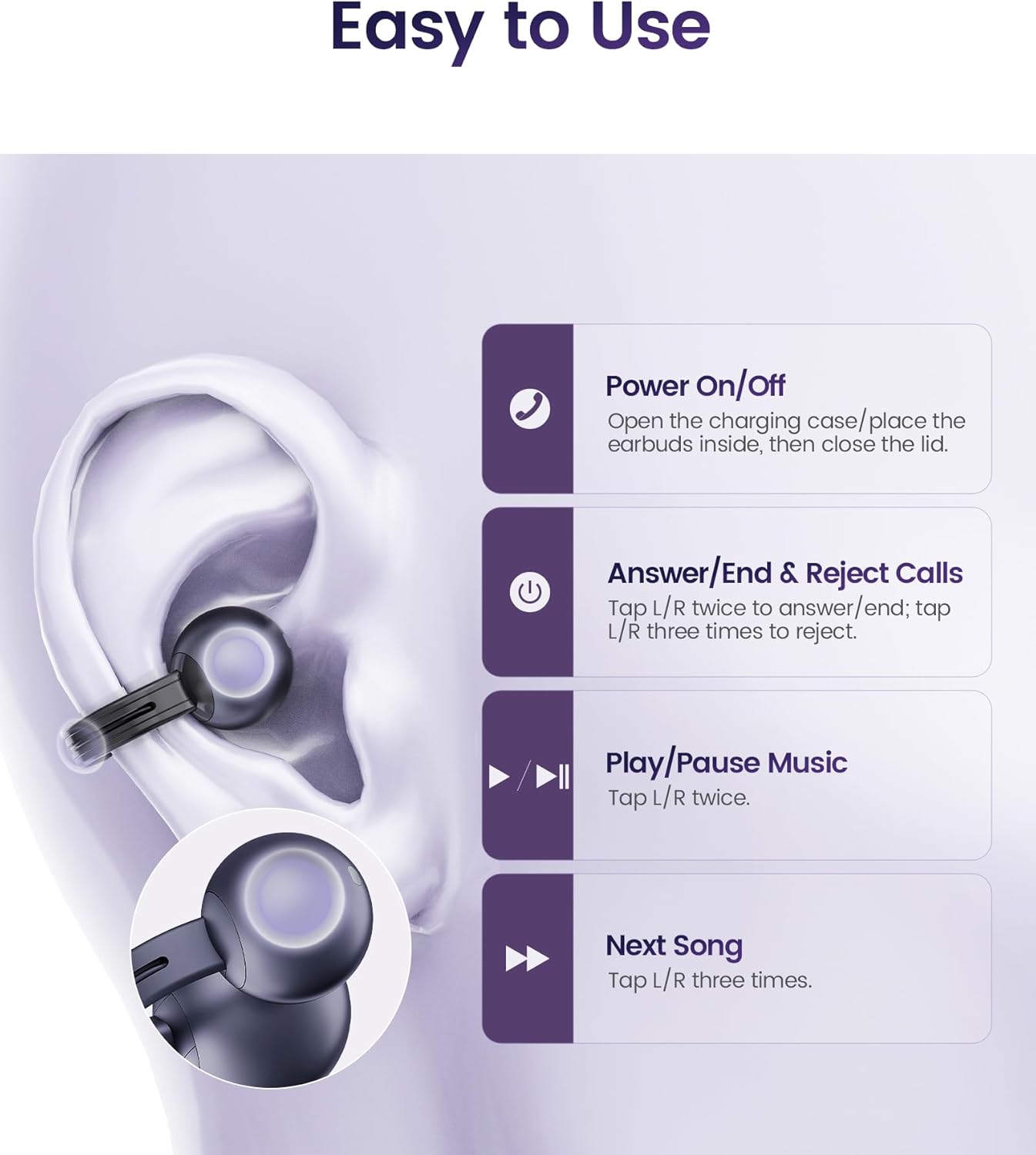
Image: Touch control functions.
- Responder/Finalizar chamadas: Tap L/R earbud twice.
- Rexeitar chamadas: Tap L/R earbud three times.
- Reproducir/pausar música: Tap L/R earbud twice.
- Próxima canción: Tap L/R earbud three times.
5.3 Como usar os auriculares
The StarClip headphones are designed for an open-ear, clip-on fit. Gently clip each earbud onto your ear, ensuring a secure and comfortable position. The lightweight design (5.5g per earbud) allows for extended wear without discomfort.

Image: Proper wearing of StarClip headphones.
6. Mantemento
6.1 Limpeza
Regularly clean your StarClip headphones with a soft, dry, lint-free cloth. Do not use harsh chemicals or abrasive materials. Ensure the charging contacts on both the earbuds and the case are clean and dry.
6.2 Resistencia á auga (IP54)
The StarClip headphones are IP54 water and sweat resistant, making them suitable for workouts and daily use in light rain. This rating means they are protected from dust ingress and splashing water from any direction. Do not submerge the headphones in water or expose them to strong jets of water. Avoid using them in saunas or steam rooms.
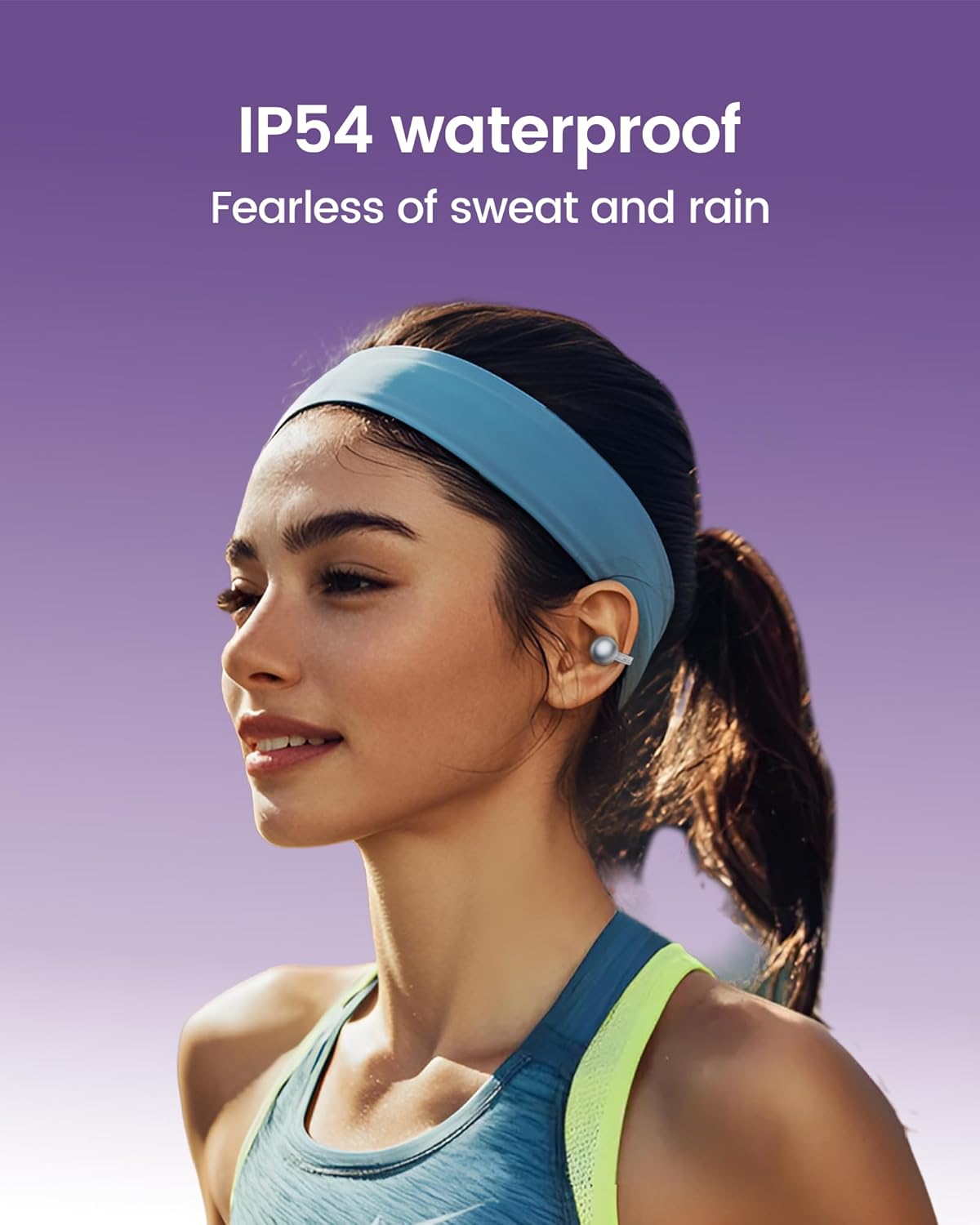
Image: StarClip headphones are IP54 water resistant.
7 Solución de problemas
- Os auriculares non se acenden: Ensure the charging case is charged and the headphones are properly seated in the case. Open the lid to power on.
- Sen son ou mala calidade de son: Check Bluetooth connection. Ensure headphones are charged. Adjust volume on your connected device. Ensure earbuds are worn correctly.
- Non se pode emparellar co dispositivo: Ensure Bluetooth is enabled on your device. Make sure the headphones are in pairing mode (open case lid). Try forgetting the device on your phone and re-pairing.
- Calls are not clear: Ensure the microphone is not obstructed. AI ENC noise cancellation is active for clearer calls, but extreme noise environments may still affect clarity.
- Discomfort during wear: Adjust the position of the ear clips on your ear until a comfortable and secure fit is achieved.
8. Especificacións
| Característica | Especificación |
|---|---|
| Nome do modelo | StarClip |
| Marca | mojawa |
| Tecnoloxía de conectividade | Sen fíos (Bluetooth 5.4) |
| Colocación do oído | Orella aberta |
| Tipo de control | Control táctil |
| Nivel de resistencia á auga | Resistente á auga IP54 |
| Duración da batería (con funda) | Ata 32 horas |
| Peso do elemento | 4.2 onzas (total) |
| Rango de frecuencias | 20 Hz - 20,000 Hz |
| Tipo de controlador de audio | Driver dinámico |
| Control de ruído | AI ENC Noise Cancellation (for calls) |
9. Garantía e soporte
Your mojawa StarClip headphones come with a standard manufacturer's warranty. For detailed warranty information, please refer to the warranty card included in your product packaging or visit the official mojawa website. For technical support, troubleshooting assistance, or any product-related inquiries, please contact mojawa customer service through their official channels.
Para máis información, visite o mojawa Store on Amazon.
Ask a question about this manual
Ask about setup, troubleshooting, compatibility, parts, safety, or missing instructions. Manuals+ will review the question and use this page’s manual context to help answer it.